The DHL Business Customer Portal
Digital processes are becoming increasingly important. The DHL Business Customer Portal will offer companies new opportunities in 2026 to make shipping and logistics more efficient. With innovative services and automated workflows, you save time and minimize sources of error.
Switching over is especially worthwhile for growing companies, as optimized shipping, tracking, and billing processes make everyday work significantly easier. In this guide, you’ll learn step by step how to use the DHL Business Customer Portal optimally—from registration and key features to security and practical tips.
What is the DHL Business Customer Portal?
The DHL Business Customer Portal is DHL’s central online platform for companies that regularly use shipping services. The goal is to provide business customers with a structured, digital gateway to all relevant shipping, tracking, and billing processes. This makes workflows more transparent, clearer, and significantly more efficient.
The DHL Business Customer Portal offers numerous features tailored specifically to the needs of businesses. Key features include handling shipping for single and bulk orders, end-to-end shipment tracking, modern invoice management, and flexible user administration. Compared to portals for individual customers, business customers benefit from more automation, scalability, and a better overview of all shipping activities. According to DHL, over 100,000 business customers in Germany alone currently use this portal.
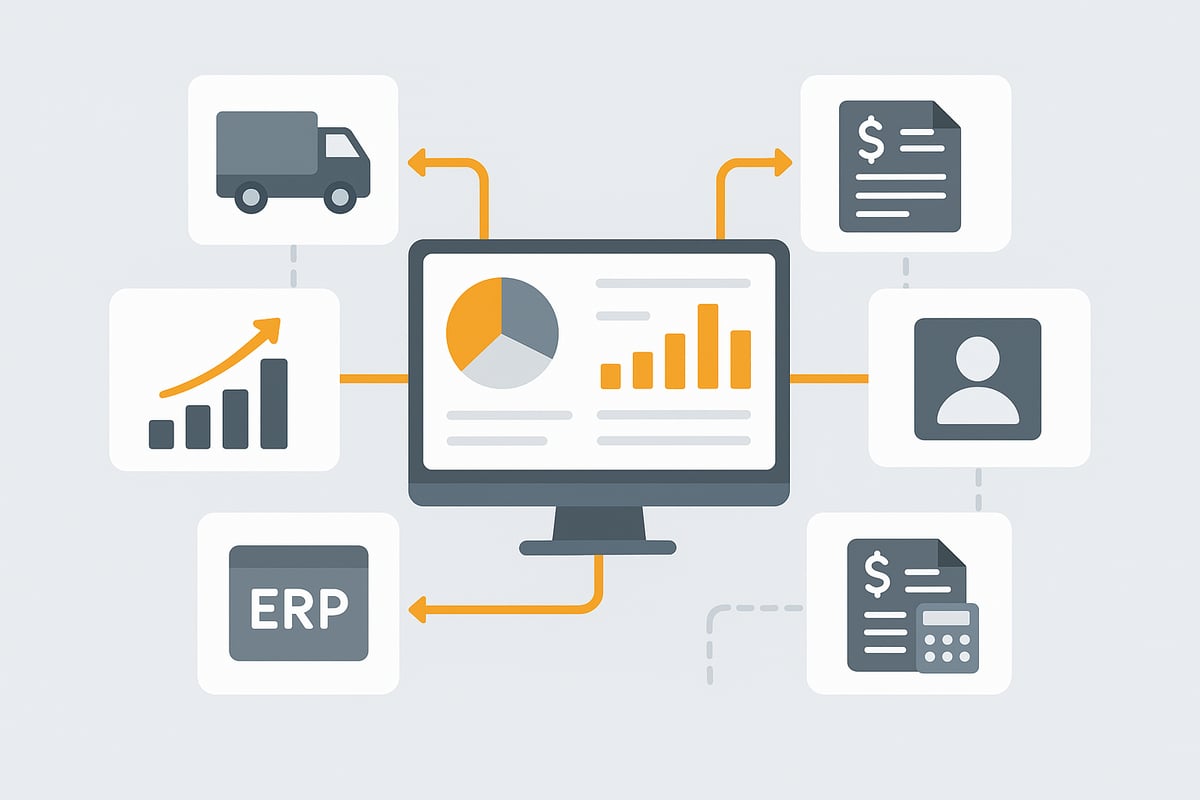
Practical examples show how industries such as e-commerce, wholesale, or service providers use the DHL Business Customer Portal for their daily shipping processes. Especially valuable is the ability to connect existing corporate systems such as ERP or accounting software directly. This way, data is exchanged automatically and sources of error are minimized. You can find more information about the integration of ERP systems here. The portal thus plays a central role in digitization and process optimization for SMEs.
Step-by-step: Registration and setup
Getting started with the DHL Business Customer Portal is simple and efficient. With a clear step-by-step guide, setup is straightforward. Whether you’re a small business or a growing mid-sized company, the following overview shows you how to get off to the best start.
1. Registration and user management
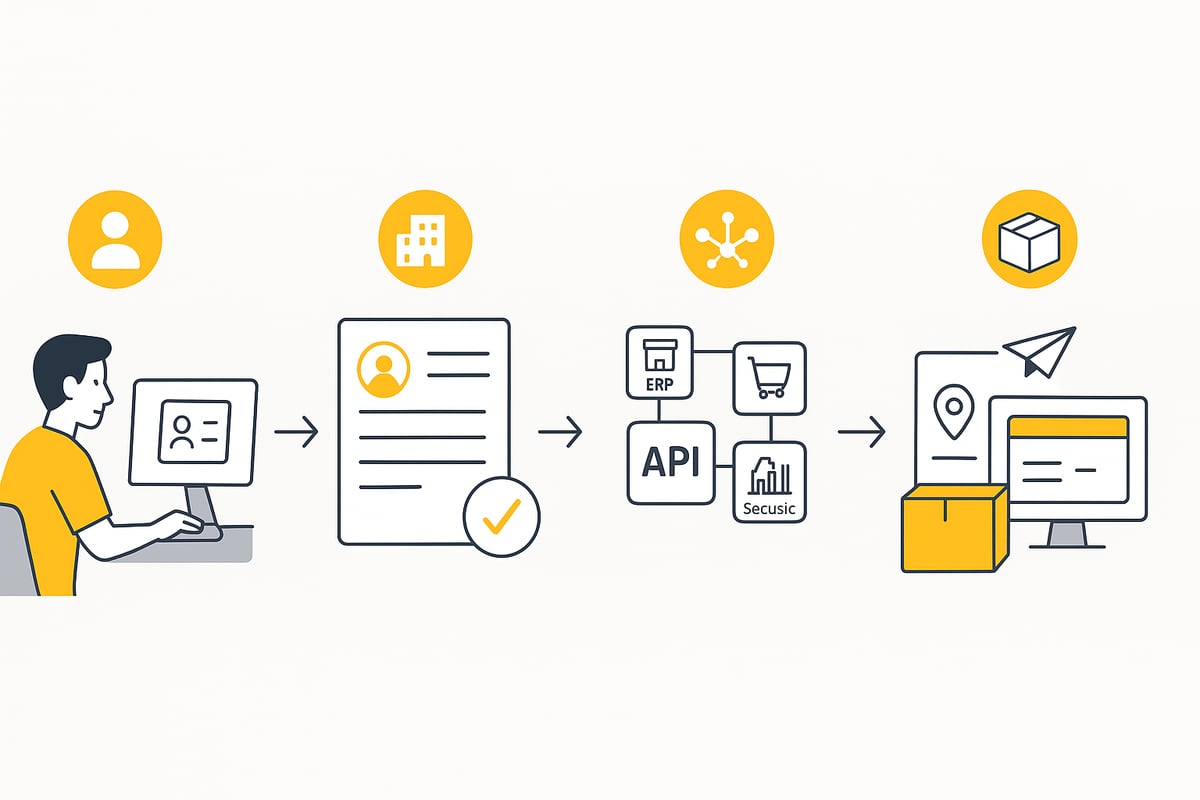
To use the DHL Business Customer Portal, you need a valid business registration and a DHL customer number. Registration is done online. Follow the instructions on the DHL website and enter all relevant company details.
After that, you can define different user roles. Assign employees specific permissions for shipping, accounting, or administration. Use secure passwords and enable two-factor authentication for additional protection.
If you are not yet a business customer, you can find all details and benefits of registering on the page Become a DHL business customer. This will prepare you perfectly for the DHL Business Customer Portal.
2. Set up company data and shipping profiles
After successful registration, store your sender addresses and all relevant billing information in the DHL Business Customer Portal. Create individual shipping profiles for different business areas, for example sales, returns, or spare parts logistics.
This allows you to assign specific shipping methods, package sizes, and service options. It saves time and reduces errors when creating orders. With a well-maintained shipping profile, every shipping process becomes more efficient.
3. Integration of existing systems
The DHL Business Customer Portal offers numerous options for integration with existing ERP, shop, or accounting systems. Via the DHL API, you can exchange data automatically and trigger shipping orders directly from your business solutions.
This integration ensures consistent data, fewer manual entries, and noticeable time savings. Especially with high shipping volumes, direct integration is a real advantage. Errors are minimized, and processes run smoothly.
4. Create your first shipping orders
In the final step, create your first shipping orders in the DHL Business Customer Portal. Choose the appropriate shipping method, enter recipient and package data, and automatically generate shipping labels.
Whether single or bulk orders, the portal supports you with clear workflows. Particularly practical: For online shops, shipment creation can be automated and integrated directly into existing processes. This way your shipping operations start seamlessly and efficiently.
Core features and workflows in everyday use
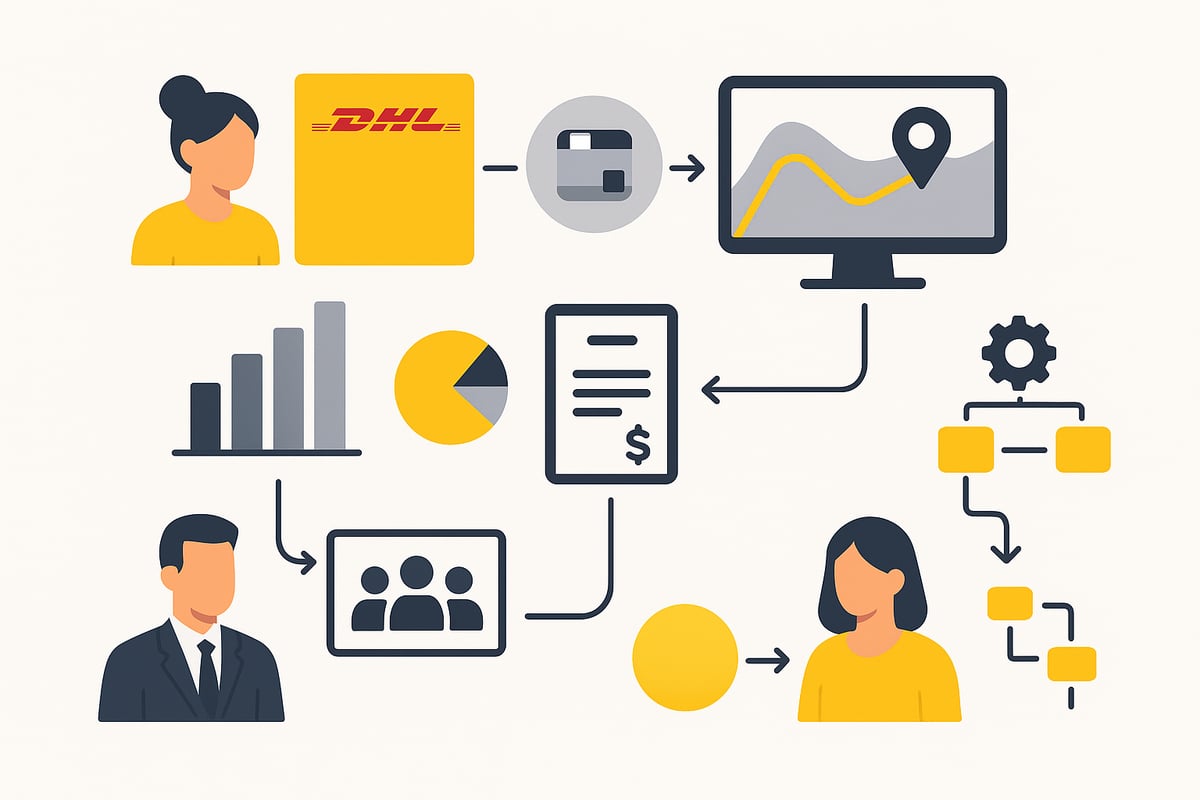
The DHL Business Customer Portal impresses with practical features that make daily shipping efficient and transparent. Companies benefit from optimized processes, real-time information, and clear workflows. Below you’ll find an overview of the most important features that distinguish the DHL Business Customer Portal in daily use.
Shipping and shipment tracking
In the DHL Business Customer Portal, you start the shipping process with just a few clicks. You can choose between different shipping methods such as standard parcel, express shipping, or international shipments. Additional services such as cash on delivery or insurance are also available.
For creating shipments, you can choose between single and bulk orders. Especially with high shipping volumes, this saves valuable time. Real-time tracking always provides you and your customers with up-to-date status information. Particularly practical: Integrating tracking directly into your online shop ensures transparency and customer satisfaction.
Invoice management and analytics
Digital invoices are provided centrally in the DHL Business Customer Portal and are easy to manage. Each invoice is automatically assigned to the respective shipping orders, which significantly simplifies accounting.
For further processing, you can export invoices and shipping data, for example for tax advisors or accounting software. Meaningful statistics on shipping volume, costs, or return rates help you identify weaknesses and optimize processes. How accounting processes can be further automated can be found here: Automation in invoice management.
User management and permissions
The DHL Business Customer Portal offers flexible options for managing users and teams. You can assign specific permissions for shipping, accounting, or administration. This ensures that each employee only has access to the areas relevant to them.
All activities are logged, which supports compliance requirements. Especially in larger companies, this structure provides clarity and security in the daily workflow. Centralized user management also simplifies organization during personnel changes.
Automation options
With the DHL Business Customer Portal, numerous workflows can be automated. For example, use templates for recurring shipping orders and save yourself manual entries. By integrating the DHL API, you can create shipping labels and orders directly from your ERP or shop system.
Third-party tools can also be connected and offer additional automation options. This minimizes errors and speeds up processes. Automation in the DHL Business Customer Portal is a real competitive advantage for companies that value efficiency.
Security, data protection, and compliance
Whether small company or large enterprise: In the DHL Business Customer Portal, security, data protection, and compliance come first. Here you’ll learn how the portal protects your data and reliably meets legal requirements.
GDPR and data security
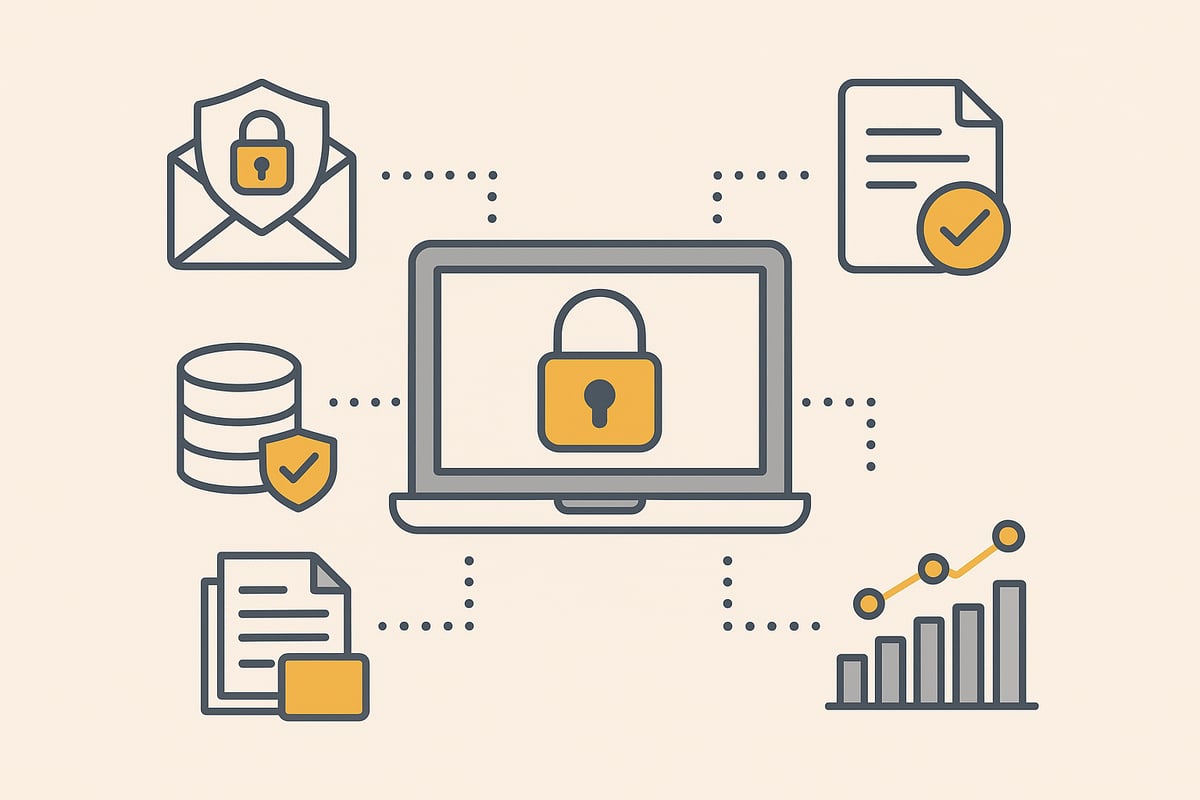
The DHL Business Customer Portal meets the highest standards of data protection. All data is processed in accordance with the GDPR and stored on European servers. Modern encryption technologies protect sensitive information during transmission and storage.
Access to the portal is secured by two-factor authentication and individualized permission management. This ensures that only authorized employees can access critical functions.
Regular security updates and internal audits ensure that the DHL Business Customer Portal remains up to date at all times. This allows vulnerabilities to be identified and remedied early.
Compliance and archiving
Shipping and invoice data are archived in a legally compliant manner in the DHL Business Customer Portal. Compliance with GoBD and e-invoice requirements is essential for companies to meet tax law obligations.
A structured archive makes it easy to quickly find documents and to comply with statutory retention periods. The portal also supports audit-proof storage.
For international shipments, personal data is processed in accordance with country-specific regulations. This ensures worldwide compliance and minimizes legal risks.
Data protection in practice
The DHL Business Customer Portal offers tools for managing data protection requests and deletion periods. This allows you to respond quickly to access or deletion requests and remain fully capable of action at all times.
It is advisable to regularly review internal company data protection policies and train employees. Best practices and solutions for digitization can be found in the solutions for business processes.
With these measures, you can use the DHL Business Customer Portal securely, legally compliant, and efficiently in your day-to-day business.
Tips, best practices, and common pitfalls
The DHL Business Customer Portal offers numerous ways to make shipping processes more efficient and secure. To tap its full potential, you should specifically use best practices and avoid common mistakes. This saves time, reduces costs, and improves customer satisfaction.
Optimal use and automation
Use shipping profiles and templates to map different business areas precisely. For example, create separate profiles for sales, returns, or spare parts. This ensures that every shipment is handled optimally.
Automated workflows are a real win in the DHL Business Customer Portal. By integrating third-party tools, you can largely automate order and shipping processes. Learn how this works in the section Automated processing of shipping orders.
Another tip: Use the API to exchange data directly between your shop, ERP, or accounting system and the portal. This saves a lot of time and avoids transmission errors.
Error prevention and data maintenance
Regular maintenance of sender and recipient data is crucial. Typos or outdated addresses often lead to returns or delays. Use the validation features of the DHL Business Customer Portal to detect errors early.
Common sources of error at a glance:
| Source of error | Impact | Prevention |
|---|---|---|
| Incorrect address data | Returns, additional costs | Regular data checks |
| Unclear shipping profiles | Delayed delivery | Precise profile assignment |
| Lack of automation | High time expenditure | Use of templates & workflows |
Regularly analyze statistics on shipping volume and return rates to identify weaknesses and optimize processes.
Support, training, and best practices
A successful start with the DHL Business Customer Portal is achieved when all employees are well trained. Use internal workshops to share knowledge and keep your team up to date on new features.
DHL offers various support channels and virtual tours. Particularly helpful is the web session: Post & DHL Business Customer Portal, which explains key features and tips clearly.
Rely on regular feedback rounds. This way, you can continuously improve the use of the DHL Business Customer Portal and identify sources of error early.
Outlook: The DHL Business Customer Portal in the digital ecosystem 2026
In 2026, the DHL Business Customer Portal will play a key role in the digital shipping and logistics management of many companies. The platform is continuously evolving and thus remains a central building block for future-proof and efficient workflows.
Central platform for shipping processes
The DHL Business Customer Portal forms the digital control center for all shipping and logistics processes. Companies can consolidate and manage all shipments, invoices, and analyses here, which makes control much easier.
Thanks to centralized workflows, teams always keep an overview and can react more quickly to market changes. The portal grows with the requirements and thus remains flexible in the long term.
Trends: Artificial intelligence and automation
The portal’s future is shaped by innovation. Artificial intelligence supports shipment tracking and customer service. Predictive analytics helps identify shipping volumes and bottlenecks at an early stage. Automated processes save time and reduce error rates.
Companies benefit from learning algorithms that continuously optimize workflows. This keeps the portal state-of-the-art in the competitive landscape.
Integration with corporate systems
The seamless connection of the DHL Business Customer Portal to ERP, CRM, and e-commerce systems is becoming increasingly important. Powerful API interfaces enable automated data exchange and digitization of core processes.
Anyone still using DHL Versenden 3.0 should find out early about the switch to DHL Versenden 4.0 to ensure smooth integration.
Opportunities and challenges
Digitizing shipping processes opens up many opportunities for companies: more transparency, better customer communication, lower costs, and faster workflows. At the same time, the demands on data protection, compliance, and IT security are increasing.
With a future-proof design of workflows in the DHL Business Customer Portal, these challenges can be mastered. Those who invest early remain competitive and flexible.
You’ve now seen how the DHL Business Customer Portal will make your day-to-day business easier in 2026 with new digital services and smart automations. Especially if you regularly handle shipping and invoicing processes, it’s worth taking a look at solutions that make your workflows even more efficient and integrate seamlessly with portals like DHL. filehub helps you easily automate document processes and data exchange—without any programming effort and with maximum data security. Just try it out for yourself and try filehub.one for free now!


