DHL Business Customer Portal Login: Access & Automation
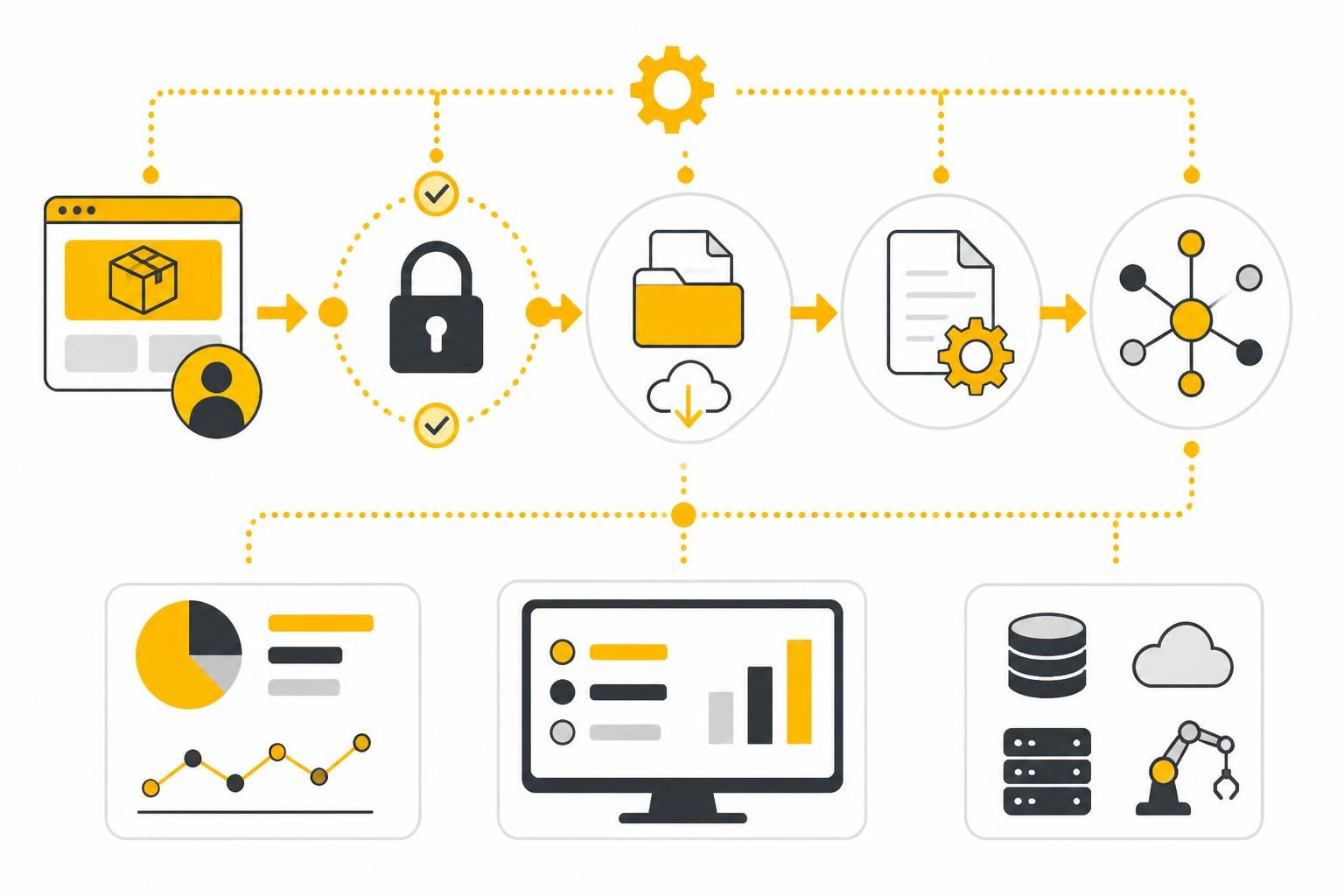
The DHL Business Customer Portal is the central point of contact for companies that regularly use shipping services. The DHL business customer portal login provides access to comprehensive shipping functions, shipment tracking, and administrative tools. For business customers, this digital access not only saves time but also makes it possible to streamline shipping processes and centrally manage important documents such as shipping receipts and invoices. In an increasingly digitalized business world, smooth access to the portal and the subsequent automation of the associated processes becomes a decisive competitive advantage.
Access to the DHL Business Customer Portal: Registration and Login
The DHL business customer portal login starts with a one-time registration, which is available exclusively to business customers. You will need a valid business customer number, which you received when concluding a contract with DHL.
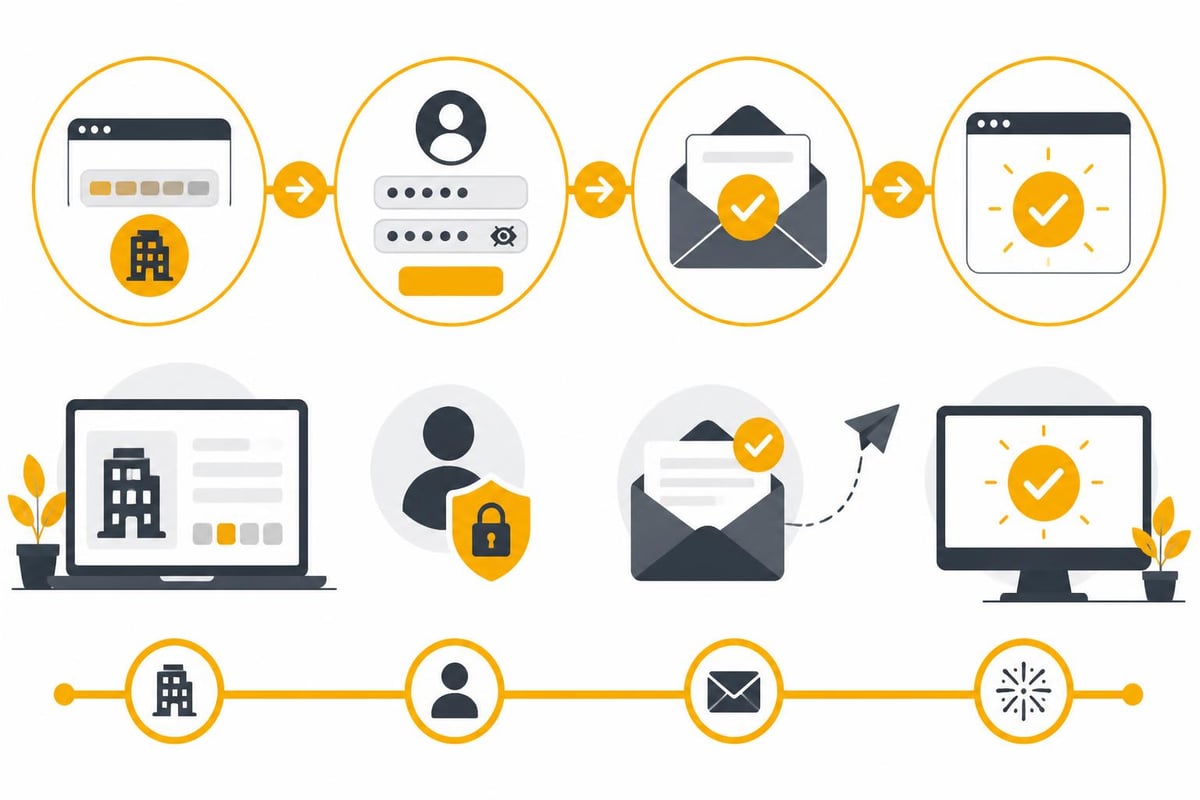
Initial registration: step by step
Setting up your access is done in a few structured steps:
- Visit the official DHL business customer page and select the option "Register"
- Enter your business customer number and company details
- Create a username and a secure password
- Verify your email address via the confirmation link sent to you
- Optionally choose two-factor authentication for increased security
After successful registration, you can log in at any time with your credentials. Important: Keep your login data secure and use a password manager to ensure security.
Login process and common issues
The daily DHL business customer portal login is designed to be straightforward. After entering your credentials, you get direct access to all booked services. If issues arise, there are various solutions:
- Forgot password: Use the "Reset password" function on the login page
- Account locked: After several failed attempts, your account will be temporarily locked; contact support
- Browser issues: Clear cache and cookies or use a different browser
- Two-factor authentication: Make sure you have access to your registered authentication device
Most login problems can be resolved with these simple steps.
Features of the DHL Business Customer Portal
After a successful DHL business customer portal login, numerous functions are available to you, tailored specifically to the needs of business customers.
Shipping processing and parcel management
The portal offers comprehensive options for handling shipments:
| Function | Description | Benefit |
|---|---|---|
| Create shipping labels | Generation of shipping labels for domestic and international shipments | Time savings through digital creation |
| Shipment tracking | Real-time tracking of all shipments | Transparency and customer service |
| Address book | Storage of frequently used addresses | Faster shipping process |
| Schedule pickup | Scheduling of pickups | No need to drive to a branch |
The DHL parcel services for business customers are extensive and cover a wide range of shipping requirements.
Document management and invoice retrieval
A particularly important aspect for accounting is automatic access to shipping documents. The following documents are provided in the portal:
- Shipping receipts and delivery notes
- Monthly invoices and individual statements
- Customs documents for international shipments
- Status reports and shipping statistics
These documents can be downloaded manually, which becomes time-consuming with high shipping volumes. This is where automation comes in.
Automation of the DHL Business Customer Portal Login
For companies with regular shipping volumes, manual login and manual downloading of documents is inefficient. Modern automation platforms make it possible to digitize the entire process.
Why automation is necessary
Manual processing of shipping documents presents several challenges:
Time required: An average company spends 15–30 minutes per day logging in and downloading shipping documents. That corresponds to around 100 hours per year.
Error-proneness: Manually copying and pasting data leads to transmission errors that can carry over into accounting.
Delays: Documents must be transferred to accounting systems in a timely manner to meet deadlines.
Integration with automation platforms
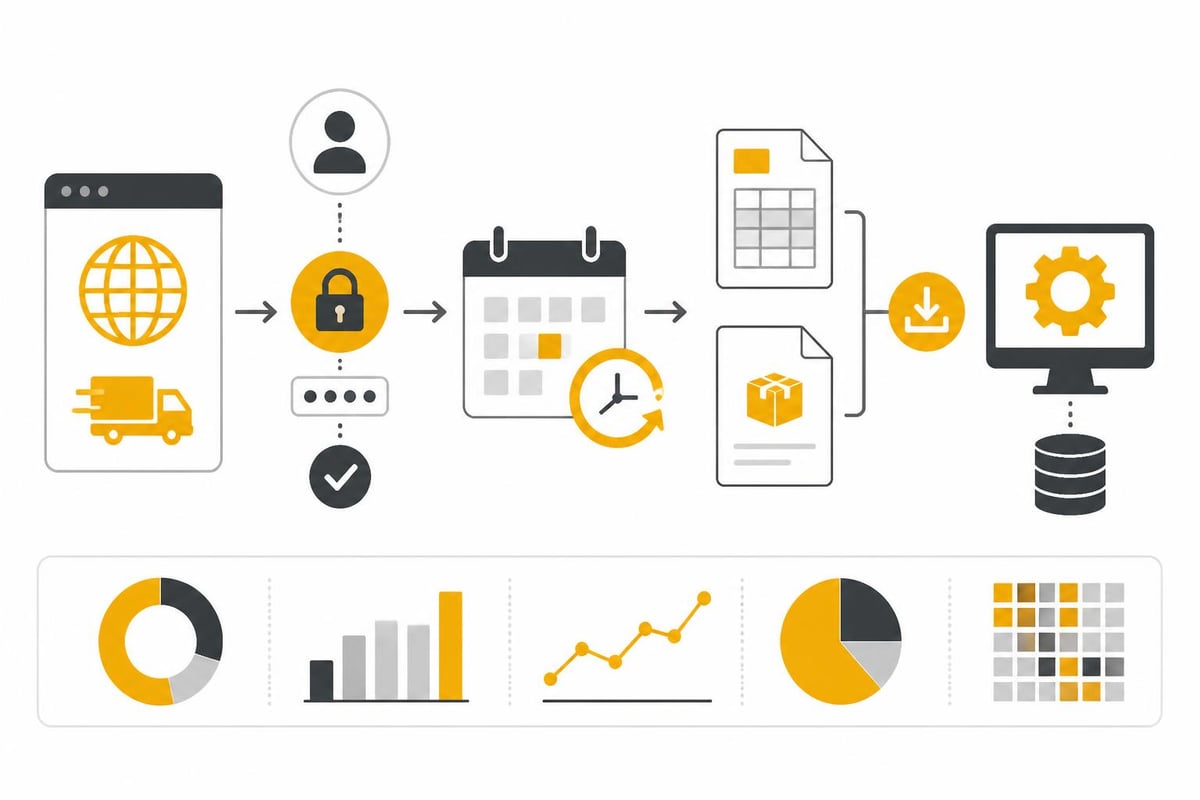
The connections to web portals enable automated access to the DHL Business Customer Portal. The following steps are automated:
- Automatic login: The platform logs into the portal automatically
- Document recognition: New invoices and receipts are identified
- Download: Documents are downloaded automatically
- Further processing: Files are forwarded to the appropriate systems
This automation not only reduces manual effort but also ensures complete documentation.
Workflow integration for maximum efficiency
After the automated DHL business customer portal login and document retrieval, the real value creation begins through intelligent workflows.
Automate invoice processing
DHL invoices can be automatically transferred to your accounting system. A typical workflow for invoice automation includes:
- Automatic download of the monthly DHL invoice
- Extraction of relevant data such as invoice number, amount, and date
- Transfer to your accounting system (e.g., DATEV, sevDesk, or Lexware)
- Filing of the original invoice in the document management system
This not only saves time but also ensures that no invoice is overlooked.
Integration with existing systems
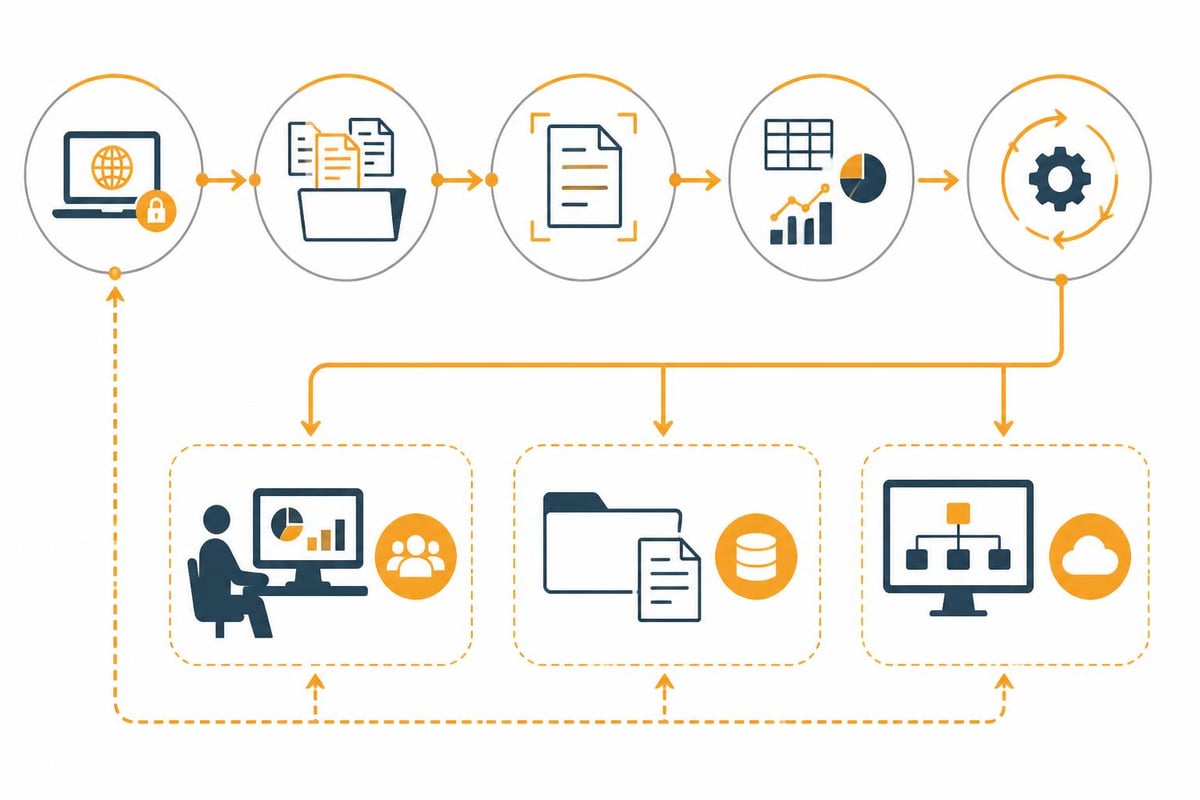
The strength of modern automation platforms lies in their ability to connect different systems. After retrieving DHL documents, they can be forwarded to various target systems:
| Target system | Integration | Use case |
|---|---|---|
| DATEV Unternehmen Online | DATEV integration | Automatic invoice posting |
| sevDesk | sevDesk integration | Receipt capture and tax consulting |
| DocuWare | DocuWare integration | Document archiving |
| SharePoint | SharePoint integration | Team access to shipping documents |
The multi-stage workflows make it possible to implement complex business processes without programming knowledge.
Security and compliance for automated access
The automated DHL business customer portal login raises legitimate questions about data security. Professional automation platforms set the highest standards here.
Data protection and GDPR compliance
When accessing business portals automatically, strict data protection guidelines must be observed:
- Encrypted storage of all login credentials
- Secure transmission via TLS/SSL encryption
- Access logs to trace all actions
- Regular security audits and updates
GDPR compliance is essential, especially for German companies. Platforms developed and operated in Germany offer additional security here.
Authentication and access control
Modern automation solutions support various authentication methods:
- Standard login with username and password
- Two-factor authentication (2FA)
- OAuth-based authentication where available
- Session management to prevent timeouts
The data security measures ensure that your login credentials are always protected.
Best practices for using the portal
Efficient use of the DHL Business Customer Portal requires structured processes and clear responsibilities.
Access management within the team
In larger companies, several employees should have access to the portal:
- Main access: An administrator with full rights
- Shipping staff: Access to shipping functions and label creation
- Accounting: Access to invoices and billing documents
- Controlling: Read-only access to statistics and reports
The portal allows the creation of multiple user accounts with different permission levels.
Regular process optimization
Manual DHL business customer portal login should be optimized through regular analysis:
- Weekly evaluation: How often is the portal accessed manually?
- Identification of automation potential: Which activities are repeated?
- Cost-benefit analysis: Is it worth implementing automation?
- Feedback loops: Survey employees about pain points
The solutions for operations provide a structured approach to process optimization.
Cost efficiency through automation
Investing in an automation solution for the DHL business customer portal login pays off after a short time.
ROI calculation
Let’s look at an example with 50 shipments per week:
| Activity | Manual time | Automated | Savings/week |
|---|---|---|---|
| Portal login | 2 min | 0 min | 2 min |
| Download invoice | 3 min | 0 min | 3 min |
| Sort documents | 5 min | 0 min | 5 min |
| Data entry in accounting | 15 min | 1 min | 14 min |
| Total | 25 min | 1 min | 24 min/week |
With an hourly wage of 30 euros, this corresponds to savings of around 520 euros per month. The pricing of professional automation platforms pays for itself within a few months.
Scalability for growing companies
Another advantage lies in scalability. While with manual procedures every doubling of shipping volume also means a doubling of time spent, the effort remains constant with automated processes.
Technical prerequisites
For successful automation of the DHL business customer portal login, some technical prerequisites must be observed.
System requirements
Most automation platforms are cloud-based and require only:
- A current web browser for configuration
- Stable internet connection
- Valid DHL business customer login credentials
- Optional: API access to target systems (accounting, DMS, etc.)
The product features of modern platforms are designed so that no IT knowledge is required for setup.
Compatibility and interfaces
Before implementation, check compatibility with your existing systems:
- Accounting software: DATEV, sevDesk, Lexware, etc.
- DMS systems: DocuWare, AMAGNO, SharePoint
- ERP systems: Microsoft Dynamics 365, Odoo
- Cloud storage: OneDrive, Google Drive, Dropbox
The extensive integrations enable seamless connectivity to your IT landscape.
Error handling and support
Errors can occur even with automated processes. A professional solution provides appropriate mechanisms.
Monitoring and notifications
Modern automation platforms continuously monitor the execution of workflows:
- Success confirmation: Notification when documents are retrieved successfully
- Error messages: Immediate alert in case of login problems or missing documents
- Retry mechanisms: Automatic retries in the event of temporary errors
- Logging: Detailed logs of all activities
This ensures that you are always informed and that no important documents are overlooked.
Practical tips for smooth operation
To make optimal use of the automation of the DHL business customer portal login, observe the following recommendations:
- Regular password changes: Update credentials in the automation platform as well
- Test runs: First check new workflows with test data
- Backup strategy: Implement backup routines for retrieved documents
- Documentation: Record your workflow configurations in writing
These measures minimize downtime and increase reliability.
Legal aspects of automation
Automation of access to business portals must comply with terms of use and legal requirements.
Observe terms of use
Check the DHL Business Customer Portal’s terms and conditions regarding automated access. As a rule, these are permitted for business customers as long as:
- No excessive server load is generated
- Credentials are used only for legitimate purposes
- The security of the account is ensured
Professional automation solutions take these requirements into account and implement appropriate protective mechanisms.
Retention periods and archiving
Shipping documents and invoices are subject to statutory retention periods. In Germany, there is a retention obligation of ten years for tax-relevant documents. Automatic archiving within the scope of the financial solutions ensures compliance with these deadlines.
The future of shipping automation
Digitalization in logistics is continuously advancing. The DHL business customer portal login is increasingly being supplemented by API-based interfaces that enable even deeper integrations.
Trends and developments
In the coming years, we expect the following developments:
- AI-supported document processing: Automatic extraction and categorization of shipping documents
- Predictive analytics: Forecasting shipping volumes and automatic capacity planning
- Blockchain integration: Tamper-proof documentation of shipping chains
- Expanded APIs: Deeper integration between shipping service providers and enterprise systems
Automation platforms are continuously evolving to support these innovations.
Secure and efficient access to the DHL Business Customer Portal is essential for companies with regular shipping volumes. Automating the login and subsequent document processing not only saves time and costs but also reduces errors and increases compliance. With filehub, you can fully automate the entire process from the DHL Business Customer Portal login to integration into your accounting systems. The platform enables you to connect to web portals, retrieve documents automatically, and pass them into tailored workflows—without any programming effort and with the highest security standards.


