BuchhaltungsButler API: Automation for Financial Processes
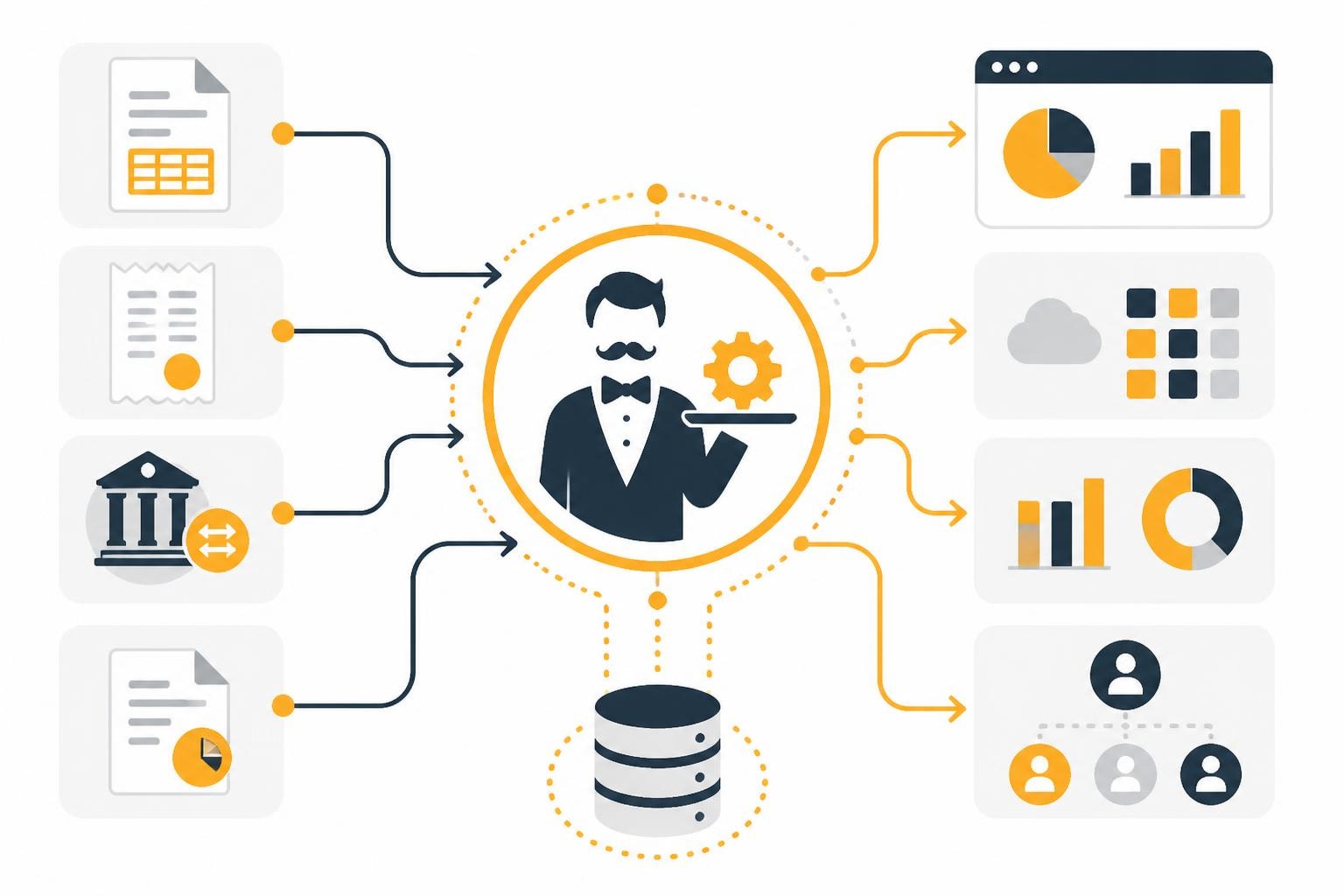
Digital accounting has made enormous progress in recent years, and modern interfaces play a central role in this. The BuchhaltungsButler API enables companies to integrate their financial management seamlessly into existing system landscapes and eliminate manual processes. By automating recurring tasks such as transferring receipts, synchronizing bank data, or exporting journal entries, finance teams save valuable time and significantly reduce sources of error. In this article, you'll learn how to harness the full power of this API and what opportunities it opens up for your document workflows.
Fundamentals of the BuchhaltungsButler API
The BuchhaltungsButler API forms the technical foundation for the connection between the cloud-based accounting software and external applications. It is based on REST principles and enables structured data exchange via standardized HTTP requests.
Technical architecture and authentication
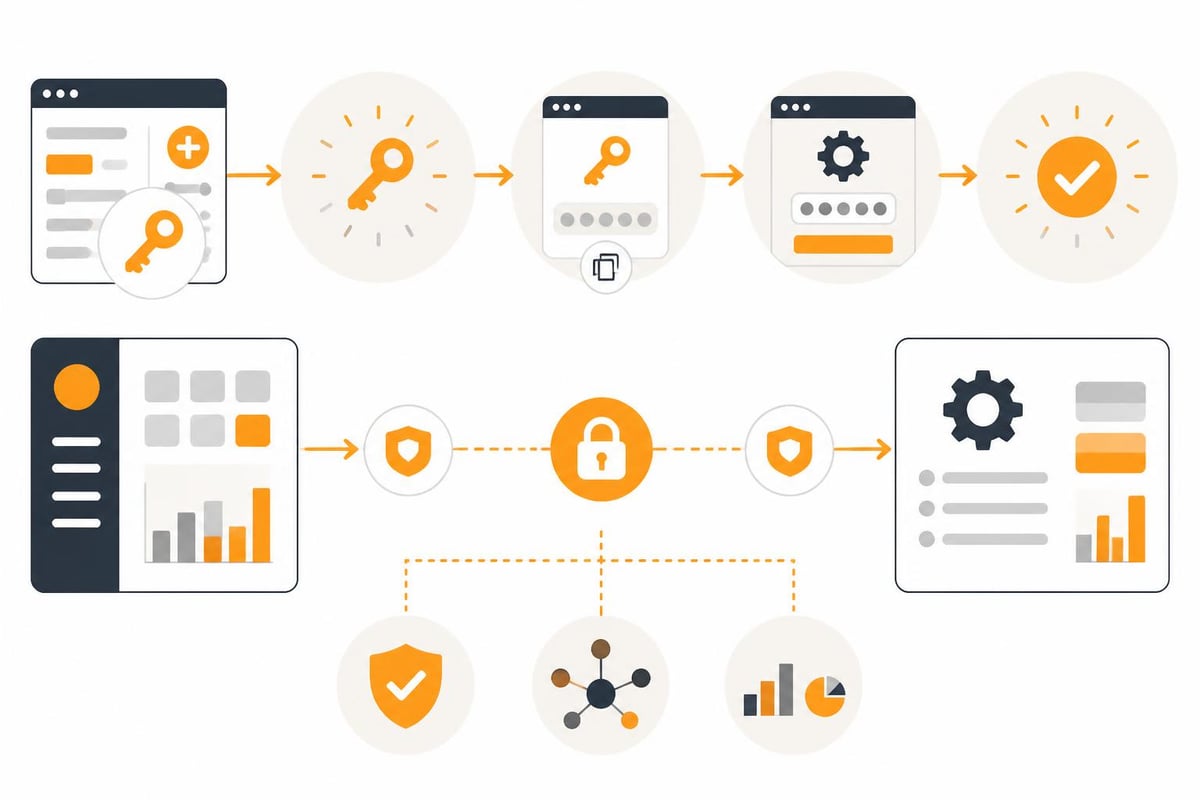
The interface uses API keys that each user can generate individually in their account. This authentication mechanism ensures secure access and can be revoked if necessary. A detailed guide to integrating the BuchhaltungsButler API outlines the necessary setup steps.
Key components of authentication:
- API key generation in the BuchhaltungsButler dashboard
- Secure transmission over HTTPS connections
- Token-based authorization for every request
- Automatic session management
The API endpoints are logically structured and follow a consistent naming scheme. Developers quickly find their way around because the resources are intuitively named. In addition, the implementation meets all the requirements of GoBD compliance, which is essential for German companies.
Available endpoints and data models
The BuchhaltungsButler API provides various endpoints that represent different business objects. Each endpoint typically supports CRUD operations (Create, Read, Update, Delete), though availability varies by object type.
| Endpoint | Function | Primary use |
|---|---|---|
| /invoices | Invoice management | Create and retrieve outgoing invoices |
| /receipts | Receipt management | Upload and categorization of incoming receipts |
| /transactions | Bank transactions | Synchronization of account movements |
| /contacts | Contact management | Maintain customer and supplier data |
| /accounts | Chart of accounts | Access to ledger accounts and cost centers |
The data models are precisely documented and use JSON as the exchange format. Each object has unique identifiers, timestamps for versioning, and validation rules that are checked server-side.
🚀 You've got better things to do.
BuchhaltungsButler in, receipts out: filehub runs the data flow in the background — without you lifting a finger, every time.
Integration into existing system landscapes
The practical implementation of the BuchhaltungsButler API opens up a wide range of automation options. Companies can digitally map their complete financial document workflows and link multiple systems together.
Document automation with filehub
A particularly powerful combination arises from connecting the BuchhaltungsButler API with workflow automation platforms. For example, incoming invoices can be automatically collected from various sources, processed, and transferred directly into accounting.
Typical workflow for invoice automation:
- Automatic retrieval of invoices from email inboxes or web portals
- OCR-based data extraction of the relevant information
- Validation against predefined business rules
- Upload via the API with correct categorization
- Notification of the finance team about new documents
The integration with Dropscan illustrates how scanned documents can be transferred seamlessly. Similar concepts can be applied to a wide variety of document sources, from e-commerce platforms to hotel portals such as Booking.com.
Multi-layered integration scenarios
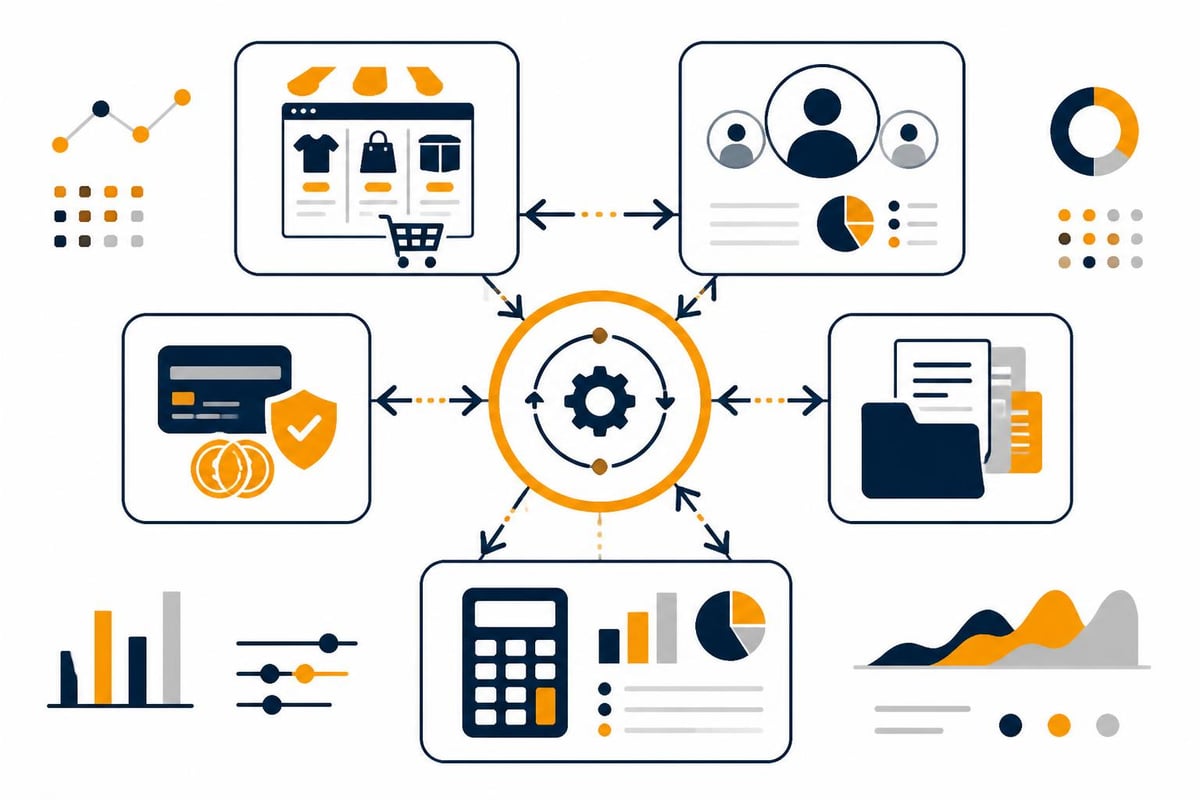
The BuchhaltungsButler API can be used not only bilaterally but also in complex multi-system landscapes. Companies can build end-to-end data chains in which information flows automatically between different line-of-business applications.
An e-commerce company could implement the following chain, for example:
- The sales platform generates outgoing invoices
- The API integration transfers them to BuchhaltungsButler
- Incoming payments are automatically reconciled
- Open items feed into liquidity planning with Tidely
- Dunning is triggered automatically in case of late payment
This orchestration drastically reduces manual intervention. The overview of supported integrations shows the potential for further connections to e-commerce systems, payment service providers, and other business applications.
Practical use cases and best practices
The technical capabilities of the BuchhaltungsButler API only realize their value through concrete business processes. The following presents proven implementation patterns that have been validated many times in practice.
Automated document capture
Manually entering documents is among the most time-consuming tasks in accounting. With the API, these processes can be fully automated:
Components of a fully automated document processing workflow:
- Document intake via web retrieval from supplier portals
- AI-assisted data extraction using OCR technology
- Automatic account assignment based on machine learning models
- Direct upload including metadata via the API
- GDPR-compliant archiving of the original documents
The technical documentation from Pushdocs shows which fields are supported when transferring documents. This is particularly important for the correct structuring of the data and compliance with accounting requirements.
Expense reports and travel costs
Employee expense reports can also be seamlessly integrated into the BuchhaltungsButler API. The export interface from Spesenfuchs demonstrates such a connection.
| Process step | Manual processing | Automated via API |
|---|---|---|
| Document capture | 5–10 min per document | < 30 sec. |
| Approval process | Email-based | Workflow-driven |
| Posting | Manual transfer | Automatic upload |
| Payout | Separate processing | Integrated |
| Archiving | Physical filing | Digital storage |
The time savings add up significantly in larger teams. A company with 50 employees and an average of 10 documents per month saves over 40 working hours per month.
Data migration and system migration
The BuchhaltungsButler API also facilitates the migration of historical data during system changes. Companies can extract structured legacy data from predecessor systems and import it in a controlled manner.
Recommended approach for data migrations:
- Analyze the source system data structure
- Create mapping tables for the chart of accounts
- Perform a test migration with a subset
- Validate the transferred data
- Migrate step by step by fiscal year
- Parallel operation for verification
Connections to various platforms make it possible to consolidate data from diverse source systems. This is particularly valuable in corporate acquisitions or IT consolidations.
⏱️ Every hour of manual work is one hour too many.
BuchhaltungsButler in, receipts out: filehub runs the data flow in the background — set it up once, never touch it again.
Security, compliance, and data quality
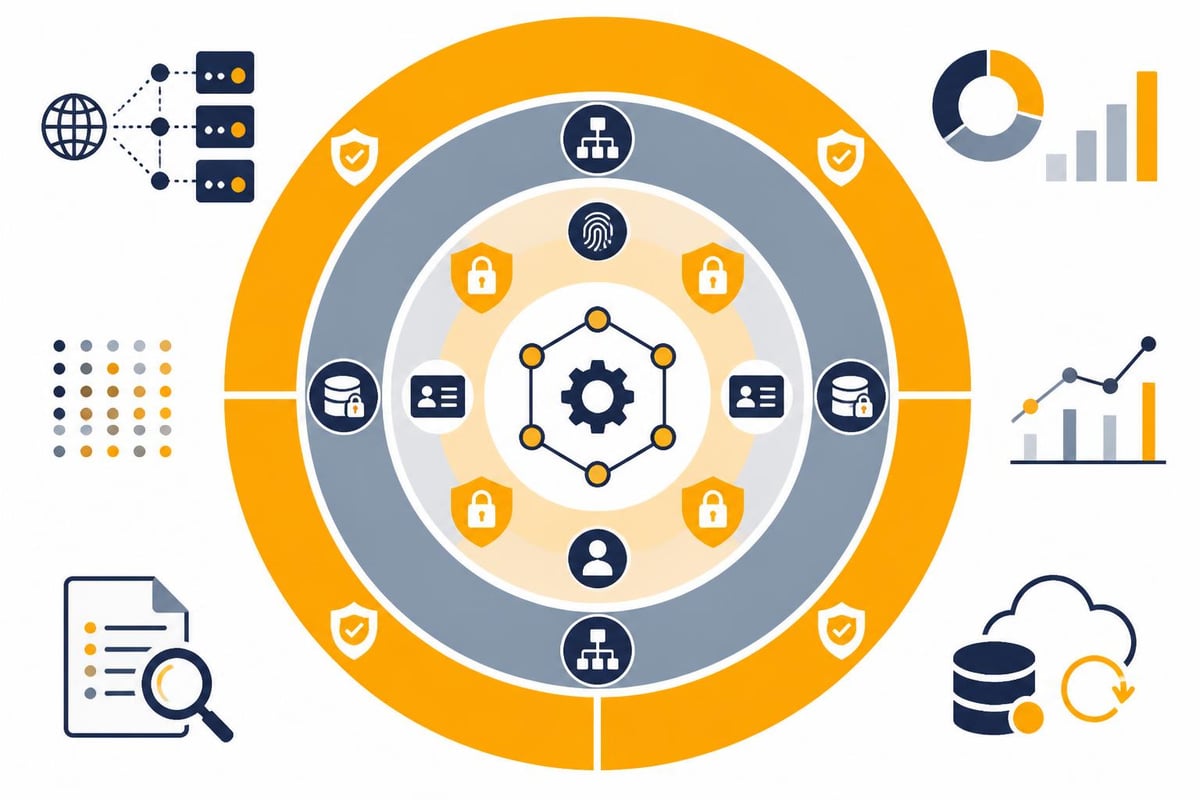
Processing financial data imposes the highest demands on security and compliance. The BuchhaltungsButler API addresses these aspects on multiple levels.
GoBD-compliant implementation
The principles for the proper management and storage of books, records, and documents in electronic form (GoBD) are mandatory for German companies. The API integration must meet these requirements:
- Completeness: All business transactions must be recorded without gaps
- Immutability: Subsequent changes must be logged
- Traceability: Every posting must be documented
- Timeliness: Documents must be processed promptly
- Orderliness: Systematic filing according to a comprehensible schema
When implementing, you should ensure that your workflows adhere to these principles. Audit logs and versioning of the transferred data are indispensable.
Data protection and encryption
GDPR compliance is central when processing financial and personal data. The following measures should be observed:
Technical safeguards:
- TLS encryption for all API communications
- Encryption of sensitive data at rest
- Access controls based on the need-to-know principle
- Regular security audits of the integration infrastructure
- Secure storage of API credentials in key management systems
Solutions for the finance sector should, by default, meet the highest security standards. Platforms with servers located in Germany offer additional legal certainty. Security aspects should also be prominently communicated when presenting your automation solutions—for example, on a professionally designed website.
Error handling and data validation
Robust API integrations must be able to handle various error situations. The BuchhaltungsButler API returns structured error messages that enable precise problem diagnosis.
Common error scenarios and solutions:
| Error type | HTTP code | Cause | Solution |
|---|---|---|---|
| Authentication failed | 401 | Invalid API key | Check credentials and regenerate |
| Insufficient permission | 403 | Missing access rights | Extend account permissions |
| Resource not found | 404 | Incorrect ID referenced | Check existence, create anew if necessary |
| Validation error | 422 | Invalid data structure | Validate payload against schema |
| Rate limit exceeded | 429 | Too many requests | Implement exponential backoff |
Scientific research on API documentation shows that high-quality documentation significantly increases developer productivity. At the same time, automatic detection systems for documentation issues can help identify weaknesses at an early stage.
Optimization and scaling
As data volumes grow and workflows become more complex, performance aspects gain importance. The BuchhaltungsButler API offers various optimization mechanisms.
Batch processing and pagination
For transferring large volumes of data, batch processing is recommended. Instead of individual requests for each document, multiple documents can be grouped together. This reduces the number of HTTP requests and significantly speeds up the overall process.
Advantages of batch processing:
- Reduction of network overhead by up to 80%
- Lower server load due to consolidated transactions
- Easier error handling for related data sets
- Improved performance for large migrations
When querying large datasets, pagination should be used. The API supports offset and limit parameters to retrieve results page by page. This prevents timeouts and enables resource-efficient processing.
Caching strategies
Not all data needs to be fetched anew on every access. Intelligent caching mechanisms improve response times and reduce API calls:
- Cache master data: Contacts, chart of accounts, and categories change rarely
- Time-based invalidation: Refresh the cache at defined intervals
- Event-based updates: Invalidate the cache selectively when changes occur
- Local synchronization: Maintain a copy of relevant data
The implementation of a backup routine additionally ensures that historical data remains available even during API outages.
Monitoring and logging
Production API integrations require continuous monitoring. The following metrics should be monitored:
- API response times and availability
- Error rates by type and endpoint
- Volume of data transferred per unit of time
- Success rates for validations
- Utilization of rate limits
Structured logging enables traceability when issues arise. Every API transaction should be logged with a timestamp, request ID, endpoint, and outcome. This greatly facilitates both troubleshooting and compliance audits.
⏱️ Every hour of manual work is one hour too many.
End the data chaos — filehub keeps BuchhaltungsButler fully in sync, all the time — set it up once, never touch it again.
Advanced automation scenarios
Combining the BuchhaltungsButler API with other technologies opens up innovative automation possibilities that go beyond simple data transfers.
AI-powered document processing
Modern OCR engines and machine learning models can not only read documents but also interpret them intelligently. The extracted information is automatically classified and transferred via the API:
Intelligent document processing in detail:
- Automatic detection of the document type (invoice, credit note, delivery note)
- Extraction of structured data such as invoice number, amount, VAT
- Account assignment based on historical patterns and rules
- Plausibility check against purchase orders and contracts
- Escalation to human reviewers in case of anomalies
Automation templates significantly accelerate the implementation of such scenarios. Preconfigured workflows can be quickly adapted to specific requirements.
Multi-tenant architectures
Tax advisors and accounting service providers often manage multiple clients. The BuchhaltungsButler API supports such scenarios through tenant-specific access:
- Central automation platform for all clients
- Client-specific routing rules
- Separate data processing with tenant isolation
- Consolidated reporting dashboards
- Standardized processes with individual adjustments
Managing this in structured tables enables the configuration of client-specific parameters without code changes. This increases flexibility and speeds up onboarding of new customers.
Cross-system workflows
Automations become particularly powerful when data flows across multiple system boundaries. An example from the procurement domain:
- The purchase order is recorded in the ERP system
- The supplier's order confirmation is retrieved automatically
- Goods receipt is posted in the inventory system
- The vendor invoice arrives by email
- OCR extraction and matching with the purchase order
- Upload to BuchhaltungsButler via API
- Payment approval under the four-eyes principle
- The transfer is initiated
- Payment confirmation updates open items
Such end-to-end process chains eliminate media breaks and create complete transparency. The integration of various platforms makes this technically feasible.
Future outlook and further development
The BuchhaltungsButler API is continuously evolving. Future versions will likely offer expanded functionalities that enable even deeper automation.
API evolution and versioning
Software interfaces are subject to natural change. New functions are added, existing ones are optimized. A clean versioning strategy ensures that existing integrations are not impaired:
- Semantic versioning (major.minor.patch)
- Longer transition periods for breaking changes
- Parallel operation of multiple API versions
- Early announcement of deprecations
- Migration guides and tools
Developers should regularly stay informed about new developments and keep their implementations up to date. Automatic documentation generation from Q&A platforms can help unlock additional knowledge.
Emerging Technologies
New technologies will further revolutionize the possibilities of accounting automation:
Blockchain for document authenticity: Immutable proofs of the origin and integrity of documents could increase audit reliability in the future.
Natural language processing: Processing unstructured data from emails and contracts to automatically extract booking-relevant information.
Predictive analytics: Prediction of incoming payments, liquidity bottlenecks, and tax optimization potential based on historical data.
API-first architectures: Full functionality accessible via APIs, enabling any front ends and automations.
The continuous further development of workflow functions shows how platforms are responding to these trends and creating new integration possibilities.
The BuchhaltungsButler API offers extensive possibilities for automating your financial processes, from simple document transfers to complex multi-system workflows. By combining it with powerful automation platforms, you can achieve significant efficiency gains. filehub enables you to implement such integrations without programming: connect BuchhaltungsButler with your document sources, automate processing, and create end-to-end digital workflows. Start optimizing your accounting processes today and focus on what matters most.


