Booking.com invoice – how to do it quickly and easily

You booked via Booking.com and urgently need an invoice? Suddenly, what should be a simple matter becomes a challenge. Anyone who needs a booking com invoice quickly realizes: the topic is more complex than expected.
Especially for business travelers or the self-employed, correct billing is indispensable. Private individuals also often encounter stumbling blocks when providing proof for employers, taxes, or insurance.
This guide gives you a clear roadmap for 2025 on how to get your booking com invoice easily and stress-free. Find out which types of invoices exist, who is responsible for issuing them, and which steps will get you safely to your goal. With pro tips, legal info, and practical templates, you’ll master every booking—without stress.
What is a Booking.com invoice and why is it important?
You booked accommodation via Booking.com. Now you need an official booking com invoice for accounting or tax purposes. But what distinguishes this from a simple booking confirmation or receipt? And why is it so important for many?
A booking com invoice is a legally valid document that includes all legally required details such as name, address, tax number, and VAT (if applicable). In contrast, a booking confirmation only documents the reservation, and a receipt merely proves payment—often not sufficient for tax purposes.
Above all, a booking com invoice is indispensable for business travelers, companies, and tax advisors. It serves as proof for expense reports, tax returns, and to employers or insurers. Private individuals also need it if they want to claim costs for tax purposes.
There are certain mandatory details for a booking com invoice to be recognized for tax purposes. These include, among others, complete recipient and issuer details, tax number, invoice number, service period, and correct VAT. For a detailed overview of the legal requirements, see this guide to mandatory information on invoices.
An example illustrates the difference: With a hotel booking, you’ll usually receive an official invoice with VAT shown. But if you book a private accommodation, you may only get a receipt—or no legally valid document at all.
According to Lodgify, over 70 percent of business travelers require a formal invoice for their accommodation costs. If the booking com invoice is missing, problems loom: Employers reject expenses, the tax office does not recognize the costs, and reimbursements may be demanded.
Another issue: Many platforms do not issue invoices themselves. Responsibility usually lies with the host or accommodation provider. Always clarify in advance whether and how you will receive a booking com invoice.
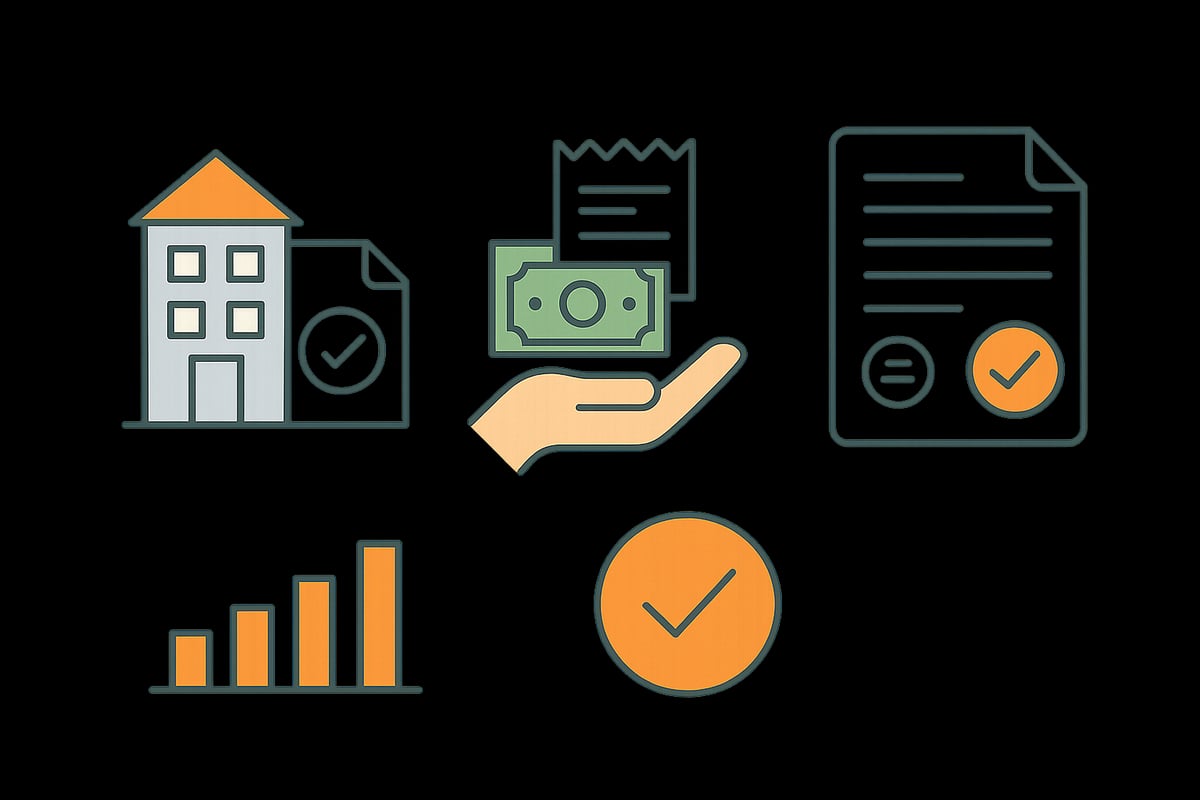
Differences between booking confirmation, receipt, and invoice
The booking confirmation contains only the reservation details of your accommodation and no tax-relevant information. A receipt confirms that you paid, but is often not recognized by the tax office or employer.
In contrast, a booking com invoice meets all legal requirements and is valid for accounting, taxes, or expense reporting. Many Booking.com documents explicitly state: “This is not an invoice.”
For companies, only the booking com invoice counts, as it is the only document recognized for tax purposes.
Who is responsible for the invoice on Booking.com?
When booking accommodation via Booking.com, the question quickly arises of who is actually responsible for the booking com invoice. Booking.com itself acts in most cases only as an intermediary between guest and accommodation. This means: The platform facilitates the reservation but is not the actual provider of the service.
The obligation to issue a booking com invoice therefore almost always lies with the host or hotel. This often leads to confusion, especially with international bookings. Many guests assume that they will receive their invoice directly from Booking.com. In reality, the accommodation where you stay is responsible for proper invoicing.
In practice, it turns out that private landlords in particular are often unsure whether and how they must issue a booking com invoice. Hotels and commercial providers, on the other hand, are usually experienced and can easily provide the required documents. According to current surveys, around 30% of users do not immediately receive a correct invoice, which can lead to tax disadvantages.
Tip: Before booking, clarify whether and how the desired booking com invoice will be issued. This saves you time and avoids hassle.

Differences: Hotel, private accommodation, and commercial providers
The type of accommodation largely determines how easily you can get a booking com invoice. Here are the most important differences at a glance:
| Type of accommodation | Invoice issuance | VAT shown | Particularities |
|---|---|---|---|
| Hotel | Almost always, professional | Yes | Usually retrievable directly via Booking.com |
| Private accommodation | Often unclear | Rare | Often no VAT, uncertainty |
| Commercial provider | Mandatory | Yes or note | Usually with VAT shown |
Hotels usually issue the booking com invoice directly at check-out and are very familiar with legal requirements. With private accommodations, experience is often lacking, which can lead to delays or missing details. Commercial providers are legally obliged to issue a proper booking com invoice and to state VAT correctly.
Our tip: For business trips, you should prefer hotels or commercial providers. This way you’ll usually receive the booking com invoice quickly and in full.
Legal notes and obligations for hosts
For hosts on Booking.com, the following applies: Anyone acting as an entrepreneur is obliged under §14 UStG to issue a proper booking com invoice. It must contain all mandatory information such as the guest’s name and address, tax number, sequential invoice number, service period, and—if required—VAT shown.
Many private landlords fall under the small business regulation. In this case, no VAT must be shown, but a note such as “No VAT pursuant to §19 UStG” must appear on the booking com invoice. If you are unsure, you will find practical tips on invoicing for small businesses at Haufe.
If no booking com invoice is issued, hosts risk fines and guests face tax disadvantages. Booking.com points out that the contract always exists directly between the guest and the accommodation. It is therefore important for hosts to use legally compliant templates and, if in doubt, to employ accounting software.
In conclusion: Issuing the booking com invoice correctly and promptly protects both you and your guests from unnecessary complications and ensures a smooth process.
Step-by-step: How to get your Booking.com invoice as a guest
You booked via Booking.com and need a correct booking com invoice? You’re not alone—many travelers face the challenge of requesting a proper invoice for their accounting after the stay. With a clear step-by-step guide, you can do it without stress or mistakes.
Step 1: Check before booking
Before booking, check whether the accommodation can issue a booking com invoice at all. You’ll often find this information in the accommodation details, or you can ask the host directly.
Step 2: Contact after booking
After your booking is confirmed, it’s a good idea to contact the host promptly. Politely request a complete invoice with all mandatory details such as name, address, tax number, and VAT where applicable.
Step 3: Ask at the hotel or via the app
At many hotels, you can request the booking com invoice directly at check-out or look for an invoice option in the extranet or via the Booking.com app. Be sure to check whether the invoice includes all legally required details.
Step 4: Problems receiving the invoice?
If there are difficulties or the host hesitates, contact Booking.com support. Describe your issue and ask them to mediate. Alternatively, receipts or payment confirmations can help, but they are usually not recognized for tax purposes.
Step 5: Check the details on the invoice
Carefully verify that all necessary details such as name, address, service period, and tax rate are correctly stated. If important items are missing, you should request a correction.
Step 6: Alternatives and pro tip
If you manage bookings regularly, it’s worth checking out accounting and bookkeeping tips to make the entire process around the booking com invoice efficient and error-free.
According to recent user experiences, only about 60 percent of guests receive a correct invoice immediately. Especially for business trips, a complete invoice with VAT shown is essential.
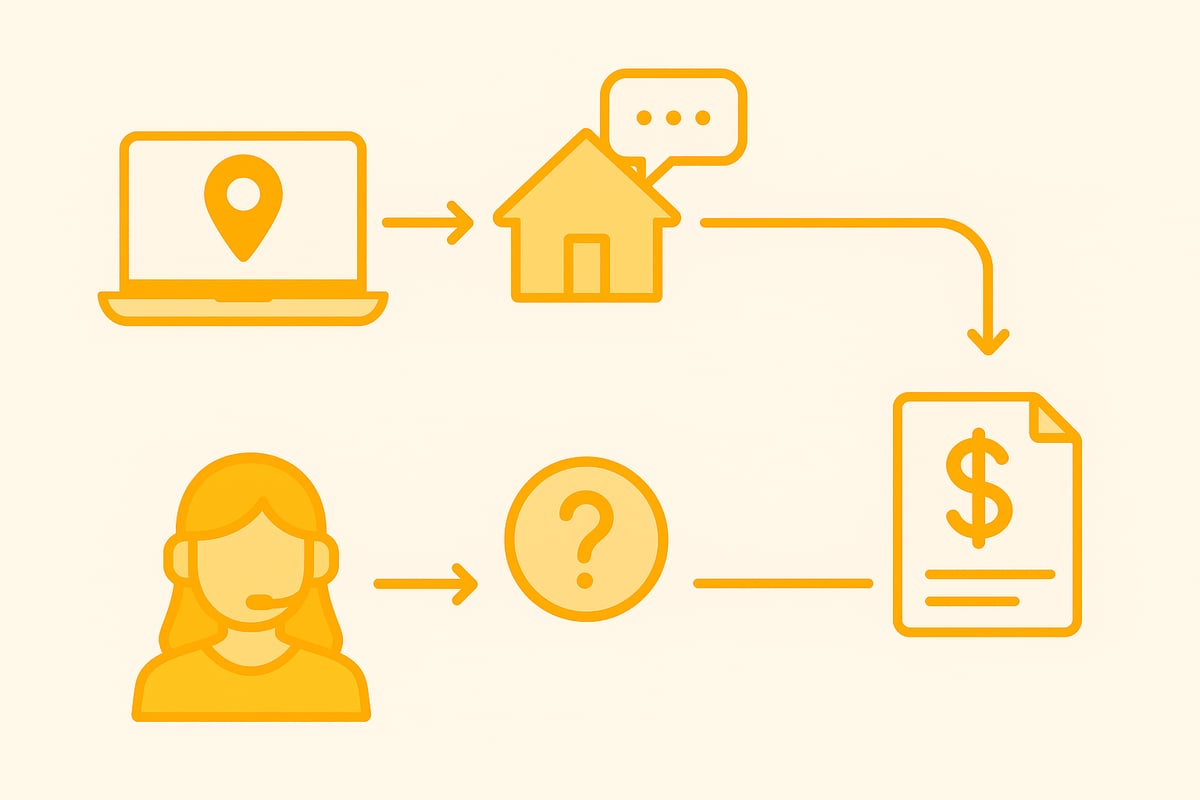
What to do if the host does not issue an invoice?
It is not uncommon for a host to be unwilling to issue a booking com invoice. Keep your communication friendly but firm. Point out the need for a tax-recognized invoice and, if necessary, provide your own template.
If the host still refuses, you can consider the following alternatives:
- Use a bank statement or payment receipt as proof
- Request a receipt, even though it is usually not sufficient for tax purposes
- Contact Booking.com support and request assistance
- In an emergency, cancel the booking and choose another accommodation
For persistent cases, you can escalate via the tax office or the consumer protection agency. There are numerous reports from users who had to wait weeks for their booking com invoice. With clear communication and legal references, however, you can significantly increase your chances.
Step-by-step: How hosts issue a Booking.com invoice correctly
As a host, it is essential to issue a legally compliant booking com invoice for every booking. Many guests, especially business travelers, insist on it. Knowing the requirements not only simplifies your own accounting but also ensures satisfied customers.
Below you’ll find a clear step-by-step guide on how to create a booking com invoice correctly and which tools make the process easier.
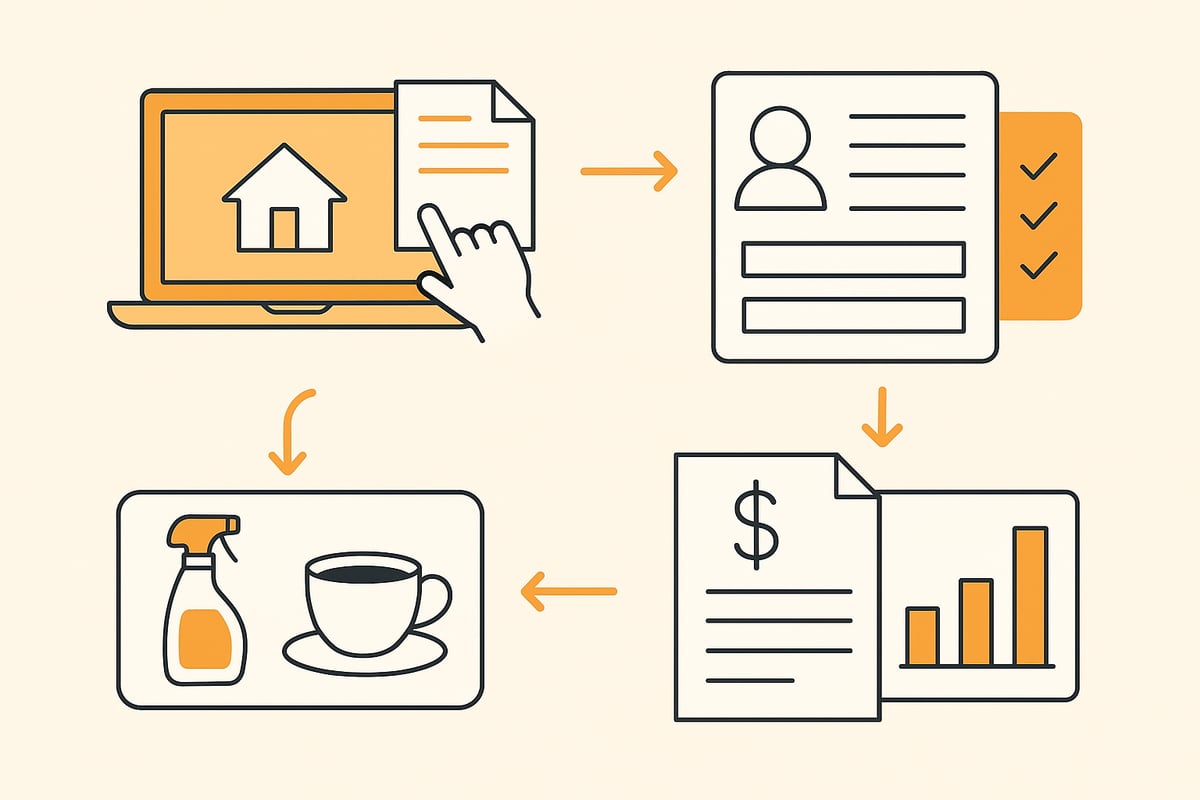
Step 1: Gather booking data
First, you need all relevant booking data. This includes the guest’s name and address, booking period, price, and any additional services. Check the details carefully to avoid errors on the booking com invoice.
Step 2: Mandatory information on the invoice
Every booking com invoice must contain the legally required information:
- Name and address of the host
- Name and address of the guest
- Invoice number (sequential)
- Issue date
- Service period
- Unit prices and total price
- Tax number/VAT ID
- VAT shown (for standard taxation) or note pursuant to §19 UStG for small businesses
Step 3: List additional services correctly
List additional services such as cleaning, breakfast, or parking separately on the invoice. The correct tax rate must be stated for each service. Overnight stays are usually taxed at 7%, while additional services are often taxed at 19% VAT.
Step 4: Small business regulation and standard taxation
If you are a small business under §19 UStG, you may not show VAT. Instead, the following note must appear on the booking com invoice: “Pursuant to §19 UStG, no VAT is charged.” Under standard taxation, VAT is shown separately.
Step 5: Deliver and retain the invoice
Issue the booking com invoice either digitally (PDF by email) or in paper form. Always keep a copy for your records. This greatly facilitates later inquiries and accounting.
Step 6: Tools, templates, and automation
Many hosts today use digital solutions to create their invoices efficiently. Free templates in Excel or Word are a good start. It gets even easier with channel managers or dedicated invoicing tools.
With digital invoice automation, you can fully automate your processes, avoid errors, and save a lot of time in your day-to-day work.
Example of a sample invoice:
| Mandatory item | Example value |
|---|---|
| Host | Max Mustermann, Musterstraße 1 |
| Guest | Erika Beispiel, Gästestraße 2 |
| Invoice number | 2025-001 |
| Issue date | 03.01.2025 |
| Service period | 01.01.2025 – 03.01.2025 |
| Overnight stay | 2 nights à 80 € |
| Cleaning | 30 € |
| VAT (7% / 19%) | 11,90 € |
| Total amount | 190 € |
Statistics and conclusion
According to Lodgify, 40% of hosts already use digital invoice templates. Those who create the booking com invoice carefully and in an automated way save time, reduce errors, and ensure satisfied guests.
Tax and legal specifics for Booking.com invoices
The tax and legal requirements for a booking com invoice are more complex than many think. Especially for business travelers, landlords, or companies, a small mistake on the invoice can have major financial consequences. Therefore, it’s worth knowing the most important rules and specifics before you book accommodation via Booking.com or issue invoices yourself.
For every booking com invoice, the VAT must be shown correctly, provided the host is not acting as a small business. In Germany, the tax rate for overnight stays is usually 7%, and for additional services such as breakfast, parking, or cleaning it is 19%. Private landlords who fall under the small business regulation (§19 UStG) may not show VAT and must include a corresponding note on the invoice.
The booking com invoice becomes particularly important for international bookings. Within the EU and in third countries, different tax rules often apply, such as the reverse charge mechanism or special requirements for invoice details. It is advisable to check the rules for each country and, in case of doubt, consult a tax advisor.
Tax recognition by the tax office or employer depends on whether all mandatory details are included on the booking com invoice. These include the name and address of the guest and host, tax number, invoice number, service period, item and total prices, and the correct tax rate. A common pitfall: Overnight stays and additional services are not listed separately, which can lead to back payments during an audit.
From 2025, the e-invoicing requirement will be introduced in Germany. This also affects many bookings via platforms like Booking.com. What this specifically means for hosts and guests is explained by the NRW tax office in its guide to the e-invoicing obligation from 2025. If you want to archive invoices and documents digitally and securely, you’ll find practical tips in the article document management for invoices.
Example of different tax rates:
| Service | Tax rate | Note on the invoice |
|---|---|---|
| Overnight stay | 7% | Must be shown separately |
| Breakfast | 19% | Separate line item, 19% VAT |
| Cleaning, parking | 19% | Separate line item, 19% VAT |
| Private rental (small business) | 0% | Note on §19 UStG, no VAT |
According to Lodgify, about 35% of hosts in Germany use the small business regulation. Incorrect booking com invoices can lead to back payments, fines, or loss of input tax deduction. It therefore pays to follow all requirements carefully.
Common mistakes and how to avoid them
Many mistakes with the booking com invoice can be avoided with a simple checklist. Always check whether all mandatory information such as name, address, tax number, and service period is correct. The most common mistake: The VAT rate is calculated incorrectly, or the note on the small business regulation is missing.
Make sure that overnight stays and additional services are listed separately. The invoice number must be unique and sequential. Incomplete guest data often leads to the tax office not recognizing the booking com invoice.
Tip: With a checklist or digital template, you can quickly check every booking com invoice before sending it and avoid errors.
Practical tips & recommendations for a smooth process
Anyone who books regularly via Booking.com knows the challenges with invoicing. To ensure the booking com invoice works without stress, you should check before booking whether the accommodation issues invoices at all. It’s best to clarify this directly in the accommodation info or ask the host specifically.
For business trips, choose hotels or commercial providers whenever possible, as they provide professional and tax-compliant invoices. Private accommodations often can’t keep up here, especially if you rely on a booking com invoice with VAT.
This is the optimal approach:
- Always request the invoice promptly, ideally at check-out or right after your departure.
- Use digital tools and templates to check, store, and manage invoices. A helpful overview of how to organize your records digitally and clearly can be found under organize bookkeeping efficiently.
- Keep your own template handy in case of uncertainty, which you can provide to the host.
- If you have problems with the invoice: Contact Booking.com support early or, if necessary, an oversight authority.
Practical tip for communication:
Formulate your request to the host clearly and politely. A short sample email can often work wonders and speed up the process.
Don’t forget to archive all receipts and invoices digitally. This prepares you optimally for tax audits and ensures you always have an overview of your documents.
You now have a clear overview of how to get your Booking com invoice quickly and legally compliant—whether as a guest or a host. Especially if you manage many bookings or finally want to automate the invoicing process without stress, it’s worth taking a look at digital solutions. With filehub, you can easily automate time-consuming tasks such as collecting, retrieving, and forwarding invoices, and always keep an overview. This saves valuable time for the things that really matter in your everyday work. Give it a try and try filehub.one for free now.


