Lexware Office – Efficient accounting and administration

How can companies make their accounting and administration more efficient in 2026? This question concerns many businesses, as the demands on accounting are steadily increasing and digitalization is advancing.
More and more processes have to run in a legally compliant, fast, and error-free manner. At the same time, employees and customers expect modern, flexible solutions.
This is where lexware comes in: The software offers a powerful all-in-one solution for all areas of accounting and administration. The aim of this article is to give you a comprehensive guide to the key features, benefits, and best practices of lexware 2026.
In the following, you will get an overview of topics such as automation, core software modules, practical examples, and integration into your business processes.
Lexware 2026 at a glance: functions and modules
With lexware 2026, you get a modern all-in-one solution that covers all areas of accounting and administration. The software impresses with a modular structure, intuitive operation, and a wide range of functions tailored specifically to the needs of small and medium-sized enterprises. Whether you organize financial accounting, payroll, or tax returns, lexware offers everything from a single source. With regular updates, you also always stay up to date with legislation.
The most important modules in accounting
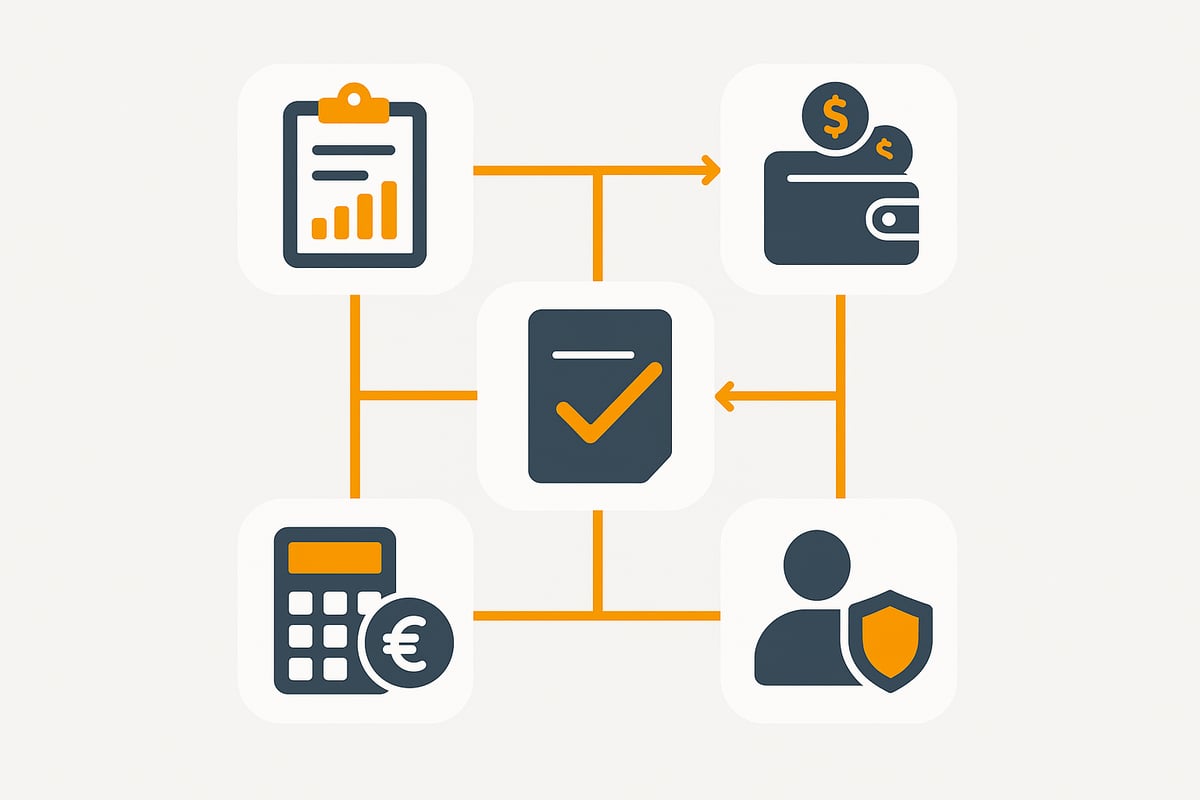
At the core is financial accounting. Automated postings, e-balance sheet functions, and various posting masks make everyday work much easier. Especially practical are the year-end tools: balance sheet, profit and loss statement, and income-surplus statement are directly integrated.
With the auditor mode (GDPdU), audits can be prepared efficiently and extensive evaluations generated. In payments, you benefit from SEPA transfers, direct debits, and online banking that integrate seamlessly into the workflow. Data exchange with tax advisors or other systems runs smoothly via interfaces to DATEV and ASCII. Ongoing developments are presented, among other places, at the Lexware Update Event 2026 Accounting.
Brief overview of key accounting functions:
-
Automated postings and e-balance sheet
-
Various posting masks
-
Year-end closing (balance sheet, P&L, EÜR, ELSTER)
-
Auditor mode and evaluations
-
Payments (SEPA, online banking)
-
Interfaces to DATEV and ASCII
Administration & HR
lexware offers you powerful tools for personnel management. Payroll is designed for up to 200 employees and supports all common requirements: ELSTER payroll, statutory health insurance certificate (GKV), and flexible wage type management are included. Special cases such as mini-jobs, transition zones (Gleitzone), or pension schemes are also easily mapped.
Other features include travel expense accounting and comprehensive absence management. Client management makes it possible to manage multiple companies centrally, while master data maintenance ensures clarity. This way, you always keep control over all HR processes.
-
Payroll (incl. ELSTER, GKV)
-
Management of individual wage types
-
Mini-jobs, transition zones, pension schemes
-
Travel expense and absence management
-
Client management and central master data
Tax returns and compliance
With lexware, you can complete your tax returns efficiently and securely. The software includes specialized programs for income, VAT, trade, corporate, inheritance, and gift tax. Automatic updates ensure that statutory changes are implemented immediately.
Additionally, you have access to specialist databases such as Haufe to quickly find legally sound information. This ensures compliance and minimizes the risk of errors. This puts you in an optimal position in all tax matters.
-
Tax programs for all relevant types of tax
-
Automatic legislative updates
-
Access to specialist databases for up-to-date information
⚡ While you click, your competitors already automated.
filehub keeps your Lexware Office documents up to date — automatically, both directions — the switch takes minutes.
Boosting efficiency through automation and digitalization
The demands on modern accounting are steadily growing. With lexware, companies benefit from digital solutions that not only save time but also minimize sources of error and significantly simplify processes.
Automated workflows and process optimization
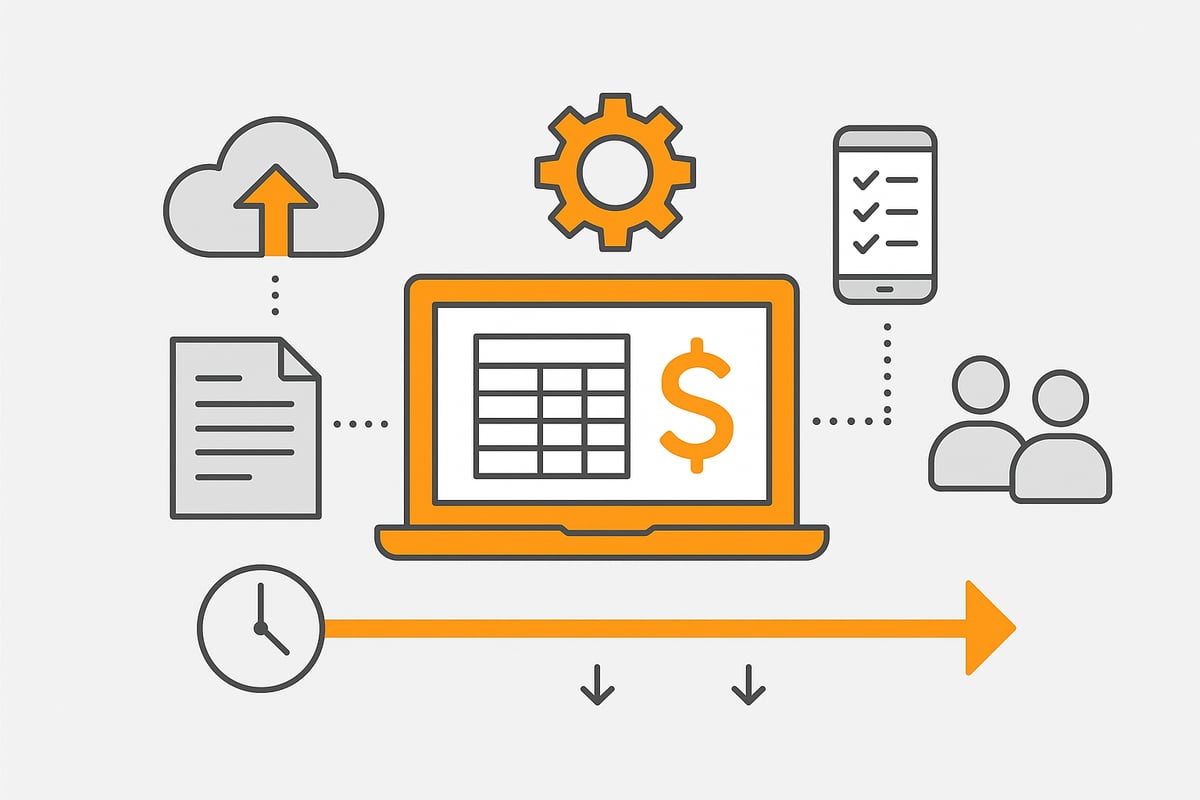
Automated processes are at the heart of efficiency gains with lexware. The software takes over routine tasks such as automatic postings, invoice import, or payment reconciliation. This significantly reduces manual effort and improves data quality.
A major advantage: sources of error are minimized because lexware handles postings and document processing independently. Dunning can also be automated so that outstanding receivables are detected and processed more quickly.
Through the integration of cloud solutions and mobile applications, teams work location-independently and flexibly. Anyone who wants to dive deeper into the topic will find practical insights at Automated accounting processes on how lexware automates and optimizes workflows.
Digital collaboration and data exchange
Efficient teamwork is indispensable for companies. lexware enables client and tax advisor access, which accelerates communication among all parties involved. Interfaces to external systems such as online shops or banks ensure smooth data exchange.
Secure transmission of all data is a matter of course and meets the requirements of the GDPR. This keeps accounting not only efficient but also legally compliant.
Practical example: How a mid-sized company automated its accounting with Lexware and reduced time spent by 30%
A mid-sized company introduced lexware and fully digitized its accounting processes. Automatic postings, digital invoice import, and automated dunning led to a 30% reduction in time spent on accounting.
Employees benefit from an intuitive user interface and fast workflows. lexware helps keep the focus on core business while routine tasks are handled efficiently in the background.
Integration and extensibility: Lexware in everyday business
The demands on modern business software are constantly increasing. lexware sets standards here when it comes to integration, flexibility, and growth in everyday business. Through targeted networking and extensibility, lexware helps companies work more efficiently and future-proof.
Interfaces and compatibility
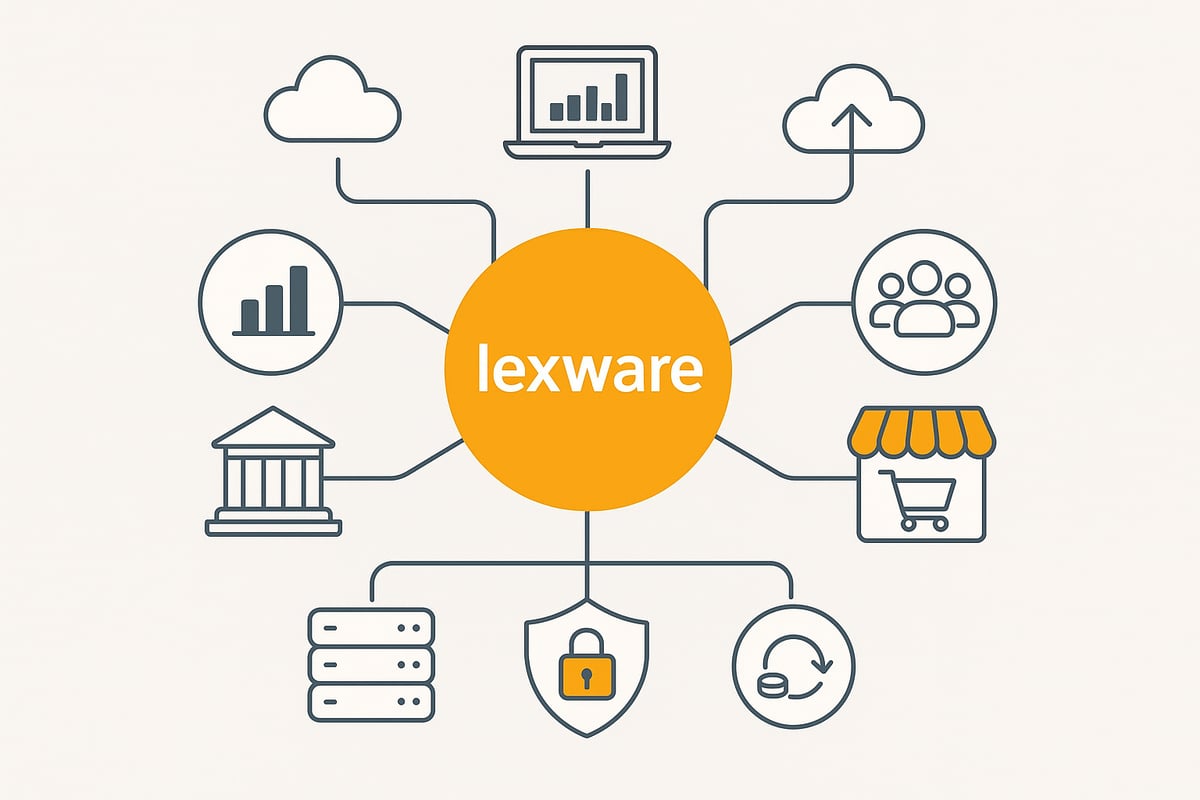
lexware impresses with a wide range of interfaces that enable seamless data exchange. Whether ERP systems, online shops, or banking software—the import and export of data works reliably via DATEV, ASCII, or CSV. External tools, for example for inventory management or time tracking, can also be connected with ease.
The integration of external applications is a key advantage for automating processes and avoiding silo solutions. A central example is the Lexware Accounting integration, which makes it possible to link digital tools and accounting software.
Typical use cases:
-
Automatic import of shop orders into lexware accounting
-
Payment reconciliation with banking software
-
Export of posting data to tax advisory software
This way, companies benefit from end-to-end workflows, less administrative effort, and a consistent data basis.
Scalability for growing companies
lexware grows with the company. The software offers multi-user solutions so that several users can access the data simultaneously and securely. User management with password protection ensures clear role distribution and data protection.
Extensions via additional licenses or modules are possible flexibly. In this way, lexware can be adapted to new requirements, for example when the team grows or additional processes are to be digitized.
Cloud options and mobile applications open up flexible work models. Employees access relevant data regardless of location and can collaborate in real time. This makes lexware particularly attractive for modern, agile companies.
Security and compliance
Security has the highest priority at lexware. C5-certified servers, regular updates, and automatic backup routines reliably protect sensitive company data.
Rights and user management ensure that only authorized persons gain access to specific data. lexware complies with GDPdU requirements and, with the auditor mode, supports smooth collaboration with the authorities.
|
Security measure |
Description |
|---|---|
|
C5 certification |
Secure server infrastructure |
|
Automatic backups |
Daily data backup |
|
Rights management |
User and access control |
|
GDPdU compliance |
Data provision for audits |
With these measures, lexware offers not only convenience but also legal certainty for companies of any size.
🔄 Digitalisation isn't a question of if — only when.
filehub keeps your Lexware Office documents up to date — automatically, both directions — the switch takes minutes.
Best practices for implementation and use
Introducing it into your company is an investment in efficiency and legal certainty. With the right steps, the start goes smoothly and you benefit in the long term from automated processes and better data quality. Here you will find proven best practices that make implementation, ongoing operation, and avoiding typical mistakes easier for you.
Step-by-step guide to implementation
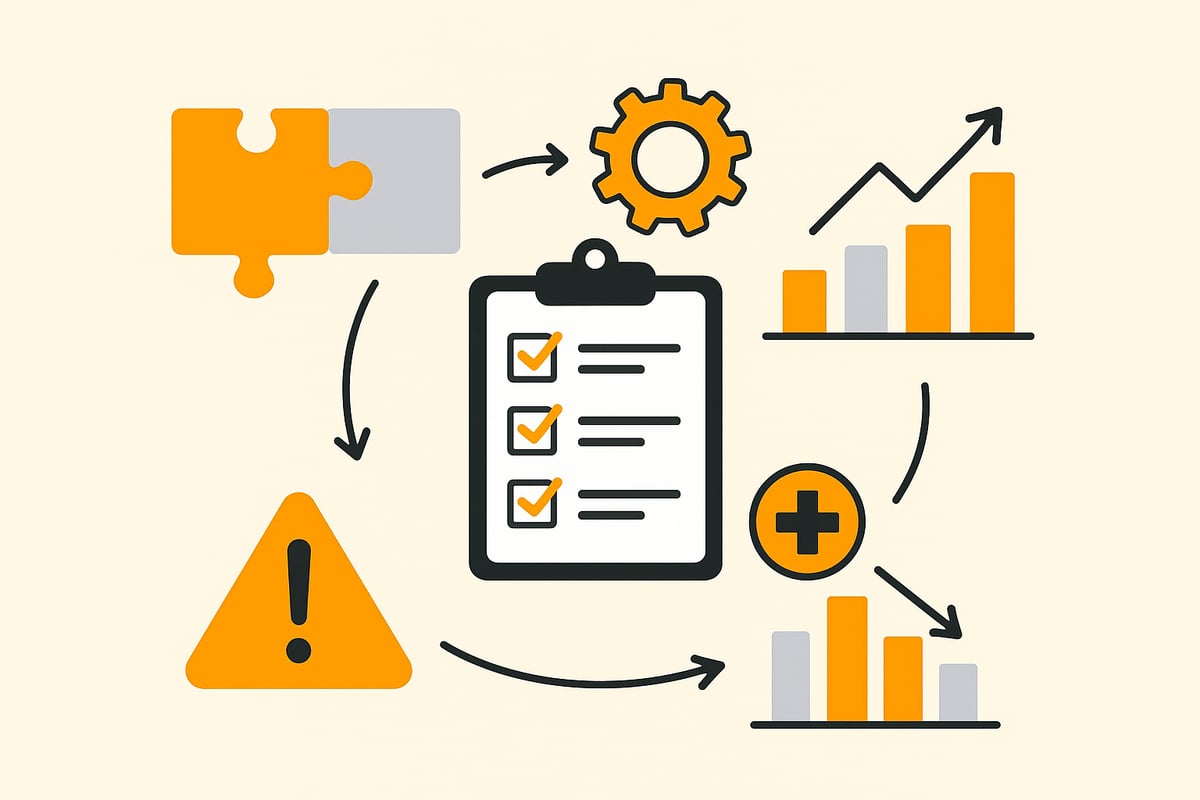
A structured start with lexware is crucial. First analyze your needs and define which modules are most important for your requirements. Plan data migration early so that all relevant information is transferred cleanly. The integration of interfaces, for example to ERP systems or online shops, is straightforward with the Lexware Office interfaces.
Then choose the appropriate access rights for your employees and set up user accounts. Training is essential to familiarize the team with the features. Targeted onboarding ensures that all processes run efficiently from the outset.
Use the ability to integrate individual workflows and automations. For example, you can map recurring postings or dunning directly in the software. Always keep data protection and compliance requirements in view.
Tips for ongoing operations
For lexware to unfold its full effect, you should schedule regular updates. These not only bring new features but also ensure security and legal compliance. Use support options, online training, and specialist databases to stay up to date.
Regularly monitor key figures and use the evaluation functions to optimize processes. Automated reminders and to-do lists help you meet deadlines and keep track of tasks.
Rely on teamwork: assign tasks and responsibilities clearly so that all employees can work efficiently with the software. Regularly check whether additional modules or integrations could support your daily work even better.
Avoiding sources of error: tips from practice
The same applies to lexware: care pays off. Typical errors such as duplicate postings or incorrectly stored wage types can be avoided through clear processes and regular checks. Use checklists and approval steps to ensure the quality of your data.
|
Source of error |
Cause |
Solution |
|---|---|---|
|
Duplicate postings |
Unclear procedures, lack of control |
Automated reconciliations, approval processes |
|
Incorrect wage types |
Incomplete master data |
Regular master data maintenance, training |
|
Missed updates |
Insufficient system maintenance |
Activate automatic update function |
Learn from practical examples of other companies how these errors were avoided. This way, lexware remains a reliable tool for your accounting and administration.
Practical case studies: lexware in action
What does everyday life with lexware really look like? Many companies wonder how they can leverage the software’s advantages in their own industry. Practical examples show how flexible and powerful the software is across different company sizes and areas.
Use cases in different industries
lexware proves its versatility in daily use. In the skilled trades, companies use the software for fast creation of quotes and invoices as well as for project management. Automation ensures that no step is forgotten and all figures are correct.
Service providers benefit from integrated time tracking, travel expense accounting, and simple payroll. lexware is a real asset, especially for companies with many field staff or changing projects.
In retail, inventory management is the central component. lexware supports warehouse management, inventory control, and the connection of online shops. This way, companies always keep track of stock levels and sales while routine tasks run automated in the background.
Success stories and concrete results
Implementation can quickly deliver tangible results. A mid-sized company was able to reduce accounting effort by 30% thanks to automated posting processes and digital payment reconciliation. Employees now use the time gained for value-adding tasks.
Tax firms also report efficiency gains. With a central database and client management, collaboration with companies runs smoothly. Thanks to the integration with DATEV Unternehmen Online, data is transferred securely and quickly.
Small businesses benefit especially from automated dunning. Open items are identified and reminders sent automatically. This leads to better liquidity and fewer payment defaults.
Statistics: Average time savings and error reduction with Lexware (according to manufacturer information and user reports)
The numbers speak for themselves: According to the manufacturer and user surveys, companies save up to 30% time in accounting with lexware.
|
Metric |
Before Lexware |
With Lexware |
Change |
|---|---|---|---|
|
Accounting effort |
10 hrs/week |
7 hrs/week |
-30% |
|
Error rate |
8% |
3% |
-62.5% |
The error rate drops significantly because many manual steps are automated. Trends such as AI and automation accelerate this change even further. Anyone wanting to learn more about digital transformation in accounting will find exciting background and figures in the KPMG study on digitalization in accounting 2025/2026.
In this way, lexware helps companies across all industries save time, avoid errors, and make processes future-proof.
🔄 Digitalisation isn't a question of if — only when.
filehub automatically syncs your Lexware Office documents - in and out — the switch takes minutes.
Future-proof accounting: trends and further developments with Lexware
New technologies are changing accounting rapidly. In 2026, companies face the question of how they can make their processes future-proof with modern solutions like lexware. In particular, artificial intelligence and cloud services bring fresh momentum to everyday work. Anyone who wants to stay up to date should know current trends and choose the right tools.
Current developments and new features 2026
In 2026, the software continues to grow with the demands of the times. In particular, the integration of AI functions takes work to a new level. The software suggests postings, identifies errors automatically, and thus provides greater security. In addition, powerful cloud and mobile functions let you work flexibly from anywhere.
The user interface has been completely redesigned and is now even more intuitive. Those who want to delve deeper into AI will find practical insights into automation and efficiency in the Seminar: AI & Automation in Accounting. With these updates, lexware remains a strong partner for modern accounting.
Importance of automation and digitalization for SMEs
Digitalization is no longer a luxury for small and medium-sized enterprises but a necessity. lexware helps automate complex processes so that time remains for what matters. Automated workflows and intelligent analyses offer a clear competitive advantage.
With flexible adaptations to legal changes and fast reports, companies respond directly to new market requirements. This creates an efficient, low-error workday that conserves resources and fosters growth.
Outlook: How Lexware prepares companies for future challenges (e.g., e-invoicing requirement, digital tax audit)
The future brings new challenges such as the e-invoicing requirement or digital tax audits. The manufacturer continuously develops suitable solutions and ensures reliable updates. Companies can rely on the highest compliance and keep control over their data.
With regular enhancements and modern security standards, lexware is ideally positioned to master upcoming requirements confidently. This keeps accounting stable, flexible, and legally compliant at all times.
You have now gained a comprehensive insight into the possibilities of Lexware 2026—from smart automation to the secure management of your accounting. If you really want to make processes efficient and cleverly automate recurring tasks, it is worth taking a look at filehub. Here you can connect document workflows without programming knowledge, exchange data securely, and noticeably ease your everyday work. Just give it a try and see for yourself how much time and effort you can save: Try filehub.one for free now


