SAP Business One – Efficiently to Business Success

Imagine your company managing all processes from a single source—everything runs smoothly, in real time, and you always have full visibility. Sounds futuristic? That’s exactly what will become mandatory in 2026 for small and medium-sized enterprises.
Because requirements are increasing, competition never sleeps, and efficient workflows are the key to remaining successful tomorrow. This is where sap business one comes into play: this solution gives you the ability to optimize processes and set up your company intelligently for the future.
In this guide, you’ll learn step by step how to use the SAP ERP to grow efficiently, secure competitive advantages, and confidently master the challenges of digitalization.
What is SAP Business One? Overview & Future Perspective
SAP Business One is a comprehensive ERP solution specifically developed for small and medium-sized enterprises. With SAP Business One, you manage all core processes centrally and efficiently, from finance to sales. The software is designed to grow with your company and drive digitalization.
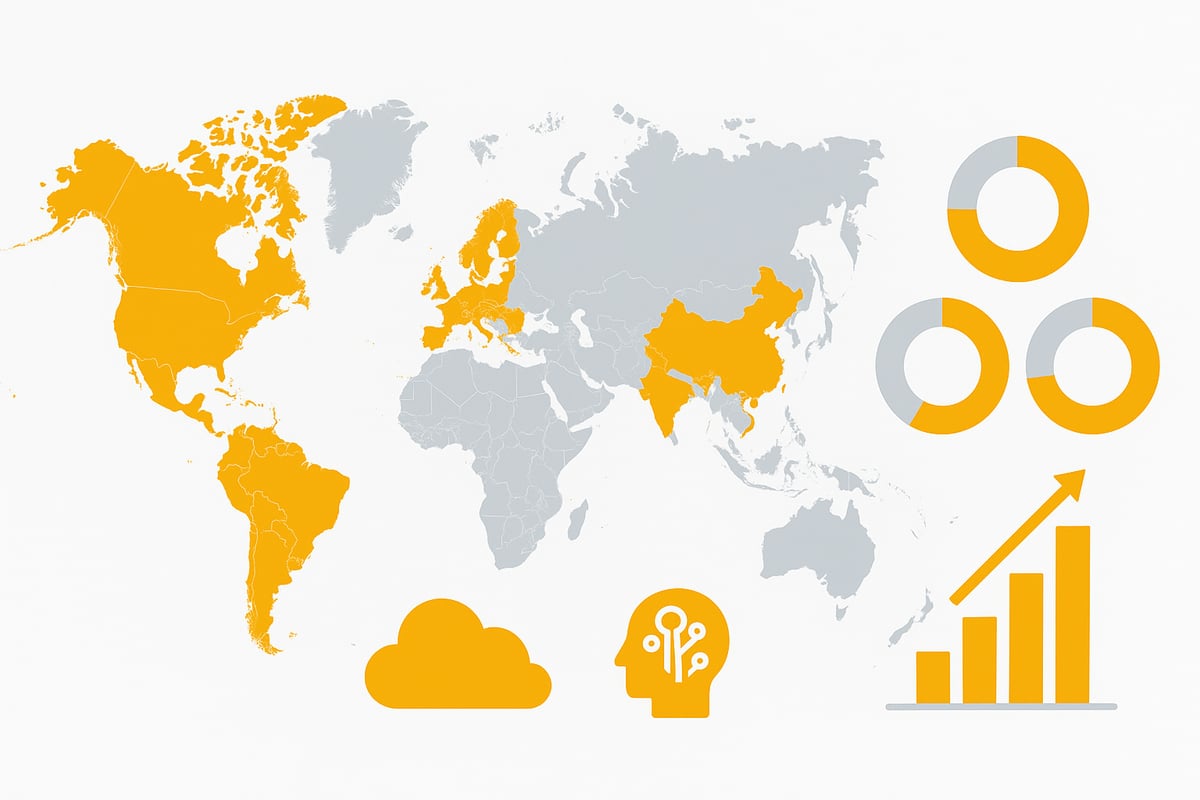
The spread of Business One is impressive: over 70,000 companies in 170 countries use the solution, which is available in 28 languages and 50 country-specific versions. Every week, more companies choose SAP Business One, confirming the global trend toward standardization and digitalization. You can find current figures and further details in the Worldwide success of SAP Business One article.
A look into the future shows that SAP BO will consistently focus on innovation through 2026. Cloud models are becoming increasingly important, as are automation and artificial intelligence. Mobile usage is becoming the standard, so you and your team can access relevant data anytime and anywhere.
The target group for SAP Business One is medium-sized companies, but also subsidiaries of large corporations and fast-growing firms. Companies that value flexibility, rapid implementation, and cost efficiency benefit in particular. With SAP ERP as your digital backbone, you strengthen resilience and are well prepared for upcoming market changes.
A practical example: A mid-sized mechanical engineering company successfully connected its international locations with SAP. Centralized data access and automated processes enabled the company to tap into new markets and significantly increase revenue. This shows how SAP BO lays the foundation for sustainable growth and digital transformation.
With SAP Business One, you get a future-proof platform that supports your company flexibly and equips you for the challenges of 2026 and beyond.
Core Functions & Modules of SAP Business One 2026
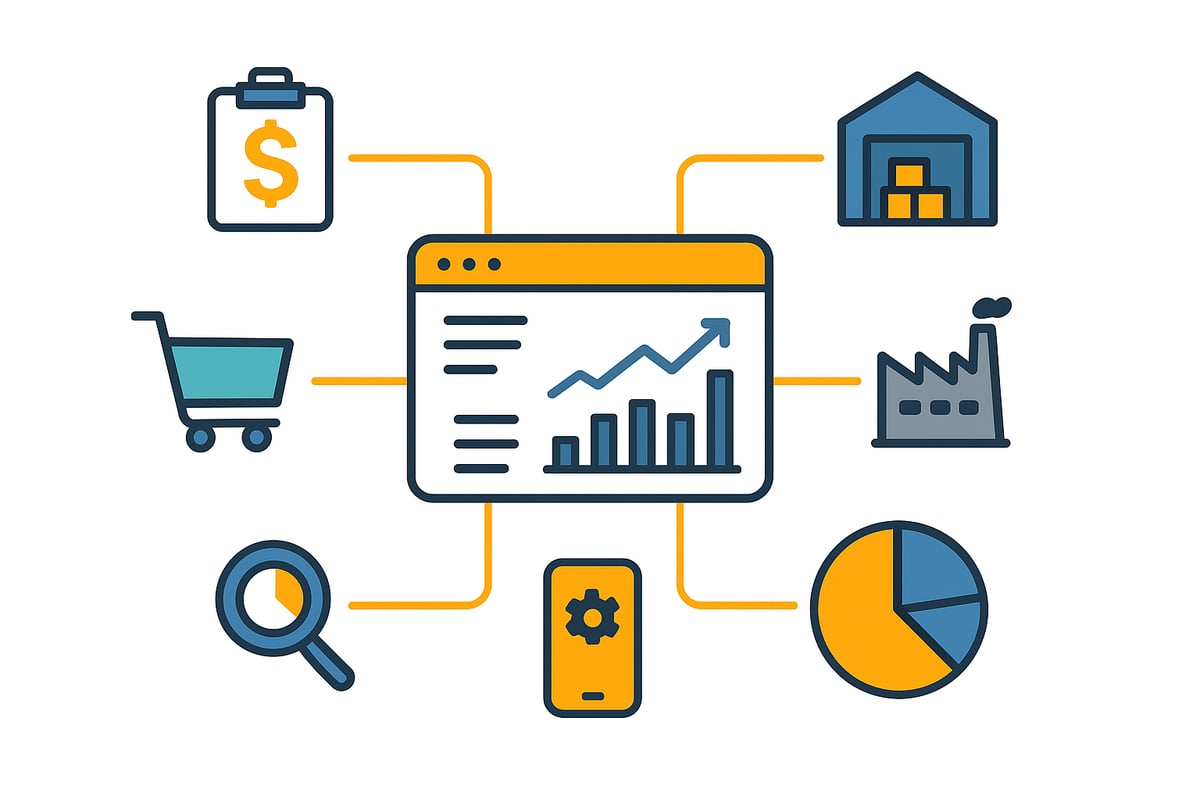
With SAP Business One, companies get a powerful platform that unites all core processes in a single system. The central strength lies in integration: from finance to sales, purchasing, production, and analytics—everything meshes seamlessly.
Accounting & Finance
In the area of accounting & finance, SAP Business One impresses with automated bookkeeping, digital document processing, and real-time reporting. Thanks to integrated workflows, many processes run almost by themselves—from invoice creation to payment processing. Learn more about automated accounting with workflows here.
Companies benefit from:
-
Automatic posting and account reconciliation
-
Fast month-end and year-end closing
-
Transparent financial data in real time
Sales & Customer Management
With SAP Business One, the entire sales process is digitized. The integrated CRM enables the management of customer relationships, the creation of quotes and orders, and the tracking of sales opportunities—all centrally and clearly.
Highlights include:
-
Central customer database
-
Quote and order management
-
Automated pricing and discounts
Purchasing & Inventory
SAP Business One simplifies purchasing and inventory management. Companies control ordering processes digitally, track inventory levels, and integrate suppliers directly into the system.
Key features:
-
Automated purchase recommendations
-
Inventory and batch management
-
Supplier management with evaluation
Production & MRP
For manufacturing companies, Business One offers modules for production planning and material requirements planning (MRP). Resources such as machines, personnel, and material are used optimally, reducing lead times and avoiding bottlenecks.
Features at a glance:
-
Production order management
-
Bills of materials and production planning
-
Capacity and resource management
Analytics & Business Intelligence
SAP Business One integrates powerful analytics tools. Dashboards and reports provide real-time KPIs, support decisions, and make company data transparent.
Examples:
-
Interactive dashboards for revenue, costs, and inventory
-
Drill-down analyses down to individual document level
-
Early warning systems for risks
Mobile Apps & Web Client
In 2026, more and more companies are relying on mobile work. SAP Business One offers mobile apps and a modern web client that enables access from anywhere. Field service, warehouse, and management are thus informed and ready to act at all times.
Industry Solutions & Practical Example
SAP Business One is flexible and offers industry-specific extensions—for trade, manufacturing, services, or process industries. A practical example: A trading company links its online shop system with SAP BO, uses real-time analytics for inventory, and thus measurably increases both revenue and customer satisfaction.
With these modules, the SAP ERP becomes the control center for all business processes and creates the basis for sustainable growth and digital competitiveness.
Implementing SAP Business One: Steps to Business Success
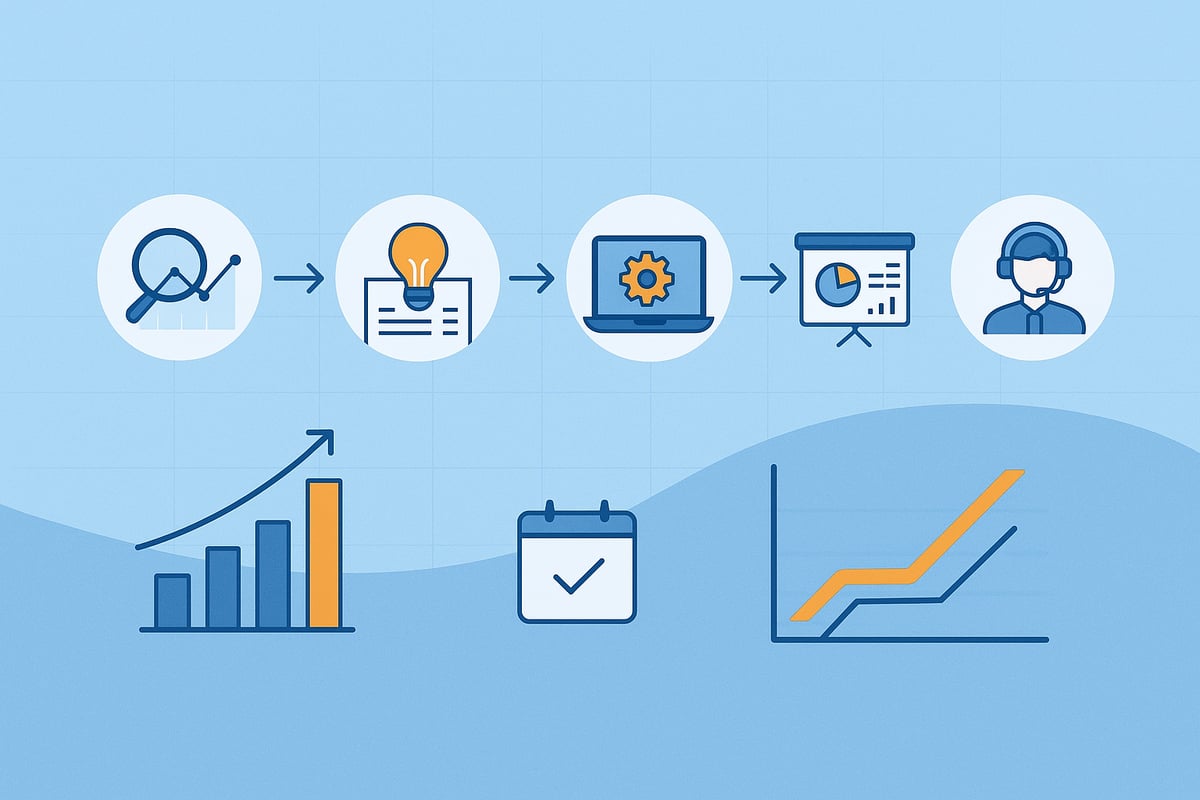
The introduction of Business One is a decisive lever for sustainable business success. To ensure the implementation runs smoothly, a clearly structured roadmap is recommended. Every project benefits from a systematic approach that brings all stakeholders on board.
Project Preparation: Laying the Foundation for Success
Every successful implementation starts with thorough project preparation. In this phase, you analyze the current processes together with your team and define clear goals. Choosing an experienced implementation partner is essential to cover industry-specific requirements.
Typical preparation steps:
-
Needs analysis and goal definition
-
Selection of the implementation partner
-
Assembling the project team
-
Initial resource planning
A solid foundation prevents later delays and creates transparency for all involved.
Design Phase & System Setup: Getting Processes on Track
In the design phase, business processes are recorded in detail and aligned with the capabilities of sap business one. Together with the partner, you define milestones, budget, and a realistic timeline.
The next step is the technical implementation:
-
Migration of legacy data into sap business one
-
System customization according to your requirements
-
Integration of existing systems, such as inventory management or CRM
This structured approach ensures that all core processes are optimally mapped and that the system fits the company right from the start.
Training, Testing & Go-Live: Navigating the Real Start Safely
Before go-live, intensive user training takes center stage. Only those who master the software can fully exploit the new possibilities. In test runs, real scenarios are simulated and sources of error are identified. This minimizes risks at the real start.
After a successful go-live, the phase of continuous support and maintenance begins. Reliable support is worth its weight in gold to secure ongoing operations and leverage optimization potential.
Success Factors & Practical Example
The key to a successful implementation of sap business one lies in clear communication and the active involvement of all employees. Change management should be part of the project from the outset. According to Best practices for SAP Business One implementation, a step-by-step approach pays off.
Success factors at a glance:
-
Open communication and clear goal definition
-
Training and motivation of users
-
Careful data migration and testing phases
Avoid common pitfalls:
-
Insufficient training
-
Unclear responsibilities
-
Poor data quality
A mid-sized manufacturing company implemented sap business one in just six months. The result: process speed increased by 30 percent, errors were significantly reduced, and competitiveness was sustainably strengthened.
SAP Business One Costs & Licensing Models: Transparency for 2026
Introducing sap business one is an investment that can pay off quickly for small and medium-sized businesses. But how are the costs structured in 2026, and what should you pay attention to?
First, total costs are divided into various components. These include license fees, which are usually billed per user, one-time implementation costs, as well as expenses for training and ongoing support. Particularly attractive: the rapid readiness for use and scalability also make sap business one interesting for growing companies.
Cloud vs. On-Premise: Making the Right Choice
With sap business one, you can choose between a cloud and an on-premise model. The cloud model offers maximum flexibility, lower IT effort, and enables access from anywhere. On-premise is suitable for companies that want to retain full control over their IT infrastructure.
|
Model |
Advantages |
Disadvantages |
|---|---|---|
|
Cloud |
Scalability, lower investment costs, automatic updates |
Dependency on the provider, ongoing rental costs |
|
On-Premise |
IT control, individual customizations |
Higher initial investment, maintenance effort |
Statistics show that cloud solutions will continue to gain importance in 2026. Especially for SMEs that want to grow internationally, the cloud model is often the best choice.
Example Calculation, ROI & Cost Optimization
A typical SME with 20 employees pays for sap business one about 1.200–1.500 € per user license, plus implementation costs starting at 25.000 €. Monthly cloud models start at approx. 120 € per user. Amortization usually occurs after just 12–18 months, as efficiency gains and error reduction are noticeable.
An ROI analysis shows that process automation and digital workflows can save significant time and costs. Funding opportunities and tax advantages can further reduce the investment.
Do you want to fully leverage efficiency potential? Then find out how to make your processes around SAP even smarter with optimize digital business processes.
Tip: Compare different licensing models, review cloud offerings, and choose the model that fits your growth. This creates transparency and predictable costs for the future.
SAP Business One in Practice: Industries, Use Cases & Success Stories
The digital revolution is transforming every industry—but what does that look like specifically for the mid-market? With SAP Business One, companies in trade, manufacturing, process industries, the service sector, and the pharmaceutical, chemical, and food industries unlock new efficiency potential.
SAP Business One is far more than just an ERP system. It serves as the heart of the digitalization of entire value chains. Whether a retailer with multiple branches, a manufacturing mid-market company, or a growing service provider—the solution is flexibly adapted to industry-specific requirements.
Individual use cases show how SAP Business One creates real value: In retail, the integration of webshops and real-time analytics ensures optimal inventory management and increased sales. In manufacturing, the automation of production processes enables end-to-end monitoring—from ordering to delivery.
Companies in process industries also benefit from continuous quality controls, traceability, and integration with external systems such as LIMS. Service providers digitize their order processing and automate recurring tasks, which not only saves time but also minimizes error rates.
|
Industry |
Typical SAP Business One Use Cases |
Example Results |
|---|---|---|
|
Retail |
Webshop integration, inventory optimization |
Sales increase, fewer stockouts |
|
Manufacturing |
Shop floor control, MRP, quality management |
Faster lead times, transparency |
|
Services |
Project management, automated billing |
Higher customer satisfaction, time savings |
|
Food |
Batch tracking, supplier integration |
Traceability, compliance |
An important success factor is the integration of industry-specific tools. For example, companies rely on the integration of document management to manage documents digitally and archive them in an audit-proof manner directly from Business One.
Automation also plays a central role. Automated invoice retrieval reduces manual effort, accelerates approval processes, and ensures greater transparency in day-to-day operations.
With SAP Business One, companies secure resilience against skilled labor shortages and international challenges. Digital early warning systems, mobile applications, and scalable structures ensure that growth does not hit a ceiling. 800 SAP partners worldwide provide support, case studies, and best practices.
A satisfied customer sums it up: “With SAP Business One, we were able to accelerate our processes by 40% and cut error rates in half.” These success stories show that the solution is the key to sustainable growth and competitiveness for a wide range of industries.
SAP Business One & Workflow Automation: Unlocking Full Efficiency Potential
Efficient processes will determine business success in 2026. Those who handle recurring tasks manually lose valuable time and risk errors. This is where Business One comes in: the software enables seamless automation of business processes so that resources are used specifically for value-adding activities.
What advantages does workflow automation with sap business one offer?
-
Time savings: Routine tasks such as invoice retrieval or maintaining customer master data run fully automatically.
-
Error prevention: Automated workflows prevent typos and ensure consistent data.
-
Compliance & transparency: Workflows can be documented and aligned with legal requirements.
-
Productivity boost: Employees can focus on demanding tasks.
In practice, this means: invoices are automatically retrieved from web portals, documents are stored directly in document management systems, and approval processes are controlled with a click. Even without programming knowledge, workflows can be customized, which is particularly attractive for SMEs.
A look into the future shows how relevant AI and cloud technologies will be for automation. Intelligent workflows analyze data, recognize patterns, and control processes proactively. The requirements for data protection and GDPR compliance are continuously increasing. A deep dive into this development is provided by SAP’s focus on cloud and AI through 2026.
Practical tip: When selecting an automation platform for sap business one, you should look for integration capabilities, security, and an intuitive user interface. This is how digitalization unfolds its full potential.
You’ve now seen how SAP Business One and smart workflow automation deliver real efficiency gains for companies—from automated invoice retrieval to the secure integration of various systems. With filehub, you can digitize exactly such processes without any programming effort while meeting the highest security standards. Especially if you want to make your workflows simple and future-proof, it’s worth taking a look at the possibilities of filehub. Just try it out for yourself and discover how much time and resources you can save—test filehub.one now for free


