BMD Financial Accounting: Functions and Automation 2026

Financial accounting is the heart of every company, but manual processes consume valuable time and resources. Modern accounting software such as BMD Financial Accounting promises not only a structured recording of all business transactions, but also intelligent automation and seamless integration into existing systems. In a time when efficiency and compliance must go hand in hand, the question arises: How can BMD accounting software be used optimally and connected with modern automation tools? This article highlights the most important features, integration options, and practical application scenarios for companies that want to take their accounting processes to the next level.
What is BMD Financial Accounting and who is it for?
BMD Financial Accounting is a comprehensive software solution for corporate accounting, aimed particularly at small to medium-sized enterprises as well as tax advisors. The software covers all areas of financial accounting and enables legally compliant management of all accounting processes.
Key features at a glance
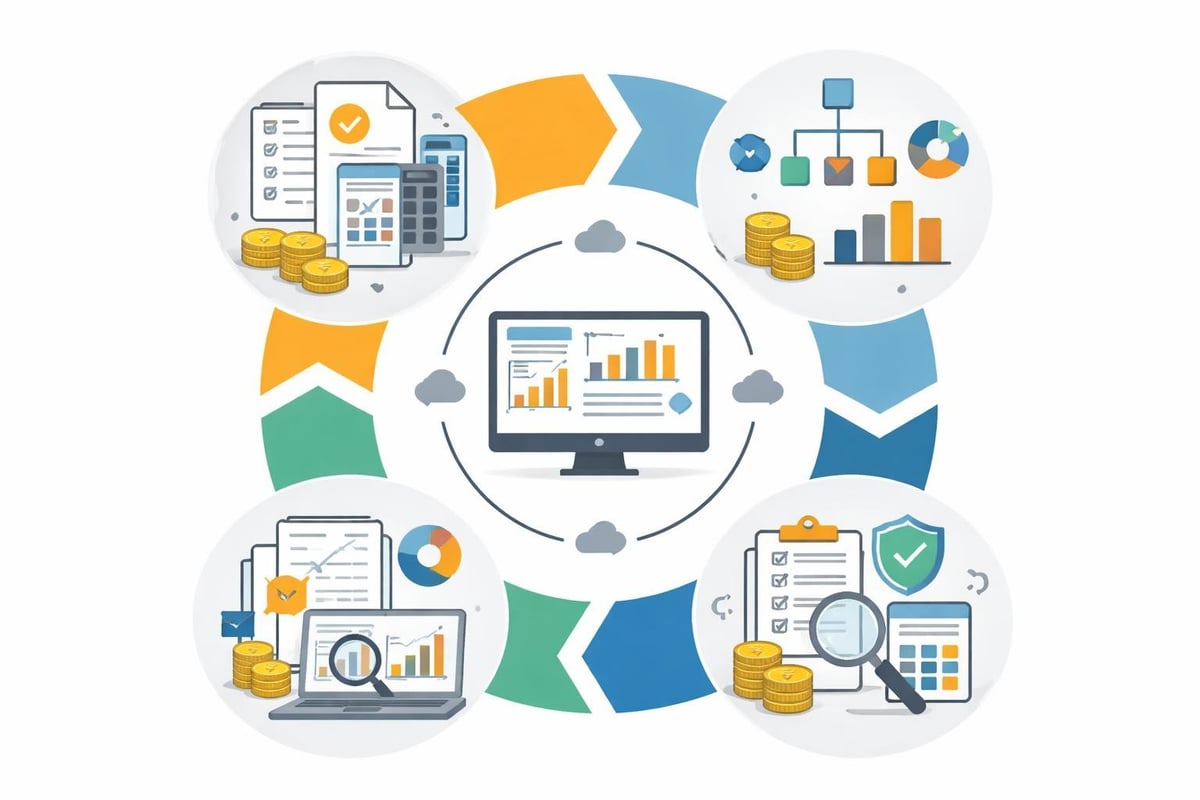
BMD Financial Accounting offers a wide range of functions that map the entire accounting cycle:
- Account assignment and posting: Automatic account mapping and intelligent posting suggestions
- Multiple posting circles: Management of different clients or companies in one environment
- Cost center accounting: Detailed allocation of costs to projects, departments, or cost centers
- Year-end closing: Structured preparation and execution of the annual financial statements
- Reporting: Extensive analysis options and custom reports
The software stands out for its high adaptability. Companies can design charts of accounts to suit their needs and configure workflows individually.
Target groups and areas of application
BMD Financial Accounting is aimed primarily at the following user groups:
| Target group | Typical requirements | Advantages of BMD Financial Accounting |
|---|---|---|
| SMEs | Efficient accounting without a large IT department | User-friendliness, clear structure |
| Tax advisors | Client management, GoBD compliance | Multi-client capability, DATEV interfaces |
| Holding structures | Consolidation of multiple entities | Posting circles, group closing functions |
| High-growth companies | Scalable solution with expansion options | Modular architecture, variety of interfaces |
The software is particularly widespread in Austria and Germany, where it stands out for its compliance with local tax regulations and reporting standards.
🤖 Copy, paste, forget.
filehub automatically syncs your BMD Buchhaltung documents - in and out — reliably and without errors.
Integration into existing system landscapes
Modern accounting software must integrate seamlessly into the existing IT infrastructure. BMD Financial Accounting offers a variety of integration options that significantly simplify data exchange with other systems.
Native interfaces and extensions
BMD Financial Accounting offers direct connections to various business areas:
- Fixed asset accounting: Automatic data transfer between BMD Fixed Asset Accounting and Financial Accounting
- Payroll: Transfer of payroll data to accounting without manual entry
- Inventory management: Integration of goods receipts and issues directly into bookkeeping
- Banking: Automatic bank statement import and payment processing
- CRM systems: Synchronization of customer and supplier master data
These native integrations reduce media discontinuities and minimize sources of error in data transfer.
Automation via file management platforms
While BMD offers native interfaces, day-to-day requirements often go beyond them. Modern file automation platforms significantly expand the possibilities:
- Automatic download of invoices from web portals and forwarding to accounting
- Structured filing of documents with automatic naming and categorization
- Connection to cloud storage such as SharePoint, OneDrive, or Google Drive
- Notifications and workflows for approval processes
Particularly for companies that work with various suppliers and platforms, automating invoice downloads offers significant savings potential.
Practical workflows with BMD Financial Accounting
Theory is one thing, practice is another. What do concrete workflows look like in BMD Financial Accounting?
Incoming invoices: From inbox to posting
The typical process for incoming invoices runs in several steps:
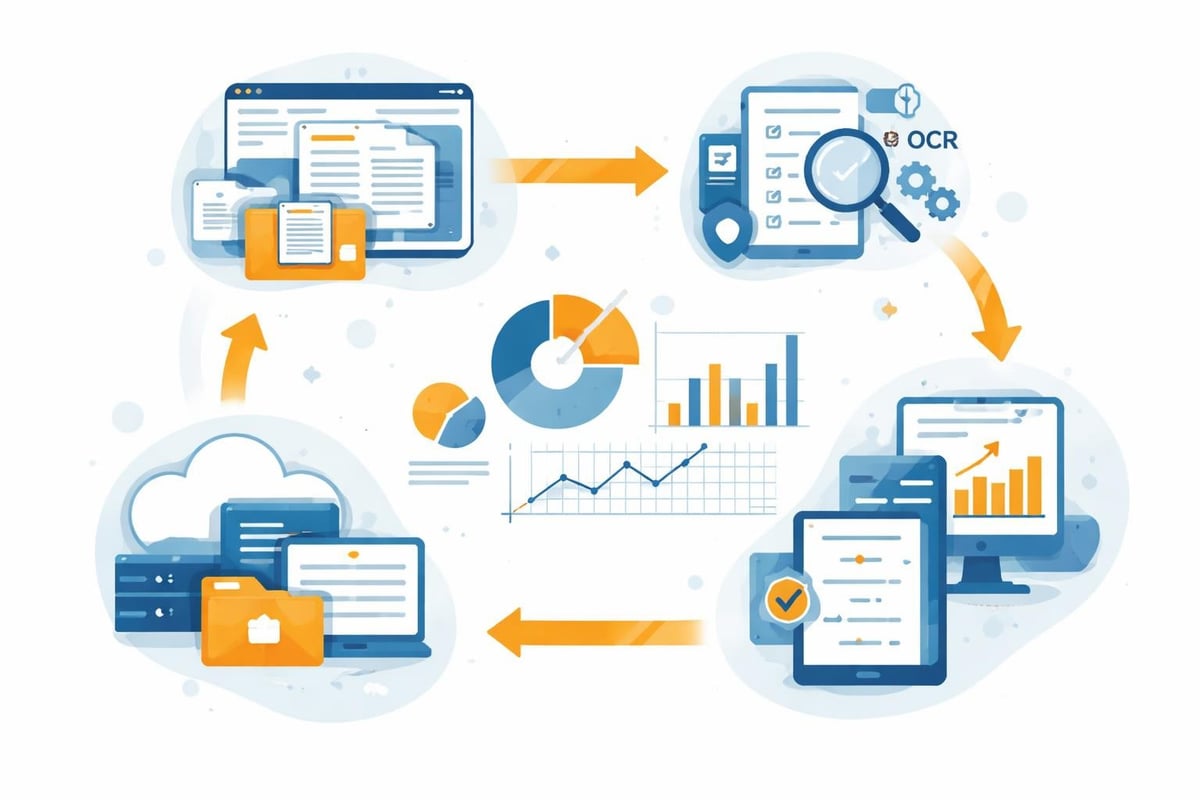
Step 1: Capture Invoices arrive by email, mail, or via a web portal. An automation platform can collect them from various sources and make them available centrally.
Step 2: Review and approval The invoice is reviewed and approved by the responsible department. Automatic workflow systems can control responsibilities and manage escalations here.
Step 3: Account assignment In BMD Financial Accounting, allocation to accounts, cost centers, and, if applicable, projects takes place. Intelligent posting suggestions based on historical data accelerate this process.
Step 4: Posting Final posting takes place after review. The software automatically creates the corresponding journal entries.
Step 5: Payment release Through integrated payment modules, payments are initiated and documented.

Design month-end and year-end closing efficiently
Month-end closing is a recurring task that can be accelerated through automation in BMD Financial Accounting:
- Automatic creation of provisions: Predefined posting templates for recurring provisions
- Accrual/deferral postings: Systematic recording of period accruals and deferrals
- Reconciliation tools: Automatic actual vs target comparison and variance analysis
- Report generation: Automatic creation of BWAs and trial balances
For year-end closing, the software offers additional features such as reclassification assistants, balance sheet structures according to HGB or UGB, and tax calculation modules.
🎯 Ready to never do this manually again?
filehub automatically syncs your BMD Buchhaltung documents - in and out — set it up once, automated forever.
BMD Financial Accounting and GDPR-compliant data processing
Data protection is more important than ever in 2026. BMD Financial Accounting must not only meet accounting standards but also comply with strict data protection requirements.
Data security in accounting
Accounting data are among the most sensitive corporate information. BMD Financial Accounting relies on multiple layers of security:
- Encrypted data transmission and storage
- Role-based access rights with granular control
- Audit trails for all changes and accesses
- Regular backups with recovery options
If additional automation tools are used, their GDPR compliance is equally important. German platforms such as filehub offer a clear advantage thanks to data centers in Germany and strict adherence to European data protection standards.
Ensuring GoBD compliance
The Principles for properly maintaining and storing books, records, and documents in electronic form (GoBD) set clear requirements:
- Traceability: Every posting must be documented without gaps
- Immutability: Posted documents may not be subsequently changed
- Completeness: All relevant business transactions must be recorded
- Timeliness: Postings must be made promptly
- Orderliness: Systematic and structured filing of all documents
BMD Financial Accounting meets these requirements through appropriate system logic. The FAQ on BMD Financial Accounting provides detailed information on the technical implementation of these requirements.
Optimization through automated document processing
Manual document entry is time-consuming and error-prone. Modern automation approaches can bring significant improvements here.
Document capture and OCR technology
Optical character recognition (OCR) enables the automatic reading of invoice data:
| Function | Manual process | With OCR automation |
|---|---|---|
| Invoice number | Manual entry | Automatic detection |
| Date | Manual entry | Automatic detection |
| Amount | Manual entry | Automatic detection |
| Vendor | Manual search | Automatic matching |
| Account assignment | Manual selection | AI-supported suggestions |
| Time per invoice | 3-5 minutes | 30-60 seconds |
Specialized automation solutions can transfer these recognized data directly to BMD Financial Accounting and generate posting suggestions.
Automate portal connections
Many companies procure goods and services via online portals. Manually downloading invoices is tedious, but it can be automated. Platforms for automated retrieval from web portals can:
- Automatically download invoices from supplier portals
- Name and store files according to predefined rules
- Send notifications about new documents
- Pass data to downstream systems such as BMD
This is particularly relevant for companies that work with platforms such as Amazon Business, Booking.com, or other portals.
🎯 Ready to never do this manually again?
With filehub, your BMD Buchhaltung documents move on their own — in, out, always in sync — set it up once, automated forever.
Collaboration between companies and tax advisors
Collaboration with the tax advisor is a central aspect of financial accounting. BMD Financial Accounting offers specific features that simplify the exchange.
Client access and data transfer
Tax advisors can access client data directly via dedicated logins, without the need to physically transfer data:
- Online access: Tax advisors work directly in the client’s accounting system
- Read-only or editing rights: Flexible permissions as needed
- Audit-proof logging: All accesses are documented
- Shared workflows: Reconciliation processes directly in the system
Alternatively, the software also enables the export of data in standardized formats such as DATEV or other interfaces.
Digital document provision
Providing documents to the tax advisor is increasingly digital. Modern approaches include:
- Structured storage in cloud repositories with automatic synchronization
- Direct integration via financial accounting solutions
- Version control and traceability of all changes
- Automatic archiving according to statutory retention periods
The combination of BMD Financial Accounting and intelligent file automation enables an end-to-end digital process from document receipt to archiving.
Cost-benefit analysis and ROI
Investing in professional accounting software should be carefully considered. What return on investment can you expect from BMD Financial Accounting?
Direct cost savings
Various areas offer measurable savings potential:
- Time savings: Automation reduces manual activities by 40-60%
- Error reduction: Less rework thanks to systematic processes
- Scalability: Growth without a proportional increase in staff
- Compliance security: Avoidance of fines and back payments
A mid-sized company with 500 documents per month can easily save 20-30 working hours through automation, which at an hourly rate of 40 euros already equates to 800-1,200 euros per month.
Indirect benefits and strategic value
In addition to direct savings, further added value is created:
- Better decision-making basis: Current figures enable faster, well-founded decisions
- Transparency: End-to-end traceability of all business transactions
- Professionalization: Structured processes increase corporate quality
- Competitiveness: Efficient administration creates room for core business
BMD Financial Accounting positions itself as an investment that, in most cases, pays for itself within 12-18 months.
Integration with specialized applications
Modern companies use a variety of specialized software. The ability of BMD Financial Accounting to integrate with other systems is therefore crucial.
ERP and inventory management systems
Connecting to enterprise resource planning systems enables an end-to-end flow of information:
- Automatic transfer of sales revenues from the ERP
- Synchronization of customer accounts and incoming payments
- Inventory valuation and cost of goods sold accounting
- Consolidated reporting structures
This integration is particularly worthwhile in complex corporate structures with multiple locations or business units.
Cloud storage and document management
Connecting to document management systems (DMS) closes the loop of digital accounting:
Benefits of DMS integration:
- Central, audit-proof storage of all documents
- Link between journal entry and original document
- Full-text search across all archived documents
- Automatic versioning and change history
Platforms such as SharePoint, OneDrive or specialized DMS solutions like DocuWare can be seamlessly connected to BMD Financial Accounting via automation tools.
Future trends in financial accounting
The digitalization of accounting continues to advance. Which trends will shape BMD Financial Accounting and comparable systems in the coming years?
Artificial intelligence and machine learning
AI technologies are making their way into accounting:
- Intelligent account assignment suggestions: Systems learn from historical postings and automatically suggest suitable accounts
- Anomaly detection: Unusual postings are automatically flagged
- Forecasts: AI-based cash flow and liquidity predictions
- Natural language processing: Processing unstructured data from emails and documents
These technologies are gradually being integrated into professional accounting software, further increasing efficiency and accuracy.
E-invoicing and digital invoice standards
The EU-wide e-invoicing obligation for B2B transactions from 2027 (with transition periods) is changing the landscape:
- Structured invoice formats such as XRechnung or ZUGFeRD will become standard
- Automated processing without manual entry
- Direct transmission between systems without media discontinuities
- Shorter throughput times and faster payment cycles
BMD Financial Accounting and modern automation platforms are preparing for these developments and already enable the processing of electronic invoice formats today.
Real-time accounting and continuous closing
The future belongs to real-time accounting:
- Immediate posting of all business transactions
- Permanent availability of current KPIs
- Continuous month-end and quarter-end closings instead of isolated events
- Dashboard-based corporate management with live data
This approach requires end-to-end automation and integration of all involved systems, which further increases the importance of automation platforms.
Best practices for implementation
Introducing new accounting software is a project that requires careful planning. Proven approaches significantly increase the likelihood of success.
Project planning and stakeholder management
Success factors for implementation:
- Clear objectives: What is to be achieved with BMD Financial Accounting?
- Project team: A mix of IT, accounting, and management
- Timeline: Realistic milestones with buffers
- Resource planning: Personnel, budget, external support
- Change management: Communication and involvement of all stakeholders
A typical implementation project takes between 3 and 6 months, depending on company size.
Data migration and testing phase
The transition from an old solution to BMD Financial Accounting requires special care:
| Phase | Activities | Duration |
|---|---|---|
| Preparation | Data cleansing, mapping concept | 2-4 weeks |
| Migration | Test migration, validation | 2-3 weeks |
| Parallel operation | Old and new solution in parallel | 1-2 months |
| Go-live | Final switch | 1 week |
| Post-go-live support | Optimization, support | 2-3 months |
A thorough testing phase with parallel operation minimizes risks and gives all parties confidence.
Training and adoption
Technology alone does not guarantee success. Users must understand and accept the software:
- Structured training: Role-specific training for different user groups
- Documentation: Accessible manuals and FAQ collections
- Key users: Internal experts as points of contact
- Continuous learning: Regular updates on new features
Investment in training pays off through higher user acceptance and more efficient processes.
Practical tips for everyday work with BMD Financial Accounting
Beyond major implementation projects, there are many small tricks that make everyday work with BMD Financial Accounting easier.
Shortcuts and productivity hacks
Experienced users work significantly faster by using keyboard shortcuts and functions:
- Batch postings for recurring transactions
- Posting templates for standard cases
- Quick access to frequently used functions
- Automatic data backup before critical operations
- Use of filters and search functions for quick retrieval
Regular maintenance and optimization
The software should be maintained continuously:
- Monthly reconciliations: Control routines for early error detection
- Quarterly permissions review: Are all access rights still up to date?
- Annual process reviews: Can workflows be further optimized?
- Update management: Regular installation of software updates
These routines prevent small problems from turning into major challenges.
BMD Financial Accounting provides a solid foundation for professional accounting, but the software only unfolds its full potential through intelligent automation and integration. If you want to take your accounting processes to the next level, filehub as a GDPR-compliant automation platform can be the perfect complement. With filehub you automate the retrieval of documents from web portals, connect different systems without coding, and create end-to-end workflows from invoice capture to archiving. Discover how filehub makes your financial accounting more efficient.


