Dropbox Invoices Guide 2025: Easy Management & Tips

2025 brings new challenges for managing Dropbox invoices. Digital receipts, legal requirements, and increasing data volumes make the topic more important than ever.
Do you want to organize invoices efficiently, avoid mistakes, and save time? This guide shows you how to manage Dropbox invoices smartly and securely.
Look forward to step-by-step instructions, smart automation, legal tips, and pro hacks. Gain more clarity, work stress-free, and leverage the benefits of digitization. Start now and take your invoice management to the next level.
Dropbox Invoices 2025: What matters?
Automated invoice management will become increasingly central for companies and self-employed professionals in 2025. Especially in the digital age, many are looking for efficient ways to optimize their accounting and maintain an overview.
The importance of Dropbox for companies and self-employed professionals
Dropbox has established itself as a central cloud platform for file management. Many companies and self-employed professionals rely on Dropbox. For many freelancers and startups, Dropbox plays a major role because it enables flexible collaboration and location-independent access.
A key advantage: The automatic integration of invoices into accounting greatly facilitates tax and compliance processes. According to current market analyses, more than 20,000 German companies use automated workflows to capture and manage invoices efficiently.
Typical challenges with manual management are:
-
Confusing folder structures
-
Duplicates and data loss
-
Time-consuming searches for individual receipts
Those who rely on digital solutions here gain a clear competitive advantage in managing their Dropbox invoices.
Changes and trends for 2025
2025 brings numerous innovations for Dropbox invoices. Dropbox continuously expands its file storage functions and offers even more automation options.
A central trend: Legal requirements such as the e-invoicing mandate, GoBD, and the GDPR are being monitored more strictly. Companies must adapt their invoice storage and processes to these requirements.
Automated provisioning of Dropbox invoices is becoming increasingly important. Tools and interfaces ensure that receipts can be transferred directly from Dropbox to accounting. This not only saves time but also reduces sources of error.
A practical example: With modern automation solutions like Automated invoice processing, invoices can be automatically downloaded from Dropbox, then captured, sorted, and forwarded to the accounting software. This keeps all data up to date and reliably meets compliance requirements.
Companies that embrace these trends will benefit in 2025 from greater efficiency, fewer errors, and maximum transparency in managing their Dropbox invoices.
⚡ While you click, your competitors already automated.
With filehub, your Dropbox documents move on their own — in, out, always in sync — the switch takes minutes.
Find, download, and store Dropbox invoices: step by step
Finding, downloading, and securely storing Dropbox invoices is crucial in digital day-to-day business. A well-thought-out organization saves time and prevents errors. With the right methods, you always keep track of all important documents.
Organize invoices systematically in Dropbox
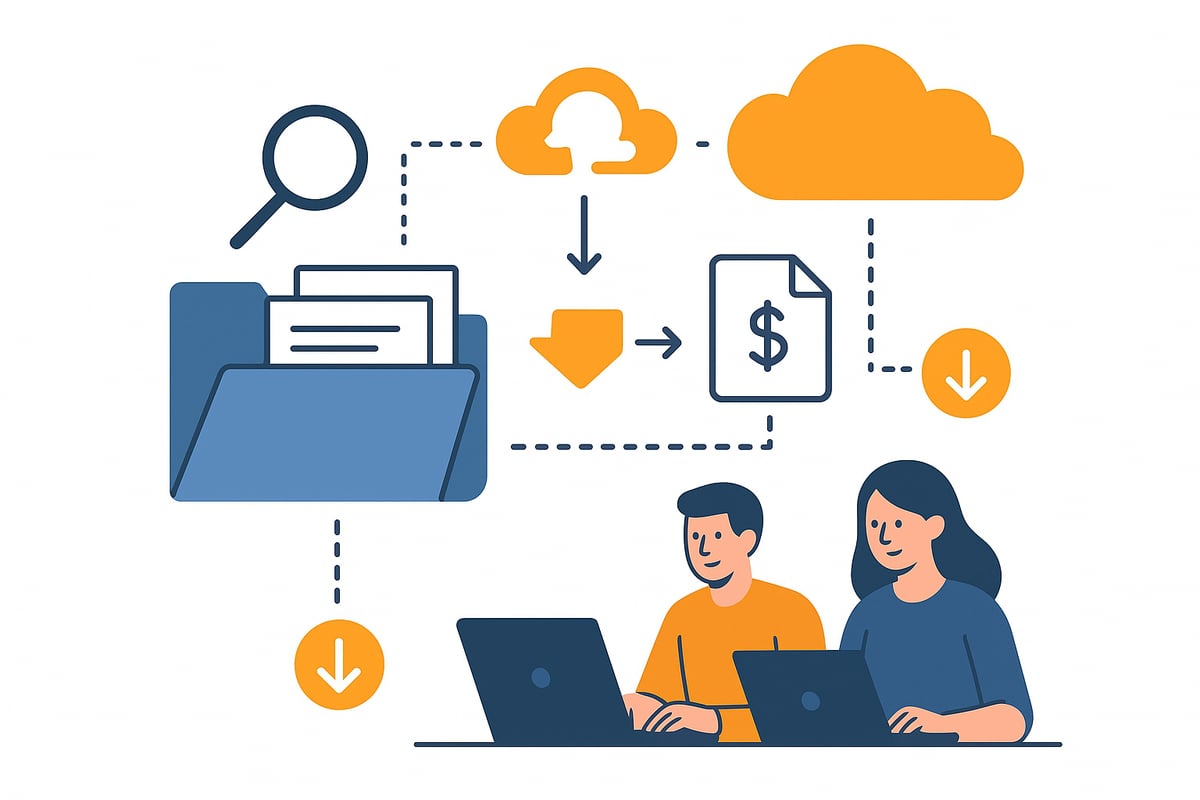
A well-structured filing system is the foundation for managing invoices. Start with a clear folder structure—by year, month, and business unit, for example. This way, you can find any invoice in seconds.
-
Use clear file names such as “2025-03_Musterfirma_12345.pdf”.
-
Create subfolders for incoming and outgoing invoices.
-
Use tags or comments for additional info.
Dropbox offers handy search functions. Filter by file type, time period, or keyword to find Dropbox invoices precisely. This helps you avoid duplicates and maintain control over your data inventory.
An example of a folder structure:
|
Level 1 |
Level 2 |
Level 3 |
|---|---|---|
|
2025 |
Incoming invoices |
Q1, Q2, Q3, Q4 |
|
2025 |
Outgoing invoices |
Q1, Q2, Q3, Q4 |
More tips for freelancers and small businesses can be found at How to manage invoicing.
Download invoices manually — here's how
Manually downloading Dropbox invoices is easy and secure if you proceed step by step.
-
Log in to Dropbox.
-
Navigate to the desired folder or use the search function.
-
Select the invoice you need.
-
Click “Download” and save the file locally.
Dropbox supports various file formats, for example PDF and JPG. Make sure your accounting software is compatible with these formats.
For security, you should store invoices in encrypted form. Regularly check access rights and use automatic backups to avoid data loss with Dropbox invoices.
That’s the manual process, and you have to repeat this step with every Dropbox invoice. It’s very monotonous and error-prone.
Automated downloading and syncing
With automation tools, you can manage Dropbox invoices even more efficiently. Many companies today use APIs or integrations to automatically load invoices from Dropbox and forward them to accounting.
Benefits of automation:
-
Saves time because the download process is eliminated.
-
Prevents errors due to human forgetfulness.
-
Ensures that data is always up to date.
Popular tools like Zapier or specialized accounting integrations like filehub enable the automatic import of invoices. A typical workflow: New Dropbox invoices are detected, sorted, and transferred directly into the accounting software.
This way you achieve maximum efficiency and permanently reduce manual effort.
Automate Dropbox invoices: Boost efficiency & avoid errors
Manually managing Dropbox invoices costs time and is prone to errors. Those who don’t rely on automation risk chaos, forget important receipts, or miss deadlines. Automated workflows help eliminate these common pitfalls and ensure a smooth invoicing process.
Why automation makes sense
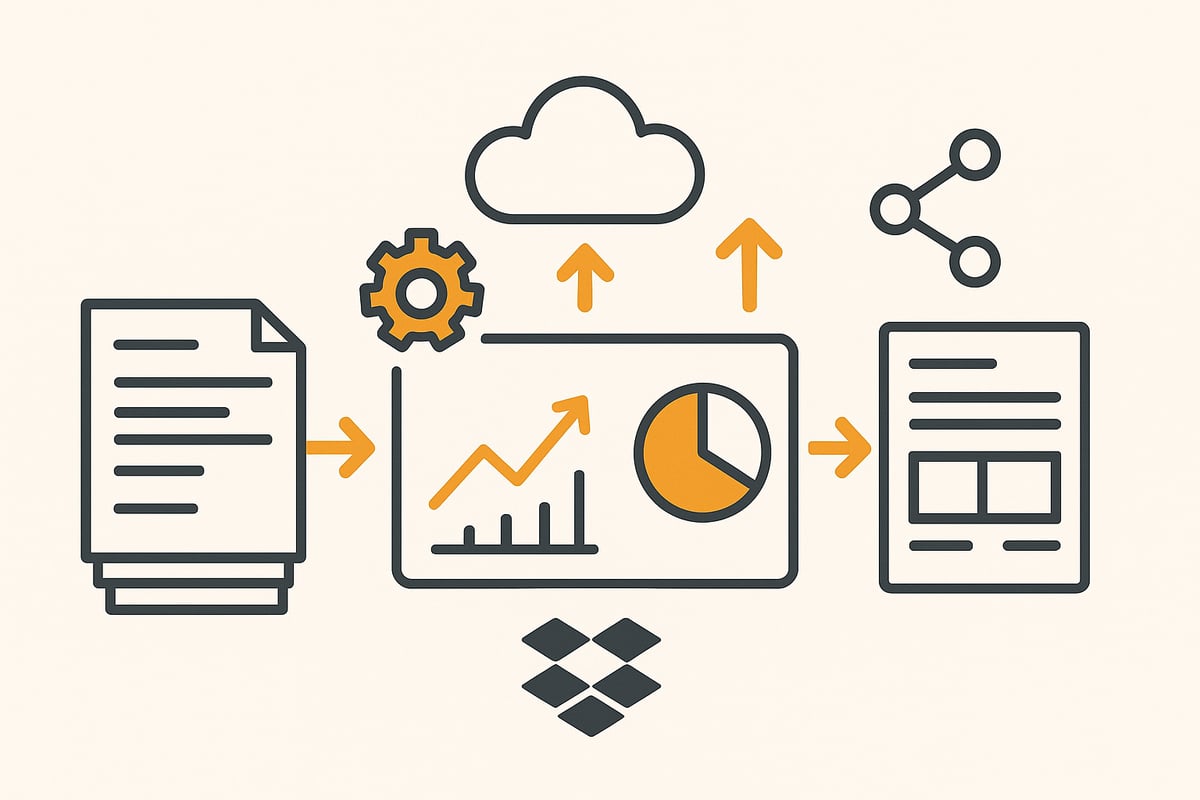
Manual processing of Dropbox invoices carries numerous risks. Typical sources of error are incorrect assignments, forgotten receipts, or documents filed twice. Tracking payment deadlines also quickly becomes confusing. With automation, the time required can be significantly reduced: Studies show that automated processes are up to 70 percent faster than manual workflows.
Another plus is transparency. Digital workflows ensure that all steps are documented in a traceable way. This facilitates collaboration with tax advisors and increases legal certainty. Those who adopt automation minimize errors and gain valuable time for their core business.
Tools and integrations for automation
Numerous tools are available for automating the processing of Dropbox invoices. Solutions like GetMyInvoices, Zapier or native Dropbox automations such as filehub make it possible to automatically retrieve, sort, and forward invoices directly to accounting. Particularly convenient: Many of these tools offer interfaces to common accounting software.
A practical example: A company uses a connection between Dropbox and Lexoffice to automatically import and post incoming invoices. This not only saves time but also significantly reduces the error rate. If you want to learn more about concrete automation approaches, you’ll find helpful information and best practices under Automation for accounting.
Dropbox invoice automation with filehub: efficient, secure & GDPR-compliant
With filehub, a German platform is available that was specially developed for the automatic processing of files and documents. Integration with Dropbox and other business tools works entirely without programming knowledge. This allows companies to set up no-code workflows and fetch invoices directly from Dropbox, process them, and pass them on to the accounting software.
Particularly in focus: GDPR compliance and the highest data security. All processes run on German servers; access controls and encryption are a matter of course. Whether a small startup or a large company—filehub offers the right solution for every size. Getting started is free, so you can test the efficiency of your invoice management with Dropbox invoices without risk.
🔄 Digitalisation isn't a question of if — only when.
With filehub, your Dropbox documents move on their own — in, out, always in sync — the switch takes minutes.
Legal requirements: GoBD, e-invoices & data protection with Dropbox
The legal requirements surrounding Dropbox invoices are becoming even more complex in 2025. Anyone who wants to manage digital receipts securely and efficiently must keep an eye on GoBD, the e-invoicing mandate, and data protection. Compliance with these requirements is crucial for legal certainty and corporate reputation.
GoBD-compliant archiving of invoices in Dropbox
GoBD stipulates that digital receipts like Dropbox invoices must be archived at all times completely, immutably, and in a traceable manner. Dropbox supports you with features such as versioning, access logs, and a reliable data structure.
For audit-proof storage, you should observe the following tips:
-
Use clear folder structures and file names.
-
Enable versioning to document changes without gaps.
-
Restrict access rights to relevant people.
An additional guide is the article GoBD-compliant archiving and accounting, which shows practical solutions for organizing Dropbox invoices.
E-invoicing mandate 2025: What to consider?
From 2025, the e-invoicing mandate will apply to many companies. This also affects Dropbox invoices, as all electronically received and sent receipts must meet certain requirements.
Key points:
-
E-invoices must be in a structured format (e.g., XRechnung, ZUGFeRD).
-
Deadlines and transition rules vary depending on company size.
-
Dropbox can serve as a storage location if the technical integrity and readability of e-invoices are ensured.
In conjunction with accounting tools, Dropbox invoices can be imported and archived automatically, making it easier to comply with the new requirements.
Data protection and GDPR: Handling sensitive invoice data securely
Data protection and the GDPR play a central role with Dropbox invoices. Dropbox offers modern security features such as encryption, two-factor authentication, and granular access controls.
For GDPR-compliant use, you should note:
-
Regularly review user permissions.
-
Use strong passwords and up-to-date security mechanisms.
-
Store sensitive data only to the extent necessary.
Also ensure regular backups and document how you handle Dropbox invoices so that you’re prepared in the event of an audit.
Integrate Dropbox invoices into accounting
Integrating Dropbox invoices into your accounting delivers real efficiency gains. With the right connection, you save time, reduce sources of error, and create more transparency in your financial processes. More and more companies are looking for ways to transfer their digital receipts to the accounting software quickly, securely, and automatically.
Interfaces to accounting software and tax advisors
A direct connection from Dropbox to accounting programs such as DATEV, Lexoffice, or other cloud solutions is almost standard today. Through modern interfaces, Dropbox invoices are automatically imported, tagged, and assigned to the appropriate posting. This not only saves time but also significantly reduces manual effort.
Want to know how the connection works technically? Check out the step-by-step guide to setting up the Dropbox connection. This lets you start automated processes with just a few clicks and centralize your document management.
For tax advisors, this integration is especially valuable because they receive all relevant documents directly and up to date without manual follow-ups.
Digitize invoice approval and payment processes
With digital approval processes in Dropbox and connected tools, collaboration within the team or with the tax advisor becomes much easier. Invoices can be forwarded for approval with a click. Reminder functions ensure that no invoice is overlooked.
Automated workflows support Dropbox invoices moving directly into the payment process after approval. This allows payment runs and deadlines to be managed efficiently. A good example: The automatic notification to the tax advisor as soon as a new invoice has been uploaded and approved saves communication effort and accelerates the month-end close.
Exporting and sharing invoices
For sharing invoices with external partners or tax advisors, Dropbox offers various export options. You can export Dropbox invoices in PDF, CSV, or other common formats. Make sure to grant the appropriate access rights so that sensitive data remains protected.
Typical sources of error are incomplete exports or incorrect file formats. With clear processes and a short checklist, these problems can be avoided. Regularly check whether all relevant receipts have been transferred correctly and whether the data meets the requirements of accounting. This keeps your invoice management clear and secure.
🔄 Digitalisation isn't a question of if — only when.
Connect once, stay synced: filehub matches your Dropbox documents automatically — the switch takes minutes.
Pro tips for efficient Dropbox invoice management in 2025
With the right strategy, you can get the most out of your Dropbox invoices. Use these pro tips to optimize processes, increase security, and avoid mistakes. This way, your invoice management in 2025 remains efficient and legally compliant at all times.
Save time with intelligent workflows
Automate recurring tasks around Dropbox invoices. Set up workflows that remind you of due invoices and automatically assign tasks. Use tags and comments to make documents easy to find and improve collaboration in the team.
-
Automated reminders for deadlines
-
Task management directly in Dropbox or connected tools
-
Mobile apps for flexible access on the go
With these methods, you’ll always stay on top of things and save valuable time every day.
Security and backup: How to protect your invoices
Data security is essential for Dropbox invoices. Create regular backups and use versioning in Dropbox to restore accidentally deleted or edited documents. Make sure access rights are clearly assigned and use two-factor authentication for all users.
-
Automate backup strategies
-
Review user management regularly
-
Additional encryption for sensitive data
This keeps your invoices protected in the long term and prepares you for all eventualities.
Key best practices and how to avoid common mistakes
A well-thought-out system for Dropbox invoices prevents chaos and saves costs in the long run. Work with a clear folder structure, check regularly for duplicates, and verify the completeness of your backups. A checklist helps keep all relevant points in view.
-
Clear naming conventions for documents
-
Regularly review the filing structure
-
Stay up to date on legal changes, for example through the GoBD update due to the e-invoicing mandate
This way, you’re well prepared for future trends and requirements in digital invoice management.
You’ve now seen how much time and stress a cleverly organized Dropbox invoice management setup can save you—especially when automation and data protection go hand in hand. With the right workflows, you not only stay on top of things but also reduce sources of error and meet all legal requirements. If you’re curious how easy this is to implement in practice, you can try filehub.one for free now and experience how relaxed invoice management in 2025 can really be.


