Software DMS Guide 2026: Efficient Document Management

Digital transformation is changing the way companies manage their documents. By 2026, efficient document management with DMS software is no longer just an advantage, but a must for business success.
Mountains of paper and inefficient filing systems are a thing of the past. Modern DMS software solutions help save time, avoid errors, and meet legal requirements.
This guide shows you how to use the right DMS software to increase efficiency, ensure compliance, and optimize business processes. Learn everything important about the basics, selection, current trends, and proven solutions for the document management of the future.
What is a DMS? Basics and how it works
A document management system—DMS for short—is the digital backbone of modern companies. Whether start-up or enterprise: the daily flood of documents calls for a structured solution. This is exactly where a DMS comes in, ensuring that information no longer gets lost in paper chaos or scattered folders.
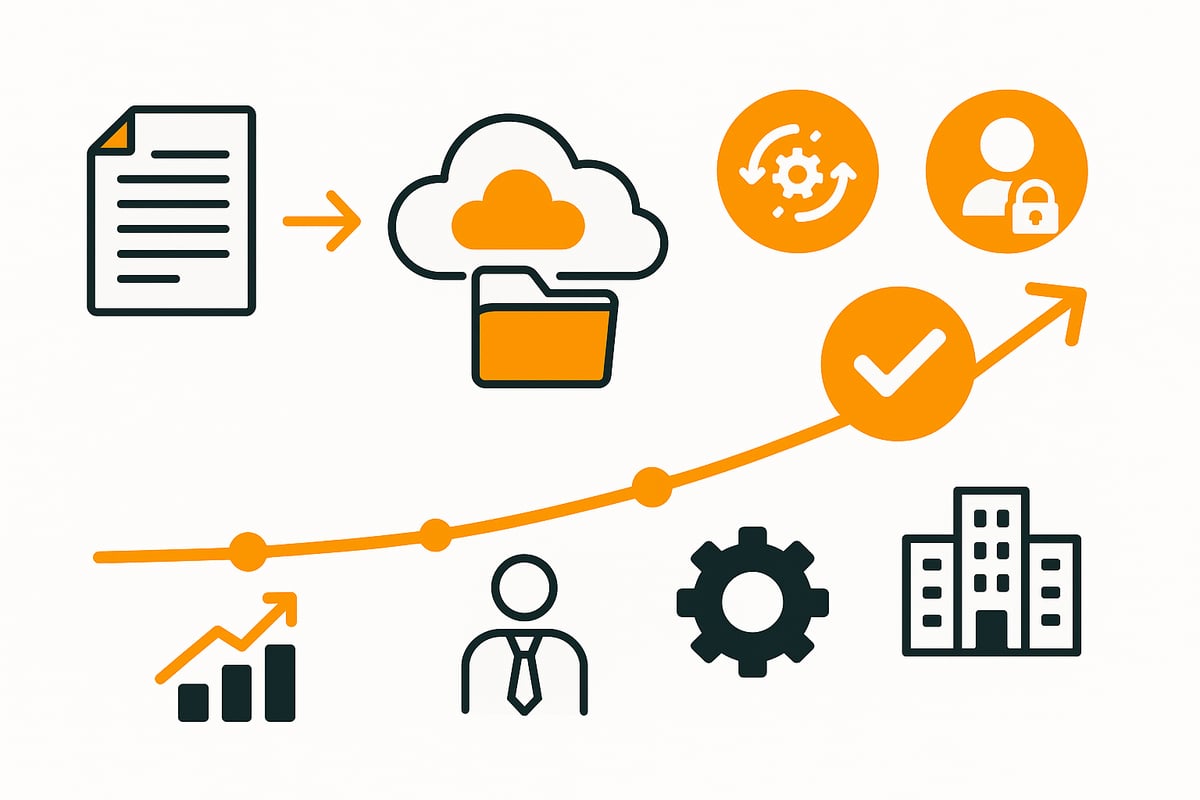
Definition and key tasks of a DMS
DMS software is more than just a digital archive. It performs key tasks such as:
-
Capturing and storing all document types
-
Audit-proof archiving
-
Fast search and retrieval via full-text search
-
Sharing and distribution within the team
Compared to simple filing systems, DMS software offers additional functions such as workflow control, versioning, and granular access rights. HR, accounting, and contract management benefit from clear processes and fewer sources of error.
Companies of all sizes save valuable time every day by using a DMS. According to DocuWare, companies process enormous volumes of documents—without a DMS, long search times, errors, and a lack of traceability are the consequences.
Structure and technical components of modern DMS
Modern DMS systems consist of several technical building blocks:
-
Metadata management and indexing for targeted searches
-
Access control to manage permissions
-
Automated workflows, notifications, and document recognition
-
Interfaces to ERP, CRM, or HR systems
Cloud capability and mobile use are standard today. For example, automated invoice processing or digital personnel files can be scaled flexibly and adapted to company processes.
Thanks to these components, DMS software remains powerful even as data volumes grow and supports efficient operations.
Legal certainty and compliance in the DMS
Legal requirements are essential, particularly with regard to GoBD and GDPR. DMS software meets these through:
-
Immutable archiving and complete logging
-
Fine-grained access control and automatic retention/deletion periods
-
Digital archiving replacing the obligation to keep paper records
Audit trails and audit-proof storage provide protection against data loss and abuse. The importance of this is demonstrated by the GoBD- and GDPR-compliant DMS solution, which specifically addresses legal requirements.
This way, DMS software effectively protects you from legal risks and ensures sustainable compliance in your company.
📈 What annoys you at 10 documents breaks at 100.
Amagno in, receipts out: filehub runs the data flow in the background — no matter how much comes in.
Developments and trends in document management 2026
The world of DMS software is changing rapidly. Companies are saying goodbye to analogue paper archives and deliberately turning to modern digital solutions. New technologies and ways of working are driving development and turning efficient document management into a competitive advantage.

From paper filing to intelligent cloud solutions
Just a few years ago, filing cabinets and stacks of paper dominated everyday office life. Today, DMS software is becoming the standard for digital document management. The push toward digitalization, triggered by home office and mobile work, has accelerated this change.
Cloud solutions are at the center of this shift. They offer companies of all sizes flexibility and scalability without high IT investments. According to current market analyses, more and more companies are migrating their DMS systems entirely to the cloud. On-premises systems are losing importance because they are less adaptable and often more costly.
Anyone looking to the future cannot avoid cloud-based DMS software. For further insights into current trends, see the future of document processing.
Technological innovations: AI, automation & content services
DMS software is constantly evolving and increasingly integrating artificial intelligence. AI-powered text recognition (OCR) enables automatic indexing of documents. Intelligent workflows provide automatic assignment, approvals, and reminders.
Content Services Platforms (CSP) use APIs and microservices to connect DMS software flexibly with other enterprise systems. Examples such as automated invoice verification or digital contract management show how AI increases speed and minimizes errors.
With these innovations, DMS software becomes a driver of digital transformation and sustainably increases productivity.
Cloud vs. on-premises: costs, security & scalability
When choosing suitable software for document management, companies face a decision between cloud and on-premises. Cloud solutions score with lower total costs, rapid deployment, and flexible user counts. They are particularly suitable for small and medium-sized businesses that are growing quickly or have seasonal fluctuations.
Security aspects play an important role: encryption, hosting in German data centers, and GDPR compliance build trust. A cost comparison shows that cloud-based DMS software is usually cheaper than on-premises solutions. Transparency and easy scalability make the cloud the first choice for modern companies.
|
|
Cloud DMS |
On-premises DMS |
|---|---|---|
|
Costs |
Low, flexible |
High, fixed |
|
Scalability |
High |
Limited |
|
Security |
GDPR, encryption |
Self-managed |
Examples of DMS use by industry and department
DMS software is versatile and can be used in virtually any industry. In finance, it supports digital invoice processing and ensures compliance. In HR, it enables digital personnel files and efficient applicant management.
Production and logistics also benefit: quality management and order processing become more transparent and faster with DMS systems. Public administrations rely on digital file management and audit-proof archiving.
With DMS software, companies across industries create efficiency, secure data, and remain competitive.
Selection criteria for the right DMS software
Choosing the right DMS software is a crucial step in the digital transformation of your company. Only a suitable system will deliver long-term efficiency, security, and flexibility. If you opt for DMS software, you should know and carefully assess the most important selection criteria.
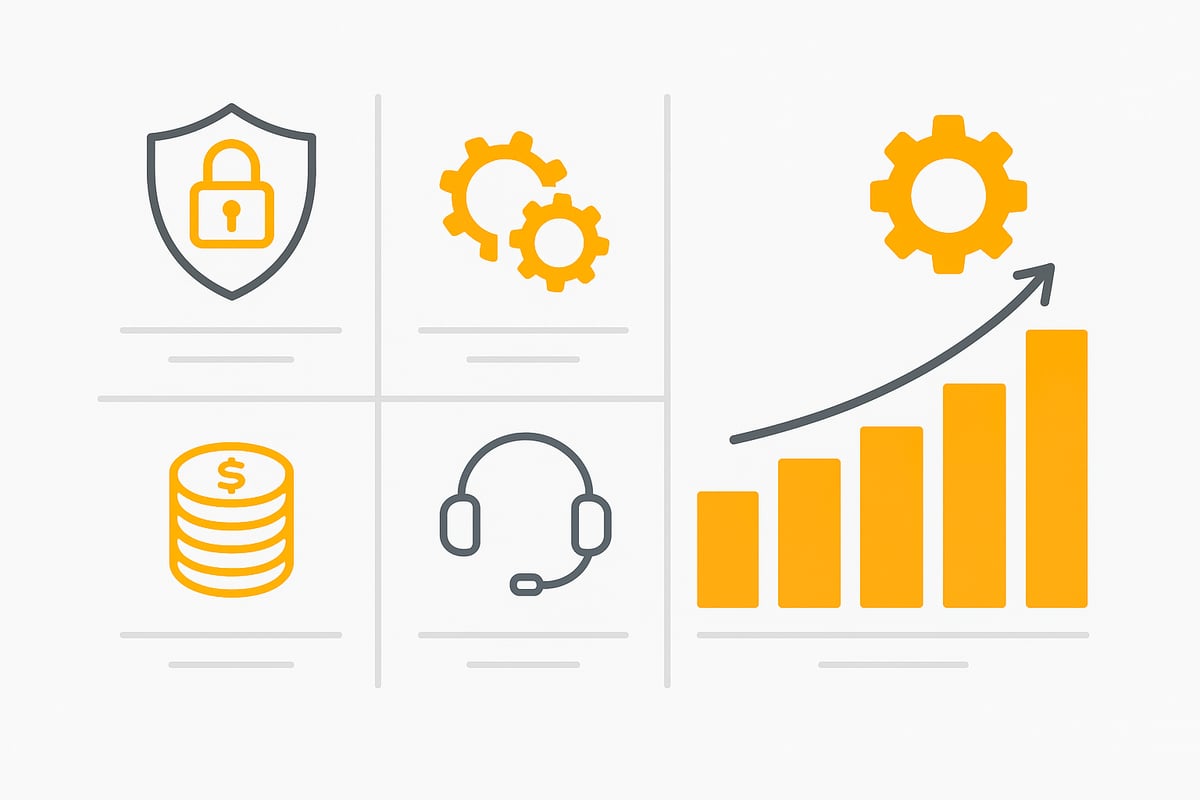
Define requirements and objectives
Before deciding on DMS software, you should analyze your current document processes in detail. Where are the bottlenecks? Which goals are most important, such as greater transparency, automated workflows, or compliance with legal requirements?
You should involve all relevant departments, from IT to data protection. A structured checklist helps you systematically capture weaknesses and requirements. Only then will you find DMS software that truly fits your company.
Assess feature set and integration
The foundation of any good DMS software includes features like full-text search, versioning, access control, and flexible workflow management. Equally important is integration with existing systems such as ERP, CRM, or email. Check whether your favorite offers interfaces to common tools and how easily new applications can be integrated.
A comparison of the connections to leading DMS providers shows which solutions integrate smoothly with DocuWare, Amagno, or Microsoft. Only an integrated system enables end-to-end processes and avoids silos.
Evaluate security, data protection, and compliance
A key criterion for DMS software is the protection of sensitive data. Make sure the hosting location is within Germany or the EU. Encryption, access control, and compliance with GoBD and GDPR are mandatory.
Ask about certifications such as ISO 27001 or C5. Providers with certified data centers offer additional security. This is a must for companies with high compliance requirements.
Costs, support, and vendor selection
Compare not only license costs but also ongoing fees, support services, and the scalability of the DMS software. Some providers use one-time pricing, others usage-based models or subscriptions.
Support in German, training, and regular updates are valuable. Get references and check whether free trials or information packages are available. Transparent costs and reliable service are crucial for project success.
filehub: Automation and efficiency for modern DMS processes
filehub is a German platform focused on automating file and document workflows for SMEs. With the no-code environment, you can tailor processes without programming, for example for automated invoice downloads or audit-proof archiving.
Integration with common applications, high data security, and GDPR compliance make filehub the ideal complement to any DMS software. This saves time, prevents errors, and creates future-proof document management.
🤖 Set it up once. Never touch it again.
Amagno in, receipts out: filehub runs the data flow in the background — no action needed on your end.
Step-by-step guide: Introducing a DMS in your company
The introduction of DMS software in a company works best with a clear structure. Each phase requires targeted planning and the involvement of all relevant stakeholders. Below is a practical step-by-step guide to successfully implementing a modern document management system.

1. Analysis and planning
Start with a thorough analysis of all existing document processes. Record how documents are currently created, filed, and processed. Where do bottlenecks or unnecessary search times occur?
Define your goals for the new DMS software together with all stakeholders. Typical goals include saving time, ensuring compliance, or reducing paper filing. Create a checklist of requirements, for example based on recommendations from DocuWare or Sage.
Determine which processes should be digitized first. This makes prioritization easier and ensures quick wins. With clear goals and good planning, you lay the foundation for a successful DMS project.
2. System selection and testing phase
Ensure that the selected document management software covers all necessary functions. Compare different providers, pay attention to interfaces with existing systems, and check scalability. Trial versions and demos help assess practical suitability.
Obtain references and include customer reviews in your decision. Decide whether a cloud or on-premises solution is better suited to your company. One example is Sage, which often scores as particularly user-friendly in tests.
Use free information packages and conduct a structured vendor comparison with your team. This is how you find the best DMS software for your requirements.
3. Implementation and data migration
Now comes the actual implementation. Create a detailed project plan and assign clear responsibilities. Transfer data from legacy systems and digitize paper documents so that everything is centrally available in your new DMS software.
Define user roles and access rights to ensure security and data protection. Start with a pilot phase in selected departments to test and optimize the process.
For workflow automation, it’s worth looking at modern solutions. For example, the page on automation of DMS processes shows how to manage routine tasks efficiently in a digital way.
4. Training, rollout, and continuous optimization
Train all user groups comprehensively in handling the new DMS software. Organize practical training for business departments, IT, and administrators. During the rollout, close support from the provider or partner is recommended.
Collect feedback regularly and adapt processes flexibly. Automate new workflows and use updates to continuously improve the solution. This keeps your DMS software powerful and future-proof.
With a structured introduction and ongoing optimization, you achieve maximum efficiency and compliance in document management.
Innovations and outlook: The future of document management
Digital transformation is also reshaping document management. In 2026, companies face the task of making their processes future-proof with modern DMS software. Which innovations will shape the coming years?
Artificial intelligence and intelligent automation
Artificial intelligence is revolutionizing document management. With DMS software you can automatically detect and classify documents and control workflows without manual intervention. Invoices are checked, contracts identified, and tasks sent directly to the responsible people.
This automation minimizes sources of error and saves immense time. AI-based solutions such as automatic text recognition and intelligent approval processes in particular speed up operations. If you want to know which AI trends are shaping the digital workplace, you’ll find exciting insights in AI trends in the digital workplace 2026.
Integration and connectivity in the digital workplace
The future of DMS software lies in seamless integration with other systems. APIs, cloud platforms, and collaboration tools like MS Teams or Slack come together to form a digital workplace. This allows data and documents to be managed centrally, regardless of location.
Cross-cloud workflows and data synchronization ensure transparency and speed. Modern DMS solutions become the heart of corporate communication and enable agile, networked work. This increases the importance of flexible, scalable DMS software for companies of all sizes.
Sustainability, compliance, and digital sovereignty
Paperless processes and digital archiving not only protect the environment but also ensure compliance with new legal requirements. With DMS software hosted in Germany or the EU, sensitive data remains protected and digital sovereignty is maintained.
Regular updates and adaptations to new requirements such as mandatory e-invoicing or GoBD are essential. If you want to know how the document management market is developing, take a look at the market forecast for document management systems. This keeps your DMS software cutting-edge and secures competitiveness.
You’ve now seen how modern DMS solutions like filehub help automate document processes efficiently and deliver real time savings and legal certainty. If you want to digitize routines and avoid laborious manual sorting, it’s worth taking a direct look at what filehub can do. With this German platform, you can design workflows without any programming knowledge while staying fully GDPR-compliant. The best way to start is to try it out at your own pace and discover how much easier and more structured document management can be in 2026:
Try filehub.one for free now


