Automatically download Amazon invoices

More and more companies and self-employed people make business purchases on Amazon, but managing Amazon invoices remains a real challenge for many. Incorrect, missing, or hard-to-find receipts cost time and can pose tax risks. This is exactly where automatic invoice management comes in: With modern tools like filehub, you can automatically download Amazon invoices and integrate them directly into your digital workflow. This saves time, reduces errors, and keeps your documents securely and legally compliant at all times. In this guide, learn how to significantly ease your workday in 2026 with automation and smart solutions.
Understanding Amazon invoices: basics and key points
More and more companies and self-employed people regularly order from Amazon. Amazon invoices are very important for accounting. If you lose track here, you risk tax disadvantages and additional bureaucracy.
What is an Amazon invoice and when is it needed?
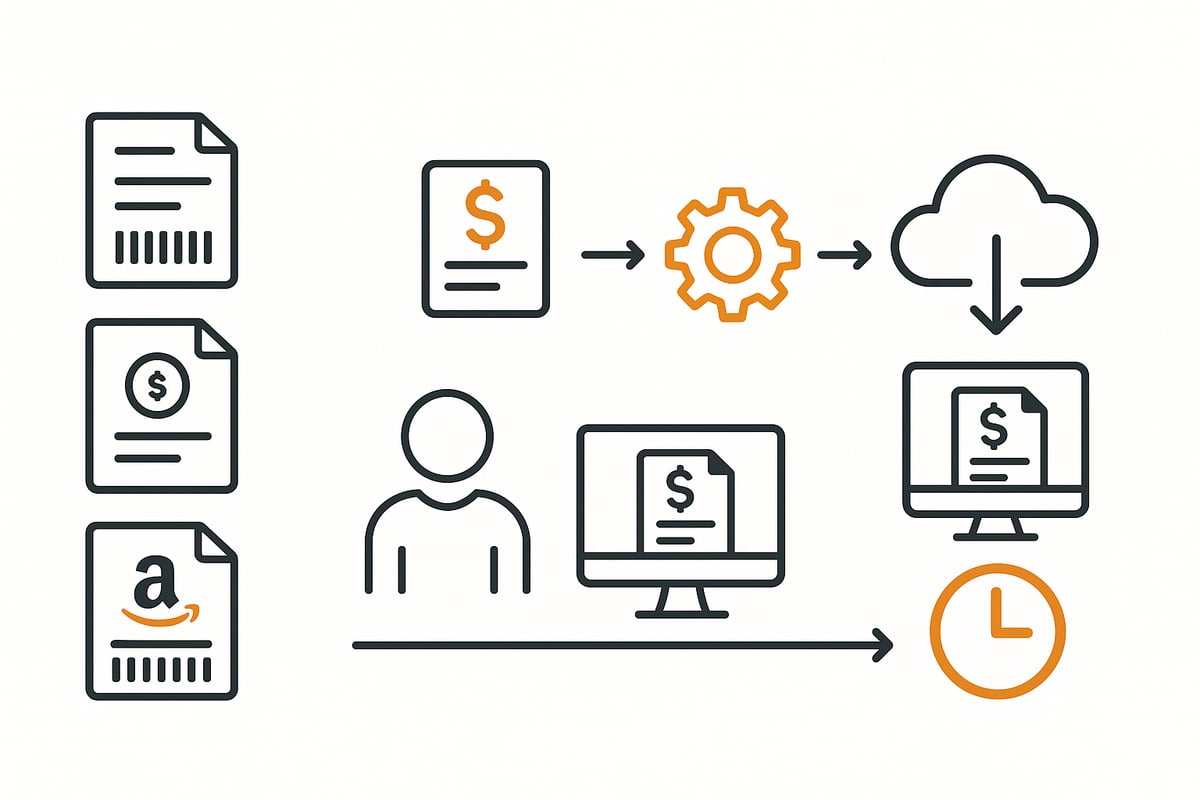
The Amazon invoice is the official proof of purchase for purchases via Amazon.de, Amazon Business, or the Marketplace. It documents which products were purchased at which price and which VAT is included. For private individuals, it is often only relevant for warranty cases or returns; for companies and freelancers, however, it is essential for accounting and input tax deduction.
It’s important to distinguish between order confirmation, delivery note, and invoice. Only the Amazon invoice meets all legal requirements, such as the buyer’s name and address, tax number or VAT ID, invoice number, description of goods/services, amount, and itemized VAT.
Especially for companies that regularly procure office supplies, software, or business equipment, a correct and complete invoice is mandatory. If information is missing, the input tax deduction may be at risk. According to competitors, more than 20,000 companies already rely on automated solutions to reliably archive Amazon invoices and avoid errors.
Common problems include missing or delayed invoice availability, especially with Marketplace sellers. If you don’t want to track each order individually, you’ll benefit greatly from automation solutions. Services like filehub enable the automatic download of all Amazon Business invoices directly into your own workflow. You can learn more on the page about the integration with Amazon Business.
What types of Amazon invoices are there?
Not all Amazon invoices are the same. Basically, there is a distinction between invoices issued directly by Amazon and those from third-party sellers on the Marketplace. With Amazon Business, companies benefit from the single-creditor model: all invoices come from Amazon Business EU Sarl with a uniform VAT ID, which significantly simplifies accounting.
Different requirements apply to private customers because input tax deduction is not relevant. International orders bring additional specifics: for example, the reverse-charge mechanism may apply to deliveries within the EU. There are also specific invoice formats for digital products such as software or Audible subscriptions.
Typical challenges:
-
Different invoice formats (PDF, XML)
-
Missing VAT information for Marketplace sellers
-
Delayed provision of invoices
-
Complex allocation in accounting
For accounting and tax advisors, it is crucial to archive all invoices completely, correctly, and in an audit-proof manner. Automated solutions help optimize these processes and ensure compliance with legal requirements.
🤖 Copy, paste, forget.
filehub automatically downloads your invoices from Amazon Business — reliably and without errors.
Step by step: Downloading Amazon invoices manually and automatically
Many companies and self-employed people face the challenge of managing Amazon invoices efficiently. Various receipts from Amazon orders often pile up, which quickly becomes confusing. If you don’t optimize the processes, you lose valuable time and risk errors in accounting.

Manual download of Amazon invoices
If you want to download Amazon invoices manually, proceed as follows:
-
Sign in to your Amazon account (personal, Business, or Marketplace).
-
Navigate to “Orders” and find the desired order.
-
Click “Invoice” to save the PDF.
-
For Marketplace orders, you may need to request an invoice from the seller first.
Here you can find all the information on viewing invoices in the Amazon account.
Especially with multiple orders per month, this quickly becomes tedious. Assigning Amazon invoices to the right projects or cost centers is prone to errors. Invoices are often missing, misfiled, or in the wrong format.
On average, you spend 5 to 10 minutes per order to properly save all invoices. Imagine how much time is lost each month, especially if you handle bulk orders for your company.
Another problem: Not all Marketplace sellers automatically provide an invoice. You have to follow up, which can lead to delays in accounting.
Automatic downloading and workflow automation
With automated solutions, you can manage Amazon invoices without any manual effort. Modern tools like filehub fetch invoices directly from Amazon Business, Audible, or Prime and automatically route them into your desired workflow.
The advantages at a glance:
-
Saves up to 80 percent time compared to manual processing.
-
Avoids errors and ensures complete documentation.
-
Automatic handover of Amazon invoices to accounting or DMS.
-
GDPR-compliant and secure, since no sensitive data is transferred manually.
You only need to set up filehub once; after that, all processes run automatically. Especially convenient: the integration works without programming knowledge and is compatible with common accounting software.
For companies that manage many Amazon invoices, this is real relief in everyday work. If you want to learn more about how automatic invoice downloading for Amazon Business works, you can find all the details on the page Automatically download Amazon invoices.
An efficient workflow not only reduces stress, but also ensures audit-proof archiving and fast approval processes. This leaves more time for what matters, and accounting practically runs itself.
Legal requirements and tax aspects 2026
The topic of Amazon invoices will become even more complex in 2026 due to new legal requirements and digital processes. Companies and self-employed people face the challenge of managing all Amazon invoices correctly and efficiently. Incorrect or incomplete invoices can pose tax risks and jeopardize input tax deductions. Automated solutions help meet legal requirements and significantly reduce administrative effort.
Mandatory information on Amazon invoices
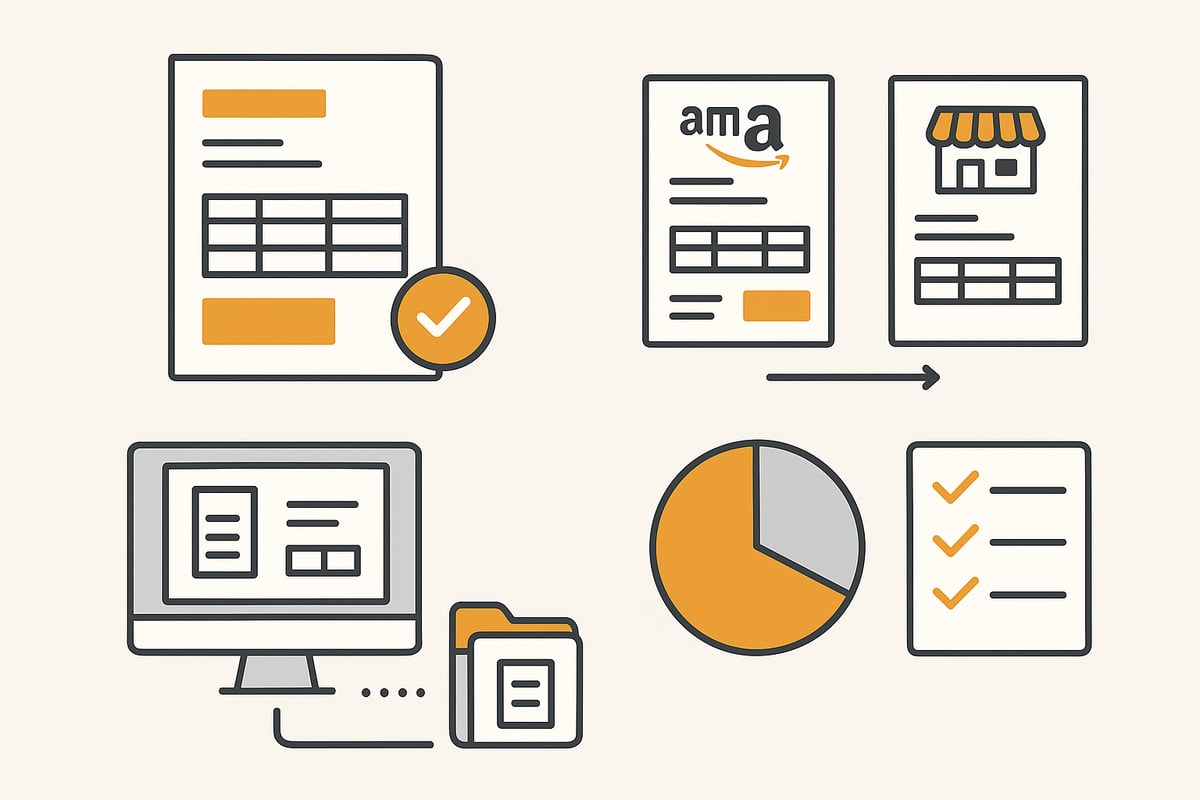
Every Amazon invoice must contain certain mandatory information to be recognized for tax purposes. This includes, among other things, the issuer’s name and address, invoice number, tax number or VAT ID, description of goods/services, delivery date, invoice amount, and itemized VAT. These details are especially essential for companies, as only proper invoices entitle you to input tax deduction.
Especially with Marketplace orders, information is often missing or the invoice is provided late. According to industry statistics, around 30 percent of manually obtained Marketplace invoices are faulty. The risks: in the worst case, you could lose the input tax deduction. With automated tools like Automatically download Amazon invoices, invoices can be continuously read correctly, archived, and checked. This makes the entire process not only faster, but also more secure.
Checklist for Amazon invoices:
|
Mandatory information |
Present? |
|---|---|
|
Name and address (issuer) |
|
|
Invoice number |
|
|
Tax number/VAT ID |
|
|
Description of goods/services |
|
|
Invoice amount |
|
|
VAT |
|
|
Delivery date |
|
As for retention: Amazon invoices must be archived in an audit-proof manner for at least 10 years. Digital management makes searching easier and ensures complete documentation.
VAT, reverse charge, and specifics for Amazon Business
A central topic for Amazon invoices is the correct handling of VAT. Amazon Business uses the single-creditor model: all invoices are issued by Amazon Business EU Sarl, which considerably simplifies accounting for companies. Instead of many suppliers, there is only one invoice issuer with a uniform VAT ID, which makes allocating and checking invoices easier.
For international orders within the EU, the reverse-charge mechanism often applies. This means that VAT is not shown by Amazon but is reported by the recipient in their own VAT return. Example: An Amazon invoice for a delivery to Italy must be handled under reverse-charge rules.
Advantages through automation:
-
Automatic download of all relevant Amazon invoices, including for international orders
-
Easy integration into accounting software and DMS
-
Minimization of error sources and tax risks
-
Time savings by eliminating manual checks
Working with your tax advisor remains important, for example for export and tax review of invoices. However, automatic solutions like filehub significantly ease the workflow and ensure compliance with all legal requirements.
🎯 Ready to never do this manually again?
filehub pulls your Amazon Business invoices the moment they appear — no login, no clicks — set it up once, automated forever.
Digital document management and integration into accounting processes
Digital management of Amazon invoices is indispensable for companies today. Traditional paper filing or manually sorting PDF files costs valuable time and carries the risk of losing important documents. Anyone who processes multiple orders per month knows how quickly you can lose track of invoices.
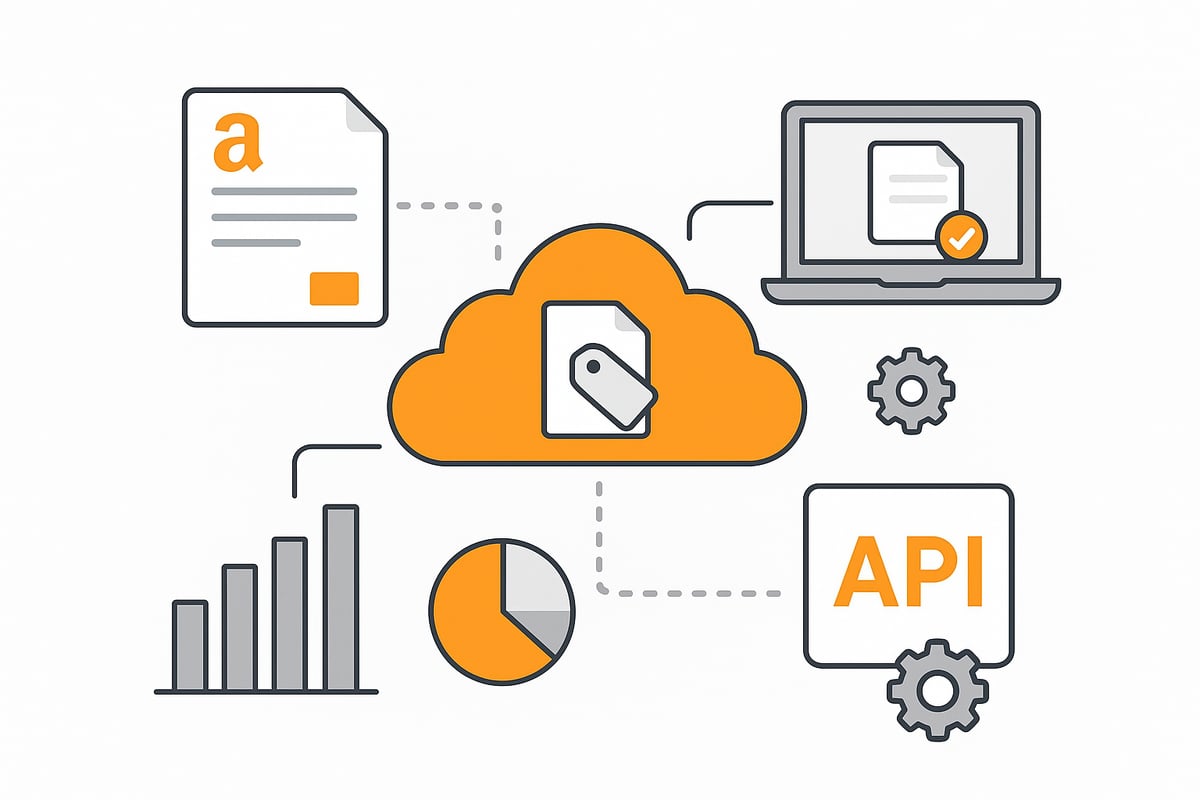
A central digital repository in a document management system (DMS) provides a remedy. Here, all Amazon invoices are automatically collected, tagged, and assigned to projects or cost centers. According to current studies, this reduces search times by up to 90 percent. Automated workflows allow invoices to be forwarded directly to the responsible colleagues for review or approval.
Efficient management and archiving of Amazon invoices
Automatically filing all Amazon invoices in a document management system offers numerous advantages. Invoices can be filtered by date, supplier, or project. Automatic tagging ensures that each invoice ends up in the right context. Digital approval and review workflows speed up the process, save time, and minimize sources of error.
Audit-proof archiving also plays an important role. Invoices must be kept for at least ten years. A digital archive with access logs and role-based access reliably fulfills this obligation. Mobile apps provide access to all invoices anytime and anywhere—ideal for decentralized teams or home offices.
Another plus: integration with common accounting software such as DATEV, Lexware, or SAP enables automatic export of all invoices directly to the tax advisor. This further reduces routine tasks and keeps the entire invoicing process transparent and traceable.
If you want a completely stress-free setup, you’ll benefit from automated download solutions. With services like filehub, you can automatically download Amazon invoices and pass them directly into the desired workflow or DMS. This relieves the team, ensures complete documentation, and saves hours of manual work every month.
Interfaces and integrations for automated processes
The full potential of digital management of invoices and credit notes is only realized through interfaces and integrations. Modern DMS and accounting solutions offer API connections for seamless data exchange. This allows invoices to be imported, processed, and archived in real time.
Important file formats such as PDF, XML, ZUGFeRD, or XRechnung are supported. This enables seamless integration of Amazon invoices into ERP systems or other financial applications. Automated workflows control processing: from payment to approval to archiving, everything runs without media breaks.
Security remains central: access rights are managed granularly, every access is logged, and data storage complies with current data protection requirements. Challenges such as compatibility, regular updates, or support can be reliably solved by choosing an experienced partner.
The result: companies save valuable resources, minimize errors, and ensure compliance with all legal requirements. Those who switch to digital and automated processes now will be well prepared for Amazon invoices in 2026.
Best practices, tips, and common mistakes with Amazon invoices
More and more companies face the challenge of managing invoices efficiently and securely. Incorrect or missing receipts can quickly become a stumbling block, especially when many orders come together. It’s all the more important to work with clear structures and smart tools.
Practical tips for error-free management
Flawless management of Amazon invoices starts with regularly checking your order overview. Compare each delivery with the corresponding invoice and check that the details are complete. Use automation solutions to simplify recurring tasks such as downloading and filing invoices. This saves time and nerves, especially with many orders.
File automation services such as filehub allow you to hand over Amazon invoices fully automatically and securely to your accounting or document management system. Once set up, the process runs in the background and you can focus on your core business. You can find out exactly how this works on the page Automatically download Amazon invoices.
Create a short checklist for month-end closing:
-
Have all invoices for the orders been received?
-
Do amounts, tax numbers, and descriptions match?
-
Have the documents been archived correctly and provided to the tax advisor?
Common mistakes and how to avoid them
Many users confuse Amazon order confirmations with Amazon invoices. Make sure you only use the official invoice documents for accounting. A common mistake is the absence of important mandatory information such as VAT ID or a correct invoice number. Such deficiencies can jeopardize input tax deduction.
Manual filing also quickly leads to chaos. Missing or duplicate invoices make searching difficult and can become a problem during an audit. Automatic solutions significantly reduce these sources of error by storing documents centrally and in an audit-proof manner.
Another problem is late or missing invoices from Marketplace sellers. A clearly defined process helps here: request missing documents promptly and document the communication. This keeps you on the safe side.
Recommendations and resources for 2026
Prepare early for the new requirements and ongoing digitalization. Convert your processes to digital filing and automated workflows for Amazon invoices in good time. This way you benefit from time savings, fewer errors, and better oversight.
Keep your systems and automation tools up to date. Regularly check whether your accounting software and interfaces work together optimally. Discuss legal requirements and potential optimizations with your tax advisor.
Use resources such as professional forums, webinars, and support pages to stay up to date. This way you’ll be well equipped to confidently meet all requirements around invoices in 2026.
You’ve now seen how much time and effort manual management of Amazon invoices can cost—especially if you need to keep track of many orders or reliably meet tax requirements. With automation solutions like filehub, you can make these processes more efficient and secure: invoices are fetched automatically, handed over directly to your accounting system, and archived in an audit-proof manner. This leaves more time for what matters, and you’re always on the safe side when it comes to data protection and compliance. If you want to take your Amazon invoice management to the next level in 2026, try filehub.one now for free.


