Digistore24 invoices

How will you keep track of your digistore24 invoices in 2026? This is exactly the question many entrepreneurs, freelancers, and accountants are asking themselves, because the demands on efficient invoice management are steadily increasing.
In this comprehensive guide, you'll learn how digistore24 invoices work, what legal requirements apply, and how to download them quickly and securely. We'll also show you how automation and smart tools can make your workday easier.
Look forward to practical tips, clear step-by-step instructions, and recommendations to help you effortlessly stay on top of your bookkeeping with digistore24 invoices in 2026. Read on and take your invoice management to the next level!
What are Digistore24 invoices?
Definition and how it works
Digistore24 invoices play a central role for anyone selling or buying digital products or services via the platform. Digistore24 is a marketplace that automates distribution, payment processing, and invoicing for digital goods.
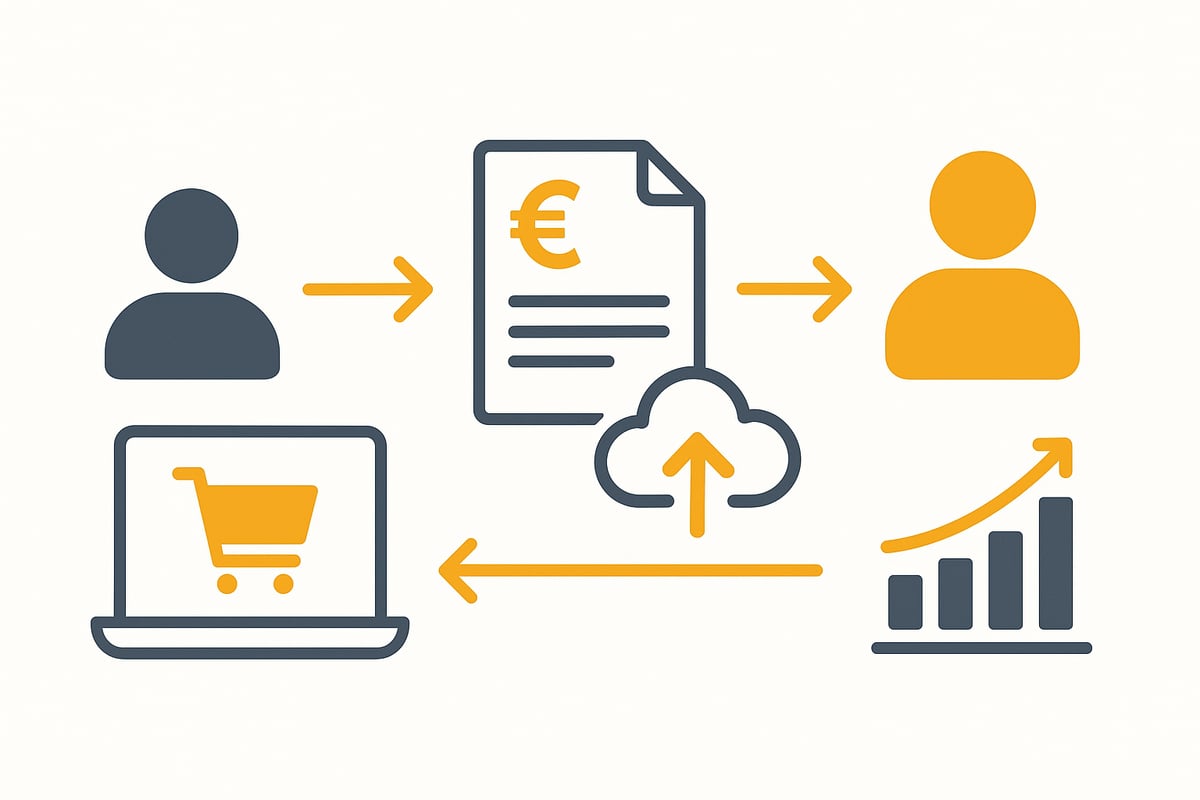
For sellers, this means: As soon as a customer purchases a product, Digistore24 automatically issues a legally compliant invoice. Buyers receive this invoice directly after purchase by email or can access it in their customer account.
There are differences between buyer and seller invoices: Buyers receive an invoice for the item purchased, while sellers get an overview of all transactions and commissions. Typical processes include the sale of an online course or the handling of subscriptions. These invoices are not only mandatory for accounting but also essential for tax purposes.
Structure and contents of a Digistore24 invoice
The structure of digistore24 invoices is based on the legal requirements of the VAT Act. Every document contains mandatory details such as:
-
Name and address of buyer and seller
-
Tax number or VAT ID
-
Consecutive invoice number
-
Issue date and description of services
-
Display of VAT or a note on the reverse charge mechanism
In addition, you’ll find product details and payment information. For international sales, a special note on the reverse charge mechanism is often required.
A typical screenshot shows well-structured fields with all relevant information. The invoices are designed to withstand any accounting audit and be recognized by tax authorities.
Legal basis and retention obligations
Clear legal requirements apply to digistore24 invoices. In Germany, electronic invoices must comply with the GoBD and the GDPR. Entrepreneurs and freelancers are obliged to store tax-relevant documents securely for at least ten years.
Digital invoices are recognized by the tax office as long as they are archived in a tamper-proof and immutable manner. Violations may lead to fines or tax disadvantages.
The use of modern archiving methods that enable secure and legally compliant storage is recommended. You can find more information on GoBD-compliant digital document archiving in this specialist article.
How to download Digistore24 invoices in 2026
Downloading digistore24 invoices is indispensable for efficient bookkeeping in the digital age. Whether it’s a single invoice or a monthly overview, with the right steps you can keep track at all times and meet all tax requirements.
Step-by-step guide: invoice download
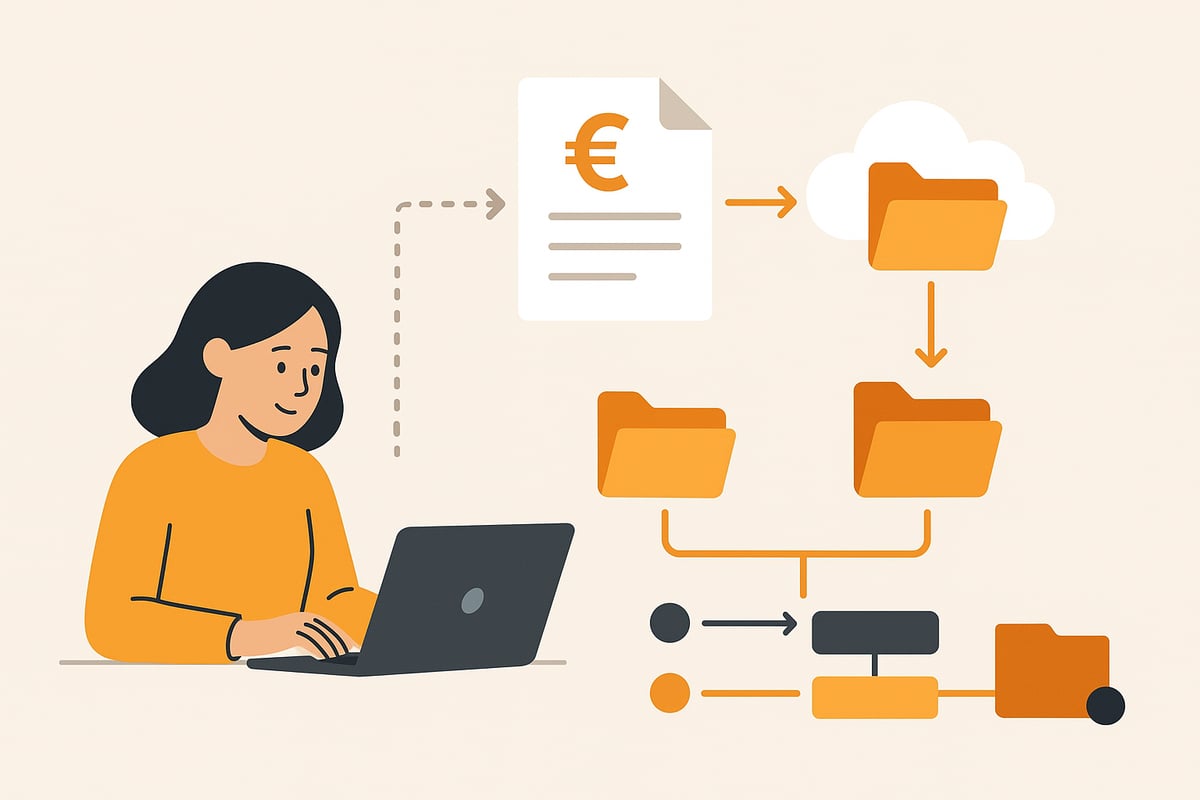
Do you want to download digistore24 invoices specifically? Follow this guide for a smooth process:
-
Log in to your Digistore24 account.
-
Navigate to the “Orders” section (as a buyer) or “Sales” (as a seller).
-
Select the desired period or the specific product.
-
Click the download button to download invoices as PDFs—individually or in bulk.
-
Check whether you are notified by email about new digistore24 invoices. These emails often contain a direct invoice link.
-
If needed, use the mobile app or mobile web interface. You can also access invoices easily there.
Tip: For a monthly overview, you can select multiple digistore24 invoices in the sales section and save them together. This makes it easier to hand them over to your tax advisor.
Automated solutions for retrieving invoices
Instead of downloading each digistore24 invoice individually, automation is worthwhile. Tools like filehub enable the automated retrieval and centralized storage of all digistore24 invoices.
Compared to manual downloading, you save a lot of time and minimize sources of errors. Automation ensures that all digistore24 invoices are transferred directly to your accounting software or cloud. This usually requires a one-time setup of the tool and linking it to your Digistore24 account.
Especially practical: Automated invoice workflows for Digistore24 give you the ability to connect various apps and accounting systems and forward invoices in a GDPR-compliant manner.
Sources of errors and troubleshooting when downloading
Sometimes problems arise when downloading digistore24 invoices. Common stumbling blocks are incorrect login details, invoices that can’t be found, or technical issues in your account.
What can you do? First, check your email address and, if necessary, request a password reset. Check whether system updates or maintenance work are reported at Digistore24. If in doubt, contact support and document all steps for later evidence.
A structured approach helps you resolve discrepancies with invoices quickly and stay on the safe side for tax purposes.
Manage and archive Digistore24 invoices optimally
Managing digistore24 invoices is essential for entrepreneurs and freelancers to meet tax requirements and keep track. Structured archiving saves time and protects you from unpleasant surprises during audits. Modern tools make it easier than ever to archive invoices in a GoBD-compliant way. What should you pay attention to, and what solutions are suitable in 2026?
Digital archiving and document management
Digital archiving of digistore24 invoices is more than just storing PDFs. Entrepreneurs benefit from central storage locations such as cloud solutions or document management systems (DMS). It’s important that storage is GoBD-compliant and audit-proof. This means every invoice must be immutable, complete, and retrievable at any time.
Recommended tools include DATEV, lexoffice, or specialized DMS solutions. They enable automatic filing, tagging, and securing of digistore24 invoices. For more information on legal requirements and implementation tips, you’ll find everything important in the article Bookkeeping and GoBD-compliant archiving.
Another advantage: Digital archiving makes collaboration with tax advisors easier and saves costs in the long term.
Automation options for invoice workflows
Automation is the key to efficiently managing digistore24 invoices. With modern tools, invoice processes can be automated—from retrieval to archiving and handover to accounting. Interfaces to accounting software such as DATEV or sevDesk ensure a smooth flow of data.
Advantages of automation:
-
Fewer manual steps
-
Reduced sources of errors
-
Faster processes
-
Automated reminders and deadline monitoring
Best practice: Set up workflows so that incoming invoices are automatically tagged, filed, and forwarded to the tax advisor. That leaves more time for your core business.
Collaboration with tax advisors and accounting service providers
Good collaboration with tax advisors greatly simplifies bookkeeping around digistore24 invoices. Use export functions to provide invoices as PDF or CSV. Many platforms offer shared access so your tax advisor can directly access relevant documents.
Tips for smooth collaboration:
-
Provide monthly or quarterly batch files
-
Use cloud folders with access permissions
-
Keep all invoices well organized and regularly check for completeness
This way you avoid follow-up questions and save time when preparing your tax return.
filehub: Automated invoice workflows for Digistore24
filehub offers an easy solution to automatically capture, store, and integrate digistore24 invoices into existing workflows. The platform connects various accounting apps, ensures GDPR-compliant archiving, and enables centralized management of documents from multiple portals.
filehub is ideal, especially for companies with a high volume of documents. This makes processes around digistore24 invoices more efficient, transparent, and secure.
Tax specifics and bookkeeping tips for Digistore24 invoices
The tax treatment and bookkeeping of invoices is a central topic for entrepreneurs and freelancers. Especially with digital business models, correct implementation is crucial to avoid unpleasant questions from the tax office or errors in accounting.
VAT and the reverse charge mechanism
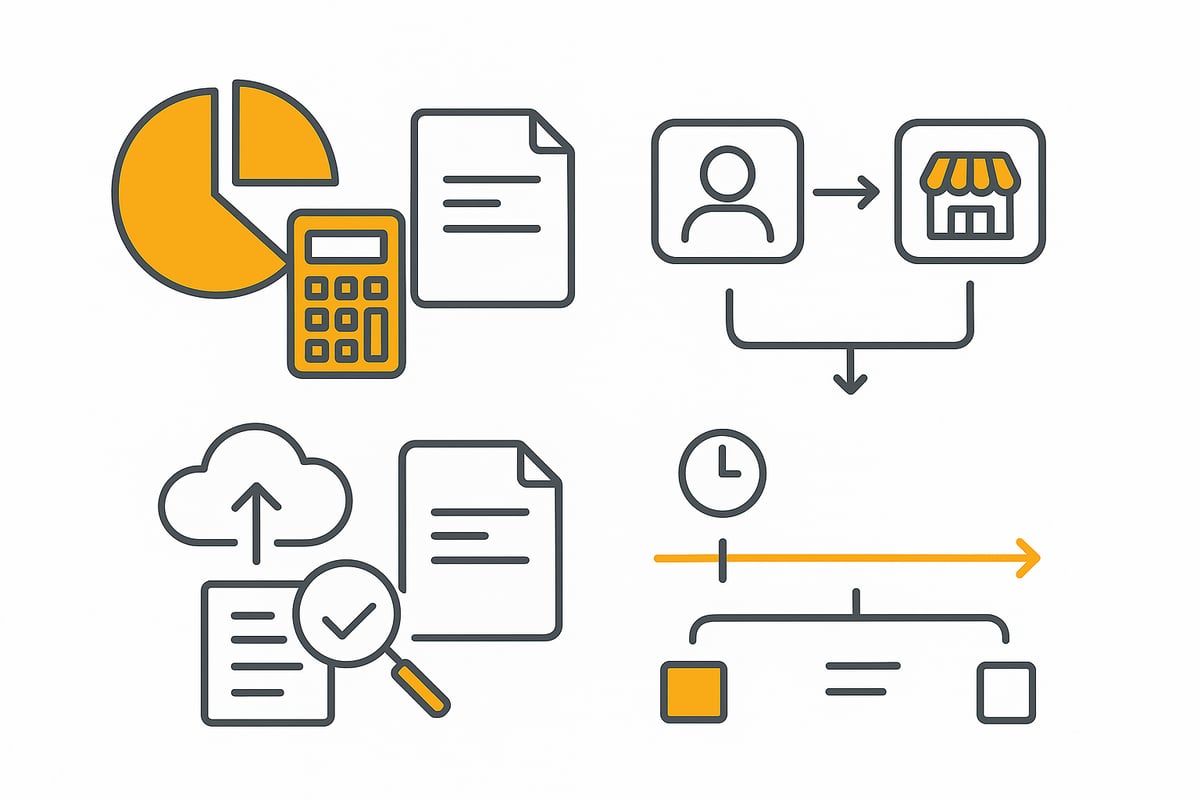
For digistore24 invoices, correct VAT display is essential. Sales to German private customers generally include German VAT. If the invoice goes to a business in another EU country, the reverse charge mechanism often applies. In this case, digistore24 does not show a VAT amount but notes the shift of tax liability.
Typical sources of errors are forgetting the reverse charge note or incorrect customer categorization. For example: If you sell to a business customer in France, the invoice must be issued without German VAT, but with a reverse charge note. For private customers in other EU countries, the respective VAT of the recipient country applies. Handling this correctly protects against back payments and fines.
Posting and account assignment for Digistore24 invoices
For bookkeeping, correct account assignment of digistore24 invoices is crucial. Income is posted to the appropriate revenue account, while fees and commissions should be recorded separately in expense accounts. Credit notes and cancellations, as they occur with returns, must also be processed correctly.
Automation helps minimize errors and speed up routine tasks. Many accounting solutions already offer interfaces for invoices. Example posting entries:
|
Transaction |
Debit account |
Credit account |
|---|---|---|
|
Revenue |
Bank |
Revenue |
|
Fee |
Commissions |
Bank |
|
Credit note |
Revenue |
Bank |
This keeps your bookkeeping traceable and audit-proof.
Deadlines, audits, and GoBD compliance
The retention period for digistore24 invoices in Germany is ten years. All tax-relevant documents must be archived digitally and be available at any time. For audits, structured, GoBD-compliant storage is recommended.
Important tasks:
-
Observe submission and archiving deadlines
-
Store digital documents in an audit-proof manner
-
Regularly create backups
If you want to be on the safe side, you can work with GoBD-compliant archiving with DATEV. This way you meet all legal requirements and are optimally prepared for any audit.
Frequently asked questions and common pitfalls
Typical questions often arise with invoices. The tax office frequently checks the gapless numbering and correct VAT display. Errors happen quickly with international sales or when assigning refunds.
Tips to avoid errors:
-
Assign invoice numbers consecutively
-
Show VAT correctly or apply reverse charge
-
Document refunds and cancellations clearly
When in doubt, it’s worth consulting your tax advisor. This ensures that your digistore24 invoices always meet legal requirements.
Practical tips and best practices for 2026
Do you want to manage your digistore24 invoices in 2026 efficiently, securely, and in a future-proof way? These best practices will help you save time, avoid errors, and stay up to date.
Boosting efficiency through automation
With automation tools, you can capture digistore24 invoices right upon receipt and store them centrally. This saves time and significantly reduces sources of errors.
Many entrepreneurs use tools that automatically download invoices from the Digistore24 account and forward them to accounting software. This creates an end-to-end workflow from invoice receipt to posting, without laborious manual sorting.
Typical steps in the automated workflow:
-
Automatic invoice download from Digistore24
-
Storage in a document management system
-
Integration with accounting software such as DATEV or lexoffice
-
Automatic notifications for new documents
Find more details on setup and suitable tools in the article Automation of processes and workflows.
Security and data protection for invoice documents
Protecting your invoices is essential. Rely on GDPR-compliant storage in German data centers and secure cloud solutions.
Assign individual access rights so only authorized persons can access invoices. Encrypt sensitive data and schedule regular backups to avoid data loss.
For example: Share invoice documents with your tax advisor via secure portals instead of sending them by email. This keeps you on the safe side and meets all legal requirements. A well-thought-out permission concept also protects against unauthorized access.
Outlook: e-invoicing and new developments
From 2026, mandatory e-invoicing will become relevant for more and more companies. This, of course, also affects digistore24 invoices. Formats and transmission methods are changing, and you should prepare early.
E-invoicing brings advantages such as faster processing and less paperwork, but it also places new demands on technology and processes. Check whether your system is already e-invoice capable and inform yourself about the legal requirements.
You can read more about the upcoming changes and what they mean for you in the article on mandatory e-invoicing from 2025.
Resources, support, and further links
For all questions about digistore24 invoices, it’s worth taking a look at the official support pages and community forums. Here you’ll find answers to technical questions, webinars on new developments, and tips from other users.
Tutorials and specialist literature on GoBD-compliant archiving as well as current legal texts are also recommended. This way you stay up to date and can continuously improve your processes.
If you now feel that efficient management and automation of your Digistore24 invoices in 2026 will genuinely save you time and minimize sources of errors, then it’s worth taking a look at filehub. Here you can easily automate recurring tasks, store documents securely in a GDPR-compliant manner, and connect your workflows without any programming knowledge. This not only makes your bookkeeping easier but also gives you more oversight in everyday work—whether you’re a freelancer, entrepreneur, or accountant. Just give it a try and discover how much more relaxed your invoice management can be: try filehub.one for free now


