Automatically retrieve and process LinkedIn invoices.
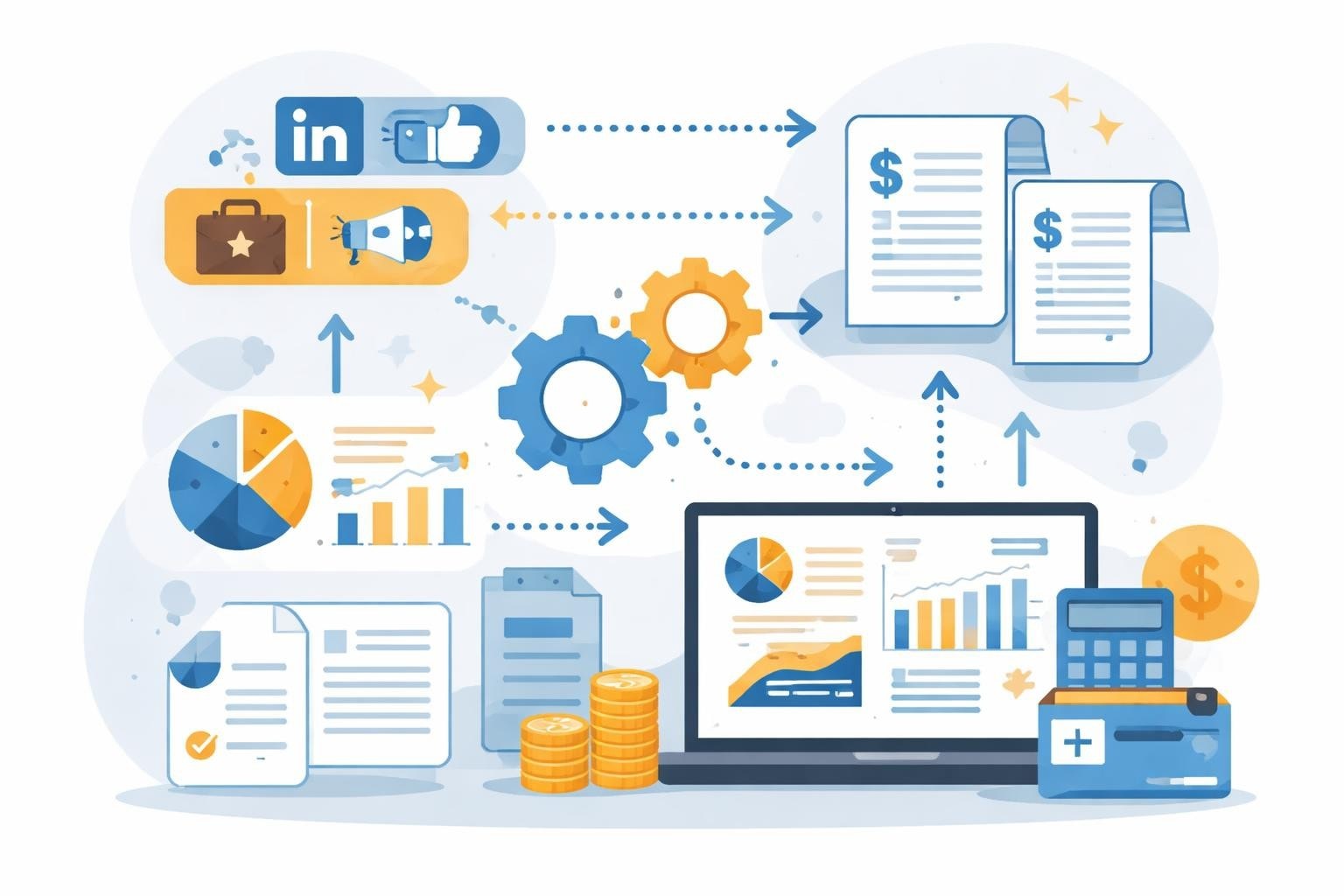
LinkedIn has become an indispensable platform for businesses and professionals to expand networks, find talent, and maintain business relationships. Those who use premium subscriptions or regularly run advertising campaigns know the challenge: Every month, multiple invoices must be downloaded manually, sorted, and forwarded to accounting. This time-consuming process ties up resources and introduces potential errors. Yet the retrieval and processing of LinkedIn invoices can now be automated. Modern automation platforms make it possible to eliminate these recurring tasks and integrate invoices directly into existing workflows.
The different types of LinkedIn invoices
LinkedIn provides various invoice types, each relating to different business areas. Understanding these categories is crucial for efficient invoice management.
Premium subscriptions and their invoicing
LinkedIn offers various premium subscriptions, from LinkedIn Premium Career to Sales Navigator and Recruiter licenses. Each subscription generates monthly or annual invoices that can be retrieved from the account.
The most important premium products:
-
LinkedIn Premium Career for job seekers
-
Sales Navigator for sales teams
-
Recruiter Lite and Recruiter for HR departments
-
LinkedIn Learning for continuing education
For companies with multiple licenses, invoice management quickly becomes complex. Especially larger organizations with different departments and cost centers require a structured solution to correctly allocate all LinkedIn invoice documents.
Campaign invoices for LinkedIn advertising
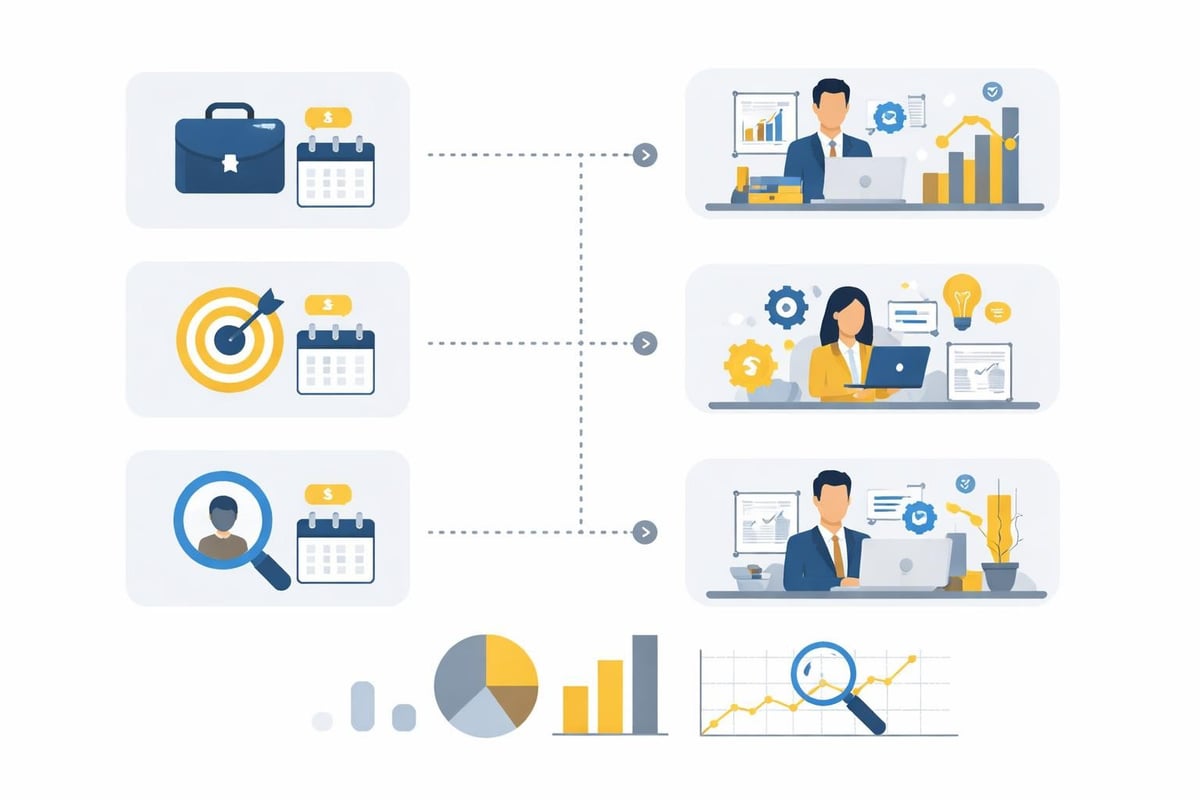
Companies that advertise on LinkedIn receive separate invoices for their campaigns. These fundamentally differ from subscription invoices because they are variable and depend on actual ad spend. The advertising options on LinkedIn offer a wide range of possibilities but also require precise cost control.
LinkedIn generates campaign invoices based on various billing models such as cost-per-click (CPC) or cost-per-impression (CPM). This flexibility leads to fluctuating amounts that require special attention in accounting.
|
Invoice type |
Frequency |
Special features |
|---|---|---|
|
Premium subscription |
Monthly/Yearly |
Fixed amount, predictable |
|
Campaigns |
Usage-based |
Variable amount, campaign-dependent |
|
Recruiter licenses |
Monthly/Yearly |
Often multiple licenses, team management |
🤖 Copy, paste, forget.
A complete receipt archive from LinkedIn — without a single manual download — reliably and without errors.
Manual invoice retrieval: the time-consuming standard
Traditionally, users have to retrieve their LinkedIn invoice manually via the account settings. This process may be manageable for individuals, but it becomes an administrative bottleneck for companies with multiple accounts and campaigns.
The typical manual process involves several steps that must be repeated monthly. You need to log in to each relevant account, navigate to the billing settings, find the corresponding invoice, and download it as a PDF. It is then renamed according to a consistent scheme and forwarded to the responsible party.
Challenges of manual management
Manual processing entails numerous problems that go beyond the time involved.
Typical challenges:
-
Missed invoices due to changes in responsibilities
-
Inconsistent file naming
-
Delays in accounting
-
Missing assignment to cost centers
-
Duplicate effort with multiple accounts
Especially in growing companies, manual management leads to scaling issues. With every new Sales Navigator user or additional advertising campaign, the administrative effort increases linearly.
Automated LinkedIn invoice download with filehub
As a German file automation platform, filehub offers a GDPR-compliant solution for the automatic retrieval of LinkedIn invoices. The platform makes it possible to establish a connection to the LinkedIn portal and automatically fetch the documents provided.
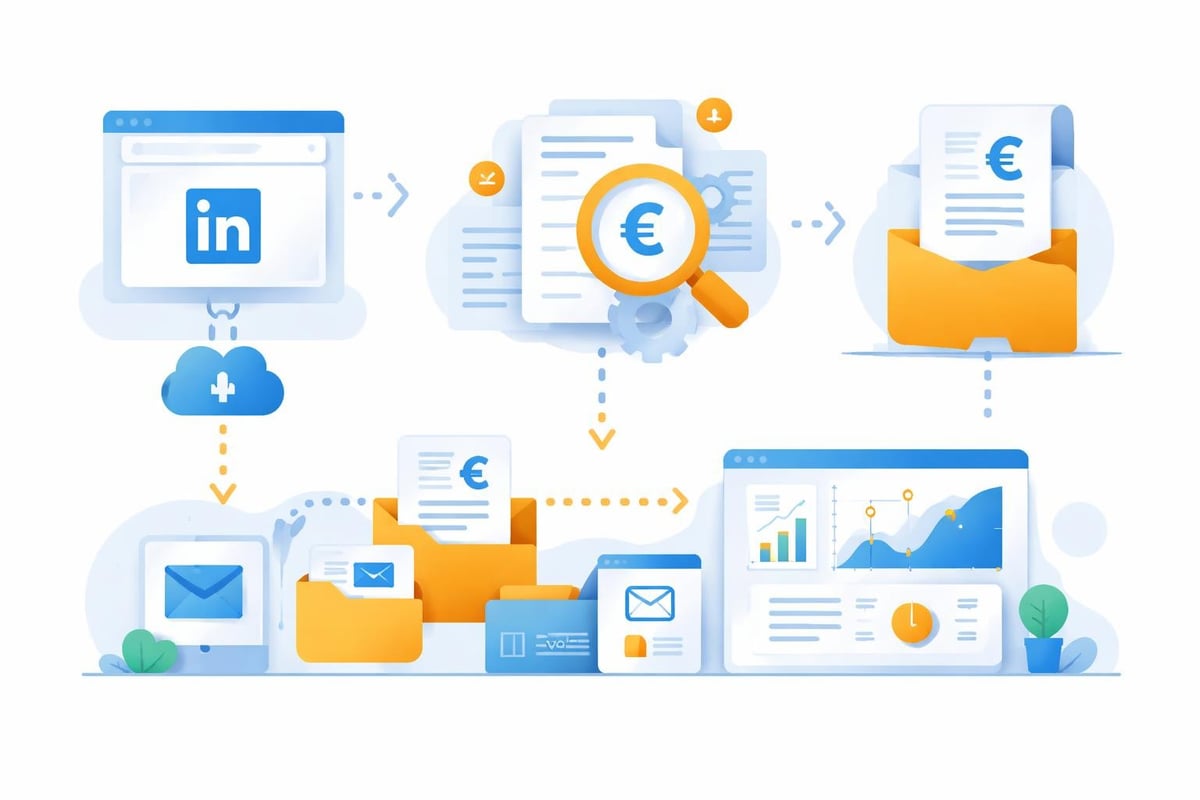
The solution works for both premium subscriptions and campaign invoices. As soon as LinkedIn provides a new invoice, filehub detects this automatically and downloads the document. This automated process eliminates manual intervention completely.
Setting up the LinkedIn connection
Configuration is done via the filehub integration platform without any coding. You define the access credentials and retrieval parameters for your LinkedIn accounts once.
After setup, filehub continuously monitors the connected portals and automatically fetches new invoices. The platform supports multiple accounts in parallel, which is particularly relevant for companies with various premium licenses or multiple advertising accounts.
Workflow integration and automatic processing
The real added value comes from seamless integration into existing processes. filehub enables you to automatically pass retrieved LinkedIn invoices into defined workflows.
Possible automation steps:
-
Automatic download of the invoice
-
Renaming according to a defined scheme
-
Assignment to the correct cost center
-
Forwarding to accounting software
-
Notification of the responsible person
-
Archiving in the document management system
These multi-step workflows can be configured without programming knowledge. The platform offers predefined templates specifically designed for invoice automation.
🎯 Ready to never do this manually again?
Forgot a LinkedIn invoice? Impossible — filehub handles every one — set it up once, automated forever.
Integration with accounting systems
True efficiency gains arise from linking invoice retrieval and accounting. filehub provides integrations with common financial systems that enable end-to-end automation.
Direct handoff to DATEV, sevDesk, and more
Specialized solutions for the finance domain enable the automatic handoff of LinkedIn invoices to accounting software. The platform supports connections to DATEV Unternehmen Online, sevDesk, Lexware Office and many others.
After the automatic download, the invoice is transferred directly to the connected system. There it can be pre-booked automatically, enriched with metadata, and assigned to the correct vendor. This integration completely eliminates manual data entry.
|
Accounting system |
Degree of automation |
Special features |
|---|---|---|
|
DATEV Unternehmen Online |
Fully automatic |
Direct transfer with pre-account assignment |
|
sevDesk |
Fully automatic |
OCR integration, automatic extraction |
|
Lexware Office |
Fully automatic |
Supports local installation |
Combined solutions for marketing and finance
Companies can also use filehub to link marketing processes with financial management. Advertising campaign invoices are automatically retrieved and simultaneously enriched with campaign performance data.
This linkage enables precise ROI analyses, as costs and results are automatically consolidated. Similar automations also exist for other platforms, as the integration of LinkedIn with FreshBooks shows.
Advanced features for enterprise requirements
Larger organizations require additional features to manage complex structures. filehub offers special solutions for this that go beyond simple invoice downloads.
Cost center assignment and reporting
In companies with multiple departments and cost centers, each LinkedIn invoice must be assigned correctly. filehub enables rule-based assignments based on account names, invoice amounts, or other criteria.
For example, you can specify that all Sales Navigator invoices are automatically assigned to the sales department, while Recruiter licenses are allocated to HR. This automation reduces errors and significantly accelerates reporting.
Multi-account management
Companies with different brands or subsidiaries often operate multiple LinkedIn accounts. Centralized management of all invoices via a single platform greatly simplifies oversight.
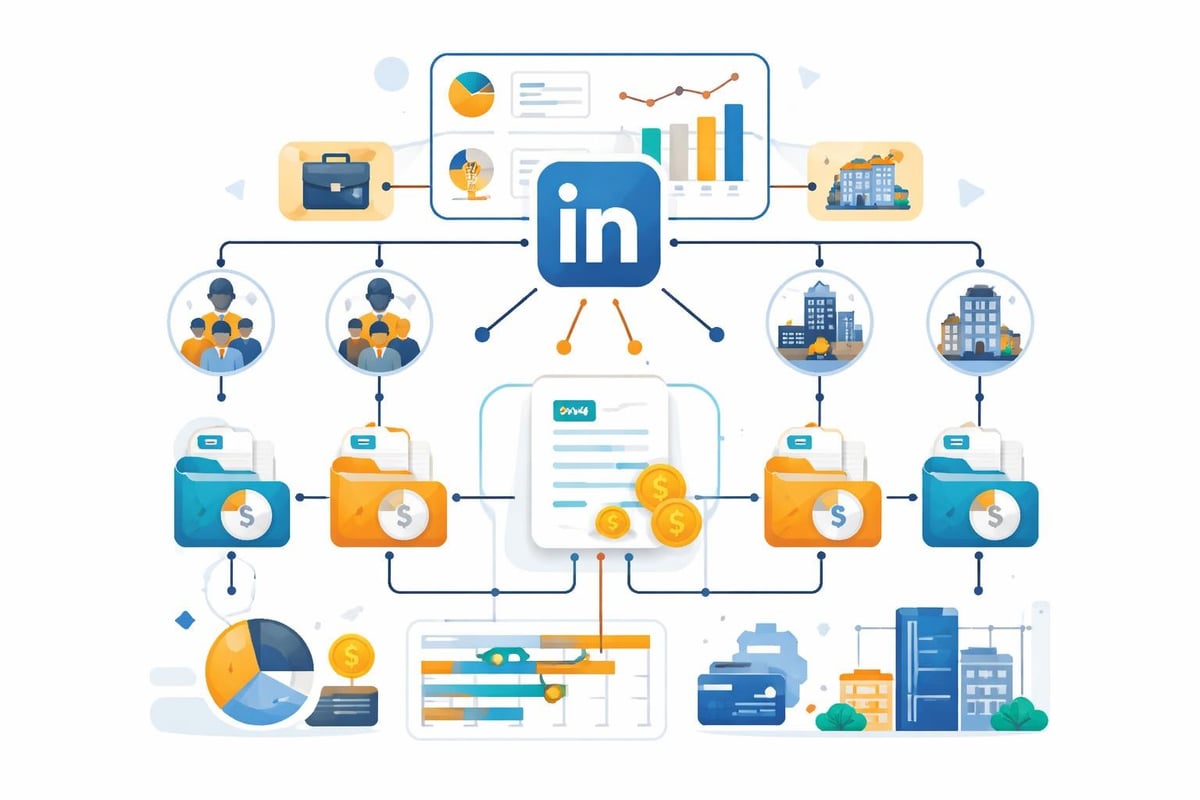
filehub supports parallel management of any number of LinkedIn accounts. Each account can be configured individually while overall administration remains centralized. This setup is especially suitable for agencies that manage LinkedIn campaigns for multiple clients.
🎯 Ready to never do this manually again?
Forgot a LinkedIn invoice? Impossible — filehub handles every one — set it up once, automated forever.
Data security and GDPR compliance
When automating invoicing processes, data protection and security play a central role. LinkedIn invoices contain sensitive business data whose protection is of the highest priority.
filehub was developed and is operated in Germany, which means that all data is processed within the EU. The platform meets strict GDPR requirements and offers industry-standard encryption. According to the LinkedIn User Agreement, the retrieval of invoice data via the account settings is also governed.
Secure authentication and access controls
The connection to LinkedIn portals uses secure authentication mechanisms. filehub stores credentials in encrypted form and enables granular, user-level access controls.
Companies can define which employees have access to which accounts and workflows. This rights management meets the requirements of modern compliance standards and enables detailed audit trails.
Practical use cases from everyday business
Automating LinkedIn invoice processes delivers tangible benefits across various scenarios. Here are some typical real-world use cases.
Scenario 1: Mid-sized consulting firm
A consulting firm with 45 employees uses 12 Sales Navigator licenses and 3 Recruiter Lite accounts. In addition, 2–4 advertising campaigns run monthly for various services.
Before automation, an assistant had to spend about 2.5 hours per month on manual invoice management. With filehub, this process was fully automated. All invoices are automatically retrieved, named according to a uniform scheme, and transferred directly to DATEV Unternehmen Online. The time savings amount to over 30 hours per year.
Scenario 2: Marketing agency with multiple clients
An agency serves 8 corporate clients, each with separate LinkedIn advertising accounts. Each client receives a detailed monthly statement that includes LinkedIn advertising costs.
The automated solution fetches all campaign invoices and automatically assigns them to the respective client project. At the same time, the invoices are transferred to the project management software and linked to campaign performance data. This enables transparent client reporting with no manual effort.
Scenario 3: Corporation with global presence
An international corporation operates LinkedIn presences in 15 countries with a total of over 200 premium licenses. The central finance department requires consolidated overviews of all LinkedIn costs.
filehub enables centralized management of all regional accounts. Invoices are retrieved automatically, categorized by country and cost center, and transferred to a central reporting dashboard. This automation has increased transparency and reduced administrative effort by 85%.
Best practices for implementation
Successfully introducing an automated invoice management system requires careful planning. Here are some proven practices.
Recommended steps:
-
Inventory of all LinkedIn accounts and invoice types
-
Definition of desired workflows and target integrations
-
Establish naming conventions and categorization rules
-
Gradual implementation, starting with a pilot area
-
Training of the employees involved
-
Continuous optimization based on lessons learned
A clear definition of responsibilities is particularly important. Even automated processes require monitoring and occasional adjustments. The automation of invoicing processes should be viewed as an ongoing optimization process.
Comparison of different automation solutions
There are various approaches on the market for automating invoicing processes. A comparison helps in selecting the optimal solution.
|
Solution |
Advantages |
Disadvantages |
Suitability |
|---|---|---|---|
|
Manual management |
No cost, full control |
Time-consuming, error-prone |
Individuals, few accounts |
|
Invoice fetcher services |
Specialized in invoice retrieval |
Limited workflow integration |
Basic automation |
|
Full automation platforms |
End-to-end automation |
Higher initial investment |
Companies with complex requirements |
Specialized services such as automated LinkedIn invoice management offer basic functions, while comprehensive platforms like filehub provide advanced workflow options. The integration of various accounting systems shows the breadth of available solutions.
Cost savings and ROI considerations
Investment in automation should be evaluated based on concrete savings. A realistic ROI calculation considers direct and indirect factors.
Direct time savings
Per LinkedIn invoice, manual processing takes on average 5–8 minutes. For a company with 10 accounts and monthly invoices, this results in:
-
10 accounts × 12 months = 120 invoices per year
-
120 invoices × 6.5 minutes = 780 minutes = 13 hours
-
At an hourly rate of 45 euros = 585 euros in time savings
This calculation only accounts for the download process, not the subsequent processing and forwarding.
Indirect benefits
In addition to pure time savings, there are other measurable benefits from automation.
Additional savings:
-
Reduced error rate and less need for corrections
-
Faster invoice processing and shorter turnaround times
-
Improved compliance through complete documentation
-
Increased employee satisfaction by eliminating monotonous tasks
These factors are harder to quantify but contribute significantly to the overall benefit. For comprehensive invoicing automation, they should be included in the decision-making process.
The future of invoice automation
The trend is toward fully autonomous financial processes. AI-powered systems will increasingly be able not only to retrieve invoices but also to understand and process their content.
Modern platforms already integrate machine learning for automatic categorization and extraction of invoice data. The combination of automated web retrieval and intelligent document processing enables fully automated workflows.
LinkedIn itself is continuously evolving its APIs, which will enable even deeper integrations in the future. Companies that establish automated processes today will benefit from these developments immediately.
Integration with other platforms
Automation is not limited to LinkedIn. Modern solutions support retrieving invoices from various sources such as Amazon Business and other portals.
This cross-platform automation enables a unified process for all digital invoices, regardless of their origin. Centralized management via a single platform significantly simplifies administration and creates consistent standards.
Those who want to delve deeper into the topic of invoicing will find helpful resources such as tips for correct invoice creation or guides to creating professional invoice templates.
Automating LinkedIn invoices not only saves time but also lays the foundation for error-free, auditable financial processes. Instead of manually downloading and forwarding invoices every month, modern technology enables fully automated workflows. With filehub, you get a GDPR-compliant platform developed in Germany that enables precisely this automation—from connecting to the LinkedIn portal and automatic download to integration into your existing systems.


