Microsoft Invoices Guide – All the Important Information at a Glance

More and more companies and freelancers are facing the challenge of managing their Microsoft invoices efficiently. With the increasing use of Microsoft 365, Azure, and other services, the need for clear processes and fast solutions is growing.
This is exactly where our Microsoft Invoices Guide 2025 comes in. You’ll get a compact overview of all key aspects: from finding and downloading to legal requirements through to automation and integration into existing workflows.
What awaits you? The most important updates for 2025, practical step-by-step instructions, current legal requirements, and tips for optimizing your invoice management. Take the opportunity to make your processes more efficient and secure – and benefit from expert knowledge for your daily work.
Microsoft invoices 2025: What’s new?
More and more companies are facing the challenge of managing their Microsoft invoices efficiently and in compliance with regulations. In 2025, Microsoft is introducing numerous changes relevant to business and private users alike. New portals, digital formats, and interfaces are bringing fresh momentum to invoice management. What exactly is changing and which trends will shape the future? Here’s your overview.
Current changes and updates
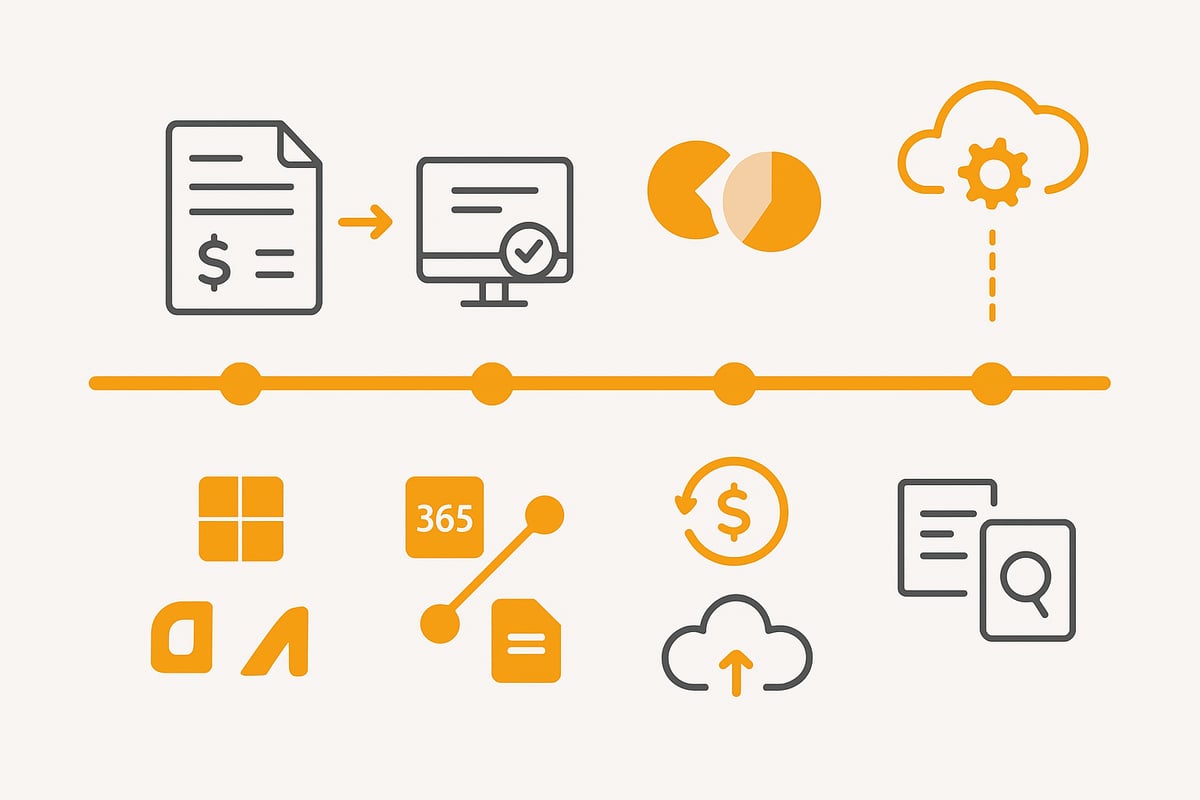
From 2025, Microsoft is comprehensively restructuring invoicing. Key change: the introduction of e-invoices in line with EU directives, which will become mandatory for many companies. Invoices will primarily be provided digitally in formats such as XRechnung and ZUGFeRD. Business customers will receive their Microsoft invoices via new portals, while private users will use adapted download processes.
The invoice overview has been revamped so that collective invoices are now easier to find. Interfaces to accounting software and ERP systems have been expanded. According to Microsoft, over 80 percent of customers already use digital invoices. For companies and tax advisors this means: processes must be adapted, and the archiving and verification of digital documents must be ensured. You can find more details on the statutory e-invoice obligation at E-invoice obligation from 2025.
Relevant Microsoft services and products
Microsoft offers a wide range of services, each with its own requirements for invoicing. The most important include Microsoft 365, Azure, Dynamics, and Teams. Each of these platforms has its own invoice portals and specific formats in which Microsoft invoices are provided.
Enterprise customers and resellers must observe additional rules, for example when billing international services. The Microsoft Partner Center also enables the integration of additional add-on services. For international companies in particular, different invoice portals and the respective currency play a central role. The variety of Microsoft products makes a structured management of invoices indispensable.
Trends and outlook for the future
The trend is clear: automation and self-service portals are gaining importance. More and more companies are relying on digital accounting and cloud solutions to manage their Microsoft invoices efficiently. Forecasts assume that by 2026 around 95 percent of all invoices will be provided in e-invoice formats.
Interfaces to third-party providers such as DATEV or SAP are becoming increasingly important to simplify processes. Secure, GDPR-compliant archiving is becoming the standard – especially in preparation for tax audits and digital proof requirements. Small and medium-sized businesses benefit from the new possibilities but face challenges when integrating systems. What’s clear: those who adopt automation and digitization early can save time and avoid errors with Microsoft invoices.
Find and download Microsoft invoices: step-by-step guide
More and more companies need to retrieve Microsoft invoices regularly and manage them efficiently. The following guide shows you how to access your invoices safely and quickly – whether for Microsoft 365, Azure, or other services. You’ll also learn how to automate the download process to save time and hassle.
Access to Microsoft portals and accounts
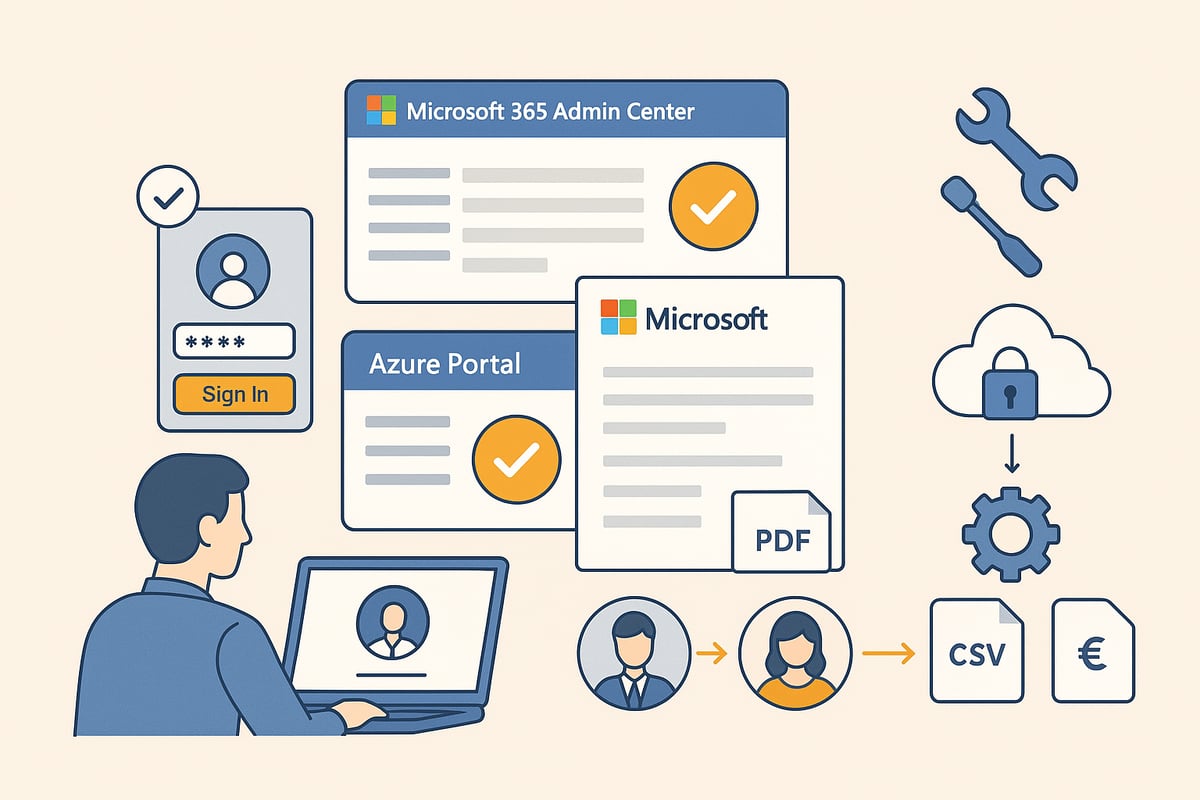
To manage Microsoft invoices online, access to the appropriate Microsoft portals is essential. First sign in to the Microsoft 365 Admin Center, Azure Portal, or your personal Microsoft account. Companies usually need a Global Administrator or Billing Administrator role for this.
Make sure you have the right permissions. Personal and business accounts often differ in terms of available functions. For sensitive data, it’s always recommended to enable two-factor authentication.
Here’s how:
-
Go to the respective portal (e.g., https://admin.microsoft.com)
-
Enter your credentials and confirm two-factor authentication if prompted
-
Navigate to the “Billing” or “Invoices” section
Typical causes of errors are missing permissions, outdated credentials, or problems with authentication. In such cases, check the account settings and, if in doubt, clarify with the IT administrator whether your user account is enabled for invoice access.
Downloading invoices for Microsoft 365, Azure & more
Downloading Microsoft invoices takes just a few steps. In the Admin Center or Azure Portal, go to the Invoices or Billing documents section. Here you can select the desired billing period and open the respective invoice.
Choose between individual invoices and collective invoices, as needed. The available download formats usually include PDF, CSV, and for business customers also structured e-invoices such as XRechnung or ZUGFeRD.
Practical tips for downloading invoices:
-
Select the desired period from the overview
-
Click the invoice and choose the appropriate format
-
Download the file and store it securely
Many companies forward the files directly to accounting or store them in a secure cloud storage. According to Microsoft Insights, 60 percent of users download their Microsoft invoices at least once a month. Regularly check whether all invoices are present in full.
Automated solutions and tools
For companies with a high volume of invoices, automating the retrieval of Microsoft invoices is worthwhile. Tools like Zapier, filehub, or Microsoft Power Automate offer interfaces that let you automatically export invoices and forward them directly to your accounting software.
The advantages are obvious: time savings, fewer errors, and complete documentation. There are limits, however, regarding API limits and data protection – especially with sensitive financial data.
With solutions like Automated invoice retrieval with filehub you can fetch Microsoft invoices directly and securely via vetted interfaces. Integration into existing workflows works without any programming knowledge and meets the highest GDPR standards. This makes invoice import a breeze and keeps your accounting always up to date.
Legal requirements and GoBD compliance for Microsoft invoices
Legal requirements for Microsoft invoices have increased significantly in recent years. Companies must meet strict specifications for digital invoices to be on the safe side for tax purposes. Especially from 2025, many face new challenges when it comes to GoBD-compliant processes and proper archiving.
Legal requirements for digital invoices
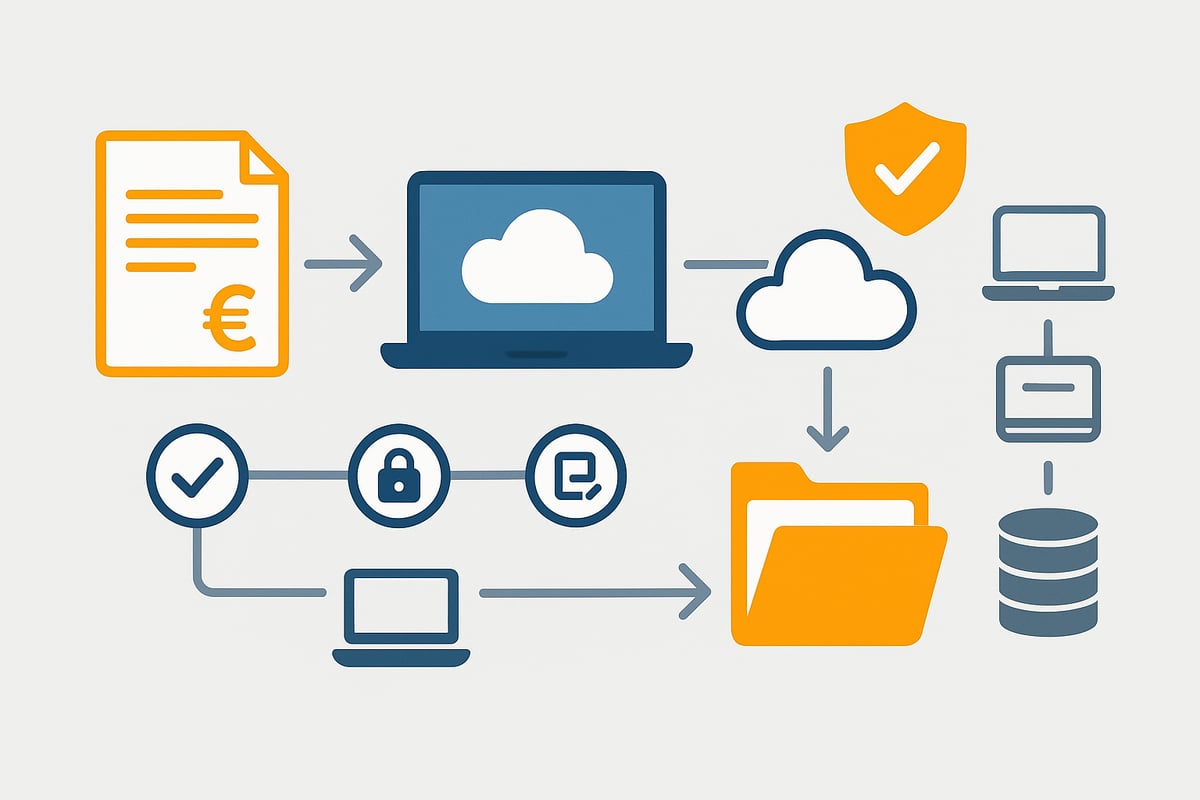
In Germany, Microsoft invoices are subject to the GoBD (Principles for the proper keeping and storage of books, records and documents in electronic form). These set out which details must not be missing from an invoice:
-
Full name and address of issuer and recipient
-
VAT ID, invoice number, issue date
-
Service period and exact description of the service
-
Tax rate and tax amount
Digital invoices, such as PDF or e-invoice, are generally accepted by the tax office if all mandatory information is included. It is important that invoices are stored in an unalterable manner. Example: check a current Microsoft invoice file to ensure all statutory minimum details are present. According to Bitkom, 90% of companies now accept digital invoices without issues.
Archiving and documentation requirements
The GoBD require that Microsoft invoices be archived digitally, legibly, and unalterably for at least ten years. Cloud storage such as SharePoint or OneDrive is suitable here. You can use Microsoft’s own archiving functions as well as external solutions.
The following requirements must be observed:
-
Immutability of the stored files
-
Readability at any time and quick findability
-
Compliance with the prescribed retention periods
A practical example: many companies store their invoices directly in OneDrive to work in a GoBD-compliant manner. This guide to Microsoft OneDrive for invoice archiving shows exactly how it works. Archiving this way also keeps you on the safe side during audits.
Particularities of international invoices
There are additional requirements for international Microsoft invoices. Invoices to customers outside Germany or the EU often have to be issued in a different currency. Important are:
-
Correct currency conversion and display of VAT
-
Compliance with country-specific details and language rules
-
Consideration of reverse charge procedures or double tax treaties
Example: a Swiss company receives an Azure invoice in CHF. The invoice must meet both local and German requirements. Compliance with these specifications is crucial for Microsoft invoices to be recognized internationally.
Integrating Microsoft invoices into accounting and workflows
Integrating Microsoft invoices into existing accounting processes is critical for companies of all sizes to save time and avoid errors. Many companies ask how invoices from Microsoft 365, Azure, or other services can be efficiently transferred into their own accounting. The trend is clearly toward automation, but manual solutions still play a role.
Import into accounting software and ERP systems
Companies import Microsoft invoices into their accounting either manually or automatically. With the manual method, invoice files are downloaded from the Microsoft portal and uploaded into the accounting software. This option is simple but time-consuming and error-prone, especially with a high volume of invoices.
Automated solutions use interfaces or APIs to transfer Microsoft invoices directly into systems such as DATEV, Lexware, or SAP. Many providers offer prebuilt integrations that significantly speed up the process. Automatic import is a real gain, especially for tax advisors and accounting departments.
Example: via a DATEV interface, Microsoft invoices can be imported daily without manual intermediate steps. Anyone who wants to learn more about efficient accounting processes will find valuable tips and tools in this post Tips for digital accounting.
Automation and workflow optimization
Automating the processing of Microsoft invoices brings numerous benefits. With tools like Microsoft Power Automate, Zapier, or filehub you can build individual workflows. For example, invoices can be automatically checked after download, routed for approval, or booked directly.
Typical workflows include approval processes, automatic payment instructions, or passing invoice data to the ERP system. Automation reduces manual errors and noticeably lowers time spent.
Automation is especially worthwhile for recurring invoices, which are common with Microsoft services. Companies benefit from better traceability and optimized collaboration between accounting and IT.
filehub: Automated invoice retrieval and workflow integration
With filehub there is a solution specifically tailored to the challenges of managing Microsoft invoices. The tool enables direct retrieval of invoices from Microsoft 365 and Azure via secure interfaces, without any programming knowledge.
The retrieved invoices are automatically passed into individual workflows, for example for approval, posting, or archiving. filehub relies on the highest data security with German servers and C5-certified data centers, which is especially important for GDPR-compliant processes.
Companies with complex or multi-stage processes in particular benefit from the flexibility and automation. A concrete example: Microsoft invoices are imported automatically and forwarded directly to accounting without manual intervention. To get started, filehub even offers a free Free Plan so companies can easily experience the benefits.
Common problems and solutions when dealing with Microsoft invoices
More and more companies rely on digital invoice processing, but in day-to-day work questions and stumbling blocks keep cropping up when dealing with Microsoft invoices. Knowing the typical sources of error can save time and nerves. Below you’ll find the most common problems and practical solutions.
Typical sources of error when retrieving invoices
When accessing Microsoft invoices, issues with access rights or sign-in are common. Often the required role such as “Global Administrator” or “Billing Administrator” is missing, which blocks invoice retrieval. Two-factor authentication can also cause confusion if it is not set up correctly.
Further stumbling blocks:
-
Invoices do not appear in the desired billing period.
-
The portal only displays invoices in certain formats.
-
Technical adjustments or updates lead to temporary outages.
-
Data such as invoice number or service period is missing or incorrect.
A common mistake is not paying attention to the current technical requirements for e-invoices from 2025 onward. Especially during format changes or with new portals, this can make access to Microsoft invoices more difficult. Always check the portal settings and regularly update access rights.
Support and assistance from Microsoft
If problems persist when retrieving Microsoft invoices, Microsoft Support provides quick and efficient help. You can choose between phone, chat, and the community. The Microsoft help center is particularly helpful, offering step-by-step guides for typical invoice questions.
Here’s what to do:
-
First check your own permission and portal settings.
-
Use the search function in the portal to find the invoice.
-
Contact support if invoices are missing or incorrect.
-
Create a support ticket and provide all relevant account information.
Experience shows: the more precisely the problem and affected invoice data are described, the faster a solution is found. For more complex cases, Microsoft also assists with technical issues, such as format export or interfaces to accounting software.
Best practices for efficient invoice management
A structured approach to Microsoft invoices is crucial for efficiency and traceability. Establish fixed routines, such as a monthly checklist for invoice downloads and archiving. Use automation tools to avoid errors and set reminders.
Recommendations:
-
Download all Microsoft invoices regularly and secure them in a GDPR-compliant way.
-
Integrate automation solutions to speed up the process.
-
Train your team in using the Microsoft portals.
-
Document all steps for tax audits.
Especially for companies with ERP systems, it is important to consider the new e-invoices in Microsoft ERP. Automated processes not only save time, they also increase transparency and minimize risks during tax audits. With these best practices, you are well prepared for the future of digital invoice processing.
You now have a comprehensive overview of how to efficiently find and download Microsoft invoices in 2025 and integrate them seamlessly into your workflows. Especially if you value automation, data security, and GDPR, filehub can save you many manual steps and noticeably simplify your invoicing process – without any programming knowledge. Just give it a try and experience how convenient and secure automated invoice management can be.
Try filehub.one for free now


