Sure! The translation of the German phrase: **Papierkram digitalisieren: Automatisierung 2026** into English is: **Digitizing paperwork: Automation 2026**
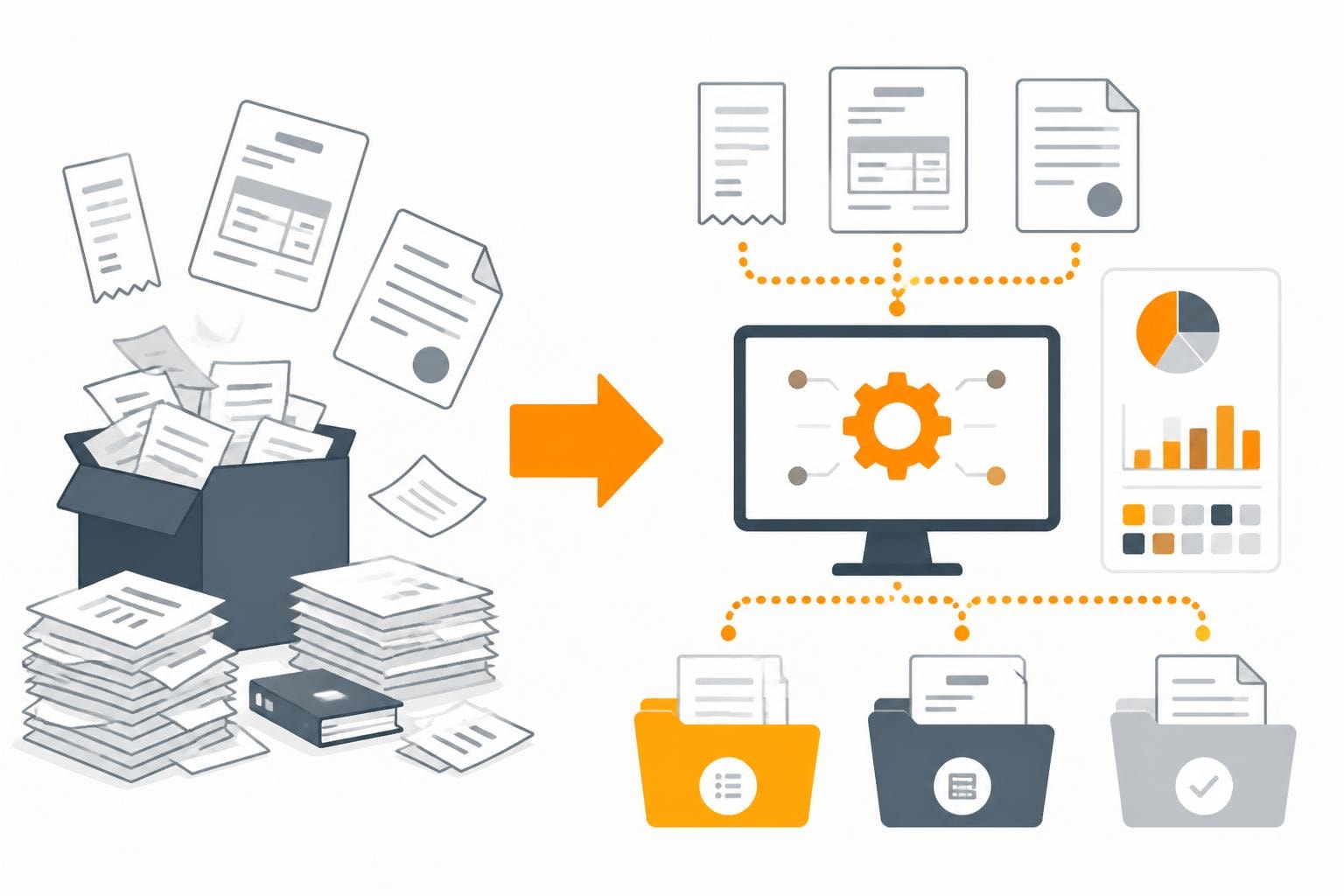
The term paperwork describes more than just physical documents—it stands for the entire administrative burden that companies have to handle every day. In an age where speed and efficiency determine competitive advantages, the digitization and automation of paperwork is no longer an option but a necessity. Modern businesses face the challenge of processing invoices, contracts, receipts, and other documents quickly, securely, and traceably. The good news: with the right strategies and tools, this process can be significantly simplified and accelerated.
The hidden costs of manual paperwork
Every minute your employees spend manually sorting, filing, or searching for documents is a minute not spent on value-creating activities. The true costs of paperwork go far beyond the obvious expenses for paper, printers, and toner.
Time loss and productivity declines
Studies show that employees spend an average of 30-40% of their working time searching for information and documents. In a team of ten people, this effectively equals three to four full-time positions devoted solely to document management.
The most common time-wasters in document management:
- Manual data entry from paper receipts into digital systems
- Searching for misplaced or misfiled documents
- Multiple editing of the same documents by different departments
- Follow-up queries about missing or incomplete documents
- Physical transport of documents between locations or departments
The implementation of a digital document management system can reduce these time losses by up to 80%.

Sources of error and compliance risks
Manual paperwork is prone to errors. A mistyped number on an invoice, an overlooked date on a contract, or a missing signature can have serious consequences.
| Error type | Average frequency | Potential impact |
|---|---|---|
| Typographical errors during data entry | 1-3% of all entries | Incorrect payment amounts, accounting errors |
| Loss of documents | 7.5% of all documents | Compliance violations, audit issues |
| Delayed processing | 15-20% of all transactions | Dunning fees, damage to business relationships |
| Lack of version control | 40% of companies | Working with outdated information |
Digitization as the first step to reducing paperwork
Converting physical documents into digital formats is the foundation of any modern document management approach. However, digitization alone is not enough—it must be done strategically and systematically.
Scanning and capture: laying the foundation
The first step is to consistently digitize incoming documents. Modern scanners with OCR technology (Optical Character Recognition) can not only create images of documents but also read the text and make it searchable.
Best practices for document digitization:
- Establish uniform naming conventions: Define clear rules for file names (e.g., YYYY-MM-DD_DocumentType_Supplier_Amount.pdf)
- Set quality standards: Minimum resolution of 300 dpi for all scanned documents
- Capture metadata systematically: Record date, sender, amount, category directly when scanning
- Define a central filing structure: A uniform folder system accessible to all employees
- Set up regular backups: Automated backup of all digital documents
The Document Automation Suite offers features that go far beyond simple scanning and enable automatic categorization.
Cloud-based management for flexible access
After digitization, documents must be stored so they are accessible anytime and from anywhere. Cloud-based solutions offer decisive advantages over local servers or hard drives.
A modern cloud document management system not only enables access from different locations but also simultaneous editing by multiple team members. Particularly important: GDPR-compliant solutions with servers located in Germany guarantee data protection and legal certainty.
Automation: from digital paperwork to intelligent processing
Digital documents are an important step, but true efficiency gains emerge only through automation. Instead of moving, renaming, or forwarding documents manually, intelligent workflows take over these tasks.
Automatic document recognition and categorization
Modern systems can automatically recognize document types and categorize them accordingly. An incoming invoice is treated differently from a quote or a contract—and the system recognizes this without manual intervention.
Typical automation scenarios:
- Invoice processing: Automatic recognition of supplier, amount, date, and invoice number
- Contract management: Extraction of contract terms, notice periods, and responsibilities
- Receipt management: Automatic assignment to projects, cost centers, or budgets
- Personnel files: Systematic filing of employment contracts, payslips, and vacation requests
The automation of invoicing processes can deliver enormous time savings, especially with recurring suppliers.
Integration into existing business processes
The true strength of automation only becomes apparent when document workflows are seamlessly connected with other business systems. A digitized invoice should not exist in isolation but communicate directly with accounting software, project management tools, and payment systems.
| System integration | Automated actions | Time savings |
|---|---|---|
| Accounting software | Automatic posting, account assignment | 75% |
| ERP systems | Inventory updates, supplier matching | 60% |
| Project management | Cost allocation, budget tracking | 50% |
| Banking | Payment reconciliation, dunning | 80% |
The integration of different applications makes it possible to capture data once and use it everywhere—without manual transfer or double entry.
Multi-stage workflows without programming
Many business processes require multiple steps and different people. A workflow system can map these processes and execute them automatically.
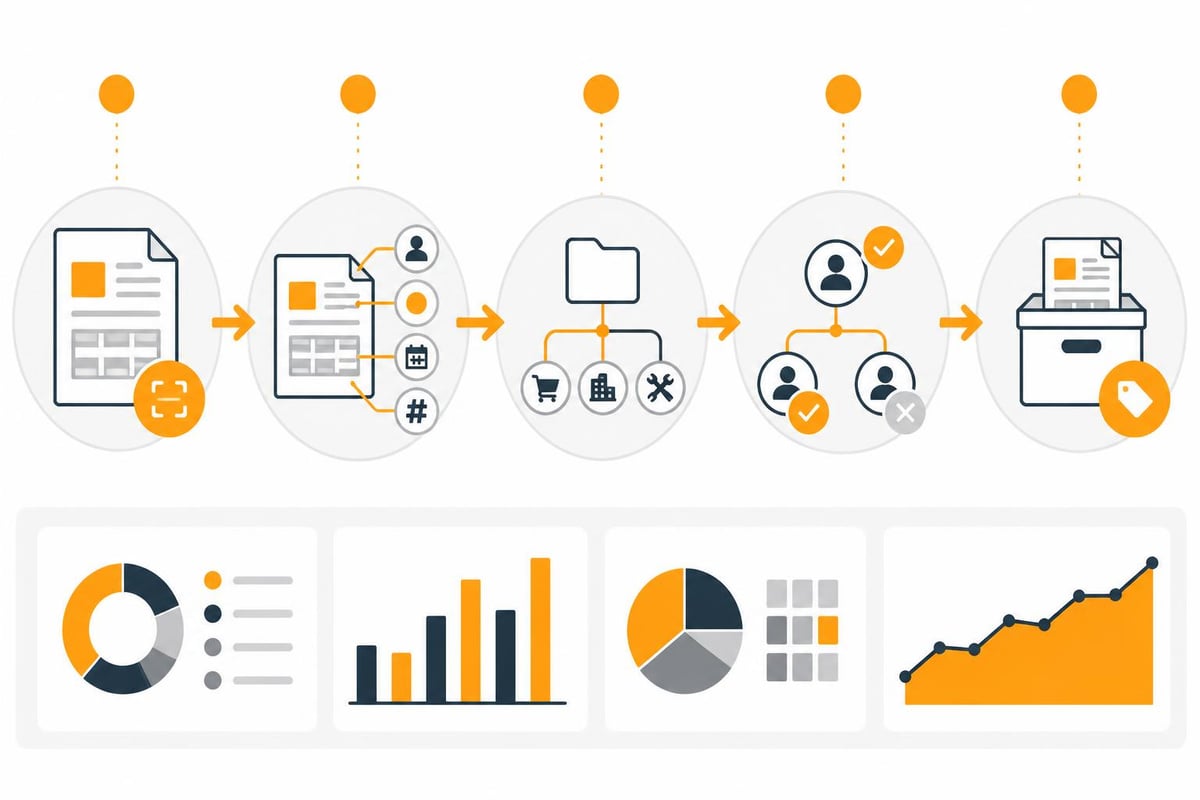
Example of an automated invoice workflow:
- Invoice arrives by email
- System automatically extracts relevant data
- Check against purchase order or contract
- If matching: forward to the responsible manager
- After approval: automatic transfer to accounting
- Create payment instruction and submit for approval
- After final approval: execute payment and archive the document
With workflow-based solutions, such multi-stage processes can be implemented without programming and tailored to individual business requirements.
Specific challenges across different business areas
Every department has its own requirements for document management and reducing paperwork. A holistic solution must take these different needs into account.
Finance and accounting
Financial accounting is traditionally the most burdened with paperwork. Incoming invoices, outgoing invoices, receipts, account statements, and tax documents must not only be managed but also archived in an audit-compliant manner.
Modern accounting solutions rely on full digitization and automation. The receipt and banking functions of specialized software significantly simplify the management of income and expenses.
Particularly valuable: the automatic retrieval of invoices from web portals saves you from manually logging in to dozens of suppliers and downloading individual documents.
Human resources and HR documentation
Employment contracts, payslips, vacation requests, references—the HR department manages highly sensitive and legally relevant documents. A centralized HR document management system not only reduces paperwork but also ensures data protection and compliance.
The human resources solutions enable secure management of employee documents with granular access rights and automatic deadline reminders.
Purchasing and procurement
The procurement process generates a multitude of documents: requests, quotes, purchase orders, delivery notes, invoices. Procurement automation can not only manage these documents but also link them together intelligently.
An end-to-end workflow from quote to paid invoice prevents errors and makes the status of every order transparent at all times. Integration with Amazon Business enables, for example, the automatic retrieval of order confirmations and invoices.
Practical implementation: step by step to a paperless office
The transition from paper-based to digital work requires planning and systematic execution. A big-bang approach usually fails—it's better to opt for a gradual transformation.
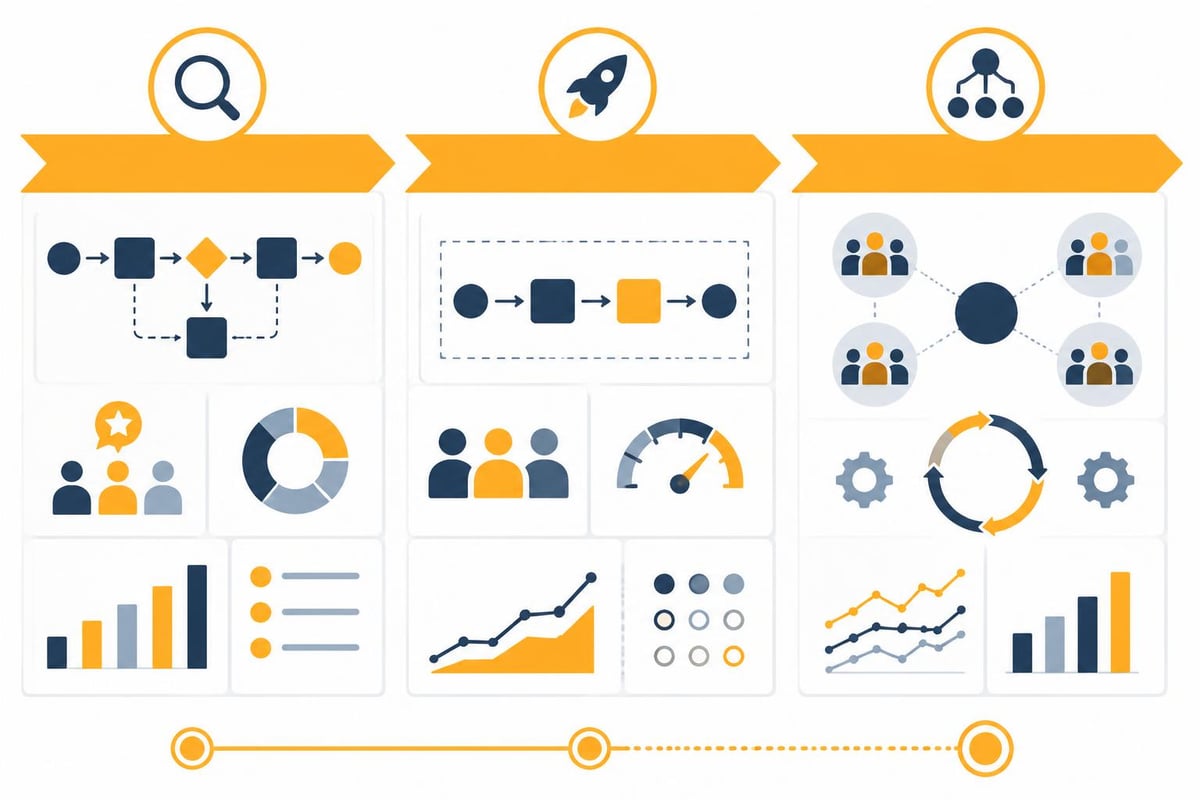
Phase 1: analysis and prioritization
Not all processes need to be digitized at once. Start with an assessment:
- Which document types cause the greatest effort?
- Where do most errors occur?
- Which processes block other workflows the most?
- Where are the legal requirements the strictest?
This analysis helps set the right priorities and identify quick wins.
Phase 2: start a pilot project
Choose a clearly defined area for a pilot project. Ideally, a process that:
- Occurs frequently and thus shows results quickly
- Is not business-critical, so mistakes are tolerable
- Is handled by a manageable team
- Has measurable KPIs (processing time, error rate, costs)
Example pilot project: automating travel expense reports
- Digital capture of all receipts via smartphone app
- Automatic categorization (taxi, hotel, meals)
- Workflow for approval by supervisors
- Automatic transfer to accounting
- Digital archiving after reimbursement
Phase 3: scaling and optimization
After a successful pilot project, expand to additional areas. You should systematically use the insights from the pilot phase and continuously optimize processes.
The workflow templates provide prebuilt solutions for typical business processes that can serve as a starting point for your own adaptations.
Legal aspects and compliance
The digitization of paperwork must meet legal requirements, especially for tax-relevant documents and personnel files. In Germany, strict rules apply to audit-compliant archiving.
GoBD-compliant archiving
The Generally Accepted Principles for Keeping, Retaining, and Storing Books, Records, and Documents in Electronic Form (GoBD) define how digital documents must be archived.
Key requirements:
- Immutability: Documents must not be changeable after archiving
- Completeness: All relevant documents must be captured without gaps
- Traceability: Every change and processing step must be documented
- Availability: Documents must be accessible for the entire retention period
- Orderliness: Systematic filing according to transparent criteria
Integration with DATEV Unternehmen Online or sevDesk ensures that tax-relevant documents are archived in compliance with legal requirements.
GDPR and data protection
When processing employee data, customer data, or supplier information, data protection regulations must be observed. Especially important:
- Access rights based on the need-to-know principle
- Encryption of sensitive data
- Logging of all access
- Ability to delete after retention periods expire
- Server locations within the EU
Platforms developed and operated in Germany offer additional security here in terms of data protection and GDPR compliance.
Measuring success and continuous improvement
The digitization of paperwork is not a one-off project but a continuous process. To measure success and identify optimization potential, you should regularly record relevant metrics.
Key KPIs for document workflows
| Metric | Meaning | Target value |
|---|---|---|
| Turnaround time for invoice processing | Time from receipt to payment | < 5 days |
| Error rate in data entry | Percentage of faulty entries | < 0.5% |
| Search time per document | Average time until document is found | < 30 seconds |
| Degree of automation | Share of automatically processed documents | > 80% |
| Cost per document | Total costs incl. personnel and systems | < €2 |
The operations solutions provide dashboard functions to monitor these KPIs in real time and detect trends at an early stage.
Establish feedback loops
In addition to quantitative metrics, qualitative user feedback is also important. Regular retrospectives with the teams help identify weaknesses:
- Where do manual steps still occur?
- Which processes are needlessly complicated?
- Where are integrations with other systems missing?
- Which document types are still causing problems?
Future trends: AI and machine learning in document management
The next generation of paperwork automation will be shaped by artificial intelligence. Systems continuously learn and get better at understanding and processing documents.
Intelligent document analysis
Modern AI can not only read text but also understand it. That means:
- Recognition of document types even without fixed structures
- Extraction of relevant information from free text
- Identification of anomalies and potential errors
- Automatic assignment to business transactions
Integration with NatifAI enables AI-powered document analysis that goes far beyond simple OCR recognition.
Predictive processing
Future systems will not only process documents reactively but proactively recognize when action is needed:
- Early warnings of impending payment deadlines
- Suggestions for optimal payment times (cash flow optimization)
- Automatic detection of duplicates and fraud attempts
- Intelligent prioritization based on importance and urgency
The digitization and automation of paperwork is no longer a vision of the future in 2026, but everyday practice in successful companies. Anyone who still relies on manual processes today not only wastes time and money but also threatens their competitiveness. With filehub you can automate your document workflows without programming, intelligently connect different systems, and even automatically retrieve files from web portals. The GDPR-compliant platform from Germany makes the move into a paperless future simple and secure—try it today to see how much time you can save through intelligent automation.


