Requesting a Deutsche Bahn Invoice: Guide & Automation
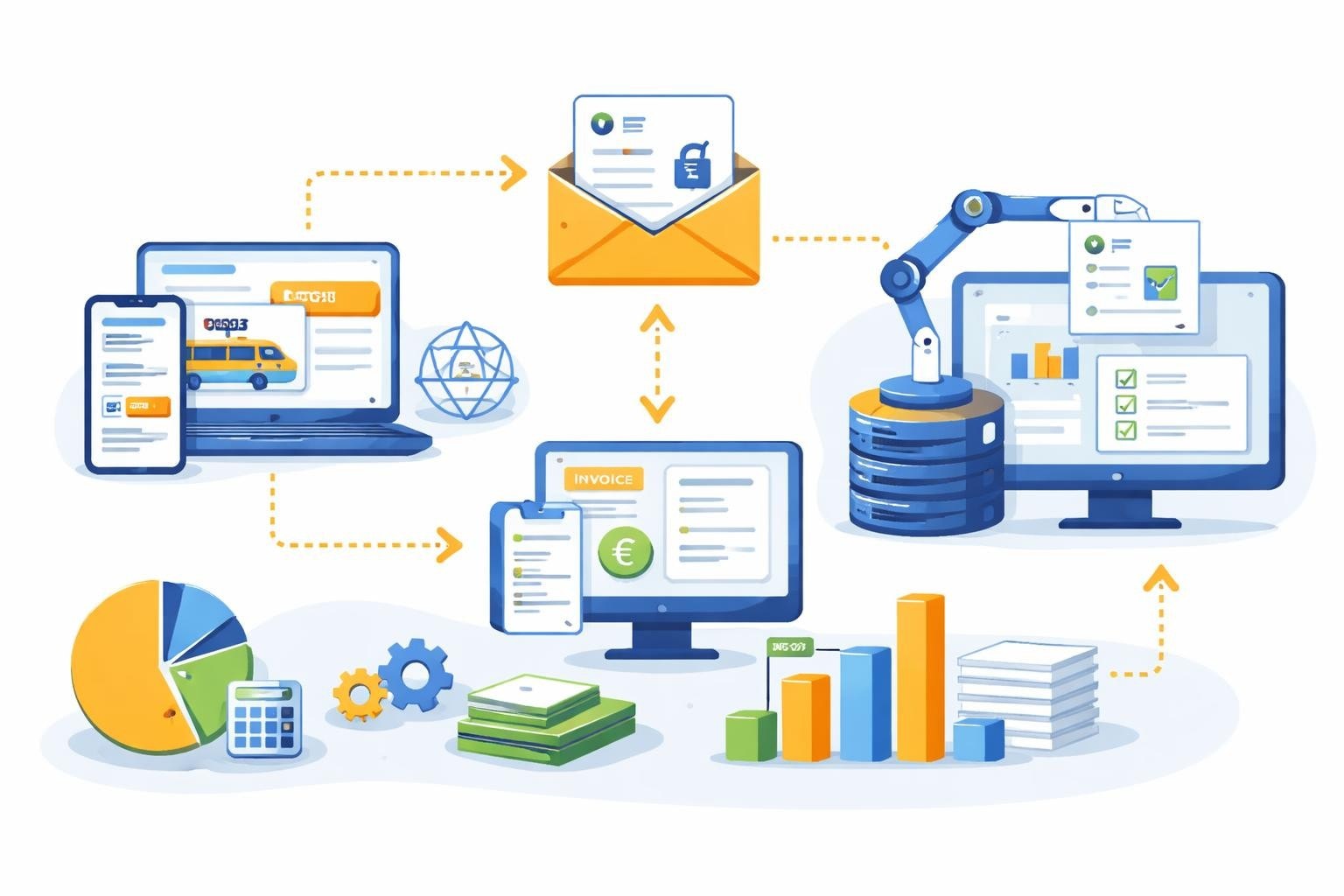
Anyone who travels regularly on business with Deutsche Bahn knows the situation: At the end of the month, invoices for tickets and the BahnCard have to be gathered to record them in accounting. The good news: Requesting a Deutsche Bahn invoice is easier than many think. The bad news: The manual process costs time that would be better invested in productive tasks. In this article, you’ll learn all the ways you can request your rail invoices and how modern automation solutions can significantly simplify this process.
Why is a proper invoice important?
For companies and self-employed individuals, invoices are much more than mere payment receipts. They serve important tax and legal functions.
A proper invoice under German tax law enables input tax deduction. Without a correct invoice, the tax office may not accept the expenses as business expenses. Especially with regular rail travel, these amounts can quickly add up to considerable sums.
Legal requirements for invoices
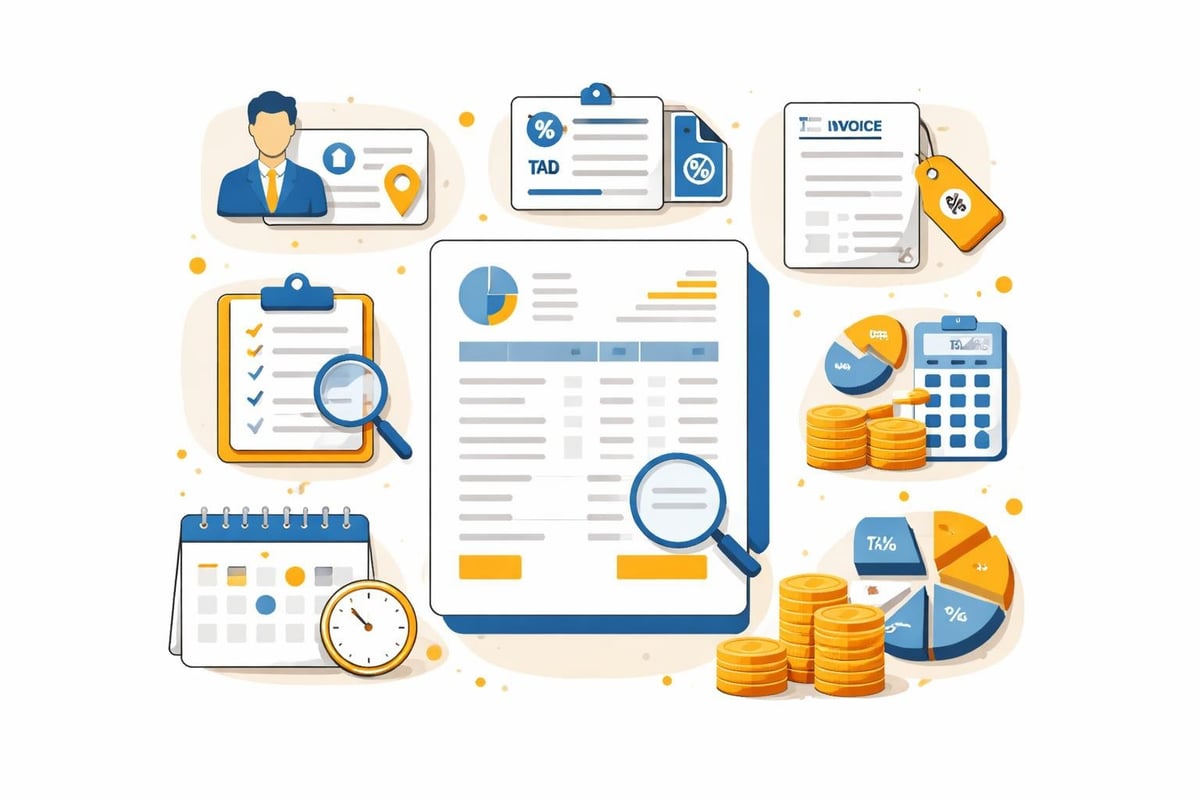
The mandatory information on a proper invoice includes:
- Full name and address of the supplying company
- Tax number or VAT identification number
- Invoice issue date
- Consecutive invoice number
- Quantity and type of service provided
- Time of service provision
- Remuneration itemized by tax rates
- Applicable tax rate and tax amount
Deutsche Bahn provides this information in its invoices by default. However, buying a ticket alone is not sufficient for tax purposes — you need the formal invoice.
Requesting a Deutsche Bahn invoice: Step-by-step guide
Depending on the type of service you purchased from Deutsche Bahn, there are different ways to request a Deutsche Bahn invoice.
Invoice for tickets via the DB customer account
The official Deutsche Bahn instructions describe the standard route via the customer account:
- Log in to bahn.de with your credentials
- Navigate to the "My bookings" section
- Select the relevant trip
- Click "Request invoice"
- The invoice will be provided as a PDF
Important: The invoice can only be requested for tickets booked online via the DB customer account. Tickets purchased at a machine or counter must be issued as an invoice on site.
Request a BahnCard invoice online
There is a separate process for BahnCard holders. According to the FAQ page on the BahnCard invoice, it works as follows:
- Log in to the DB customer account
- Navigate to the "My BahnCard" section
- Select the "Download invoice" option
- Save the PDF invoice
The invoice is usually provided shortly after the purchase or renewal of the BahnCard.
Invoices for corporate customers
Business customers with a bahn.business account have extended options for invoice management. These accounts enable:
- Central management of all employee bookings
- Automatic consolidated invoices
- Individual cost center assignment
- Monthly or project-based billing
The level of detail and billing options depend on the selected contract model.
| Account type | Invoicing | Added value for companies |
|---|---|---|
| Private customer account | Single invoice per ticket | Basic invoicing function |
| bahn.business | Consolidated invoices possible | Central management, cost centers |
| Business customer contract | Monthly billing | Credit line, individual terms |
Challenges with manual invoice management
Even if requesting a Deutsche Bahn invoice is technically simple, numerous challenges arise in practice.
Time expenditure and sources of error
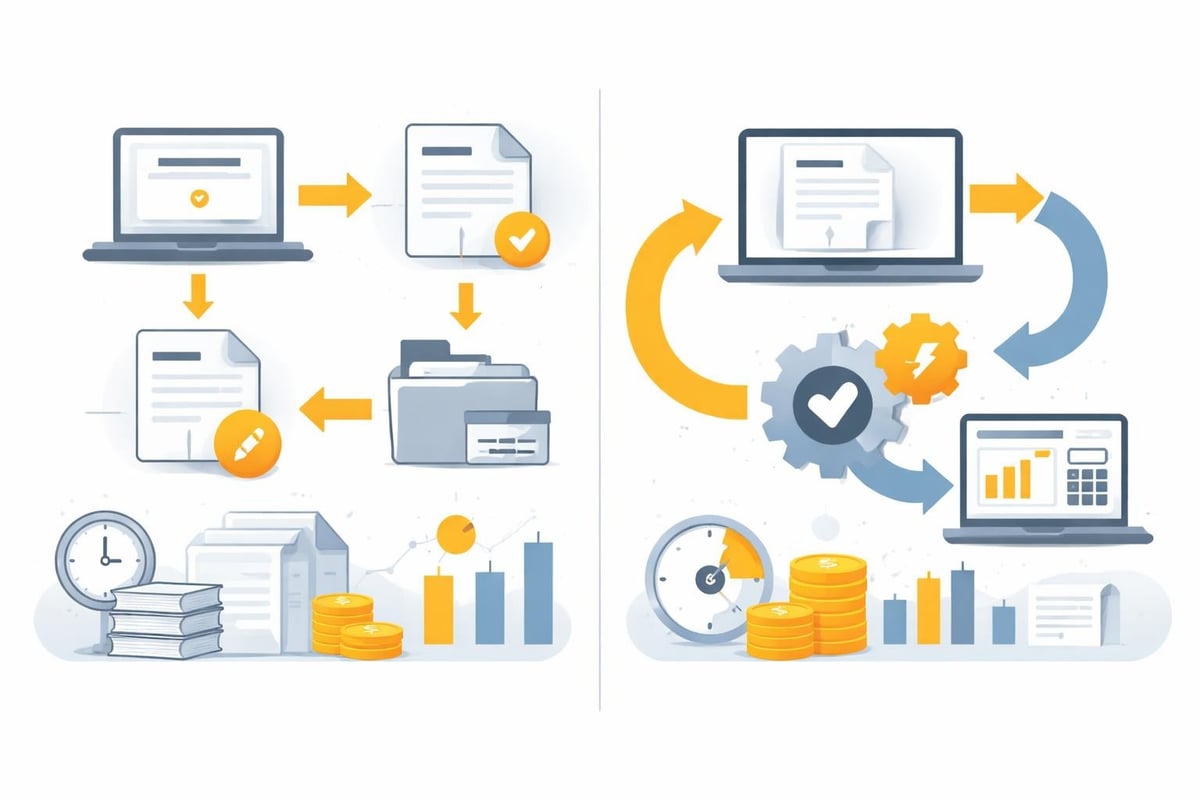
Each invoice must be requested, downloaded, renamed, and filed individually. For frequent travelers, dozens of invoices can accumulate each month. The manual process costs valuable working time.
Typical sources of error:
- Forgotten invoices that were not requested in time
- Duplicate downloads of the same invoice
- Incorrect assignment to projects or cost centers
- Inconsistent file names that make searching difficult
- Failure to forward to accounting
Compliance and archiving
The statutory retention period for invoices in Germany is ten years. Companies must ensure that all invoices are archived in an audit-proof manner. An unstructured filing system in email inboxes or on personal drives does not meet these requirements.
In addition, invoices must be stored in such a way that they can be found quickly during audits. The Deutsche Bahn FAQ on billing provides further information on this topic.
Automating invoice retrieval
Modern automation platforms like filehub offer an elegant solution to the problem of recurring invoice requests.
How does automated invoice retrieval work?
filehub can connect to web portals such as the DB customer account and automatically retrieve documents provided there. The workflow, simplified, looks like this:
- Automatic connection to the DB customer account at defined intervals
- Identification of new invoices that have not yet been retrieved
- Download of the invoice documents in PDF format
- Renaming according to predefined naming conventions
- Forwarding to the accounting system or DMS
This automation runs completely in the background, without you having to log in manually or search for invoices. The automated invoice retrieval not only saves time but also eliminates human errors.
Integration into existing accounting systems
A key advantage of automation platforms is seamless integration into your existing IT infrastructure. filehub offers interfaces to common accounting systems:
- DATEV Unternehmen Online - Direct transfer to the DATEV platform
- sevDesk - Automatic import into sevDesk
- Lexware - Connection to Lexware Office
- Microsoft Dynamics 365 - Integration into Business Central
Additionally, invoices can be transferred to document management systems (DMS) such as DocuWare or AMAGNO.
Multi-stage workflows without programming
With filehub’s workflow function, complex processing steps can be defined:
- Automatic OCR recognition of invoice data
- Categorization by projects or cost centers
- Notification of responsible employees
- Approval workflows for high amounts
- Automatic archiving in SharePoint or OneDrive
These workflows require no programming and can be configured via an intuitive interface.
Best practices for invoice management
Regardless of whether you request Deutsche Bahn invoices manually or automatically, you should observe certain best practices.
Regular review and reconciliation
Even with automated processes, regular checks make sense:
- Monthly reconciliation between credit card statements and received invoices
- Control for completeness of all trips
- Verification of correct cost center assignment
- Archive check to ensure all documents have been filed correctly
Structured filing
A consistent naming convention makes it easier to find documents later:
Format: YYYY-MM-DD_DeutscheBahn_Invoice_[InvoiceNumber].pdf
Example: 2026-03-15_DeutscheBahn_Invoice_R123456789.pdf
Organize invoices by fiscal years and months. A clear folder structure saves valuable time during audits.
Data protection and security
Invoices contain personal data and must be processed in compliance with the GDPR. Pay attention to:
- Encrypted transmission of documents
- Access restrictions based on the need-to-know principle
- Regular backups of invoice archives
- Secure authentication for portal access
filehub was developed and is operated in Germany and meets the highest data protection standards. All data is processed exclusively in German data centers.
Special cases and common issues
When requesting a Deutsche Bahn invoice, certain special cases crop up repeatedly.
Retrospective invoice request
Invoices can usually be requested up to three months after the trip. After that, it becomes more difficult. In such cases, often only direct contact with customer service will help.
Incorrect invoices
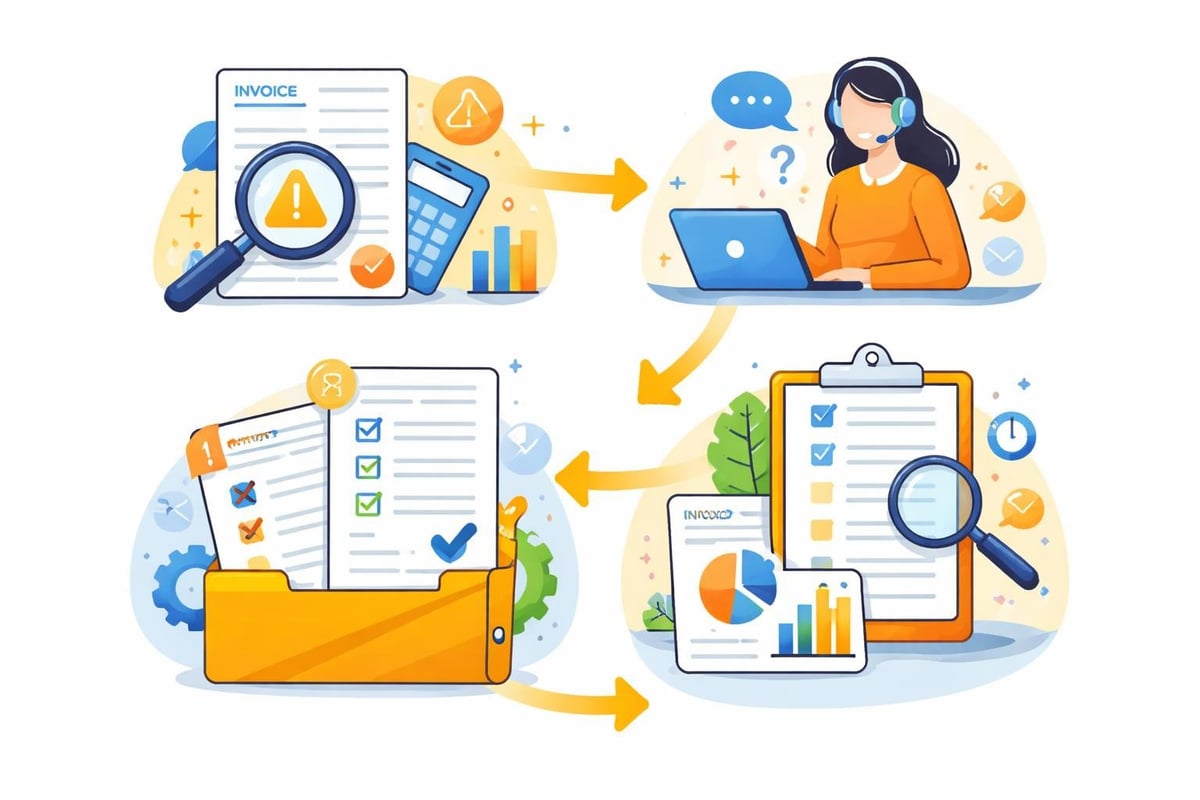
If an invoice contains incorrect data:
- Create a screenshot of the incorrect invoice
- Contact customer service with the booking number
- Request a corrected invoice
- Remove the old invoice from accounting
Canceled bookings
For canceled tickets, the original invoice is canceled and a cancellation invoice is issued. Both documents must be archived to be able to trace the complete process.
Passenger rights and compensation
A related topic is asserting passenger rights in case of delays. Here, too, documents are generated that must be properly managed.
Documenting compensation claims
For delays of 60 minutes or more, you are entitled to compensation:
| Delay | Compensation |
|---|---|
| 60–119 minutes | 25% of the fare |
| From 120 minutes | 50% of the fare |
The Passenger Rights Service Center processes these claims. The credits received must also be documented, as they can have tax implications.
Further information on your rights can also be found at Finanztip or the Federal Ministry of Transport.
Deutsche Bahn suppliers
Companies that act as suppliers to Deutsche Bahn are subject to special requirements. Invoice submission should preferably be in the XRechnung format.
Quality requirements for supplier invoices
Deutsche Bahn’s quality requirements are comprehensive and include:
- Structured electronic invoice formats
- Complete purchase order number referencing
- Detailed service descriptions
- Correct VAT identification numbers
Here, too, an automation platform can help to meet these requirements consistently and optimize invoicing.
Efficiency gains through automation
The figures speak for themselves: Companies that automate their invoice management save an average of 70–80% of previous processing time.
Example calculation for frequent travelers
Suppose an employee takes 20 business trips by train per month:
Manual process:
- Time per invoice: 3 minutes (login, search, download, rename, filing)
- Total monthly time: 60 minutes
- Annual effort: 12 hours
Automated process:
- One-time setup: 30 minutes
- Ongoing monthly review: 5 minutes
- Annual effort: 1.5 hours
Time savings: 10.5 hours per year and per employee — for larger teams, this effect multiplies accordingly.
Further advantages of automation
In addition to pure time savings, automation offers further benefits:
- Reduced error rate through standardized processes
- Improved compliance through seamless documentation
- Faster posting runs in financial accounting
- Better transparency of travel-related expenses
- Relief for employees from monotonous tasks
filehub’s finance solutions are specifically tailored to these requirements.
Integration into broader automation strategies
Requesting a Deutsche Bahn invoice is often only one part of a larger automation potential in the company.
Holistic approach to document automation
If you are already automating rail invoices, further optimizations suggest themselves:
- Automation of hotel invoices
- Fuel receipts from business trips
- Meal and entertainment receipts
- Parking fees and tolls
- Other travel expenses
With filehub's Connections, various portals and sources can be consolidated in a single system. The web retrieval function enables access to a wide range of online platforms.
Process optimization in accounting
The time gained can be used for value-adding activities:
- Detailed cost analyses
- Budget planning and forecasting
- Optimization of travel policies
- Negotiations with suppliers
- Strategic financial planning
For small and medium-sized enterprises, the simplest bookkeeping software in combination with automation can also deliver significant efficiency gains.
Outlook: The future of invoice management
Digitalization continues to advance. In the coming years, we will see further developments:
AI-assisted invoice auditing will automatically carry out plausibility checks and report inconsistencies. Blockchain-based invoice systems could further increase tamper resistance. Fully paperless workflows will become the standard.
Companies that are already relying on automation today are well prepared for these developments. filehub’s operations solutions are continuously being developed to keep pace with technological trends.
Requesting a Deutsche Bahn invoice doesn’t have to be a time-consuming manual process in 2026. With the right strategies and tools, this workflow can be fully automated so that invoices are reliably retrieved, correctly named, and forwarded directly to your accounting. filehub offers you a GDPR-compliant platform developed in Germany — the perfect solution to automate not only rail invoices but all recurring document workflows and thus free up valuable time for more strategically important tasks.


