Sage 100 – The ERP solution for medium-sized businesses

How can mid-sized companies really hit the ground running with their ERP solution in 2026? The challenges are growing: digitalization is driving change, the e-invoicing mandate is just around the corner, and competitive pressure is noticeably increasing.
Enter sage 100. This modern end-to-end ERP solution offers flexibility and future-proofing, enabling companies to stay up to date and manage their processes efficiently.
In this guide, you’ll learn everything important about sage 100—from key features and benefits to tips for a successful rollout. You can expect exciting insights into modules, cloud options, e-invoicing, integration, the selection process, and real-world testimonials.
What is Sage 100? Basics and target audience
Sage 100 is a powerful, modular ERP software designed specifically for the needs of mid-sized companies. It simplifies and digitizes core business processes while offering maximum flexibility for different industries and company sizes.
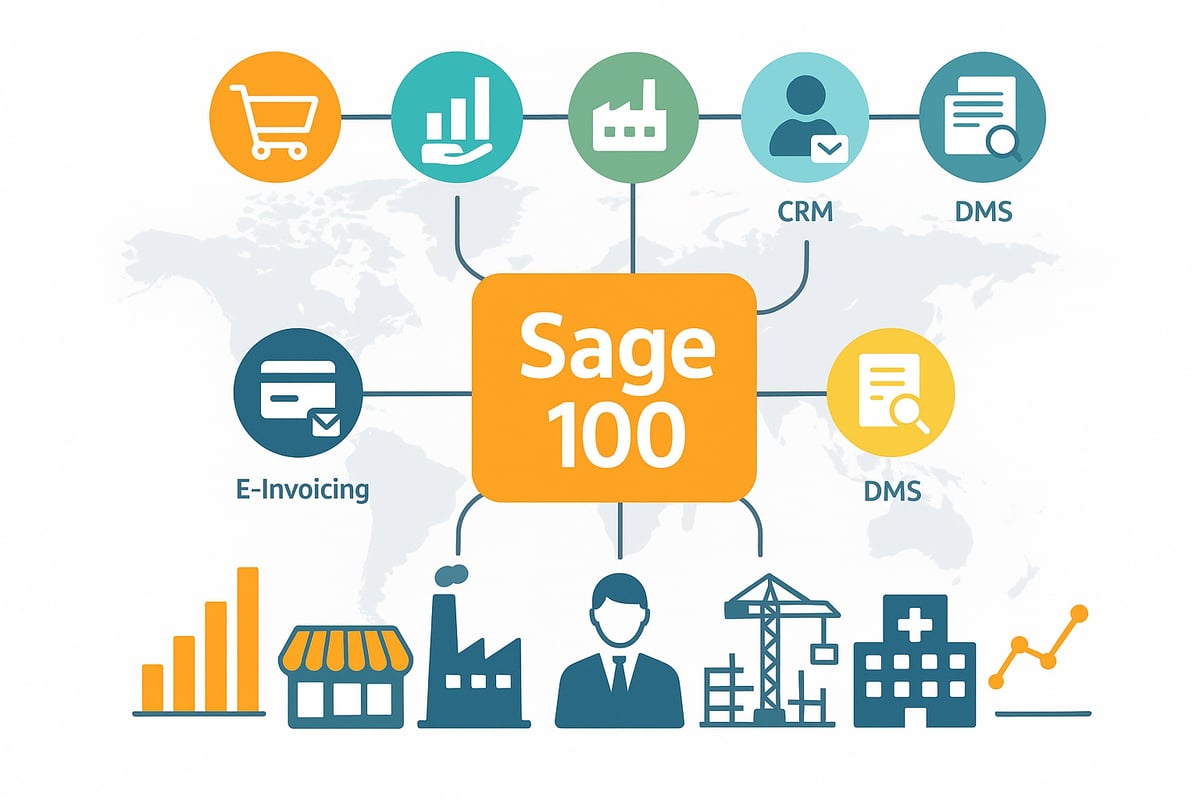
Target audience and industries
The target audience of the Sage ERP primarily includes growing trading and manufacturing companies with 2 to over 500 employees. Typical use cases include:
-
Wholesale and retail
-
Production and manufacturing
-
Construction and skilled trades
-
Services and consulting
-
Healthcare
Thanks to its broad industry coverage, many mid-sized companies worldwide benefit from sage 100.
Modules, flexibility, and customization
Modularity is a key advantage. The following modules are available:
|
Module |
Function |
|---|---|
|
Inventory management |
Procurement, inventory, sales |
|
Accounting |
Bookkeeping, controlling |
|
Production |
Production planning, costing |
|
CRM/xRM |
Customer and relationship management |
|
DMS |
Document management |
|
Payroll & HR |
Payroll, HR |
|
E-invoice |
Digital invoicing processes |
As a desktop solution with optional cloud services, sage 100 can be customized to your needs. Companies can flexibly combine modules and digitize processes. You can find more details on the official product page of Sage 100.
International reach, investment security, and practical example
With over 2 million customers worldwide and more than 350 user reviews (average: 4.1/5 stars on SoftwareAdvice), sage 100 is among the established ERP systems for the mid-market.
Using the cloud lowers entry costs and ensures high scalability. Companies report measurable revenue growth and noticeable efficiency gains through the use of sage 100.
🤖 Copy, paste, forget.
filehub automatically creates your SAGE100 booking data — reliably and without errors.
The most important modules and features of Sage 100
With Sage, you get an ERP solution designed specifically for the needs of mid-sized companies. The software impresses with its modular structure and covers all core business areas. This lets you tightly integrate processes and respond flexibly to growth or new market requirements.
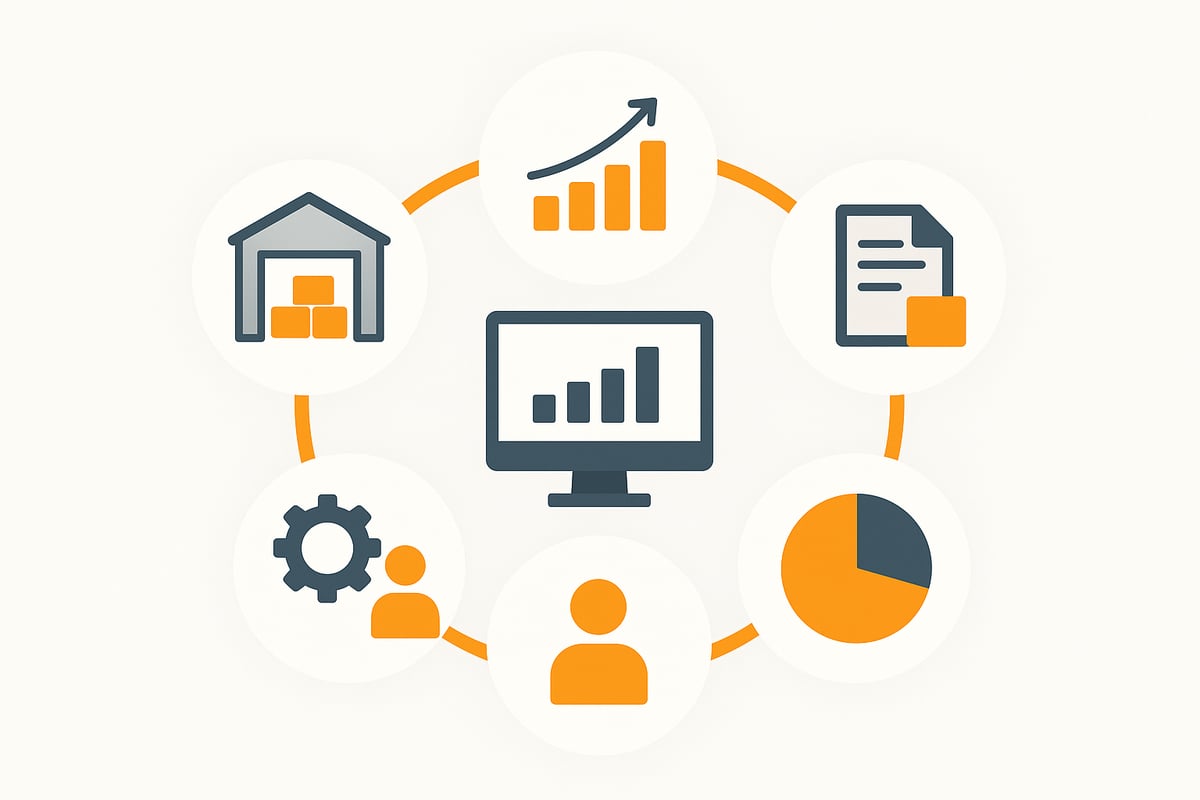
Inventory management – Efficient procurement, inventory, and sales
The inventory management in sage 100 ensures smooth operations from procurement to shipping. Key features include:
-
Integrated warehouse management with automatic stock control
-
Inventory counts and mobile data capture for up-to-date stock levels
-
Electronic invoices and automatic document capture
-
Intelligent scheduling for optimal ordering processes
-
Controlling tools for analyzing sales and inventory values
-
Quality management for error-free supply chains
In particular, the automation of invoicing processes is a real efficiency driver. With solutions like automation of invoicing processes you can seamlessly capture digital documents and import them into sage 100. This saves time and ensures transparency.
A practical example: A wholesaler optimizes order processing with the Sage ERP. Orders are imported automatically, inventory levels are updated in real time, and shipping processes are digitally controlled. This results in fewer errors and noticeably shorter delivery times.
Accounting – Everything at a glance
The accounting in sage 100 provides maximum transparency over your finances. Postings can be completed quickly and securely. Automated dunning ensures that outstanding receivables don’t fall through the cracks.
Further highlights at a glance:
-
GoBD-compliant document archiving for legally compliant documentation
-
Integrated cost accounting to control projects and departments
-
Over 40 controlling KPIs for detailed analyses
-
Custom trend comparisons, e.g., for revenues or customer payment behavior
With sage 100, you can centrally manage all accounting tasks. Clear dashboards and analyses help you spot trends early and take targeted action.
Production – Manage flexibly and transparently
For manufacturing companies, the Sage ERP offers a powerful production module. The focus here is on efficiency and transparency:
-
Costing and profitability checks for every production order
-
Resource planning and material management in real time
-
Mobile data collection for up-to-date status reporting
-
Graphical planning of machine and personnel resources
-
Quality management integrated into all production steps
Seamless integration with inventory management and accounting ensures end-to-end processes. For example: In a manufacturing operation, material requirements are generated automatically from orders, production schedules resources optimally, and all data flows directly into post-calculation. This way, you achieve higher productivity with the Sage ERP while reducing effort.
Sage 100 in the cloud: Opportunities and benefits
Digitalization is changing business models rapidly. Many companies wonder whether the ERP as a cloud solution or a classic on-premises installation is the better choice. The cloud opens up new opportunities for flexibility, efficiency, and growth.
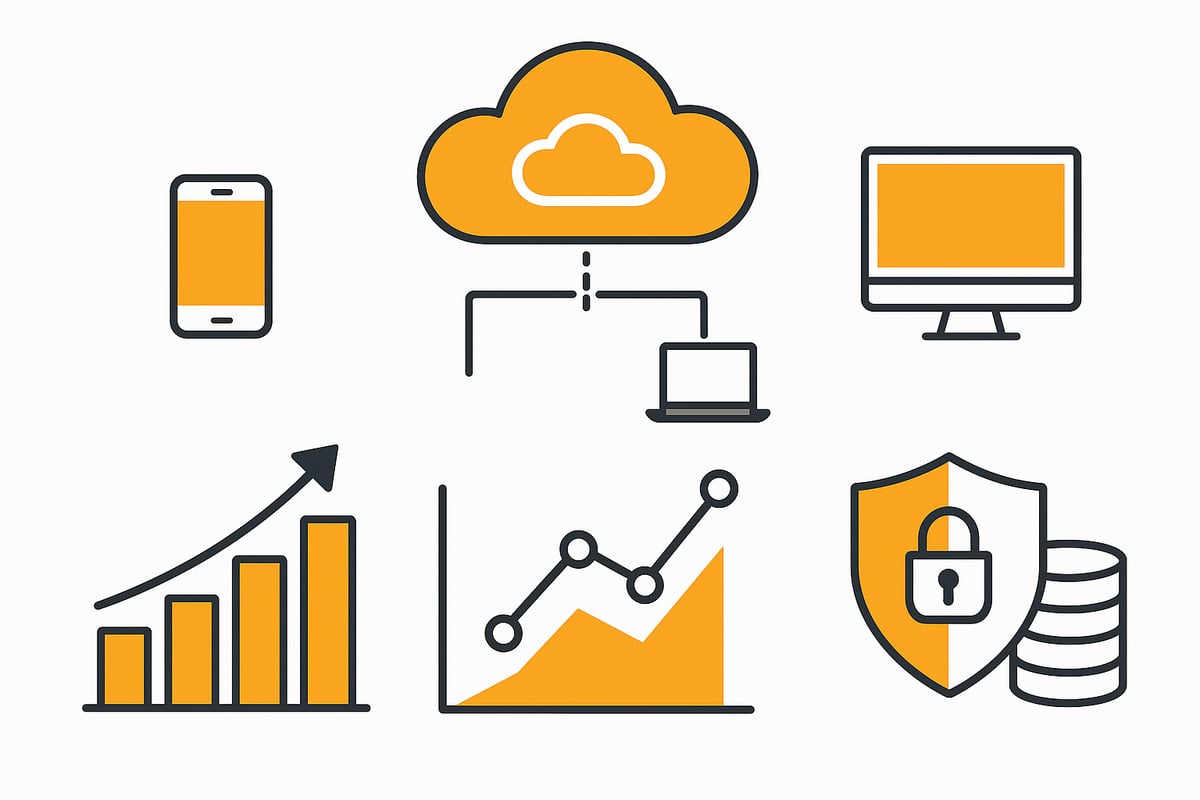
Cloud vs. on-premises: What fits your company?
Sage 100 offers flexible operating models: desktop, cloud, or hybrid. The cloud variant brings decisive advantages for many mid-sized companies.
Advantages of the cloud with sage 100:
-
Flexibility: Access all functions from anywhere, including on the go
-
No own IT infrastructure required, less maintenance
-
Scalability: Easily adjust resources as you grow
-
Updates happen automatically, no downtime
Data security is paramount: Hosting takes place in Germany and meets the highest GDPR requirements. Companies benefit from investment protection and straightforward cost control, since only the services actually used are billed.
Moving to the cloud creates scope for innovation and growth without overloading IT.
Integration and automation of business processes
In the mid-market, efficient digital processes are crucial. Sage 100 scores with numerous interfaces to third-party systems such as Microsoft, DATEV, or online shops. This allows data, documents, and workflows to be linked seamlessly.
Benefits of integration with sage 100:
-
Automated workflows for document handover and approvals
-
Time savings through paperless processes and fewer sources of error
-
Data synchronization between ERP, accounting, and web shops in real time
An example: Invoices are automatically downloaded from portals, processed in the Sage ERP, and archived in an audit-proof manner. The page on automated document downloads shows how this works technically.
This makes it possible to automate routine tasks and sustainably increase efficiency in the company with sage 100.
E-invoicing mandate 2025/26 and Sage 100
From 2025, e-invoicing will be mandatory for companies. Sage 100 is optimally prepared to meet legal requirements such as X-Rechnung and ZUGFeRD.
Highlights for the e-invoicing mandate:
-
Automatic document classification and OCR recognition
-
Audit-proof archiving of all invoices
-
Workflow-based approval and transfer to accounting
This enables companies to centrally receive, process, and archive all e-invoices in a GoBD-compliant manner. Sage not only makes the switch to the e-invoicing mandate easy, but also lays the foundation for future-proof digital processes.
🎯 Ready to never do this manually again?
filehub turns your receipts into ready-to-import bookings for SAGE100 — set it up once, automated forever.
Selection, rollout, and customization of Sage 100 in the company
The decision in favor of sage 100 as an ERP solution should not be taken lightly. Especially in mid-sized companies, the selection process is crucial for later project success. The requirements for an ERP system are diverse: scalability, industry fit, costs, integration capability, and support play a central role.
First, you and your team should carry out a precise needs analysis. Which modules are truly relevant for you? Do you need inventory management, production, CRM, or perhaps a strong accounting module? A comparison with solutions such as SAP Business One, NetSuite, or Odoo can help sharpen your own requirements. Certified Sage partners offer professional advice here and guide you through the selection phase. If you want to further optimize your business processes, you can find practical inspiration on the page for solutions for business processes.
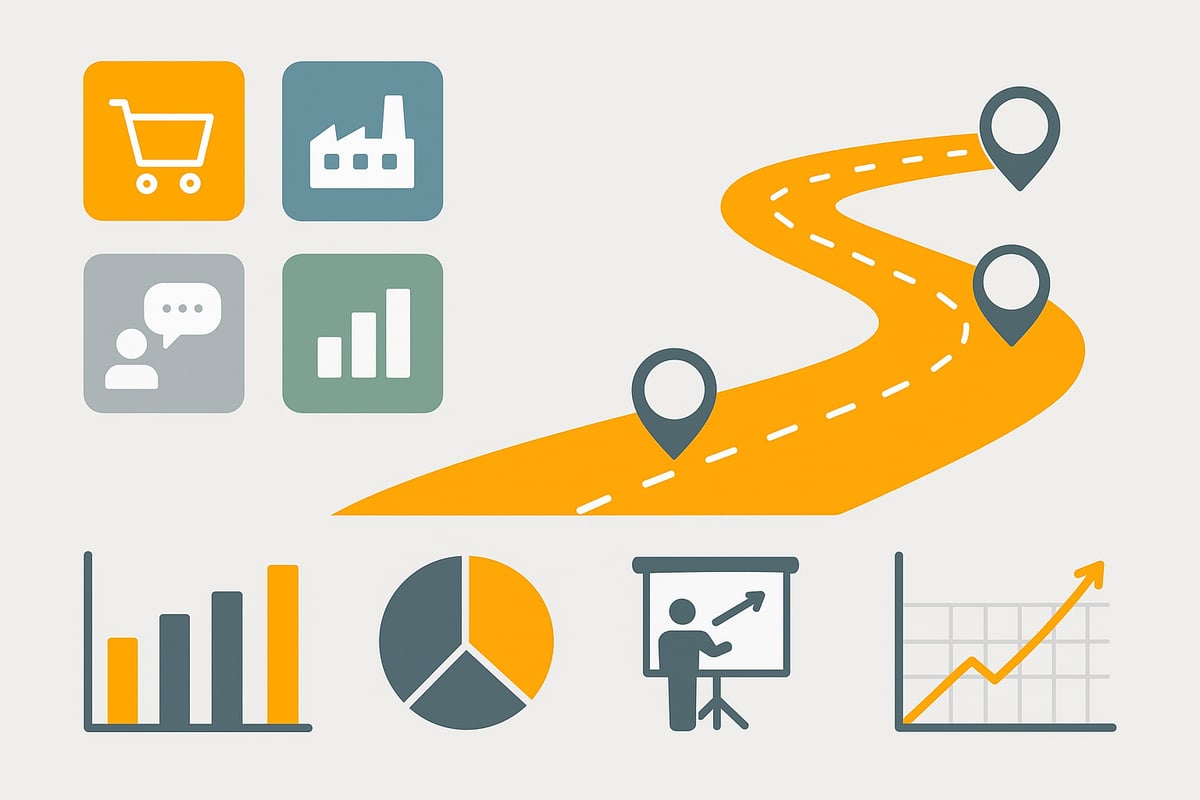
The selection process: Analyze requirements and find a partner
It all starts with a structured analysis. Create a list of all business areas that sage 100 should cover. Check whether special industry solutions or integrations are necessary. A comparison tool or a table helps to juxtapose the most important criteria:
|
Criterion |
sage 100 |
SAP Business One |
NetSuite |
Odoo |
|---|---|---|---|---|
|
Modularity |
Yes |
Yes |
Yes |
Yes |
|
Scalability |
High |
Medium |
High |
High |
|
Entry costs |
Medium |
High |
High |
Low |
|
Industry suitability |
Strong |
Strong |
Good |
Flexible |
|
Cloud option |
Yes |
Yes |
Yes |
Yes |
Certified partners are especially important. They know the specifics and support you from selection through implementation to support. Make sure your partner has experience with your industry and projects of comparable size.
Project management and implementation steps
An ERP project like sage 100 requires well-thought-out project management. Define clear goals, milestones, and responsibilities from the outset. The most important steps include:
-
Project planning: Define time frame and resources
-
Data migration: Cleanly transfer legacy data
-
Testing phase: Thoroughly test the system
-
Training: Involve and qualify employees early
Change management is a key success factor. Inform and involve your team to build acceptance. A good example: A trading company significantly accelerated the transition and reduced error rates in day-to-day operations through intensive training and open communication.
Customization and individualization
After the rollout, the day-to-day flexibility of sage 100 becomes apparent. Through customizing, you can adapt interfaces, workflows, and reports to your processes. Many companies extend sage 100 with add-on modules such as online shop, POS, DMS, or project management. Interfaces to third-party applications ensure seamless integration.
Regular updates and active release management ensure your solution remains future-proof. Investment security arises from the ability to continuously evolve the ERP as your company grows. This way, your ERP system remains a strong partner not only today but also tomorrow.
Practical examples and user experiences with Sage 100
Many mid-sized companies rely on sage 100 to streamline their processes and grow flexibly. The user experiences reflect how different industries benefit from the solution.
Testimonials from different industries
Users from construction, wholesale, accounting, production, and healthcare report significant improvements with sage 100. A wholesale company notes that the rollout accelerated order processing by 30 percent.
In production, the added value is clear as well: One manufacturer reports that production planning became more transparent and errors in material planning decreased noticeably thanks to sage 100.
According to SoftwareAdvice, sage 100 scores 4.1 out of 5 stars with more than 350 users. Typical improvements include higher productivity, time savings, and sustainable revenue growth.
Success factors and challenges
Success with sage 100 strongly depends on goal definition and employee involvement. Companies that invest early in training and support report rapid acceptance and smooth operations.
Important success factors:
-
Clear project goals and responsibilities
-
Comprehensive employee training
-
Ability to integrate with existing systems
The most common challenges include data migration, process adaptation, and dealing with new digital workflows. Pro tip: Open communication and the step-by-step integration of sage 100 promote acceptance within the team.
Costs, licensing models, and support
The entry price for sage 100 is 7,250 euros. Companies choose between purchase, rental, or a flexible cloud subscription, depending on needs and budget.
Support plays a central role: Training, consulting, and regular updates ensure investment security. Especially in accounting, the integration with DATEV Unternehmen Online pays off, as it makes accounting processes more efficient and transparent.
The community and the vendor also provide assistance with questions, so companies can get support at any time.
🎯 Ready to never do this manually again?
filehub turns your receipts into ready-to-import bookings for SAGE100 — set it up once, automated forever.
Integrating document automation for maximum efficiency
Efficient document processes are crucial in the mid-market to keep up with rising demands. Especially when using sage 100, there is often significant effort around document management, archiving, and digital workflows. Modern automation solutions like filehub offer a clear competitive advantage here.
With filehub, file and document workflows can be easily automated with the Sage ERP. The platform seamlessly connects the ERP system with applications such as DMS, web portals, email, and cloud storage. For example, invoices are automatically collected from web portals, imported into sage 100, and archived in a GoBD-compliant manner.
The most important benefits of automation:
-
Time savings by eliminating manual steps
-
Error reduction through standardized processes
-
Compliance with regulations (GDPR, GoBD)
-
User-friendly no-code interface for fast integration
A typical workflow looks like this: Incoming invoices are automatically detected, classified, and handed over to SAGE. Audit-proof archiving takes place in the background. Approvals and forwarding can also be automated, allowing employees to focus on value-adding tasks.
Integration succeeds without any programming effort and can be flexibly adapted to individual requirements. If you want to learn more about automating document processes, you can find further information under Learn more about filehub and document automation.
You’ve now seen how Sage 100, as a flexible ERP solution, can make your workday more efficient—especially when you leverage the possibilities of modern document automation. With filehub, you take your processes to the next level: automate routine tasks, connect Sage 100 seamlessly with other applications, and save valuable time on invoice processing. This creates more room for what matters most in the company while remaining GDPR-compliant.
If you want to experience how easy it is, then try filehub.one for free now.


