Sky invoices

Every year, many customers face the challenge of managing their invoices correctly and always keeping an overview. Confusing billing statements, new booking models, and digital possibilities make the topic especially important in 2026. If you have your billing under control, you save time, money, and unnecessary hassle—whether private or business. In this guide, you’ll learn how to optimally find, download, review, and even automate Sky invoices 2026. From the invoice overview to legal aspects and smart automation solutions, you’ll find all the key information here.
Sky invoices 2026: What’s changing at a glance
More and more users face the question of how they can efficiently manage their Sky invoices in 2026 as well. The shift toward digital solutions is becoming increasingly noticeable. Newly introduced service portals and changed booking models offer more transparency but also place new demands on private and business customers.
Current developments and trends
With increasing digitization, Sky invoices will also undergo a digital transformation from 2026 onwards. The introduction of new digital service portals makes it easier to access and manage invoices online at any time. At the same time, billing models are changing: in addition to classic monthly subscriptions, there are more and more flexible pay-per-views and additional services.
Types of Sky invoices in 2026 at a glance:
|
Invoice type |
Example |
Usage |
|---|---|---|
|
Monthly subscription |
Sky Entertainment |
Private customer |
|
Pay-per-view |
Live sports event |
Occasional user |
|
Additional services |
UHD option, Kids package |
Add-on |
According to internal Sky reports, the share of digital Sky invoices has increased significantly in recent years. More and more customers use the archiving options directly in the customer portal. Typical are monthly invoices, annual billing for add-on packages, and occasional one-off items.
The new portals offer convenient filtering functions that are especially appreciated by heavy users and companies. Special export options for accounting and tax advisors are provided for business customers. Overall, both customer groups benefit from more clarity and flexibility.
Important deadlines and legal requirements
Clear legal requirements will continue to apply to Sky invoices in 2026. Companies must keep invoices for at least 10 years. Private individuals should keep their documents for at least 2 years for possible complaints or tax questions.
Important deadlines and requirements at a glance:
-
Retention obligation: 10 years (companies)
-
Complaint period: 2 years (private)
-
GDPR-compliant storage: mandatory for all digital invoices
-
E-invoicing requirement from 2026: applies to all business customers
With the e-invoicing obligation, which becomes binding from 2026, Sky invoices must be provided in a structured, electronic format in the future. This facilitates digital further processing and ensures greater legal certainty. If you want detailed information, you can find a comprehensive overview of the new requirements regarding the electronic invoicing requirement at Haufe.
For Sky invoices, secure storage in accordance with GDPR standards is also important. Companies should adapt their processes in good time to avoid fines and meet all legal requirements.
Find, download & store Sky invoices
You want to keep track of your Sky invoices and are looking for the fastest way to your documents? In the digital age, it’s easier than ever to find, download, and securely store invoices. Here you’ll learn step by step how to proceed and what options are available for private individuals and companies.
Step by step: How to find your Sky invoices
To find your Sky invoices in the Sky customer portal, start by logging in. After logging in, you can navigate directly to the invoice overview via the dashboard. Here you can view current and past invoices. For older documents, Sky offers practical archiving options, often retrospectively for several years.
Sky invoices are available either as a PDF for download or as an online view. The PDF download is particularly useful for accounting or tax advisors, while the online view provides a quick overview. If you’re on the go, use the Sky app: the documents are accessible on mobile and can be saved directly.
|
Download option |
Description |
Suitable for |
|---|---|---|
|
PDF download |
Complete document, offline |
Accounting, tax |
|
Online view |
Immediate access, no export |
Overview, control |
|
App download |
Mobile access, storage |
Power users, on the go |
For export to accounting software, CSV or PDF formats are usually available. Typical user questions concern the findability of older Sky invoices and the secure handling of sensitive data. Make sure to always store invoices encrypted and choose strong passwords. More tips on secure digital filing can be found in the article Document management and archiving.
Automation options for companies & power users
Especially for companies or power users who regularly process many Sky invoices, automation is worthwhile. Third-party tools automatically retrieve invoices from the Sky portal and store them centrally. Integration into accounting software or ERP systems makes further processing much easier.
The advantages are obvious: automated processes save time, avoid errors, and ensure a consistent document archive. Example: a medium-sized company processes several hundred Sky invoices per month. Through direct integration with the internal accounting system, all receipts are automatically captured, sorted, and archived.
Typical workflows include:
-
Automatic invoice download from the Sky portal
-
Forwarding to tax advisors or the accounting department
-
Central archiving in the company’s DMS
API access or specialized interfaces are usually required to automate invoices from Sky. Check whether your accounting tool supports this function. Security and data protection remain the top priority even with automated processes—rely on regular backups and access rights.
Understand & check Sky invoices: structure, line items, sources of errors
Transparency is essential when it comes to Sky invoices. If you know the structure and the most important items, you can avoid errors more easily and keep an optimal eye on your costs. Whether you’re a private customer or a company, it’s always worth taking a careful look at each invoice.
Structure of a Sky invoice explained
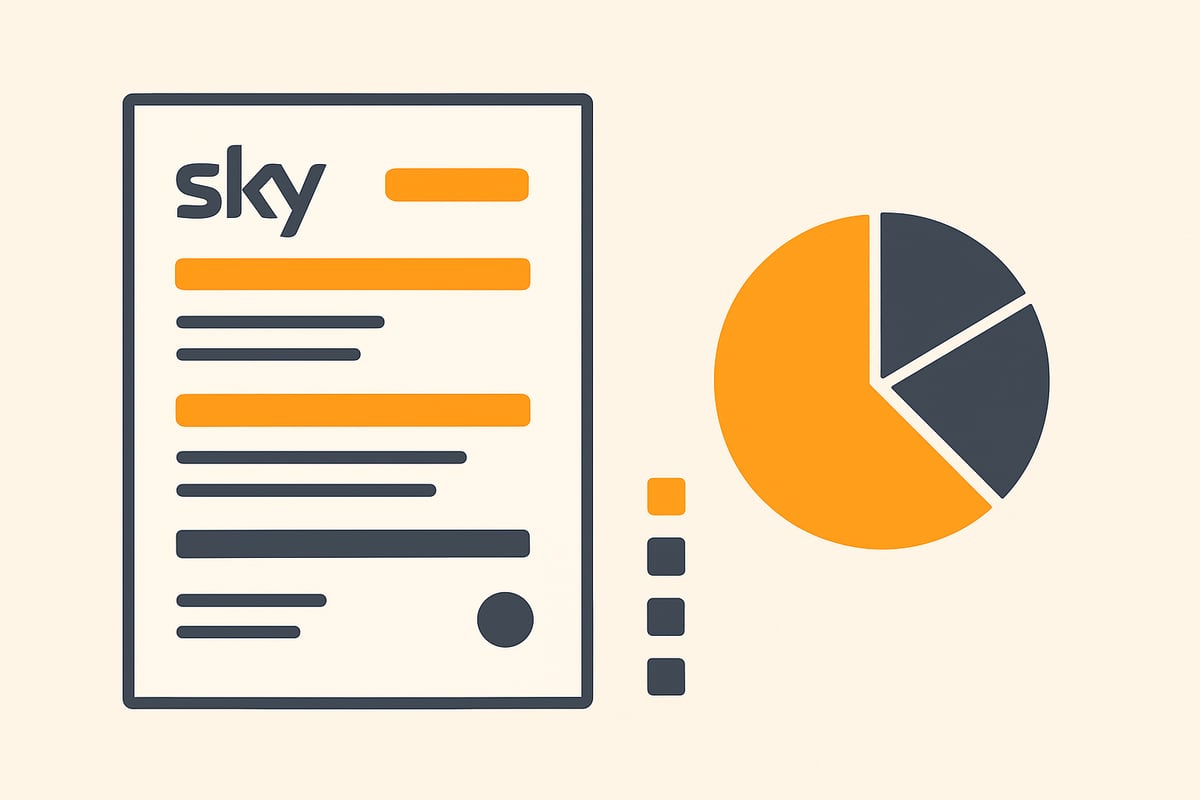
Every Sky invoice follows a clear structure so that you can find all the important information at a glance. Mandatory details include, among others:
-
Name and address of the invoice recipient
-
Invoice number and issue date
-
Sky’s VAT ID
-
Service period and booked packages
Typical items on Sky invoices are the basic fee, add-on packages such as sports or movies, discounts from special promotions, and occasional one-time charges (e.g., for hardware). There is a difference between private and business customers: business customers usually receive more detailed information, e.g., on input tax deductibility.
Here is an example of the structure of a Sky invoice:
|
Item |
Description |
Amount (€) |
|---|---|---|
|
Basic fee |
Monthly base package |
29.99 |
|
Sports package |
Add-on option |
9.99 |
|
Discount |
New customer promotion |
-5.00 |
|
One-time payment |
Receiver rental fee |
29.00 |
For accounting and proof obligations, it is crucial to archive Sky invoices correctly. You can find more tips on digital receipts in the article Optimize accounting and bookkeeping.
Common errors and inconsistencies
Errors can also occur with Sky invoices. Common issues are incorrect amounts after a tariff change, discounts not taken into account, or duplicate debits. You should check billing carefully, especially with special promotions.
If an error occurs, contact Sky customer service as soon as possible. Specific deadlines apply to complaints that you should not miss. Also check regularly whether all booked packages are billed correctly and no services appear twice.
An internal Sky statistic shows that around 7 percent of Sky invoices give rise to questions or complaints. However, most problems can be solved with a structured review and timely communication.
Tax, accounting, and legal aspects around Sky invoices
Managing Sky invoices is not just an organizational task but also relevant for tax and legal purposes. Those who file their documents correctly and know the legal requirements save a lot of time and hassle in case of doubt. Below you’ll find the most important aspects of accounting, tax, and the new legal framework for Sky invoices from 2026.
Tax deductibility and documentation requirements
For many companies and self-employed people, Sky invoices are a relevant cost factor. If used for business purposes, you can claim these expenses for tax purposes. It is important that you archive each Sky invoice completely and traceably. This also applies to private individuals if certain services are deductible.
The tax authorities require proper document filing. Electronic invoices from Sky must be stored in compliance with GoBD. This means they may not be subsequently changed or deleted. Ideally, use digital archiving systems that ensure audit-proof storage.
For collaboration with your tax advisor, it is advisable to export Sky invoices in PDF or DATEV format. Many accounting programs offer interfaces that allow you to transfer the documents directly.
Important notes for accounting:
-
Keep all Sky invoices for at least 10 years (companies)
-
Document obligations also apply to electronic originals
-
Regularly check whether all invoices are complete in the archive
Legal specifics from 2026
From 2026, the rules for Sky invoices will change fundamentally. The e-invoicing obligation will come into force and will affect both companies and many self-employed people. This means: invoices must be created, sent, and received digitally. Paper formats will lose their validity for tax purposes.
More on the e-invoicing requirement from 2025 can be found at the IHK Frankfurt, where the most important requirements and deadlines are summarized.
Data protection is also moving more into focus. Digital invoices from Sky must be stored in such a way that they are protected from unauthorized access. Use secure passwords and encrypted storage media.
In the event of disputes, different rights apply to consumers and companies. Important: if Sky invoices are incorrect, you should file an objection promptly and observe the deadlines for complaints.
In summary:
-
E-invoicing obligation for Sky invoices from 2026
-
Data protection and secure archiving are mandatory
-
Know your rights and obligations in case of disputes
Automate Sky invoices: Efficient workflows for businesses
Automated workflows are a real game changer today for companies and self-employed people who regularly manage Sky invoices. With the right processes, you save time, reduce costs, and significantly reduce sources of error. Especially for recurring Sky invoices, digitization and automation are worthwhile to keep track and relieve accounting.
Benefits of automation for companies and self-employed people
Automating Sky invoices brings you many benefits that quickly become noticeable in everyday life:
-
Time savings: Manual downloads and filing are eliminated because Sky invoices are retrieved automatically.
-
Cost reduction: Less personnel effort and lower error costs.
-
Error avoidance: Automated processes prevent duplicate or missing entries.
-
Central document archive: All Sky invoices go directly into the archive or accounting system.
-
Seamless integration: Modern solutions can be connected directly to DATEV, Lexoffice & Co.
An example: a medium-sized company processes over 100 Sky invoices per month. Through automation via API and third-party tools, all invoices are automatically downloaded, checked, and archived. Manual rework is a thing of the past.
If you want to dive deeper into the topic, this guide to the automation of invoicing processes provides practical tips and solutions.
Overview of solutions and tools
Which tools help you automatically retrieve Sky invoices? Many accounting and DMS systems already offer interfaces to import or forward invoices directly from the Sky portal. Here’s a quick comparison:
|
Method |
Effort |
Error-prone |
Integration |
|---|---|---|---|
|
Manual |
High |
Yes |
Low |
|
Automated |
Low |
No |
High |
Popular solutions include, for example, GetMyInvoices, sevDesk, or individual ERP integrations. With these tools, you can not only download Sky invoices but also forward them directly to your tax advisor or archive them in compliance with GoBD.
Note: to use such automation solutions, you generally need access to the Sky customer portal, suitable API interfaces, and approval for third-party tools. Data protection and security remain central. Most providers rely on encrypted transmission and role-based access rights.
You can find out in detail how to automate accounting processes and what prerequisites you should consider on the page Automate accounting processes.
Automate Sky invoices and free up more time for your core business.
Frequently asked questions & troubleshooting for Sky invoices
Many users regularly have questions about their Sky invoices. Below you’ll find concise answers to the most common problems and uncertainties. This way, you’ll always keep an overview and can avoid mistakes.
What should I do if I can’t find my Sky invoices?
Log in to the Sky customer portal and navigate to the invoice overview. You’ll usually find older Sky invoices in the archive area. If you still can’t find an invoice, check whether your contract is still active or contact customer service.
How can I change my billing address?
The address for Sky invoices can be updated directly in the customer area under “My data.” Important: the change usually only takes effect from the next invoice. Check the details after each update.
What do I do about declined payments or dunning notices?
If a payment is declined, first check your bank details and account balance. For dunning notices, you should promptly review the Sky invoices and settle outstanding amounts. If anything is unclear, customer service can help with individual solutions.
How long are invoices stored in the Sky portal?
Invoices are generally available for download in the portal for at least 24 months. For companies, it may be advisable to additionally store Sky invoices locally to meet legal requirements. Further information on electronic archiving can be found in the article E-invoicing in Germany.
How do I contact Sky customer service if I have problems?
You can reach the Sky support team by phone, chat, or via the contact form in the customer portal. It’s best to have the relevant invoice number ready so you can be helped more quickly.
Tips: How to avoid common mistakes in invoice management
-
Download every new Sky invoice promptly and back it up twice.
-
Use strong passwords for your online account.
-
Regularly check your billing address and bank details.
-
If you’re unsure: use the FAQ or contact support.
Statistics: The most common support inquiries about Sky invoices
|
Issue |
Share of inquiries |
|---|---|
|
Invoice not found |
34% |
|
Address change |
18% |
|
Dunning notices/payment issues |
22% |
|
Technical errors in the portal |
14% |
|
Other |
12% |
With these tips and answers, you are well prepared for the most common challenges around Sky invoices. This way, you’ll save time and avoid unnecessary hassle.
You now have a comprehensive overview of how to efficiently manage and review Sky invoices 2026 and use them optimally for accounting or tax purposes. Especially if you finally want to automate tedious routine tasks such as downloading, archiving, or forwarding invoices, it’s worth taking a look at modern solutions. With filehub, you can easily automate such workflows without programming knowledge and noticeably increase your productivity—of course GDPR-compliant and secure. Give it a try and test filehub.one for free now.


