BuchhaltungsButler - Bookkeeping Made Easy

How much time and energy does your bookkeeping cost you every month? Many entrepreneurs know the problem: paper chaos, sources of error, and hours of routine work. This is exactly where buchhaltungsbutler comes in and shows you in 2026 how modern bookkeeping runs smarter.
In this guide, you’ll learn how to design your bookkeeping step by step to be simple, automated, and error-free. You can expect insights into the most important features, clever automations, practical integrations, and industry-specific solutions. Start now and discover how to achieve maximum efficiency with minimal effort.
What is Buchhaltungsbutler?
Do you finally want to organize your bookkeeping efficiently and stress-free? buchhaltungsbutler is the modern answer to classic bookkeeping problems and offers you an intelligent, cloud-based complete solution. Find out how you can take your bookkeeping to a new level in 2026 with smart automation.

How it works and philosophy
buchhaltungsbutler is a cloud-based accounting software developed specifically for small and medium-sized businesses, freelancers, and startups. The heart of it is consistent automation: AI-powered document recognition analyzes receipts in seconds and processes them in a GoBD-compliant manner. According to comparison tests, the bookkeeping workload can be reduced by up to 76 percent.
The user interface is so intuitive that you don’t need any prior accounting knowledge. Whether it’s the automatic advance VAT return or creating EÜR and a balance sheet – everything works with just a click. In the dashboard, you get a real-time overview of key metrics such as outstanding receivables, current cash flow, and liabilities.
Security is the focus: The provider ensures audit-proofing and full GDPR compliance. GoBD compliance in particular is comprehensively implemented, as shown by the guide GoBD-compliant work with BuchhaltungsButler. An example from practice: The dashboard allows you to transparently monitor all posting processes and KPIs at any time.
Advantages over traditional bookkeeping
Automation with buchhaltungsbutler not only minimizes manual errors but also provides significant time savings. This allows you to focus more on your core business. The software learns with every use – recurring bookings are automatically recognized and processed even faster.
You benefit from professional onboarding, personal support, and regular specialist webinars. Compared to other solutions, buchhaltungsbutler offers a larger range of features and places particular emphasis on comprehensive support during onboarding.
A look at the terms: You can test the software free for 14 days, use it starting at 24.95 euros per month, and benefit from a 30-day money-back guarantee. Automated monthly closes and smart workflows, such as the automatic posting of invoices, make everyday life much more relaxed.
|
Advantage |
buchhaltungsbutler |
Traditional bookkeeping |
|---|---|---|
|
Automation |
✓ |
✗ |
|
GoBD compliance |
✓ |
Manual |
|
Real-time KPIs |
✓ |
✗ |
|
Support & onboarding |
✓ |
Limited |
|
Error reduction |
High |
Low |
With buchhaltungsbutler, switching to digital bookkeeping is easy, secure, and efficient.
🚀 You've got better things to do.
BuchhaltungsButler in, receipts out: filehub runs the data flow in the background — without you lifting a finger, every time.
Core features at a glance
With buchhaltungsbutler, you get a powerful tool that covers all core areas of modern bookkeeping. The software combines automation, smart workflows, and intuitive operation into a comprehensive feature package. Here are the most important features at a glance.
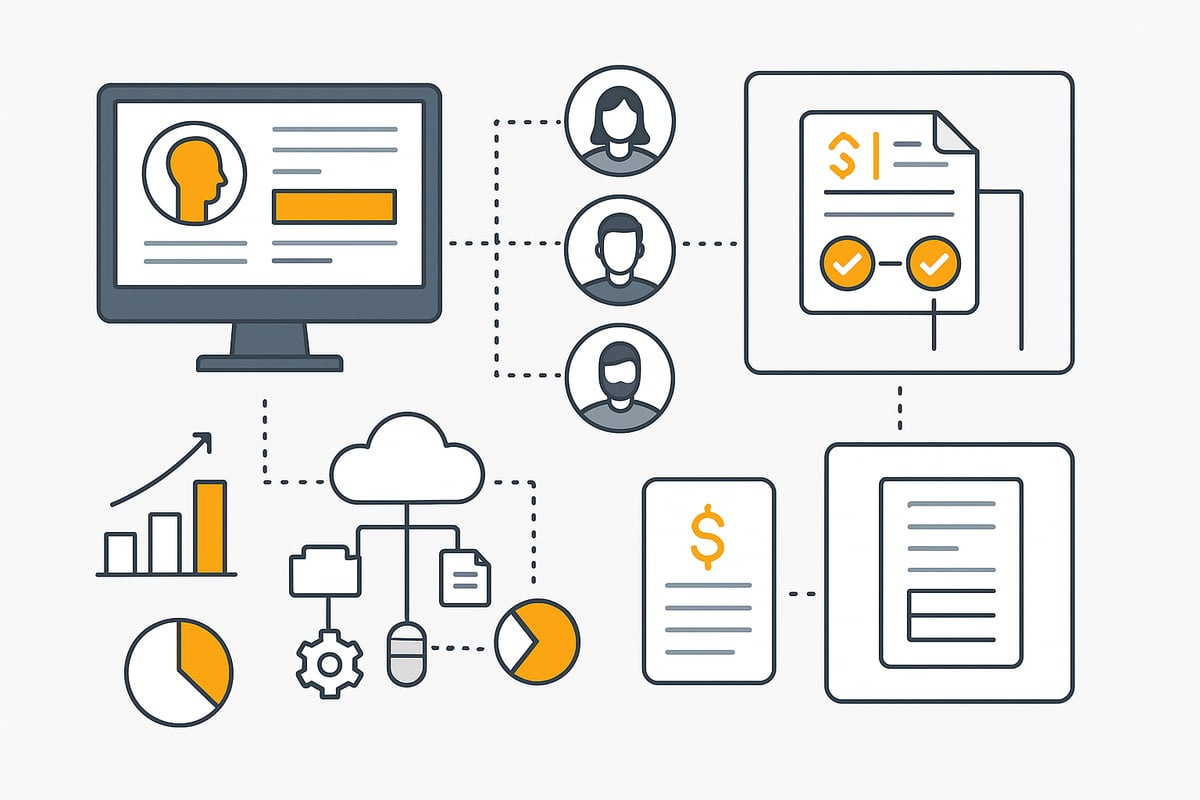
Intelligent document recognition & automation
buchhaltungsbutler relies on AI-powered document recognition that captures more than 80 percent of all documents in a GoBD-compliant manner. Automated account assignment ensures documents and payments are immediately categorized correctly. Recurring tasks can be fully automated using batch functions and workflow rules.
-
Automatic posting of incoming and outgoing invoices
-
Asset register with depreciation calculation
-
Error reduction through smart validation mechanisms
This saves you time and minimizes sources of error right at the initial capture stage.
Invoicing program & e-invoice
With buchhaltungsbutler, you can create individual, recurring invoices, quotes, and credit notes in no time. The e-invoice, including Leitweg-ID and Peppol connection, meets all legal requirements from 2025. Especially practical: Anyone who books a plan before 2025 receives e-invoicing permanently free of charge.
-
Direct dispatch to public sector clients from within the software
-
Automatic matching of incoming payments
-
Reminder functions for overdue invoices
This keeps your invoicing always up to date.
Permissions management & collaboration
buchhaltungsbutler’s user management allows differentiated access rights. Whether admin, tax advisor, or assistant, everyone gets exactly the permissions they need. Invoice approvals and payments run through clearly defined workflows.
-
Tax advisor access with DATEV export for seamless collaboration
-
Transparent communication and task distribution
-
Support during setup through professional onboarding
Especially for collaboration with your tax advisor, the DATEV integration with BuchhaltungsButler is real added value, as business transactions can be transferred easily and securely.
Cost centers and project accounting
With buchhaltungsbutler, transactions can be assigned specifically to projects or cost centers. This way, you always have an overview of the profitability of individual projects and can manage them in a targeted manner.
-
Analysis of project costs and revenues in the dashboard
-
Flexible assignment for EÜR and balance sheet
-
Clear presentation of all cost centers
These features make the software particularly attractive for growing companies and project-based work.
Integration & interfaces: Buchhaltungsbutler as the hub
Modern bookkeeping thrives on efficiency and connectivity. Here too, buchhaltungsbutler acts as a central hub. With the versatile integrations, the software enables end-to-end processes, automated workflows, and seamless collaboration – whether in e-commerce, with banks, or with tax consulting.
Connecting external systems
With buchhaltungsbutler, you can directly connect to over 5,000 banks and credit cards. This means all transactions are automatically imported and immediately available for further processing. Payment services such as Paypal, Stripe, or Billie can also be integrated seamlessly.
Flexibility is crucial, especially in e-commerce. Here, the software scores with interfaces to platforms like Amazon, eBay, or Shopware. Via CSV export and a powerful API, individual workflows can be mapped. This enables automatic synchronization of online shop revenues without manual intermediate steps.
|
System type |
Examples |
Integration type |
|---|---|---|
|
Banks |
Sparkasse, Commerzbank |
Direct connection |
|
Payment services |
Paypal, Stripe, Billie |
API/interface |
|
E-commerce |
Amazon, eBay, Shopware |
Shop interface |
|
Custom |
Own tools |
API, CSV |
Through this broad connectivity, buchhaltungsbutler becomes the data hub for your entire payment transactions.
Collaboration with DATEV & tax consulting
Buchhaltungsbutler not only optimizes internal processes but also simplifies collaboration with your tax advisor. All business transactions can be fully transferred to DATEV Kanzlei Rechnungswesen. Links between payments and documents are retained, minimizing queries.
Automated data transfer noticeably reduces the workload for tax advisors. Monthly closes can be created directly and exported with a click. This keeps the bookkeeping always up to date and audit-proof.
For companies with more complex structures, collaboration with multiple partners is no problem. The tax advisor access and DATEV export ensure transparency and efficiency for all parties.
filehub: Automated document workflows for accounting
Another smart addition for buchhaltungsbutler is the integration of filehub as a platform for automated document workflows. This allows you to automatically retrieve invoices from web portals and transfer them directly to buchhaltungsbutler. This makes document management even more efficient and reduces sources of error.
Filehub is developed in a GDPR-compliant manner and operated in Germany. The seamless integration ensures secure, automated processes – from invoice capture to audit-proof archiving. This brings enormous time savings, especially for companies with a high volume of documents.
The automated retrieval of invoices from various portals and direct transfer to buchhaltungsbutler noticeably simplifies the workflow. This leaves more time for what matters most: your business.
⏱️ Every hour of manual work is one hour too many.
filehub automatically syncs your BuchhaltungsButler documents - in and out — set it up once, never touch it again.
Industry solutions & target groups
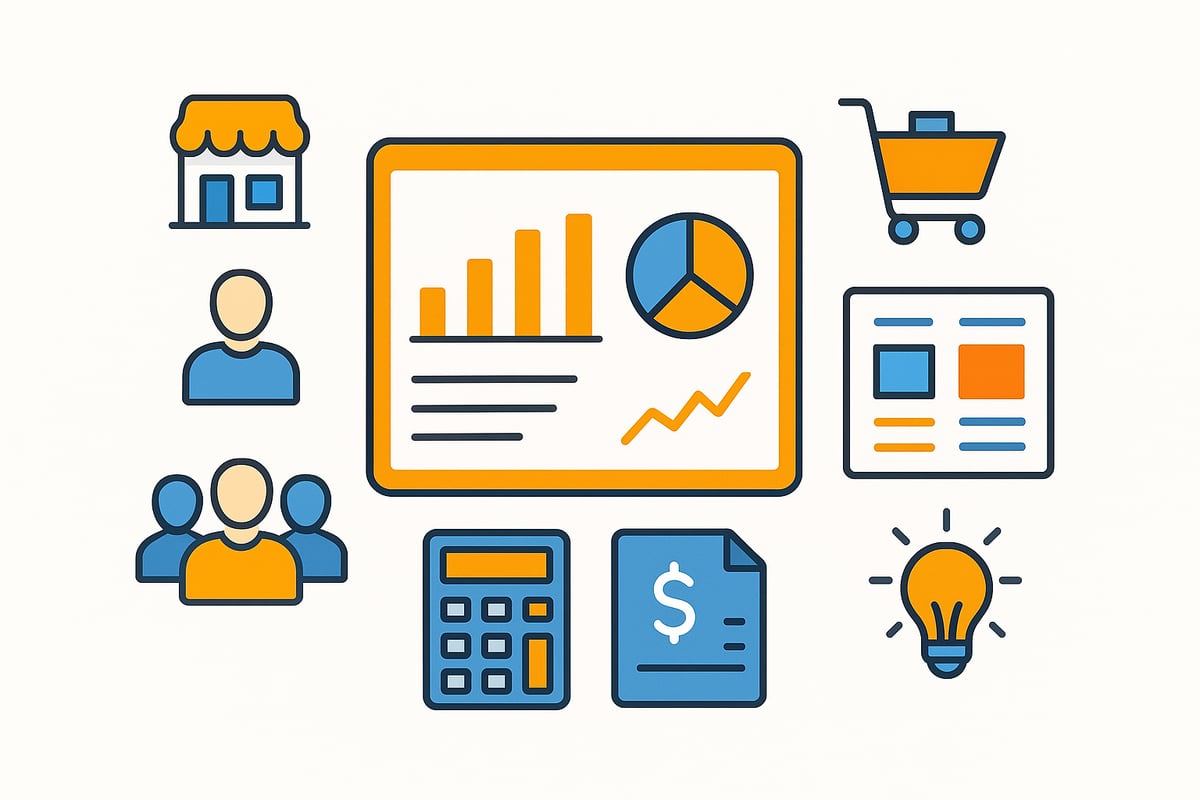
Buchhaltungsbutler impresses with its versatility and tailored solutions for a wide variety of target groups. Whether a sole proprietor, startup, growing SME, or association – the software adapts flexibly. You benefit from a solution specifically tailored to the challenges of your industry.
Who is Buchhaltungsbutler suitable for?
Buchhaltungsbutler is aimed at companies of all sizes. Sole proprietors appreciate the easy operation and automation. Startups can scale quickly without getting bogged down in complex bookkeeping. SMEs benefit from comprehensive features and an efficient workflow.
There are special features for e-commerce companies, such as automatic reconciliation of shop revenues. Especially in online retail, the ability to automatically download Amazon invoices is a real productivity booster. Associations use automated management of membership fees and expenses. Tax advisors gain access to a network and can support clients directly in the software.
Packages at a glance:
|
Target group |
Price/month |
Special feature |
|---|---|---|
|
E-commerce |
from €79.95 |
Automatic shop reconciliation, e-invoice |
|
Associations |
from €34.95 |
Member management, donation booking |
|
Tax advisors |
on request |
White-label, client portal |
You can test the software free for 14 days. Different pricing models offer flexibility for individual requirements. The white-label solution enables custom branding for tax advisors or large organizations.
Flexibility in accounting modes
With buchhaltungsbutler, you’re not tied to a single mode. The software supports both the income surplus statement (EÜR) and balance sheet accounting. This means you can switch flexibly depending on company size or legal requirements.
Thanks to intelligent workflow rules, processes can be customized. For example, SMEs with growing business can switch from EÜR to balance sheet accounting without losing track. Subsidiary ledgers, accounts payable and accounts receivable are also supported. This keeps bookkeeping clear and traceable.
Another advantage: Through the solutions for the finance area, you’ll find additional automation options and industry-specific workflows that relieve your day-to-day work. This saves time and minimizes sources of error – whether you’re a sole proprietor or working in a team.
With this software, you design your bookkeeping to be efficient, secure, and industry-appropriate. The flexibility and variety make the software an ideal solution for almost any business model.
Practical tips: How to get started with Buchhaltungsbutler
The best way to get started is to proceed systematically. From the very first login, you’ll be guided through a structured onboarding process. The software is targeted at both beginners and advanced users, so you can start without prior knowledge.
The free onboarding includes a personal setup of your account. In introductory webinars, you’ll learn how to customize the dashboard and map your most important bookkeeping processes. The extensive knowledge base provides step-by-step instructions, for example on setting up the dashboard or importing master data. The support team is always there to help with any questions.
Onboarding & support
With buchhaltungsbutler, you get started with ease. After registration, you’re guided step by step through the most important settings. The onboarding team supports you during the initial setup, from account configuration to integrating your bank connection.
Particularly helpful are the monthly closing workshops and the ever-growing knowledge base. Here you’ll find instructions for recurring tasks, such as setting up automation rules or adding new users. This way you’ll quickly gain confidence working with the software.
Design efficient processes
Use automation rules to minimize routine tasks. With buchhaltungsbutler, you can easily integrate payment and e-commerce interfaces. This way, income and expenses flow into your system automatically.
For optimal collaboration with your tax advisor, we recommend the integration of DATEV Unternehmen online. This allows you to transfer all relevant data securely and automatically. Through targeted permission management, you determine who can access which areas and always remain in control.
Avoid sources of error & ensure compliance
With buchhaltungsbutler, you’re on the safe side when it comes to GoBD and GDPR compliance. Every posting is archived in an audit-proof manner and documented transparently. The software automatically checks your postings for plausibility and completeness.
Example: Before the monthly close, the software performs an automatic check and provides hints about missing or duplicate documents. This minimizes typical sources of error and ensures complete documentation.
Measure time savings and productivity gains
A central dashboard shows you how much time you’re saving through automation. Use the evaluations to make the difference between traditional bookkeeping and automated processes visible.
|
Process |
Traditional bookkeeping |
With buchhaltungsbutler |
|---|---|---|
|
Document capture |
manual |
automatic |
|
Monthly close |
time-consuming |
with a few clicks |
|
Error checking |
by hand |
automated |
|
Time required |
high |
reduced by up to 76% |
The result: More time for your core business and less stress in everyday life.
You’ve now seen how Buchhaltungsbutler and filehub together can really take your bookkeeping to the next level – from automated document recognition to the secure, efficient transfer of important documents. Imagine how much time you’ll save and how error-free your processes will become when everything meshes smoothly. Precisely because automation and integration are so simple, it’s worth trying it out yourself. You can start without risk and experience directly how straightforward modern bookkeeping can be.


