Automatically download Amazon invoices

Do you know the hassle of having to download every Amazon invoice individually? It not only takes time, but it also quickly leads to accounting errors.
By automatically downloading Amazon invoices, you save hours of routine work and always keep an overview of all documents.
In this guide, I’ll show you step by step how in 2025 you can automate all invoices, archive them securely, and make them available for tax purposes. That leaves more time for your business.
Why automatically download Amazon invoices?
Manual accounting costs time and nerves. Many companies spend hours each year manually saving every single Amazon invoice. Those who can automatically download Amazon invoices save themselves this routine work and gain valuable capacity for what matters.
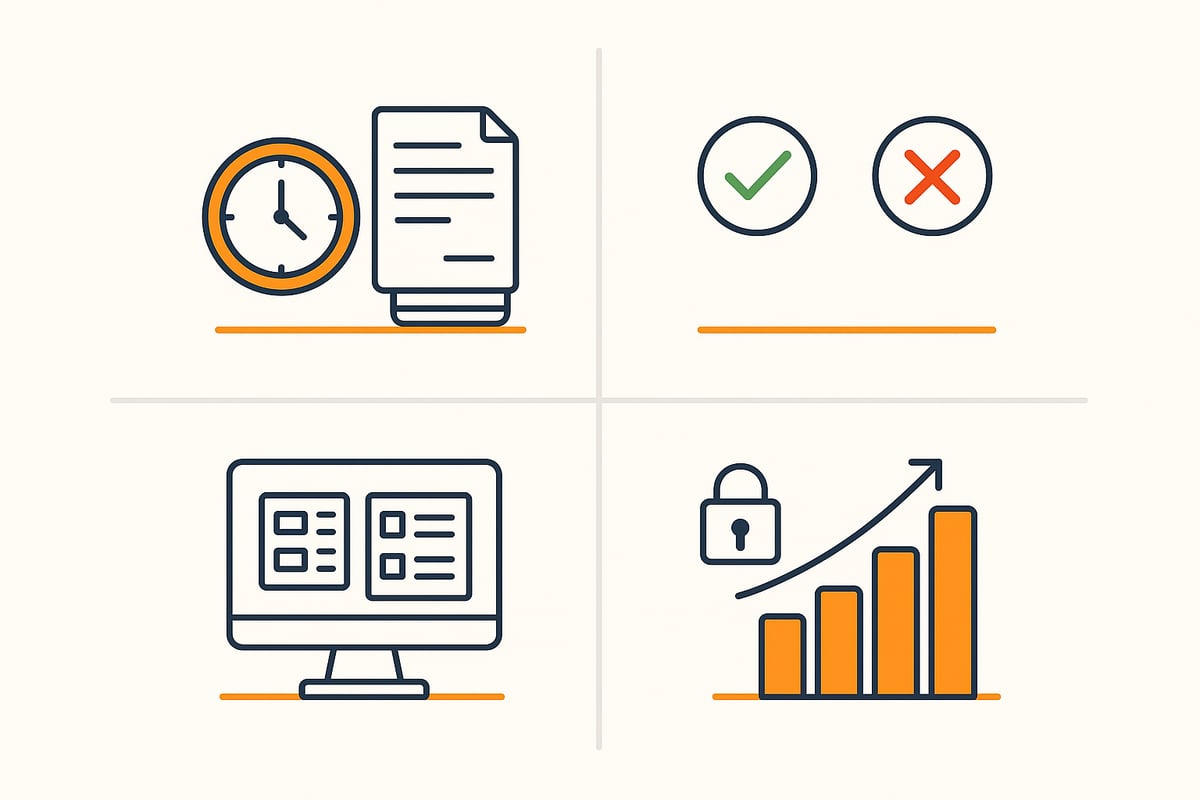
Time savings and increased efficiency
Manually downloading individual documents can quickly turn into a mammoth task. With the ability to automatically download Amazon invoices, many repetitive clicks and searches are eliminated. On average, you can save up to ten working hours per month, which can be used for more productive tasks.
Companies benefit not only from time savings, but also from a noticeable increase in efficiency. Routine tasks are handled automatically, allowing the team to focus on value-added projects.
Error prevention and accounting security
Transfer errors and missing documents are among the biggest risks in invoice management. When companies automatically download Amazon invoices, they significantly minimize these sources of error. Automated processes ensure complete documentation and increase security in accounting.
According to current figures, more than 20,000 companies already rely on digital solutions. Practical tips and a step-by-step guide can be found in the post Automatically save Amazon invoices.
Overview and central management
Especially with multiple Amazon accounts and different services such as Amazon.de, Business, or Audible, central management is worth its weight in gold. Automated tools bundle all invoices in one place. This greatly simplifies searching, filtering, and forwarding to accounting or your tax advisor.
With just a few clicks, all relevant documents are available and stored in an audit-proof manner. This way, you always keep an overview, even when order volume increases.
Compliance and tax requirements
Those who want to automatically download Amazon invoices also benefit in terms of compliance. Automated solutions archive all documents in a GoBD- and GDPR-compliant manner. This means: retention obligations are met and all documents are immediately available in the event of a tax audit.
Another advantage: automatic archiving ensures traceability and immutability of documents. This keeps you on the right side of the law.
Scalability for growing companies
As order volume increases, manually handling invoices quickly becomes a bottleneck. Automated processes simply grow with your company. Whether startup, freelancer, or mid-sized business—the solution adapts flexibly to your needs.
This keeps your invoice workflow efficient and clear even during expansion. Digitalization thus creates real future security.
Practical examples
Many e-commerce merchants, freelancers, and mid-sized companies already use automated solutions. They report less stress, better visibility, and significantly faster processing of Amazon invoices.
A direct comparison shows: While documents can get lost in manual management, automation ensures completeness and transparency.
Current challenges in 2025
In 2025, companies face new challenges: Amazon regularly introduces new services, invoice formats change, and login processes become more complex. Those who want to automatically download Amazon invoices benefit from tools that adapt flexibly and stay up to date.
This keeps your accounting process trouble-free and legally compliant in the future as well.
🤖 Copy, paste, forget.
A complete receipt archive from Amazon Business — without a single manual download — reliably and without errors.
Ways to automatically download Amazon invoices
More and more companies are looking for ways to automatically download Amazon invoices. The variety of tools and methods is growing. But which solution fits your workflow? Here you’ll get a structured overview of the most important options.
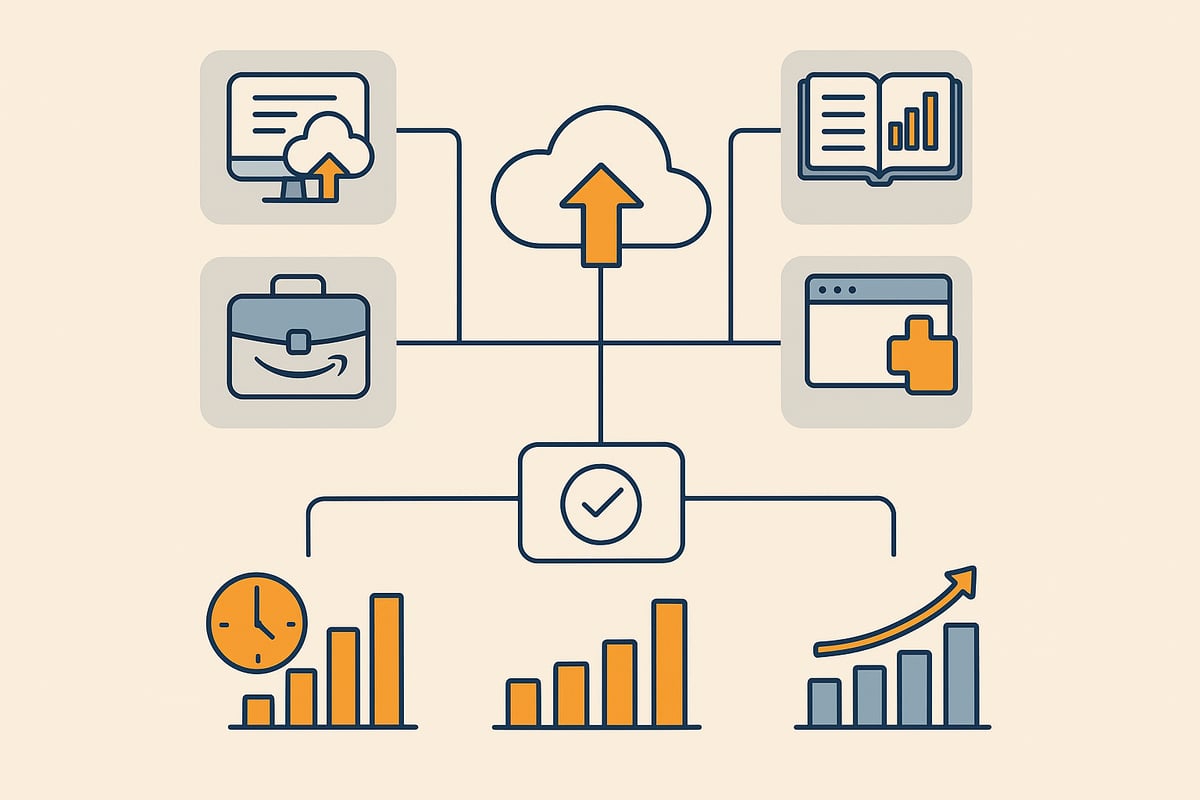
Integration via specialized software solutions
The easiest way to automatically download Amazon invoices is to use specialized tools. Programs like GetMyInvoices, sevDesk, or Lexoffice offer a direct interface to Amazon and take care of retrieving invoices. These solutions score with multi-account support, automatic requesting of missing documents, and forwarding to accounting software.
Many companies benefit from automating their accounting processes through platforms like filehub. Accounting automation with filehub shows you how to connect Amazon, accounting software, and cloud solutions without any coding.
Setup is often done in just a few minutes. This saves time and reduces potential sources of error.
Use of accounting and ERP systems
Many accounting programs now offer their own Amazon interfaces. They make it possible to automatically download Amazon invoices and import them directly into accounting. This saves manual assignment and simplifies billing.
Advantages of this method:
- Direct posting of documents
- Automatic assignment to cost centers
- Integration into existing workflows
This solution is ideal especially for companies with complex structures to minimize routine work.
Browser extensions and automation scripts
Add-ons for Chrome or Firefox offer a quick option to automatically download Amazon invoices. The extensions regularly scan your Amazon account and download new documents.
However, there are limitations:
- Not all Amazon services are supported
- Maintenance effort when Amazon changes things
- Security risks with poorly maintained extensions
For small businesses or freelancers, however, this can be an easy entry-level solution.
Amazon Business account: Automatic invoice overview
With an Amazon Business account, you get a central overview of all invoices. Here you can automatically download Amazon invoices, although further processing is usually not fully automated.
Limitations:
- Not all documents are always available
- No direct integration with external accounting systems
For companies with many orders, however, central management still offers a clear advantage.
Email forwarding and parsing
Another method: automatically forward Amazon order confirmations to accounting tools. These identify and extract invoices from the emails.
Challenges:
- Not every email contains the full invoice
- Parsing tools need regular adjustments
Nevertheless, this solution is a helpful addition for some workflows.
Comparison of the methods
| Method | Degree of automation | Cost | Suitable for |
|---|---|---|---|
| Specialized software | High | Medium | SMEs, mid-sized companies |
| Accounting/ERP systems | High | High | Large enterprises |
| Browser add-ons/scripts | Medium | Low | Freelancers, startups |
| Amazon Business account | Medium | Low | High-volume buyers |
| Email parsing | Low–medium | Low | Small businesses |
Each method for automatically downloading Amazon invoices has its strengths. The choice depends on company size, budget, and IT landscape.
Current trends 2025
In 2025, API integrations and AI-powered document recognition are becoming increasingly prevalent. Modern tools make it possible to automatically download Amazon invoices and archive or process documents directly.
Flexibility is growing: solutions quickly adapt to new Amazon services and invoice formats. This keeps your invoice management future-proof and efficient.
Step-by-step guide: Automatically download Amazon invoices
You want to automatically download Amazon invoices and are looking for a simple, reliable solution? With this step-by-step guide, getting started is quick and secure. Each step is designed to save time, avoid errors, and optimize accounting.
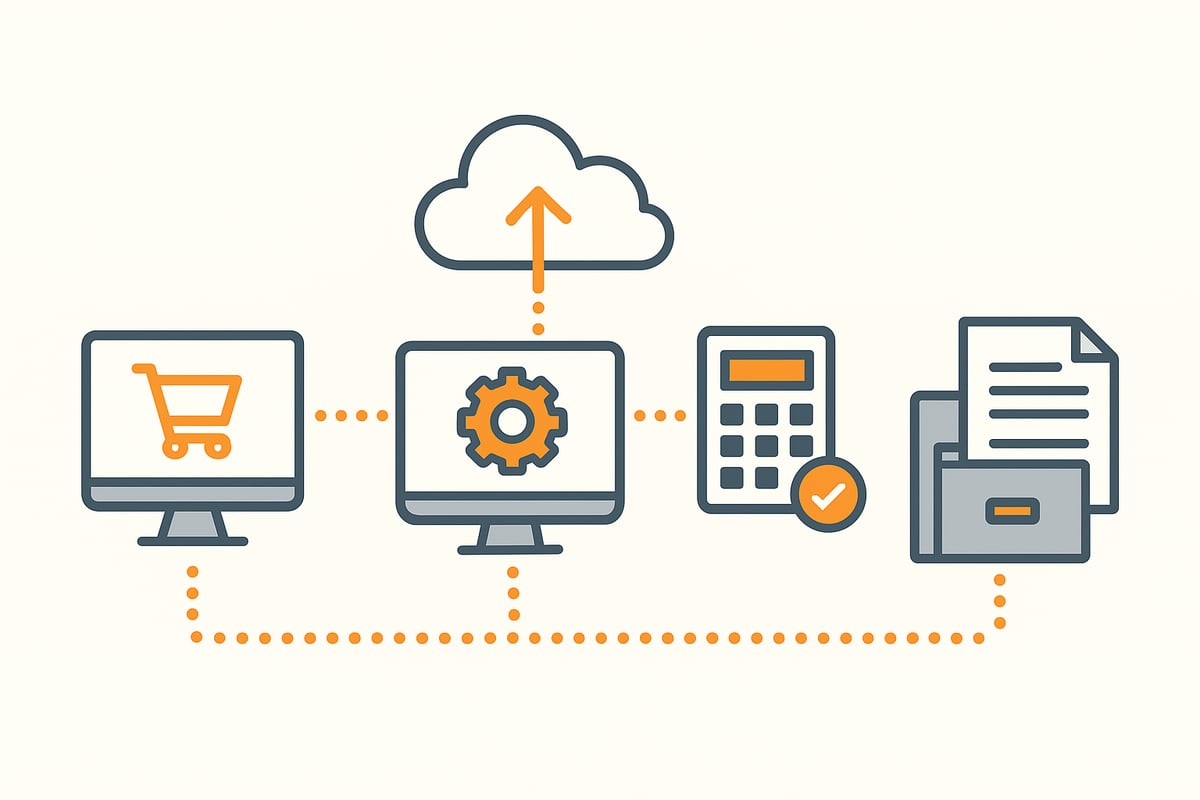
Preparation and requirements
Before you can automatically download Amazon invoices, you’ll need access to your Amazon account and all relevant credentials. Consider which automation solution best fits your company. Also check whether the chosen tool is compatible with your existing accounting software.
Create a list of all Amazon services you want to integrate, such as Amazon.de, Amazon Business, or Audible. Good preparation makes the entire process easier and ensures a smooth workflow.
Setting up the software/tools
First, register with the automation tool of your choice. After logging in, connect your Amazon account via a secure interface or API. In the tool, select which services should be synchronized. Many providers support multi-account management and allow the integration of multiple Amazon profiles.
Make sure the tool is updated regularly so you can continue to automatically download Amazon invoices in the future. This keeps your invoice management always up to date.
Configure automation rules
Now define how often the tool should automatically download Amazon invoices—daily, weekly, or according to your individual needs. If possible, activate the automatic requesting of missing invoices, especially for Marketplace sellers.
Define filter and sorting rules so that different types of invoices are assigned directly to the correct cost centers. The better the rules, the more efficient the automation.
Test run and troubleshooting
Start a test run to check whether the tool can automatically download Amazon invoices and whether all documents are complete and correct. Check the automatic assignment and watch out for any errors or missing invoices.
If something is off, analyze the error logs and adjust the settings. A thorough test prevents surprises later and ensures a stable process.
Integration into the accounting workflow
Once automation is working, forward the invoices directly to your accounting software or tax advisor. Ensure proper archiving in accordance with GoBD and GDPR standards. Tools that offer GoBD-compliant document archiving make it easier to meet legal requirements.
Set up approval and review processes so that all invoices are processed on time and in full. This keeps your accounting audit-safe at all times.
Monitoring and maintenance
Regularly monitor whether the tool can still automatically download Amazon invoices and whether the interfaces are up to date. If Amazon logins or invoice formats change, you may need to adjust settings.
Stay in touch with the provider’s support to react quickly to issues. This keeps your system ready for use at all times.
Best practices and tips
Use two-factor authentication for maximum security. Store credentials only in password managers. Document all automation steps so that everything remains traceable during audits or internal controls.
This ensures that in 2025 you can continue to automatically download Amazon invoices and your processes remain transparent and efficient at all times.
🎯 Ready to never do this manually again?
filehub pulls your Amazon Business invoices the moment they appear — no login, no clicks — set it up once, automated forever.
Important tips for avoiding errors and ensuring compliance
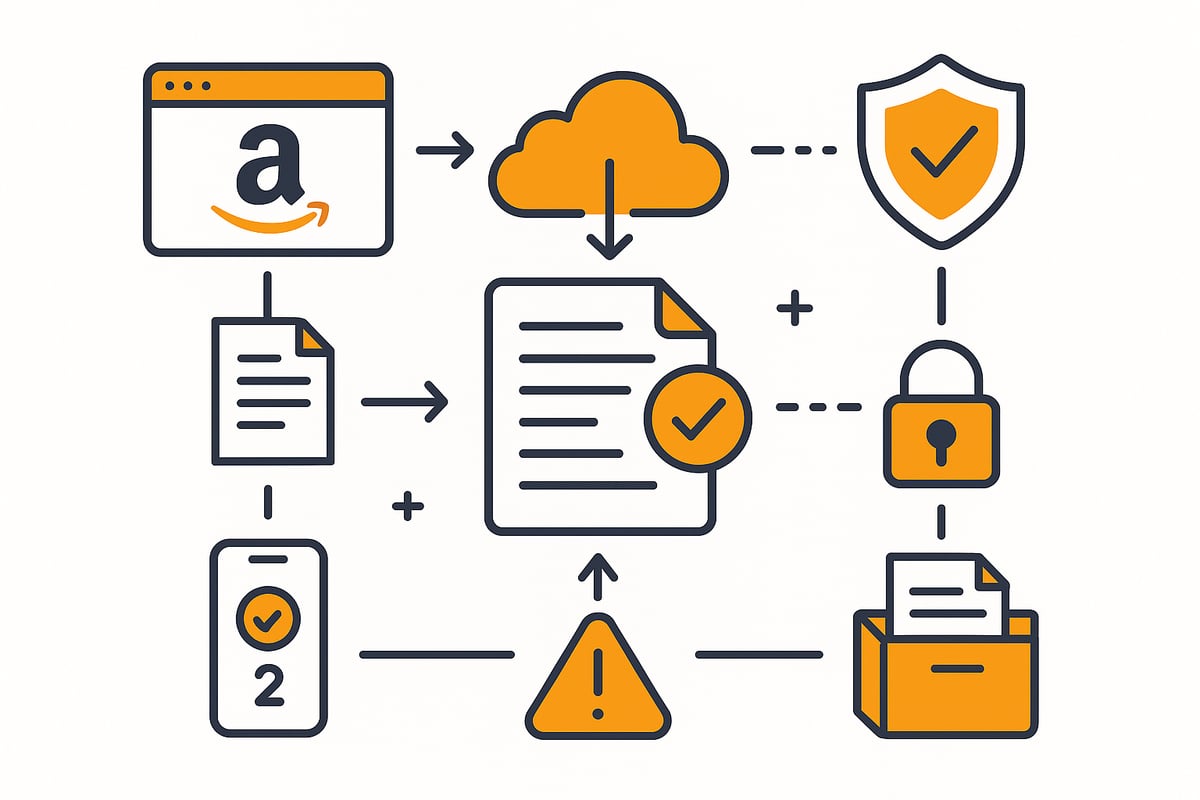
GoBD- and GDPR-compliant archiving
Digital archiving is essential if you want to automatically download Amazon invoices. In Germany, you must ensure retention periods, immutability, and traceability. Use tools with a GoBD audit certificate or certification to be on the safe side legally. Detailed information is provided in this post on GoBD-compliant archiving.
Security for credentials and interfaces
Consistently protect your Amazon and tool accounts. Two-factor authentication and password managers are a must. Review access rights regularly and document all access. This minimizes the risk of data misuse and effectively protects sensitive tax data.
Handling missing or incorrect invoices
When automatically downloading Amazon invoices, it may happen that documents are missing or incorrect. Automatically requesting them from Marketplace sellers saves time. Keep a log of missing invoices and define manual rework as an exception process.
Collaboration with your tax advisor and accounting
Set up automated forwarding and approval processes. Interfaces to DATEV, sevDesk, or other solutions ensure efficient handover. A central overview, as described in the post Amazon Business and invoices, facilitates collaboration and ensures completeness.
Updates and maintenance of the automation solution
Keep your automation solution up to date. Perform regular updates and watch for changes in Amazon logins or invoice formats. If problems arise, contact the tool provider’s support early. This keeps the automatic downloading of Amazon invoices reliable.
Examples of common pitfalls
Don’t forget to include invoices from third-party services such as Audible or Kindle. Incorrect settings can lead to incomplete downloads. Document all automation processes so you can provide complete evidence if necessary.
Frequently asked questions and troubleshooting 2025
Automation around automatically downloading Amazon invoices raises many questions. Here you’ll find concise answers and solutions to the most common challenges in 2025.
Which invoices can be retrieved automatically?
With current tools, you can automatically download Amazon invoices for Amazon.de, Amazon Business, and Marketplace orders. Audible, Kindle, and Amazon Prime are usually supported as well, although there may be limitations with individual Marketplace sellers.
Most providers regularly update their interfaces to integrate new Amazon services. Check which platforms your tool actually covers before you start.
What to do about missing or incorrect invoices?
Sometimes invoices are missing or incomplete. Automation solutions detect such cases and automatically request documents from the seller. In rare cases, a manual download directly in the Amazon account is necessary.
Log missing invoices to have proof later. For persistent problems, Amazon Support usually helps.
How does the integration with accounting software work?
Most automation tools offer a direct API connection or forwarding to accounting programs such as DATEV, Lexoffice, or sevDesk. This way, all documents go directly into your accounting.
Make sure the integration is seamless and the invoices are assigned correctly. Test runs help detect errors early.
Is automated downloading possible with multiple Amazon accounts?
Yes, almost all modern solutions support multi-account management. This allows you to centrally manage different Amazon accounts and automatically download Amazon invoices without having to switch between accounts.
This is a huge advantage, especially for companies with multiple locations or departments.
How secure is the transfer and storage of data?
Security comes first. Reputable providers encrypt all data, host in the EU, and meet GDPR requirements. For email documents, GoBD-compliant email archiving is advisable.
Use two-factor authentication and strong passwords to protect your accounts.
How much does an automation solution cost?
Prices vary depending on features, number of users, and provider. There are inexpensive entry-level plans starting at five euros per month as well as comprehensive business solutions.
Compare the cost with the time savings and benefits. The investment often pays off with just a few invoices per month.
What new developments are there in 2025?
2025 brings the e-invoice mandate, and many tools are responding with AI-powered document recognition and better API integrations. Those who switch to automatically downloading Amazon invoices now are well prepared for the future. Find more on the e-invoice mandate from 2025 here.
Compliance with the new standards is becoming increasingly important, especially for companies.
Troubleshooting: Common errors and their solutions
Typical errors include login issues, unsynchronized accounts, or missing invoices. Usually, reconnecting the accounts or updating the software helps.
Keep your tools up to date, check settings regularly, and contact the provider’s support for persistent issues.
Manually downloading Amazon invoices not only takes time, but also introduces potential errors and makes accounting unnecessarily complicated. You’ve now seen the advantages an automated solution like filehub can offer: retrieve all invoices centrally, archive them completely, and forward them directly to your accounting software—without any programming effort, but with maximum security and GDPR compliance. If you finally want to make your invoice workflow efficient, you can try filehub right away and see for yourself.
Try filehub.one for free now


