Find & automate your ChatGPT invoice
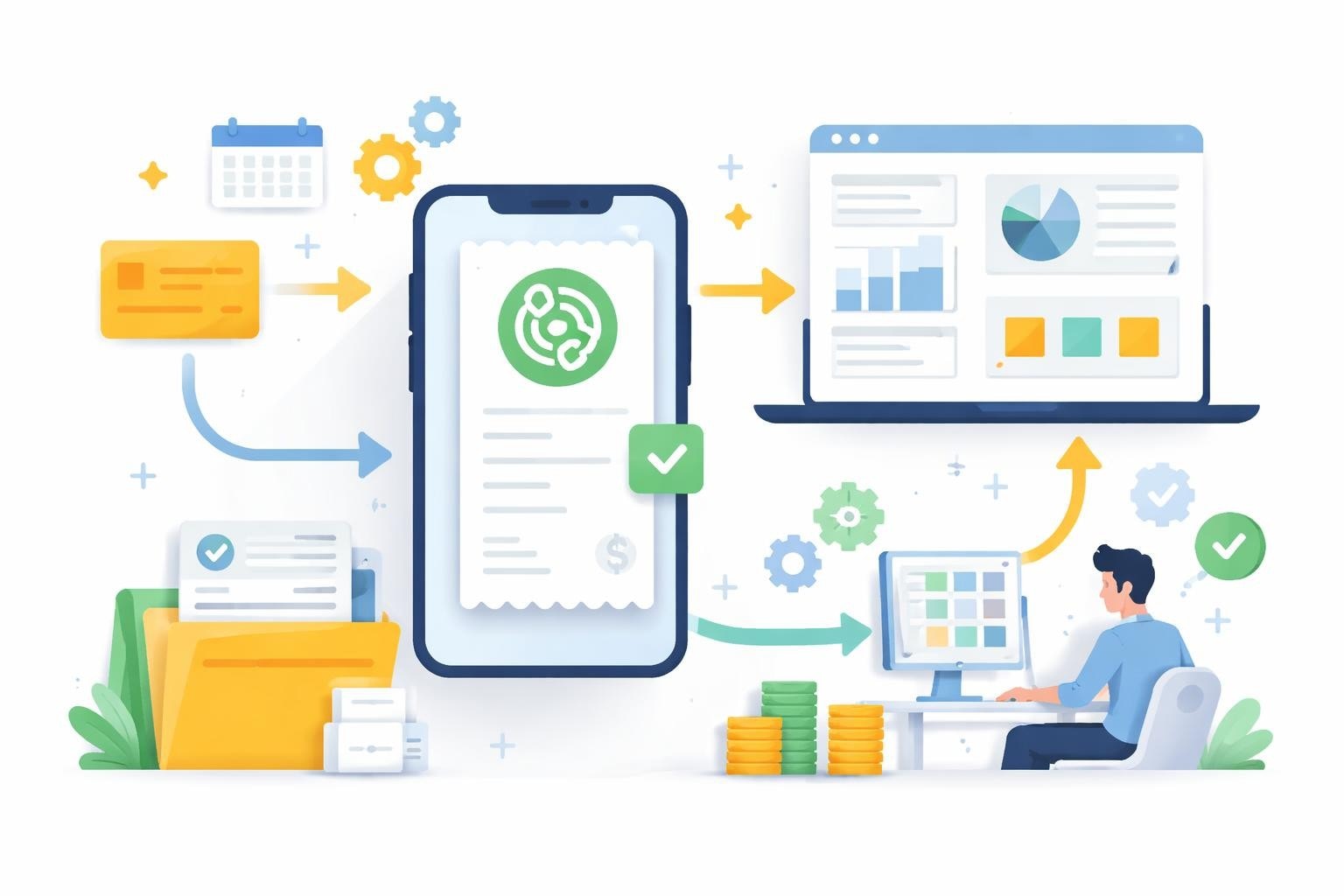
Managing subscription invoices is one of the recurring tasks in every company. If you use ChatGPT Plus or ChatGPT Team, you regularly need access to your ChatGPT invoice for accounting. Many users face the challenge of finding their invoices, storing them systematically, and passing them on to their accounting systems. In this comprehensive guide, you will learn not only how to quickly find your ChatGPT invoice, but also how to automate the entire process.
Where to find your ChatGPT invoice
OpenAI provides various ways to access your invoices. The most direct route is through your OpenAI user account.
Access via your OpenAI user account
First log in at platform.openai.com or chat.openai.com. After successful sign-in, you'll find your profile settings in the navigation bar.
The steps in detail:
- Click your profile picture in the top right corner
- Choose "Settings" or "Settings" from the dropdown menu
- Navigate to the "Billing" or "Billing" section
- Under "Payment history" or "Payment history" all transactions will appear
- Click the desired invoice to download it as a PDF
A detailed guide to the navigation and download of ChatGPT invoices provides additional visual support.

Use email notifications
OpenAI automatically sends a confirmation email after every successful payment. These emails either include the invoice as a PDF attachment or a direct download link.
Advantages of this method:
- Immediate access after payment processing
- Automatic archiving in your email inbox
- No additional login required
If you do not receive these emails, check your spam folder or contact OpenAI Support.
Mobile app and alternative access methods
The ChatGPT mobile app also provides access to your billing information, but with limited functionality compared to the desktop version. For full access to your ChatGPT invoice, the browser version is recommended.
ChatGPT invoice in the right format
By default, OpenAI provides invoices as PDF documents. For further processing in accounting systems, however, you may need other formats.
PDF as the standard format
The PDF format offers maximum compatibility and is suitable for archiving. Every ChatGPT invoice contains the following information:
- Invoice number and invoice date
- Billing period and description of services
- Net amount, taxes, and total amount
- Payment information and transaction ID
- Company address and tax number of OpenAI
Structured data for automation
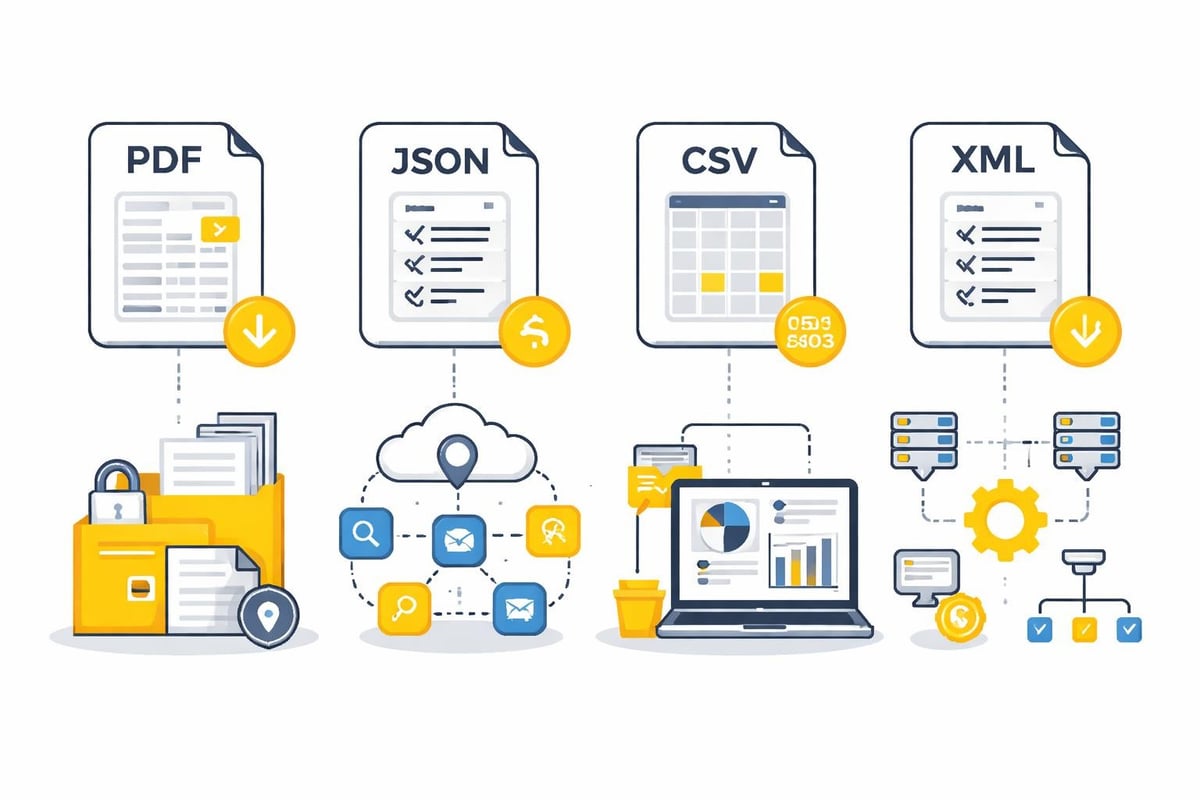
For automated workflows, you need structured data formats such as JSON or CSV. There are two approaches here:
| Method | Advantages | Disadvantages |
|---|---|---|
| Manual conversion | Full control over data structure | Time-consuming, error-prone |
| OCR-based extraction | Automatable | Requires validation |
| API integration | Direct system integration | Currently not available for invoices |
An interesting option is the creation of invoice data in JSON format using ChatGPT, bearing in mind that this applies to your own invoices, not to downloading your OpenAI invoice.
Automating the ChatGPT invoice
Manually managing subscription invoices costs valuable time. Modern automation tools enable an efficient workflow from invoice provision to posting.
Workflow automation with filehub
Platforms like filehub offer specialized solutions for automatic invoice processing. The process can be divided into several steps:
Step 1: Automatic retrieval
- Connection to the OpenAI portal or email inbox
- Regular checks for new invoices
- Automatic download when available
Step 2: Data extraction
- OCR-based text recognition
- Structured data capture (amount, date, invoice number)
- Validation against plausibility criteria
Step 3: Further processing
- Automatic renaming according to naming convention
- Upload to document management systems
- Transfer to accounting software
Integration into accounting systems
Most modern accounting solutions offer interfaces for the automatic import of invoice data. A robust workflow automation links invoice retrieval directly to systems like DATEV, sevDesk, or Lexware.
The process becomes particularly efficient by combining several levels of automation:
- Email monitoring: Automatic monitoring of the inbox for OpenAI invoices
- Rule-based processing: Intelligent sorting by cost centers or projects
- Direct posting: Automatic capture in financial accounting
Automating invoice processes reduces manual effort by up to 90% and significantly minimizes sources of error.
Best practices for invoice management
A systematic approach to managing your ChatGPT invoice saves time and prevents problems during tax audits or internal audits.
Consistent naming conventions
Establish a uniform scheme for naming your invoice files:
2026-01_OpenAI_ChatGPT-Plus_R123456.pdf
2026-02_OpenAI_ChatGPT-Team_R123457.pdf
This structure enables:
- Chronological sorting
- Quick identification of the service provider
- Unambiguous assignment via invoice number
Archiving strategies
Brief table of retention periods:
| Document type | Retention period | Legal basis |
|---|---|---|
| Business invoices | 10 years | § 147 AO |
| E-invoices | 10 years | § 14b UStG |
| Private invoices | Not prescribed | Recommendation: 2 years |
For business purposes, you must archive your ChatGPT invoice in a tamper-proof manner. This means:
- Immutability of the original documents
- Completeness of all invoices
- Traceability of filing
- Accessibility throughout the entire retention period
Establish monthly routines
Set up a recurring process to capture all subscription invoices. A visual guide to downloading the ChatGPT invoice as a PDF can be helpful when onboarding new employees.
Recommended monthly checklist:
- Check the invoice date (usually at the beginning of the month)
- Download PDF from the OpenAI account or email
- Rename the file according to the naming convention
- Place it in the archive structure
- Forward to accounting
- Enter it in expense tracking
Managing multiple subscriptions
Larger teams often use multiple ChatGPT accounts or combine different OpenAI products. Management quickly becomes confusing.
Create a central overview
With multiple accounts, a central tracking table is recommended:
| Account ID | Product type | Monthly cost | Cost center | Responsible person |
|---|---|---|---|---|
| user@firma.de | ChatGPT Plus | $20 | Marketing | Anna Schmidt |
| team@firma.de | ChatGPT Team | $250 | IT | Thomas Müller |
| api@firma.de | API Credits | variable | Development | Lisa Wagner |
This overview provides transparency over all ongoing costs and makes budget planning for 2026 easier.
Consolidation of invoice data
For financial controlling, you need aggregated data on all OpenAI expenses. Automation tools can:
- Merge invoices from different mailboxes
- Calculate total expenses per month/quarter/year
- Visualize cost development
- Send budget alerts when defined thresholds are exceeded
Similar to managing Telekom invoices or Booking.com billing, companies benefit from standardized processes across all recurring expenses.
Tax aspects of the ChatGPT invoice
The correct tax treatment of your ChatGPT costs depends on how you use it.
Recording business expenses correctly
If you use ChatGPT for business, the costs are generally deductible as business expenses. The ChatGPT invoice should include the following information:
- Full name and address of the service provider (OpenAI)
- Tax number or VAT identification number
- Unique invoice number
- Description of services
- Statement of VAT (note the reverse charge mechanism where applicable)
Important for 2026: Pay attention to the specifics for U.S. service providers. In many cases, the reverse charge mechanism applies, whereby you, as the recipient of the service, owe the VAT.
Input tax deduction for foreign services
For services from non-EU countries (USA), you must observe the following points:
- Reverse charge: You remit the VAT yourself
- Simultaneous input tax deduction: If entitled to deduct input tax, you can immediately claim the VAT you remitted as input tax
- Documentation: Keep the ChatGPT invoice together with your accounting voucher number
Private use
If you use ChatGPT partly for private purposes, you must split the costs. Suitable accounting software greatly simplifies prorated recording.
Recommended approach:
- Estimate the business usage share realistically
- Document the basis of the estimate in writing
- Record only the business portion as a business expense
- If necessary, provide a detailed ChatGPT Plus invoice for your records
Integration into company workflows
The ChatGPT invoice is only one building block in overall document management. A holistic view sustainably optimizes your processes.
Connection to DMS and cloud storage
Modern companies rely on central document management systems. Automatically forwarding your invoices to systems such as:
- AMAGNO for enterprise document management
- DocuWare for digital archiving
- Microsoft SharePoint for collaborative document management
- Google Drive or Dropbox for cloud storage
enables consistent filing structures and facilitates collaboration between departments.
Approval-Workflows
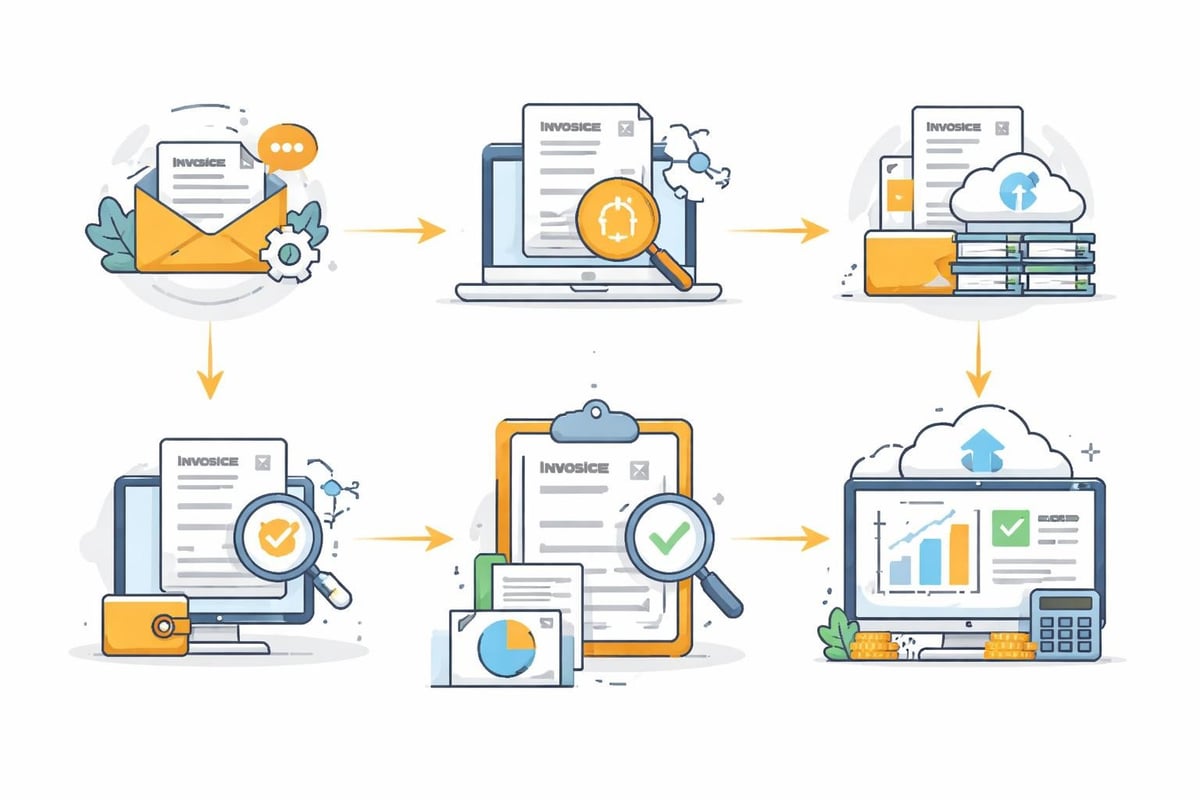
In larger organizations, invoices often go through approval processes:
Typical approval workflow:
- Invoice receipt and automatic capture
- Forwarding to the budget owner
- Functional review and approval
- Handover to accounting
- Payment instruction
- Archiving
A workflow platform automates these steps and ensures that no invoice is overlooked.
Reporting and analysis
Use the structured data from your ChatGPT invoice for meaningful reports:
- Cost trend analyses: How are AI expenses developing over time?
- Department comparisons: Which teams use ChatGPT most intensively?
- ROI calculations: Do the productivity gains justify the investment?
- Budget forecasting: What costs are expected for the coming quarter?
Troubleshooting invoice access
Occasionally, difficulties arise when accessing your ChatGPT invoice. Here you will find solutions to common problems.
Missing invoices in the account
If invoices do not appear in your payment history:
- Check that you are logged in with the correct account
- Verify that the payment actually went through
- Check your email inbox (including spam) for payment confirmations
- Wait 24–48 hours after payment processing, as updates may be delayed
Access issues with team accounts
With ChatGPT Team or Enterprise, you may need admin rights to access invoices:
Permission levels:
| Role | Invoice access | Change settings | Manage users |
|---|---|---|---|
| Owner | ✓ Full | ✓ Full | ✓ Full |
| Admin | ✓ Full | ✓ Limited | ✓ Full |
| Member | ✗ No access | ✗ No access | ✗ No access |
If you lack permissions, contact your organization’s account owner.
Technical problems when downloading
If the PDF download does not work:
- Use a current browser (Chrome, Firefox, Safari, Edge)
- Temporarily disable ad blockers and browser extensions
- Clear your browser cache and cookies
- Try in incognito/private mode
- Use a different browser or device
For persistent problems, contact OpenAI Support directly via the official support page.
Compliance and data protection
The processing of invoice data is subject to strict legal requirements, especially in Germany and the EU.
GDPR-compliant processing
Although invoices primarily contain economic data, they may include personal information (names, email addresses, payment information). When automating your ChatGPT invoice, you must ensure:
- Lawfulness of processing: Contractual necessity or legitimate interest
- Purpose limitation: Use exclusively for accounting and compliance
- Data minimization: Store only the necessary information
- Storage limitation: Delete after the retention periods expire
- Integrity and confidentiality: Appropriate security measures
Platforms like filehub, developed and operated in Germany, offer GDPR-compliant solutions for the automated invoice processing.
Data processing agreements
If you use third parties to process your invoices, you need a data processing agreement (DPA) in accordance with Art. 28 GDPR. This regulates:
- Subject matter and duration of processing
- Nature and purpose of processing
- Type of personal data
- Categories of data subjects
- Duties and rights of the controller
Professional automation providers provide corresponding contracts as standard.
Audit-proof archiving
The GoBD (Principles for the proper keeping and storage of books, records, and documents in electronic form) defines requirements for digital archiving:
- Traceability: Every change must be logged
- Immutability: Original documents must not be modified
- Completeness: All business transactions must be recorded without gaps
- Timely posting: Recording close in time to the business transaction
- Order: Systematic filing according to a comprehensible scheme
The combination of automatic invoice retrieval and GoBD-compliant archiving ensures compliance.
Efficiently managing your ChatGPT invoice begins with systematic retrieval and ends with audit-proof archiving. Through automation, you not only save time but also reduce sources of error while ensuring compliance at the same time. filehub helps you automatically retrieve invoices from various web portals, feed them into structured workflows, and integrate them seamlessly into your existing systems—GDPR-compliant and without coding.


