WISO MeinBüro: Software for Small Businesses 2026
Managing invoices, accounting, and customer data is among the most time-consuming tasks for small businesses and the self-employed. Especially in Germany, with its specific legal requirements and GoBD compliance, freelancers and SMEs need software solutions that are not only functional but also legally compliant. WISO MeinBüro has positioned itself in this market as an established all-in-one solution and has for years offered comprehensive office software tailored specifically to the needs of German entrepreneurs. The software from Buhl Data Service combines invoicing, quote creation, inventory management, and accounting in an integrated platform.
Origins and development of WISO MeinBüro
WISO MeinBüro was developed by Buhl Data Service, a German software company based in Neunkirchen, Saarland, which has been active in the market since 1983. The first version of the software appeared in 2010 and aimed to close a gap left by many standalone solutions: an integrated platform for all commercial tasks of small businesses.
Buhl Data Service brought extensive experience from the successful WISO product family, which includes WISO Steuer, among others. This expertise in German tax and financial legislation flowed directly into the development of wiso meinbüro.
Since its initial release, the software has received continuous updates to keep pace with legal changes and integrate new features. The official product page of WISO MeinBüro shows the current version with all available modules and licensing models.
Target group: Who is WISO MeinBüro for?
The software is primarily aimed at small and medium-sized enterprises as well as self-employed professionals in Germany. The developers particularly focus on the following user groups:
- Freelancers and sole proprietors who want to handle their own accounting
- Small businesses with up to 10 employees that need a clear management solution
- Skilled trades that create quotes, order confirmations, and invoices
- Service providers who work on a project basis and need time tracking
- Online retailers who want to use integrated inventory management with stock control
WISO MeinBüro deliberately positions itself in the segment between simple invoicing programs and complex ERP systems. The software aims to offer sufficient functionality without overwhelming users with unnecessary complexity. Companies looking to simplify their accounting will find a balanced approach here.
Industry-specific adaptations
A distinctive feature of wiso meinbüro is the consideration of industry-specific requirements:
| Industry | Specific features |
|---|---|
| Skilled trades | Measurement/takeoff, timesheets, workshop order |
| Trade | Inventory management, purchasing, delivery notes |
| Services | Project management, time tracking, progress billing |
| E-Commerce | Shop integration, shipping processing, returns |
Core features and modules at a glance
The core of WISO MeinBüro is a modular structure that covers various business areas. The software is not a purely cloud-based solution, but is designed as a desktop application that can be operated either locally or with cloud synchronization.
Invoicing and quotation creation
Creating quotes, order confirmations, and invoices is among the most frequently used features. WISO MeinBüro offers:
Template-based document creation with customizable designs that can be made CI-compliant. Companies can store their own letterheads, logos, and footers.
Recurring invoices can be automated, which is particularly useful for subscriptions or regular services. The software creates these according to predefined schedules.
Dunning with a multi-stage dunning process. The system reminds you of overdue payments and automatically generates dunning notices after individually definable deadlines.
The WISO MeinBüro Invoices app complements the desktop version with mobile functionality. On the go, receipts can be photographed, quotes created, and payment status checked.
Accounting and financial management
Wiso meinbüro integrates basic accounting functions that are sufficient for many small business owners:
- Income-surplus statement (EÜR) for self-employed professionals
- Cash book with GoBD-compliant management
- Open items management to monitor outstanding payments
- DATEV export for collaboration with tax advisors
- Bank account linking and online banking integration
The software automatically creates advance VAT returns and prepares all relevant data for the tax return. Direct integration with DATEV Unternehmen Online enables seamless data exchange with the tax advisor.
Integration and automation
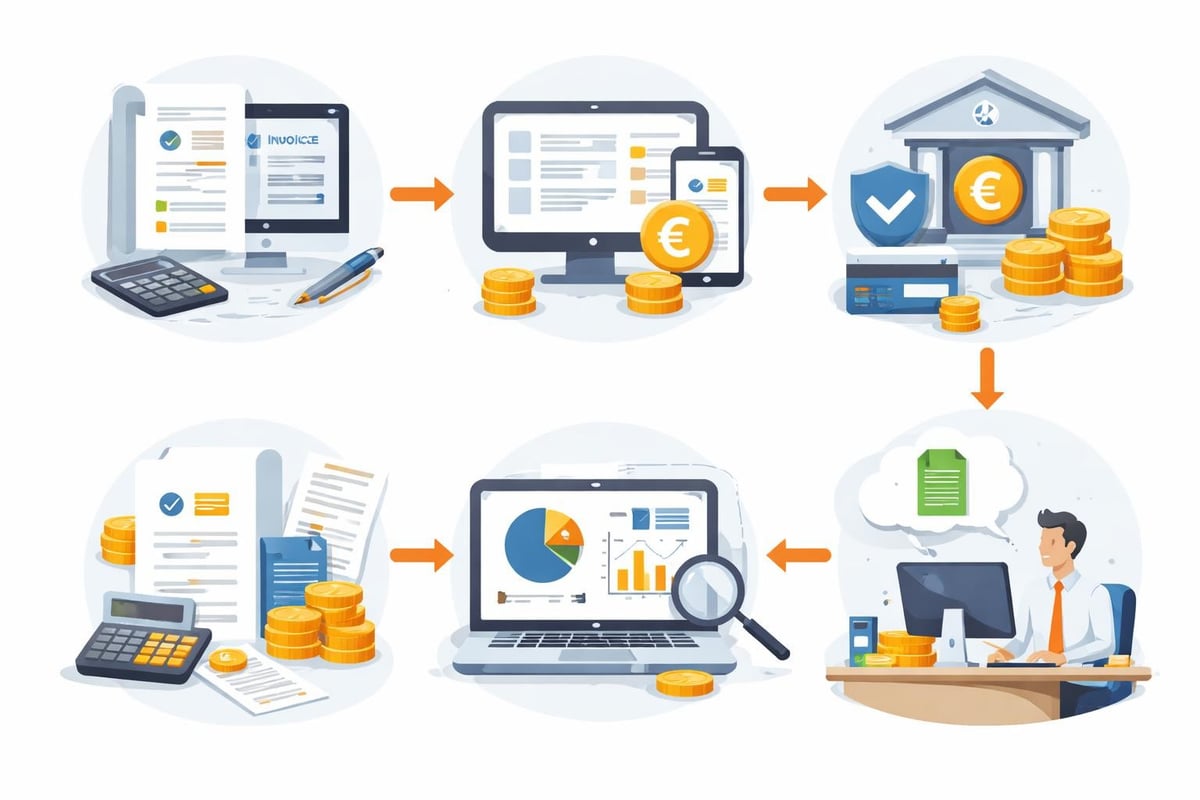
Modern business processes require data exchange between different systems. WISO MeinBüro offers several integration options, albeit with certain limitations compared to specialized automation platforms.
WISO MeinBüro Portal
The WISO MeinBüro Portal enables digital document exchange with customers. Through a password-protected access, customers can view quotes, approve orders, and download invoices. This feature reduces email traffic and creates a central repository for all project-relevant documents.
Advantages of the portal:
- Time savings due to fewer follow-up questions
- Transparency for customers about project status
- Legally compliant documentation of communication
- Branding options through custom portal design
Interfaces to third-party providers
WISO MeinBüro offers interfaces to selected third-party providers, although the scope is significantly more limited than with cloud-native solutions. Available integrations include, among others:
- Online shop systems such as Shopify or WooCommerce
- Payment providers such as PayPal
- Shipping carriers for automated shipping labels
- Online banking via HBCI/FinTS
For companies that require more complex automations, the limits of a desktop-first software become apparent. Automated invoice processing or automatic retrieval of invoices from web portals often requires additional tools.
Data security and compliance
As a German software manufacturer, Buhl Data Service places great importance on data protection and legal compliance. WISO MeinBüro meets the requirements of the GDPR and GoBD (principles for the proper keeping and storage of books, records, and documents in electronic form).
GoBD compliance
Concretely, GoBD certification means:
Immutability: Once created, documents can no longer be changed retrospectively. Corrections are made via cancellation postings that are fully logged.
Completeness: All business transactions must be recorded and archived without gaps. The software prevents the deletion of documents after finalization.
Traceability: Every change is documented in an audit log. Auditors can trace the history of each posting.
Timeliness: Documents are time-stamped, preventing subsequent manipulation.
Data storage and backup
In the desktop version of wiso meinbüro, data is stored locally on the user's computer by default. This offers maximum control but also requires personal responsibility for backups. The software includes an integrated backup function that enables regular backups to external storage devices or network drives.
Alternatively, cloud synchronization can be activated, with data stored encrypted on servers in Germany. This enables access from multiple workstations and automatic backups.
However, companies that want to automate backup routines and link them with other systems will hit the limits of the built-in tools.
Pricing and licensing models
WISO MeinBüro is offered in various editions that differ in functionality and price. The pricing structure is based on one-time license fees plus an optional maintenance contract.
| Edition | Target group | Core features | Approximate price |
|---|---|---|---|
| Basic | Starters, freelancers | Invoices, quotes, customers | From €99 |
| Team | Small teams | Multi-user, advanced inventory management | From €399 |
| Professional | SMEs | Project management, API access | From €699 |
In addition to the license, an annual maintenance contract is recommended, which includes updates, support, and cloud features. Without a maintenance contract, you do not receive legal updates, which can become problematic in the event of tax or legal changes.
Detailed information on prices and feature comparisons can be found on Appvizer, a platform for software comparisons.
Strengths and weaknesses in practical use
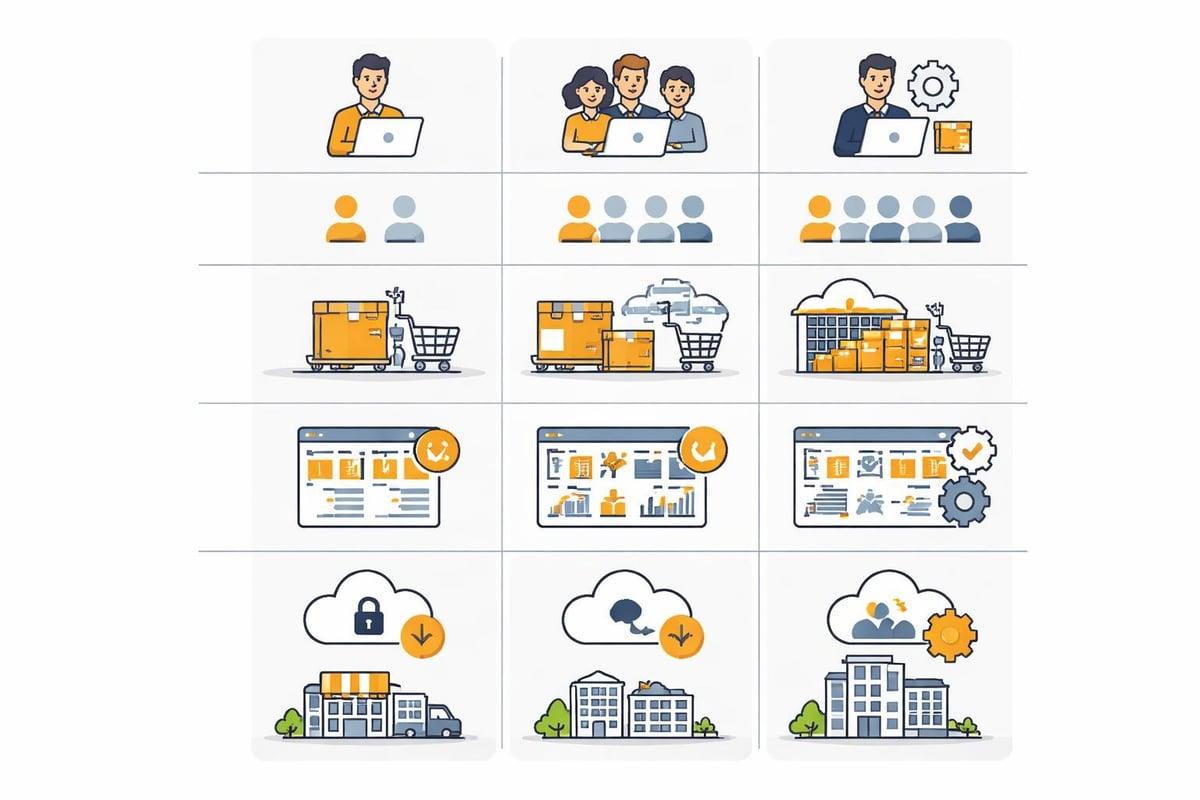
After more than a decade on the market, wiso meinbüro has proven itself in practice but also shows the typical limitations of a desktop-first solution.
Key advantages
German legal compliance: All functions are aligned with German tax and commercial laws. Updates in the event of legal changes are delivered promptly.
One-time license costs: Unlike pure subscription models, the software can be used indefinitely with a one-time payment, even if updates are then missing.
Offline functionality: The desktop version also works without an internet connection, which is practical in the event of network issues or when traveling with a laptop.
Integrated approach: Having all commercial functions in one piece of software reduces interface issues and data redundancies.
German support: Buhl Data Service offers German-language support with an understanding of local specifics.
Challenges and limitations
Limited cloud functionality: Compared to modern cloud solutions, synchronization between devices seems cumbersome.
Restricted automation: Workflows between wiso meinbüro and other systems often require manual steps or additional tools.
Mobile limitations: The apps offer only a subset of desktop features, making flexible work more difficult.
Scaling limits: For growing companies with more complex processes, the software quickly becomes limiting.
Automation beyond WISO MeinBüro
While WISO MeinBüro provides solid basic features, modern automation options for document-intensive processes are lacking. This is where platforms like filehub, which are specifically designed for file workflows, show their value.
Typical automation scenarios
Many companies need automations that go beyond the native functions of wiso meinbüro:
Automatic invoice import from portals: Suppliers often provide invoices only in their web portals. Manually downloading, renaming, and filing them costs valuable time every day. The solution for automatic invoice download can retrieve these files automatically, name them in a structured way, and file them into the correct folder structure.
Processing incoming documents: Email attachments with invoices or delivery notes need to be extracted, validated, and forwarded to the right place. Workflow automation enables multi-stage processes without manual intervention.
Data synchronization between systems: If tools such as sevDesk or Lexware Office are used alongside wiso meinbüro, data must be kept consistent.
Archiving in document management systems: Completed transactions should be automatically transferred to systems such as AMAGNO or DocuWare.
Integration with cloud services
Modern work environments rely on cloud storage and collaboration tools. Integration with Microsoft OneDrive, SharePoint, or Google Drive enables central repositories that can be used across teams.
Connecting to communication platforms such as Microsoft Teams also creates transparent processes in which relevant stakeholders are automatically informed.
Comparison with alternatives
The market for office software in Germany is diverse. In addition to wiso meinbüro, there are numerous alternatives with different focuses:
sevDesk: Cloud-native solution with a strong focus on automation and API interfaces. Ideal for tech-savvy users who value modern integrations.
Lexware: Like WISO, an established German brand with a desktop focus. Often bundled in larger packages with additional software.
lexoffice: The cloud variant of Lexware that specifically targets freelancers and small business owners. Simpler than the desktop versions but also more limited in functionality.
Debitoor/SumUp Invoices: Particularly lean invoicing solution without extensive inventory management. For users who only want to issue invoices.
The reviews on Smyte and SourceForge provide insights into user experiences and help with decision-making.
Setup and onboarding
Getting started with WISO MeinBüro requires an initial configuration that can take between one and several hours, depending on prior knowledge. The official manual for WISO MeinBüro provides detailed instructions for all steps.
First steps after installation
Enter company data: Name, address, tax number, bank details, and logo are recorded in the first step.
Customize document templates: Letterheads for quotes, invoices, and dunning notices should be adapted to the corporate identity.
Set up item master: Create products or services with prices, tax rates, and descriptions.
Import customer data: Existing customer lists can be imported from Excel or other systems.
Set up chart of accounts: For accounting, the appropriate chart of accounts (SKR 03 or SKR 04) must be selected.
The software offers assistants for these steps that guide beginners through the process. Advanced users can speed up the setup by navigating directly to the relevant menu items.
Future perspectives and further development
The software landscape for small businesses is continuously evolving. Cloud solutions are gaining importance, APIs enable deeper integrations, and artificial intelligence automates repetitive tasks.
WISO MeinBüro faces the challenge of reconciling its desktop roots with modern cloud expectations. The mobile apps show that Buhl Data Service has recognized this development; however, it remains to be seen how comprehensive the transformation will be.
For users, this means: Those who primarily handle classic office tasks and value proven software will find a solid solution in wiso meinbüro. Those who rely on extensive automation, modern integrations, and a cloud-first architecture should consider supplementary tools or alternatives.
Financial management in modern companies benefits from hybrid approaches in which specialized tools are used for their respective strengths and connected via automation platforms.
As an established German office software, WISO MeinBüro provides a solid foundation for commercial tasks in small businesses but reaches its limits with modern automation requirements. If you want to optimize your document workflows, retrieve invoices automatically from portals, and connect various systems seamlessly, filehub supports you with GDPR-compliant file automation made in Germany. Connect wiso meinbüro with your other tools and automate time-consuming manual processes so you can focus on your core business.


